免责声明
此插件需要一个专用的 Minecraft 相机账号,且该账号需已登录至服务器。
此插件要求你的服务器开放一个 Web 端口,并需要了解网络端口/网络相关知识。
信息
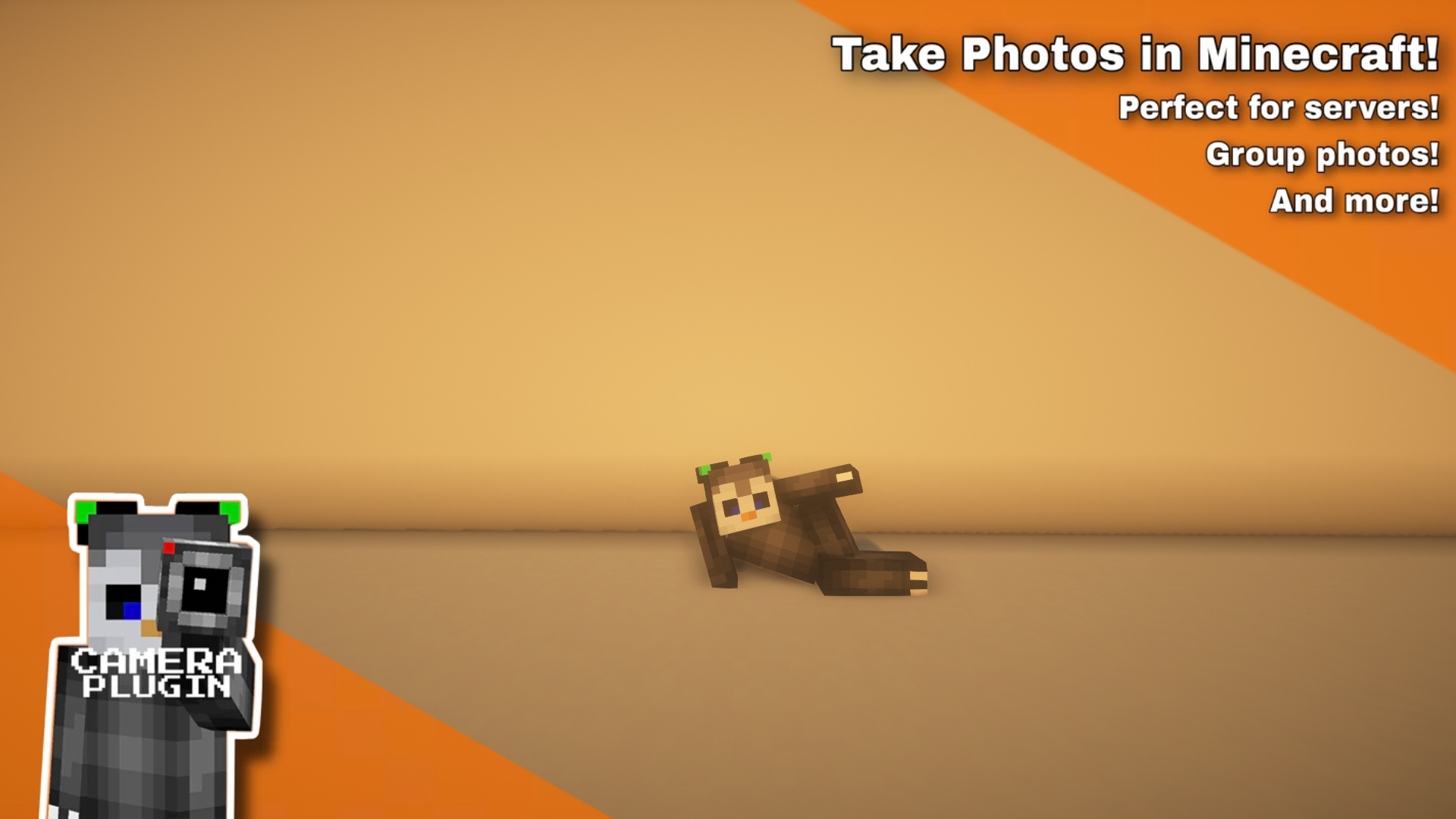
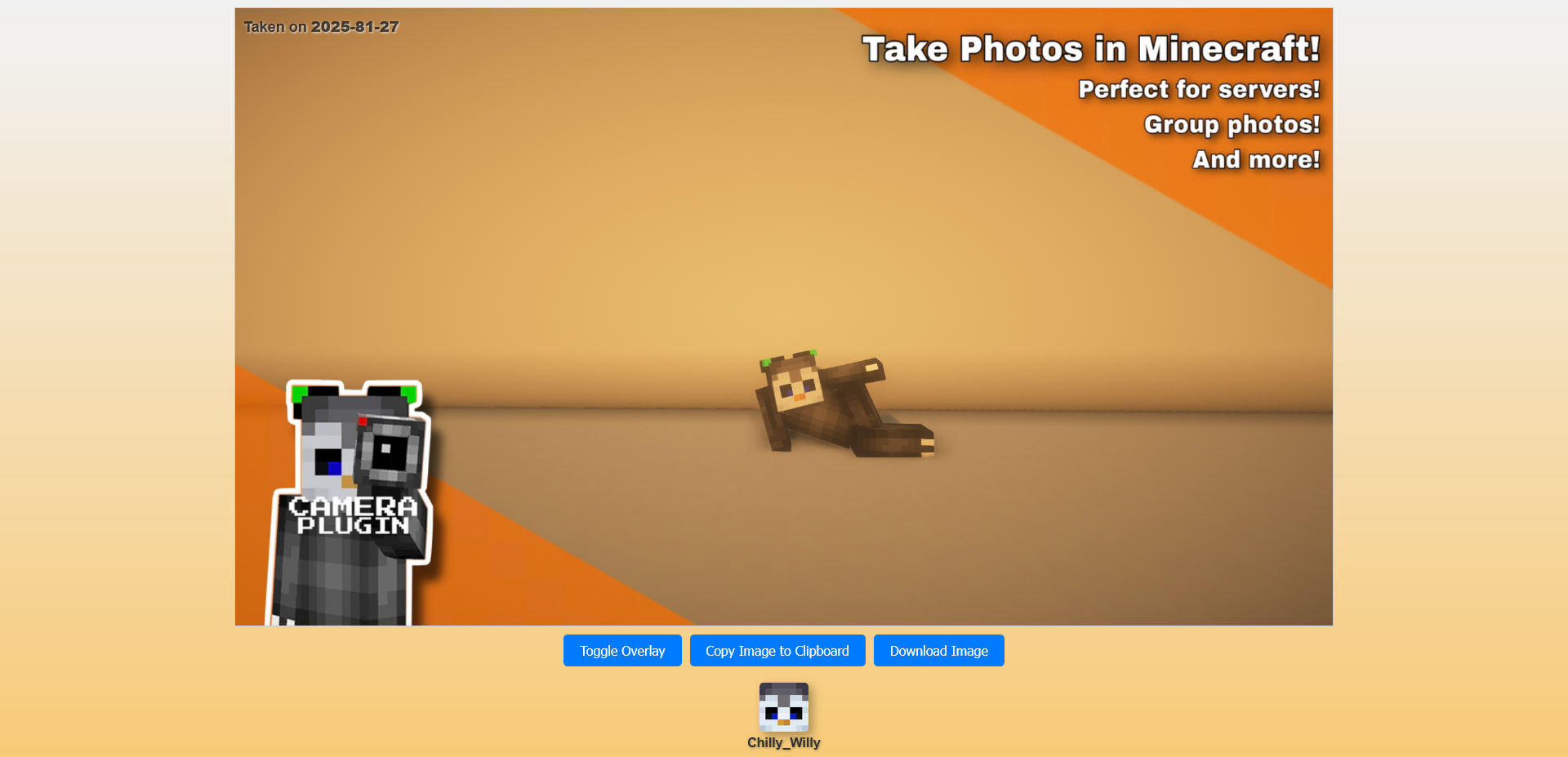
这是一个由我制作的插件与模组组合,用于截取游戏内截图,类似于游乐园的拍照服务。
依赖 Camera Plugin Helper
加入我的 Discord 以获取支持。
照片


使用方法
使用方法:点击展开
-
1. 安装服务器插件,确保有一个空闲端口来托管 Web 服务器(更改端口后请重启服务器)
请务必修改 URL,这是发送给玩家用于查看的链接。它应指向下方分配的端口
-
2. 设置一个自动加入服务器的 Minecraft 账号,并安装配套模组
配套模组不处理自动加入/重新加入功能,你需要使用单独的模组来实现
-
3. 确保相机账号拥有 "camera.camera" 权限节点
你可能需要运行 "/camera reload core" 让插件识别相机,它仅在加入和重载时进行检查
如果没有此权限,服务器将不会将其识别为可用的相机
-
4. 运行 "/camera create (名称)"
如果不起作用,请确保你拥有 "camera.admin" 权限
-
5. 运行 /camera setup (名称) camera
详见下方的更多命令,你可以调整感应范围、拍摄延迟以及叠加图像
-
6. 移动到玩家站立以激活相机的位置,并执行 "/camera setup (名称) sense"
-
7. 每当玩家走到该位置附近时,它就会拍摄一张照片
每 5 秒轮询一次
常见问题
常见问题:点击展开
-
Q: 我的图片存储在哪里?(在服务器上)
A: 所有照片都存储在 plugins/camera/data/public/images 目录下,文件名即为它们的 ID
-
Q: 我应该把叠加图像放在哪里?
A: 你可以将叠加图像放在 plugins/Camera/data/public/overlays 目录下,任意命名均可,它们会自动拉伸以适应(仅限 PNG 格式)
-
Q: 我可以编辑网页以适配我的服务器吗?
A: 你可以编辑 plugins/Camera/data/web/web_image_page.html 文件
页面包含一些变量,{image1}、{image2} 和 {player_list},它们分别被替换为主图链接、叠加图像链接和 JSON 格式的玩家列表
命令用法
- /camera (setup | create | delete | rename | render | reload | overlay)
- /camera setup (名称) (range | camera | timer | sense)
- /camera setup (名称) range (范围) 设置传感器范围(检测玩家的距离)
- /camera setup (名称) camera 设置相机位置
- /camera setup (名称) timer (计时器) 设置默认倒计时
- /camera setup (名称) sense 设置感应位置(相机检查玩家以拍摄照片的位置)
- /camera setup (名称) overlay (叠加图像文件名) 设置图像叠加层,所有文件均存储在 data/public/overlays 文件夹中
- /camera create (名称) [static] 创建拍摄点
- /camera delete (名称) 删除拍摄点
- /camera rename (名称) (新名称) 重命名拍摄点
- /camera render (名称) [倒计时计时器] 手动渲染相机快照
- /camera reload 重载插件
权限
- camera.admin
- camera.camera
Disclaimers
This Plugin Requires a Dedicated Camera Minecraft Account that is logged onto the server
This Plugin Requires an open web port on your server and knowledge of network ports/networking
Info
This is a plugin and mod combination I created to take in-game screenshots, sort of like an amusement park photo
depends on Camera Plugin Helper
Join my Discord for support
Photos


Usage
Usage: Click to Expand
-
1. Install the server plugin, make sure you have a free port to host the webserver (restart your server after you change the port)
Make sure to modify the url, that is what is sent to the players to view. It should point to the port assigned below it
-
2. Setup a minecraft account to autojoin the server and install the companion mod
The companion mod doesn't handle auto joining/rejoining, you will need a separate mod
-
3. make sure camera account has "camera.camera" permission node
You may have to run "/camera reload core" to get it to recognize the camera, it only checks on join and when reloading
Without the permission, the server won't recognize it as a camera that is able to be used
-
4. run "/camera create (name)"
if this doesn't work, make sure you have the "camera.admin" permission
-
5. run /camera setup (name) camera
See more commands below, you can tweak the sense range, delay for camera to take image and the overlay image
-
6. move to where players will stand to activate the camera and do "/camera setup (name) sense"
-
7. whenever players walk near that location it will take a photo
polls every 5 seconds
FAQ
FAQ: Click to Expand
-
Q: Where are my pictures stored? (on the server)
A: All photos are stored under plugins/camera/data/public/images with their ID as the filename
-
Q: Where do I put overlay images?
A: You can put overlay images under plugins/Camera/data/public/overlays with any name, it will stretch to fit (PNG Only)
-
Q: Can I edit the Webpage to make it fit my server
A: You can edit the file under plugins/Camera/data/web/web_image_page.html
The page has some variables, {image1}, {image2} and {player_list}, which are replaced with the link to the main image, the overlay image and a JSON player list
Command Usage
- /camera (setup | create | delete | rename | render | reload | overlay)
- /camera setup (name) (range | camera | timer | sense)
- /camera setup (name) range (range) Sets sensor range (how far it detects players in)
- /camera setup (name) camera Sets the camera location
- /camera setup (name) timer (timer) Sets default timer countdown
- /camera setup (name) sense Sets Sense Location (where camera checks for players to take photo)
- /camera setup (name) overlay (overlay filename) Sets image overlay, all stored in the data/public/overlays folder
- /camera create (name) [static] Creates Shot
- /camera delete (name) Deletes Shot
- /camera rename (name) (New Name) Renames Shot
- /camera render (name) [Countdown Timer] Manually Renders Camera Shot
- /camera reload Reloads Plugin
Permissions
- camera.admin
- Allows use of /camera command
- camera.camera
- Allows player to be a camera (if they have the companion mod installed)
评论 0
登录后参与评分
还没有评论,来抢沙发吧