
在 F3+H 模式下,为物品添加标签、组件及其他提示框。
按住 Shift 键并将鼠标悬停在物品上以查看其标签:
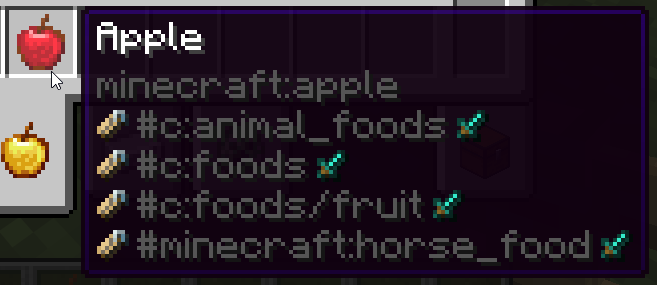
部分物品的悬停提示具有特殊的额外标签处理逻辑:
- 剑图标:物品标签
- 草方块图标:方块标签(任意方块物品)
- 猪图标:实体标签(刷怪蛋)
- 桶图标:流体标签(桶/流体容器)
- 画图标:画作标签(挂画)
- 附魔图标:附魔标签(附魔书)
- 钢琴图标:乐器标签(山羊角/其他乐器物品)
- 旗帜图标:旗帜图案标签(旗帜图案)
示例 - 附魔书显示所有附魔标签:
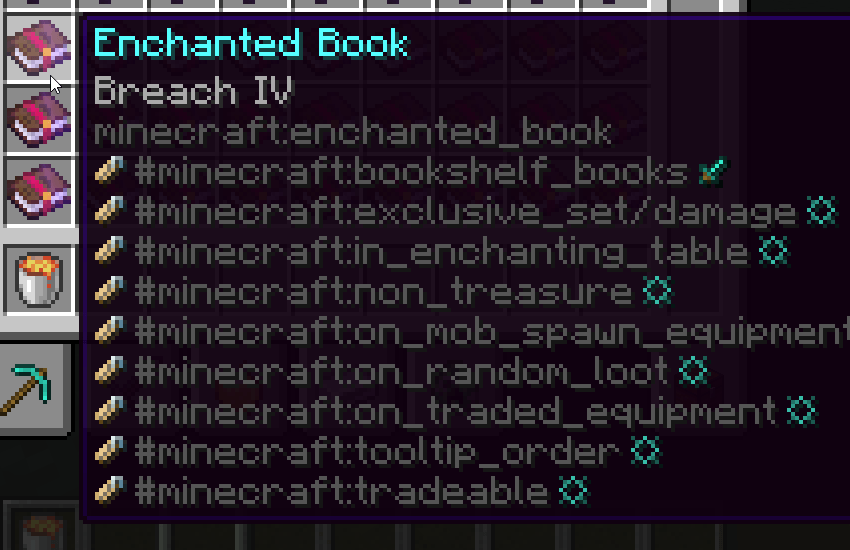
如果多种类型的标签具有相同的名称,它们将合并到同一行中,以避免屏幕杂乱。
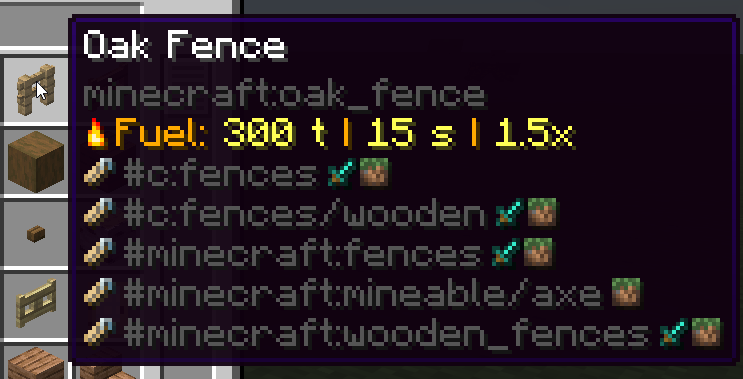
示例 - 许多方块将拥有相同的方块和物品标签:
按住 Alt 键并将鼠标悬停在物品上以查看其组件补丁(默认情况下没有设置此组件的物品,以前称为“自定义 NBT”):
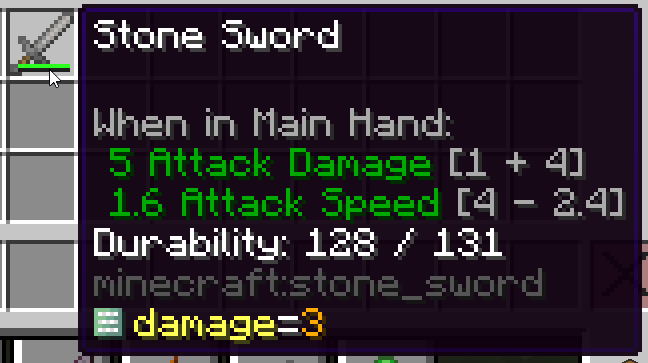
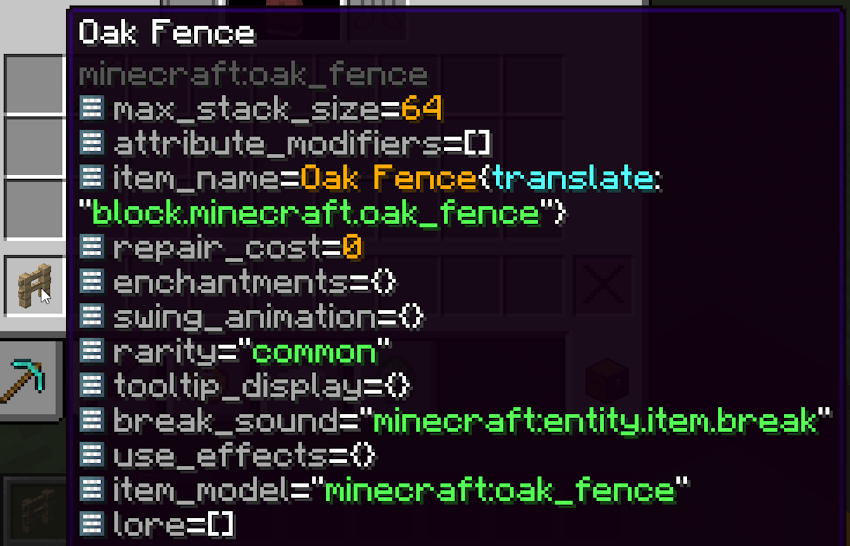
同时按住 Alt + Shift 键并将鼠标悬停在物品上以查看其完整的组件映射(自定义部分将以黄色高亮显示):
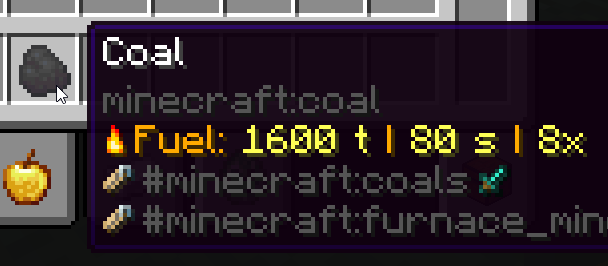
将鼠标悬停在燃料物品上时按住 Shift 键以查看其燃料值:
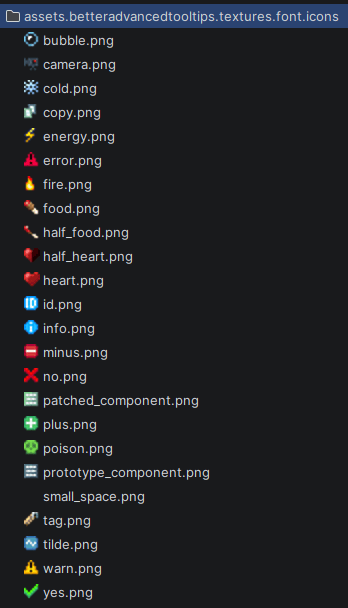
本模组还包含一堆聊天组件图标(更多详情请参阅其 font/icons.json 文件):
本模组曾与 KubeJS 捆绑在一起,但现在已移作依赖项。


你是这个资源的作者?登录后可认领此资源。
相似资源
 模组

Woot Revived
pharuxtan
一个用于收集生物掉落物的多区块模组。
生物科技
349
 模组

玉Jade ?
Snownee
显示你正在注视的方块的信息。(适用于 Minecraft 1.16+ 的 Hwyla/Waila 分支)
实用前置
341
 模组
Xaero的小地图
thexaero
在游戏画面角落显示附近世界地形、玩家、生物和实体的地图。可创建路径点,帮助你找到标记过的位置。
冒险交通
241
 模组

物品管理器Just Enough Items (JEI)
mezz
查看物品与配方
前置实用
240
 模组
KubeJS
Lat
使用 JavaScript 编辑配方、添加自定义物品、编写世界事件!
前置实用
239
 模组
Applied Energistics 2
shartte
AE2:一款流行的自动化与存储模组
存储科技
217
评论 0
登录后参与评分
还没有评论,来抢沙发吧