已归档的项目页面
此项目页面现已弃用。如需获取 Controllable 最新的 Fabric 版本,请从主项目页面下载该模组。此页面将继续保留,供整合包和旧版本使用。
原始描述:
重要提示: 安装 Controllable 需要预先安装
Framework (Fabric)。
? 简介
与基岩版不同,Minecraft Java 版不允许玩家使用手柄进行游戏。许多玩家发现使用手柄能获得更好的游戏体验。Controllable 不仅通过启用手柄支持让游戏更加易玩,还允许在同一台电脑上同时运行多个游戏实例;这是鼠标键盘无法做到的。Controllable 拥有许多令人兴奋的功能,例如:可以更改每个按键的绑定、允许你从配方书一键快速合成、使用方向键轻松导航菜单和物品栏,以及由于其底层代码库便于开发者接入,从而为其他模组提供最佳支持!
✅ 功能特性
- 使用手柄游玩 Minecraft Java 版!
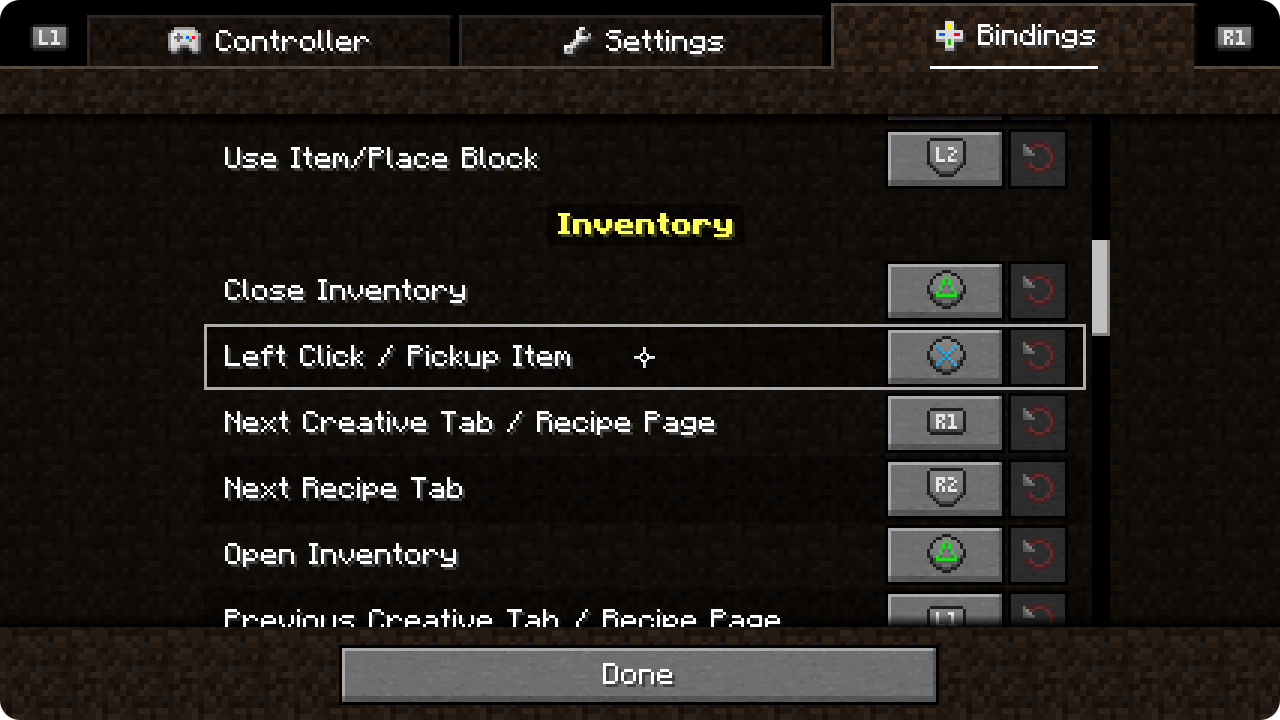
- 基于上下文的按钮提示(就像基岩版一样)。图标可更改以匹配你的手柄。
- 专为手柄设计的导航体验。使用方向键导航小部件、列表、物品槽等!
- 力反馈。这意味着你在受到伤害、拉弓蓄力时,手柄会产生震动。
- 解锁同时游玩多个 Minecraft 实例的能力。只需将每个实例指向不同的手柄即可!
- 自定义径向菜单,以扩展对更多绑定的支持。在游戏中按下右方向键激活。
- 支持绑定由其他模组添加的按键。
- 超过 25 种不同的设置,帮助你打造最佳体验!
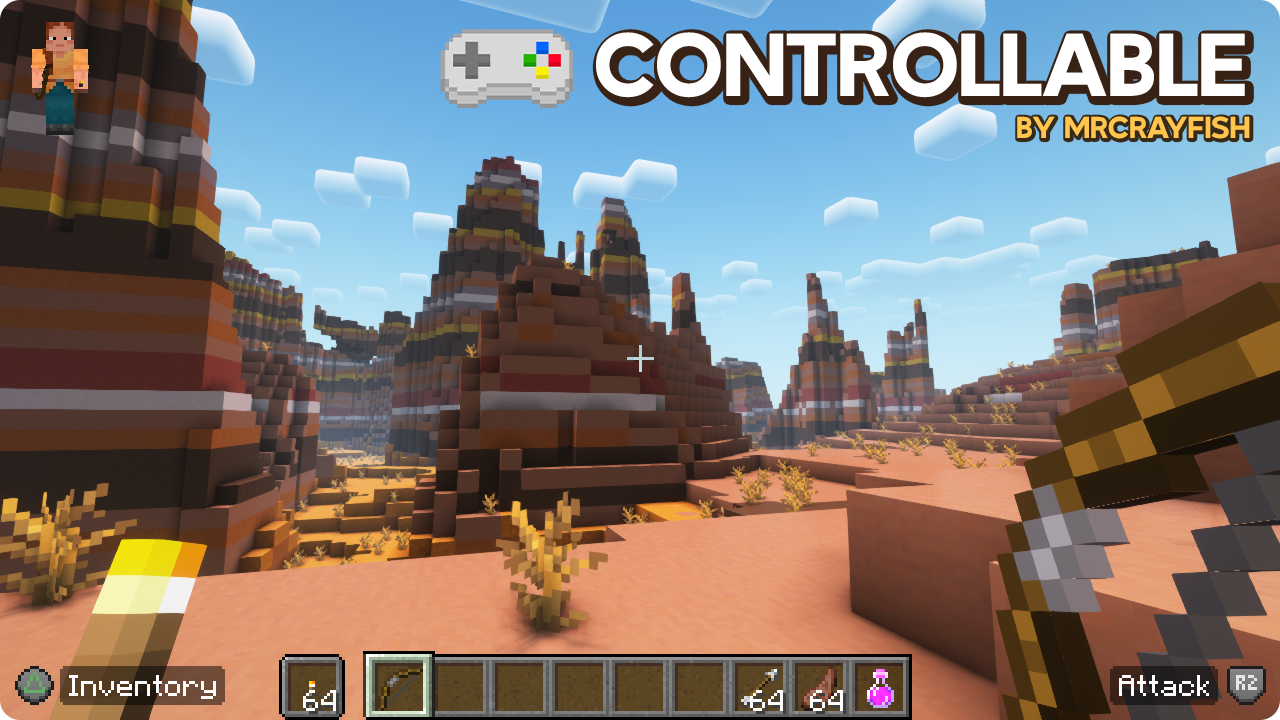
? 截图
⚠️ 故障排除
已移至官方 Controllable 文档 网站
?♀️ 需要支持或想关注模组开发:
评论区不适合用于技术支持,因此 MrCrayfish 建议你加入 Discord 社区。你可以获得关于安装和配置模组、解决崩溃等问题的帮助!此外,你还将第一时间获取模组更新和开发的新闻(早于其他任何地方)。点击下方的横幅加入 ?
Archived Project Page
This project page is now deprecated. For the latest Fabric versions of Controllable, please download the mod from the main project page. This page will stay available for modpacks and legacy versions.
Original Description:

Important: Controllable requires
Framework (Fabric) to be installed.
? About
Unlike Bedrock Edition, the Java Edition of Minecraft does not allow players to use a controller to play the game. There are many reasons why players find using a controller a better experience. Controllable not only makes the game more accessible by enabling controller support, it allows multiple instances of the game to be played on the same computer; something you can't do with a mouse and keyboard. Controllable has many exciting features such as: being able to change the binding of every button, allowing you to quick craft with one click from the recipe book, easy navigation of menus and inventory using the direcitonal pad, and the best support for other mods due to it's underlying codebase that developers can easily hook into!
✅ Features
- Play Minecraft Java Edition with a controller!
- Context-based button hints (just like Bedrock Edition). Icons can be changed to match your controller.
- A navigation experience designed for controllers. Use the DPAD to navigate widgets, lists, item slots, and more!
- Force feedback. This means your controller will rumble when taking damage, charging a bow, etc.
- Unlocks the ability to play multiple instances of Minecraft. Just point each one to a different controller!
- A customisable Radial Menu to extend support for more bindings. Press Right DPAD in-game to activate.
- Supports binding keybinds added by other mods.
- Over 25 different settings to help create the best experience for you!
? Screenshots
⚠️ Troubleshooting
Moved to the official Controllable Documentation website
?♀️ Need Support or Want to Follow Mod Development:
The comment section isn't great for support, which is why MrCrayfish recommends you join the Discord community. You can get help installing and configuring mods, resolving crashes and more! Plus you'll also get access to news about mod updates and development (before anywhere else!). Click the banner below to join ?
评论 0
登录后参与评分
还没有评论,来抢沙发吧