CrashPatch
CrashPatch 可防止崩溃导致游戏关闭。它会显示一个屏幕,告知你可能是哪个模组导致了崩溃以及如何修复,在大多数情况下你可以直接继续游玩。
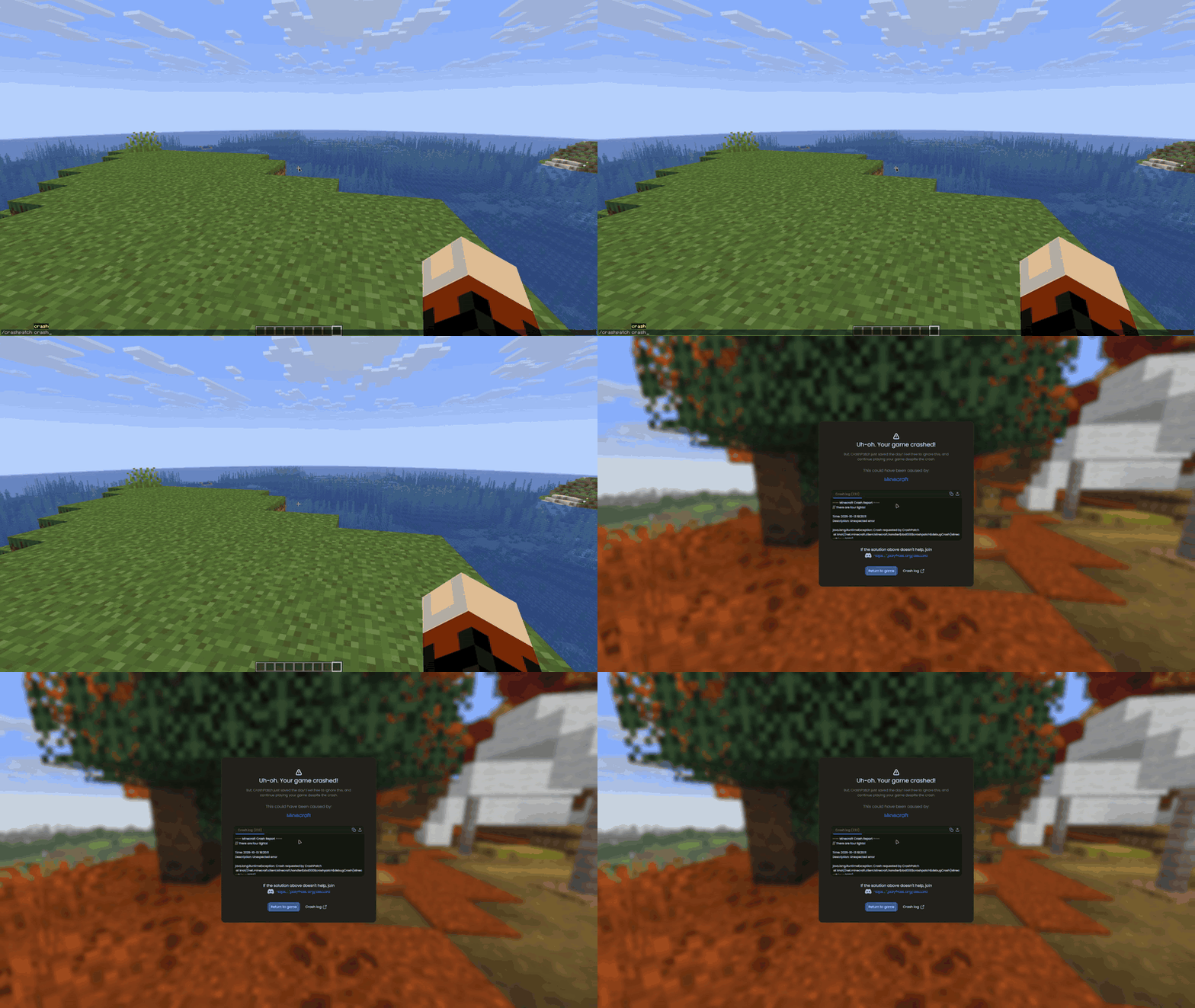
- 查看疑似出问题的模组
- 获取已知的崩溃修复方案
- 阅读完整的崩溃日志,复制它或上传至 hst.sh 或 mclo.gs(你的会话令牌会先被移除)
- 一键返回游戏
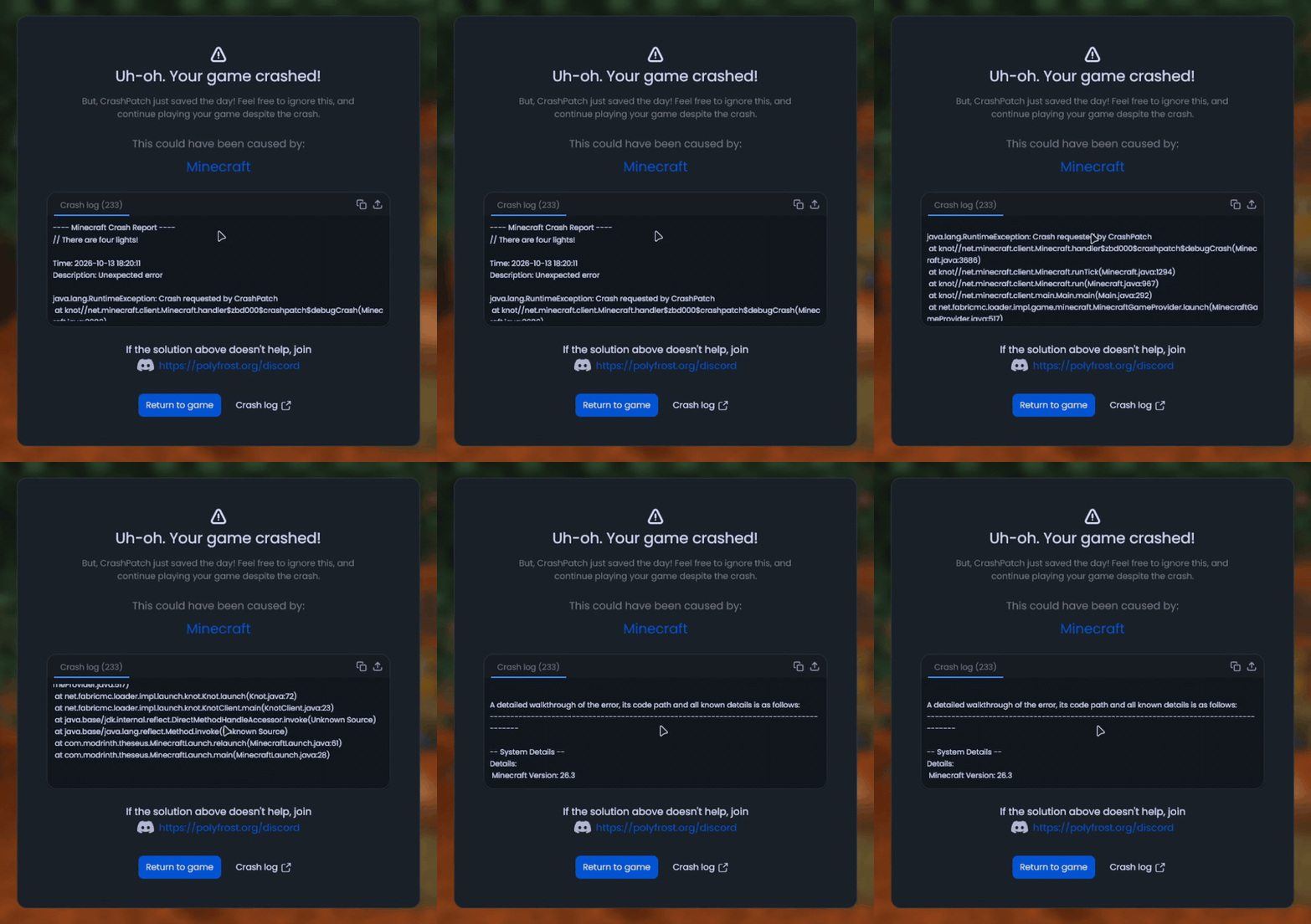
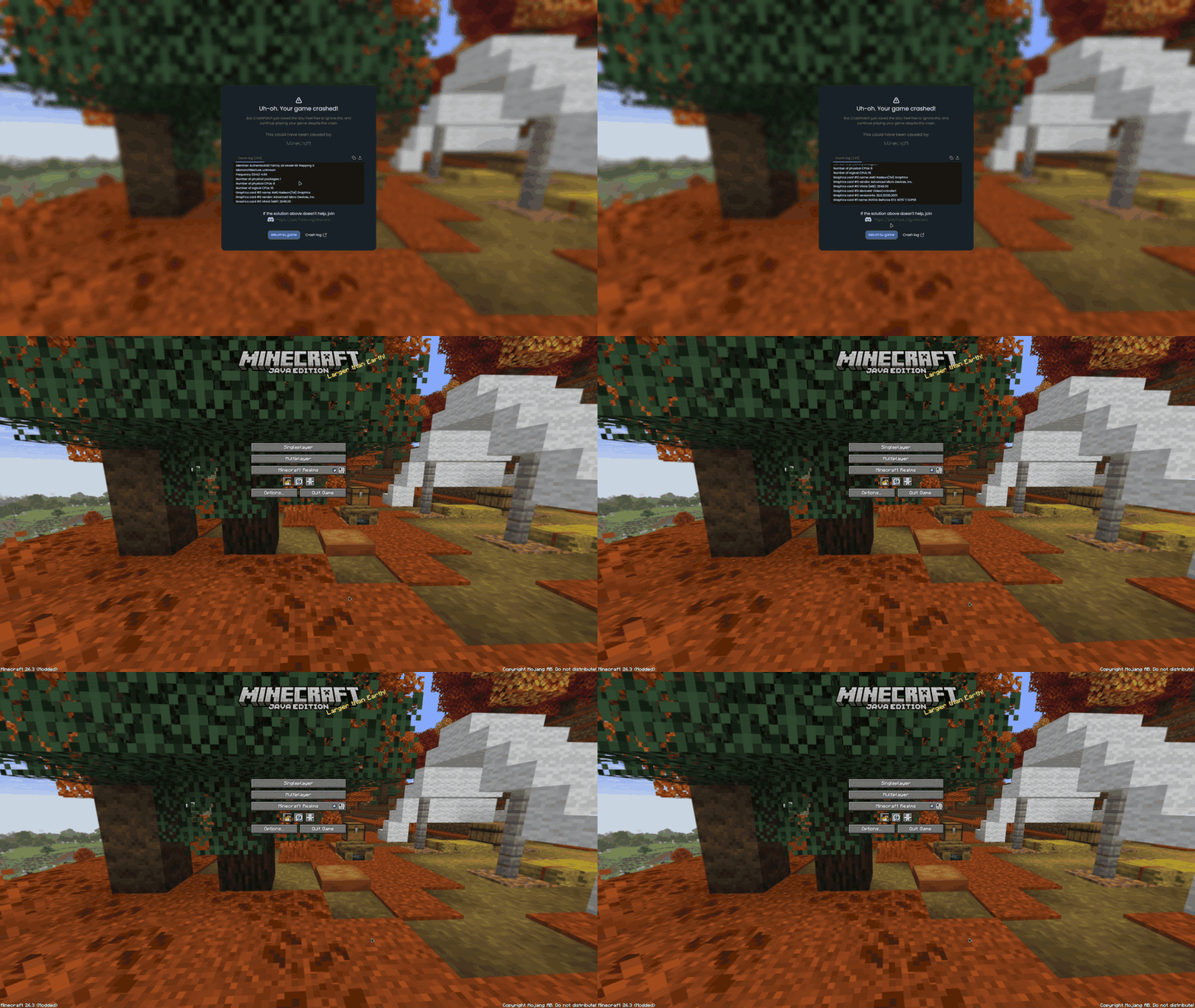
如果游戏在启动过程中崩溃,则没有可返回的游戏状态,但你仍会看到包含原因和修复方案的相同界面。
其他功能:
- 当断开连接的原因属于 CrashPatch 已知类型时,断开连接界面会显示修复建议
- 崩溃前发生的 Mixin 失败和包错误会被添加到报告中
/crashpatch crash命令可故意触发游戏崩溃(以便查看该界面)- 在 1.8.9 版本中,可设置触发多少次崩溃后才会将你踢出世界或允许游戏关闭
支持版本
- Minecraft 1.8.9 (Ornithe)
- Minecraft 1.21.1-26.3 (Fabric)
CrashPatch 需要 OneConfig 和 Fabric Language Kotlin。Fabric 构建版还需要 Not Enough Crashes。
支持
- 在 Polyfrost Discord 报告错误或提出问题。
- 如果 Polyfrost 服务不可用,请检查 Polyfrost Status。
CrashPatch
CrashPatch stops a crash from closing your game. You get a screen that tells you which mod probably caused it and how to fix it, and most of the time you can just keep playing.

- See which mod is suspected
- Get known fixes for the crash
- Read the full crash log, copy it or upload it to hst.sh or mclo.gs (your session token is stripped out first)
- Go back to the game with one button


If the game crashes while it is still starting up there's nothing to go back to, but you still get the same screen with the cause and the fixes.
Other things it does:
- Disconnect screens show a fix when the reason is one CrashPatch knows
- Failed mixins and packet errors from before the crash are added to the report
/crashpatch crashcrashes the game on purpose (if you want to see the screen)- On 1.8.9, set how many crashes it takes before you are sent out of the world or the game is allowed to close
Supported versions
- Minecraft 1.8.9 on Ornithe.
- Minecraft 1.21.1-26.3 on Fabric.
CrashPatch needs OneConfig and Fabric Language Kotlin. The Fabric builds also need Not Enough Crashes.
Support
- Report bugs and ask questions on the Polyfrost Discord.
- Check Polyfrost Status if a Polyfrost service is down.
下载 CrashPatch (Crash Preventer)
2.2.4
- 更新适配 OneConfig 1.8.0
- CrashPatch 现在会在其他模组之后设置其崩溃处理器,从而与其他模组的兼容性更好
2.2.3
- 修复与 OneConfig 1.6.0 的兼容性问题
2.2.3
- 修复与 OneConfig 1.6.0 的兼容性
2.2.2
- 修复了在使用较新版本的 OneConfig 时崩溃画面无法显示的问题
- 提升了与其他修改
Minecraft#gameCrashed的模组的兼容性 - 添加了 Mod Menu 模组图标
2.2.1
- 修复了在 Minecraft 26.3 中使用 Not Enough Crashes 4.5.0 时启动崩溃的问题
- 在 Minecraft 26.3 中现在必须使用 Not Enough Crashes 4.5.0
关于这个资源的讨论、问题反馈与使用心得
还没有讨论,来发第一帖吧
你是这个资源的作者?登录后可认领此资源。
相似资源
模组
显示你正在注视的方块的信息。(适用于 Minecraft 1.16+ 的 Hwyla/Waila 分支)
模组
查看物品与配方
模组
原版世界生成优化模组
模组
在游戏画面角落显示附近世界地形、玩家、生物和实体的地图。可创建路径点,帮助你找到标记过的位置。
模组
使用 JavaScript 编辑配方、添加自定义物品、编写世界事件!
模组
缓冲的原始输入和线程化的事件轮询
评论 0
登录后参与评分
还没有评论,来抢沙发吧