
此附加组件允许你无需编写任何代码,通过在合成界面中放置物品并按下“复制配方”或“直接添加到 Craft Tweaker”,然后按下“重新加载配方”来创建或删除不同的配方。
从“Easy Tweaker”标签页中取出“Recipe Manager(配方管理器)”物品并使用它打开 GUI。
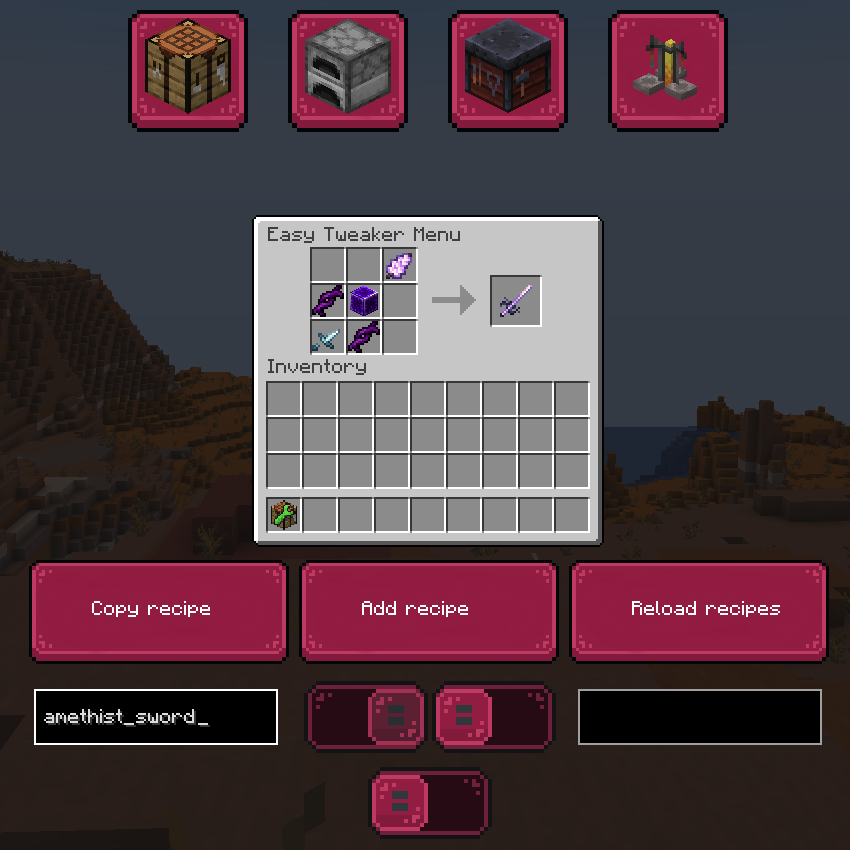
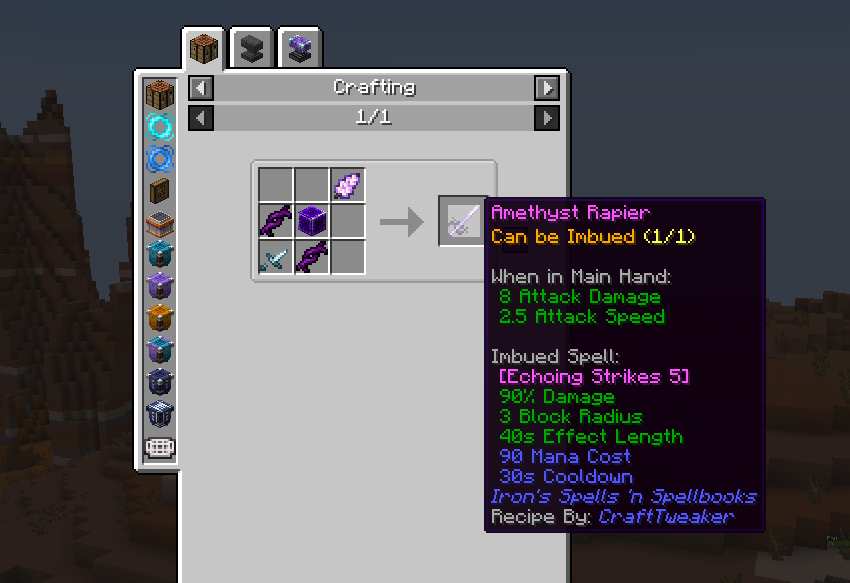
以下是使用工作台 GUI 添加紫水晶剑形状配方的示例:
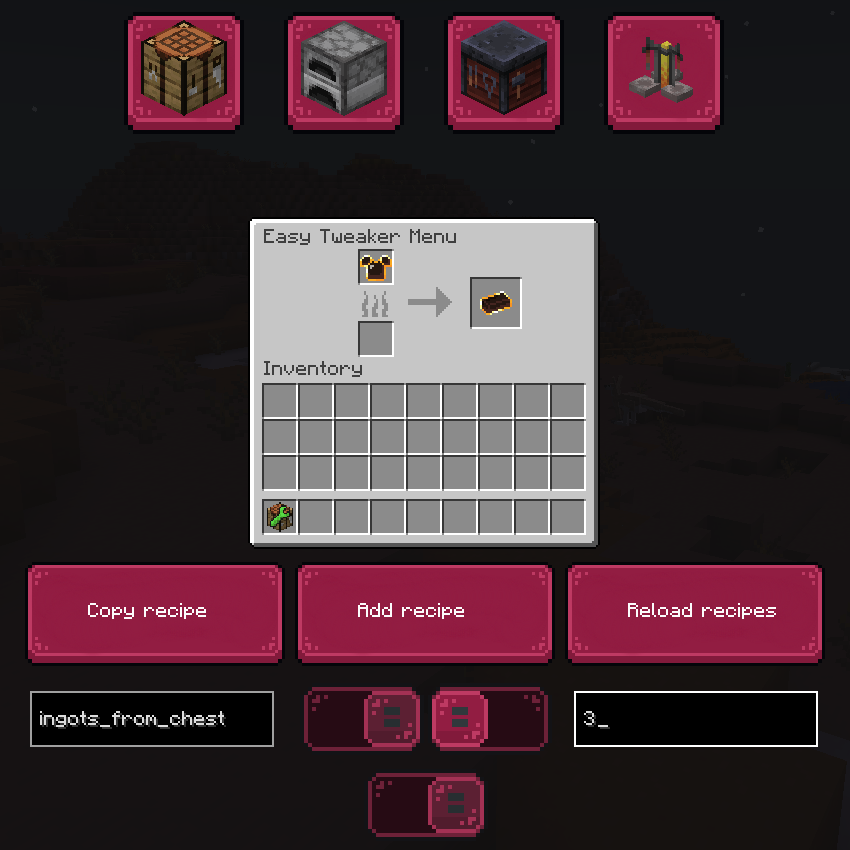
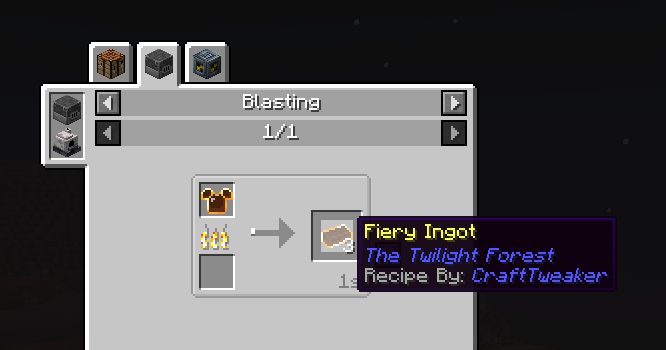
以下是在高炉中进行具有所需数量的合成的示例。
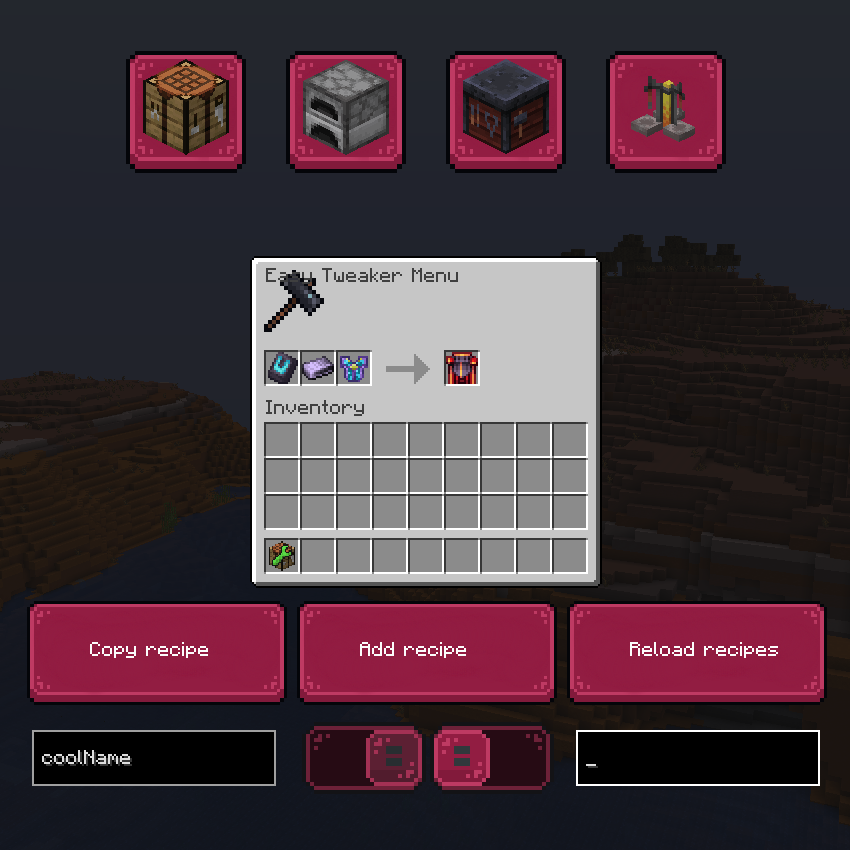
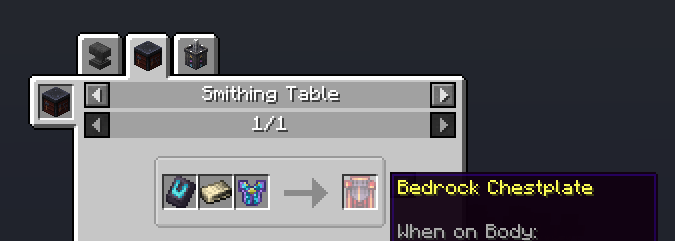
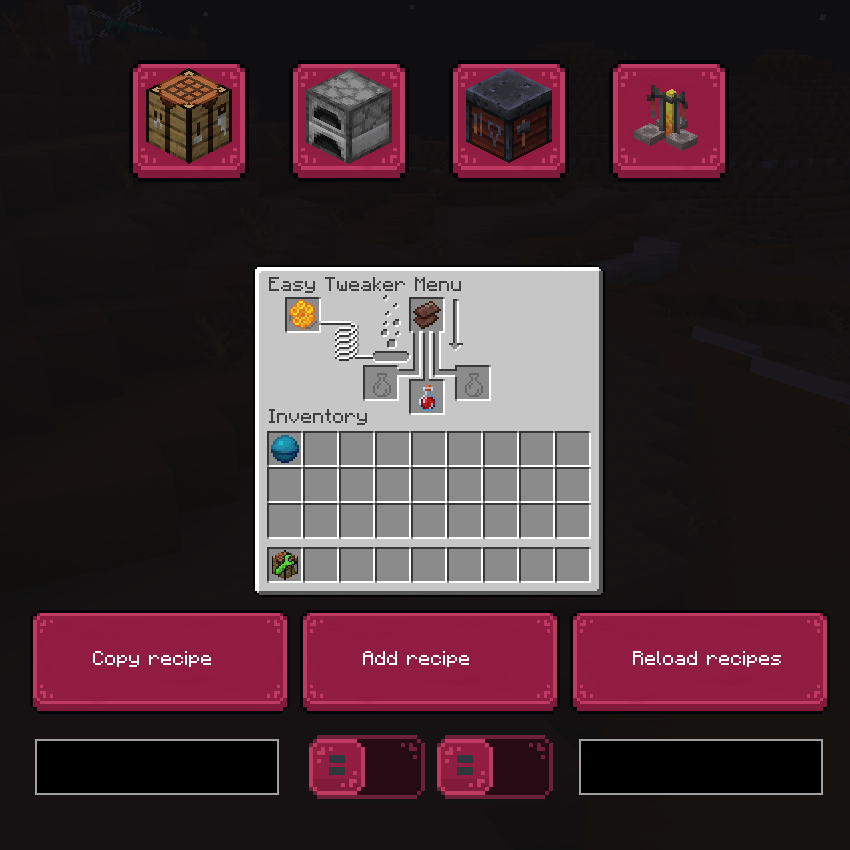
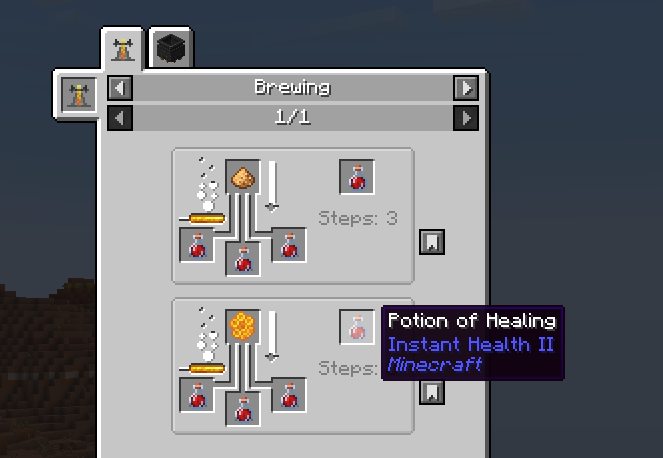
你甚至可以使用药水并删除/添加它们的配方。
This addon allows to create or remove different recipes inside without any code by placing items as they should be in the craft and then pressing Copy recipe or Add recipe straight to the Craft Tweaker and then pressing Reload recipes.
Take item "Recipe Manager" from "Easy Tweaker" tab and use it to open GUI.
Here is example of using Workbench gui for adding a shaped recipe for amethyst sword:
Here is an example of craft in Blast furnace with wanted quantity.
You can even use potions and remove/add their recipes.

下载 Easy CraftTweaker
下载 Easy CraftTweaker
下载 Easy CraftTweaker
下载 Easy CraftTweaker
下载 Easy CraftTweaker
下载 Easy CraftTweaker
- 适用于 1.21.1
关于这个资源的讨论、问题反馈与使用心得
还没有讨论,来发第一帖吧
你是这个资源的作者?登录后可认领此资源。
相似资源
 模组

显示你正在注视的方块的信息。(适用于 Minecraft 1.16+ 的 Hwyla/Waila 分支)
 模组
在游戏画面角落显示附近世界地形、玩家、生物和实体的地图。可创建路径点,帮助你找到标记过的位置。
 模组

查看物品与配方
 模组
使用 JavaScript 编辑配方、添加自定义物品、编写世界事件!
 模组
AE2:一款流行的自动化与存储模组
 模组
那是什么?一个 Waila/Hwyla 的分支。
评论 0
登录后参与评分
还没有评论,来抢沙发吧