
Free camera API V5

自由摄像机模式
从 3.2.0 版本开始,模组内置了自由摄像机功能,因为许多玩家被模组名称吸引后才发现实际并不具备此功能。
默认情况下,该功能**未绑定任何按键映射,需要手动设置。方块碰撞检测默认开启,可通过配置界面关闭。如果服务器未安装此模组,它将强制启用**;否则将遵循服务器的设置。
优势有哪些?
- 与摄像机内部逻辑解耦,降低复杂度。
- 使用简单且灵活。
- 支持加载超出玩家视野范围的区块(需配合扩展模组)。
如何注册和使用插件
-
创建插件类
@Plugin(value = "example", priority = ModifierPriority.LOWEST)
public class ExamplePlugin implements CameraPlugin {
    // ...
}
value:插件唯一标识符(字符串)
priority:优先级设置(ModifierPriority.HIGH/LOWEST 等) -
初始化
public ExamplePlugin(CameraModifier modifier) { modifier.disable() .enablePos() .enableFov() .enableGlobalMode(); } -
每帧更新摄像机数据
modifier
            .enablePos() // 启用位置修改
            .enableRotation() // 启用旋转修改
            .enableFov() // 启用视场角修改
            .setPos(1, 2, 3) // 设置摄像机位置为 (1,2,3),默认为以玩家为中心的本地方坐标系
            .addPos(1, 2, 3)
            .setRotationYXZ(90f, 15f, 25f) // 设置摄像机旋转为 (90f, 15f, 25f)
            .move(0, 0, -5) // 基于当前旋转移动摄像机
            .enableGlobalMode() // 启用全局模式,所有坐标和旋转将根据世界坐标进行修改
            .enableChunkLoader() // 启用区块加载器,加载摄像机周围的区块。需要额外安装 Free Camera API Addition 模组才能启用此功能,否则无效
            .enableObstacle() // 启用碰撞检测
画廊
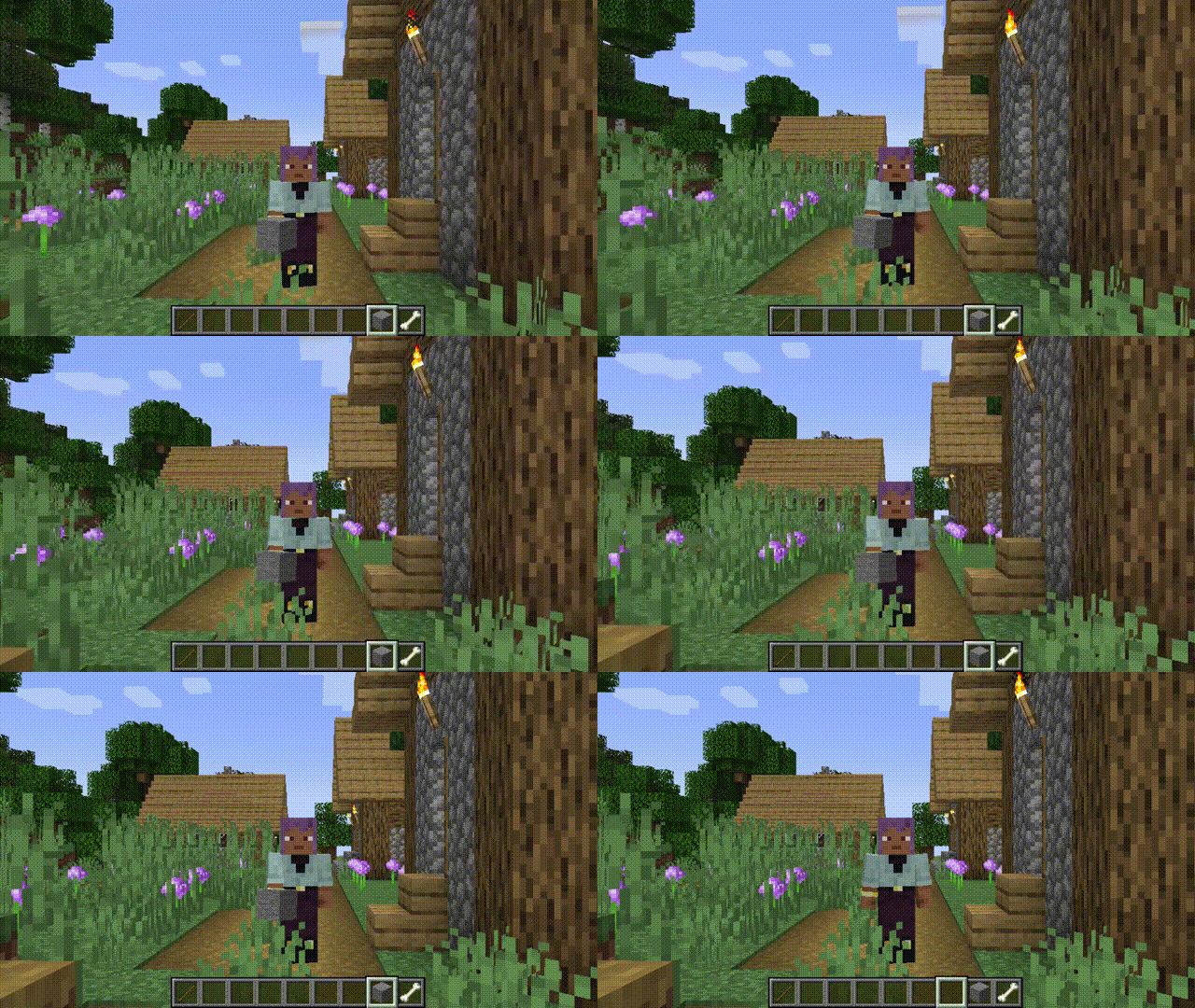
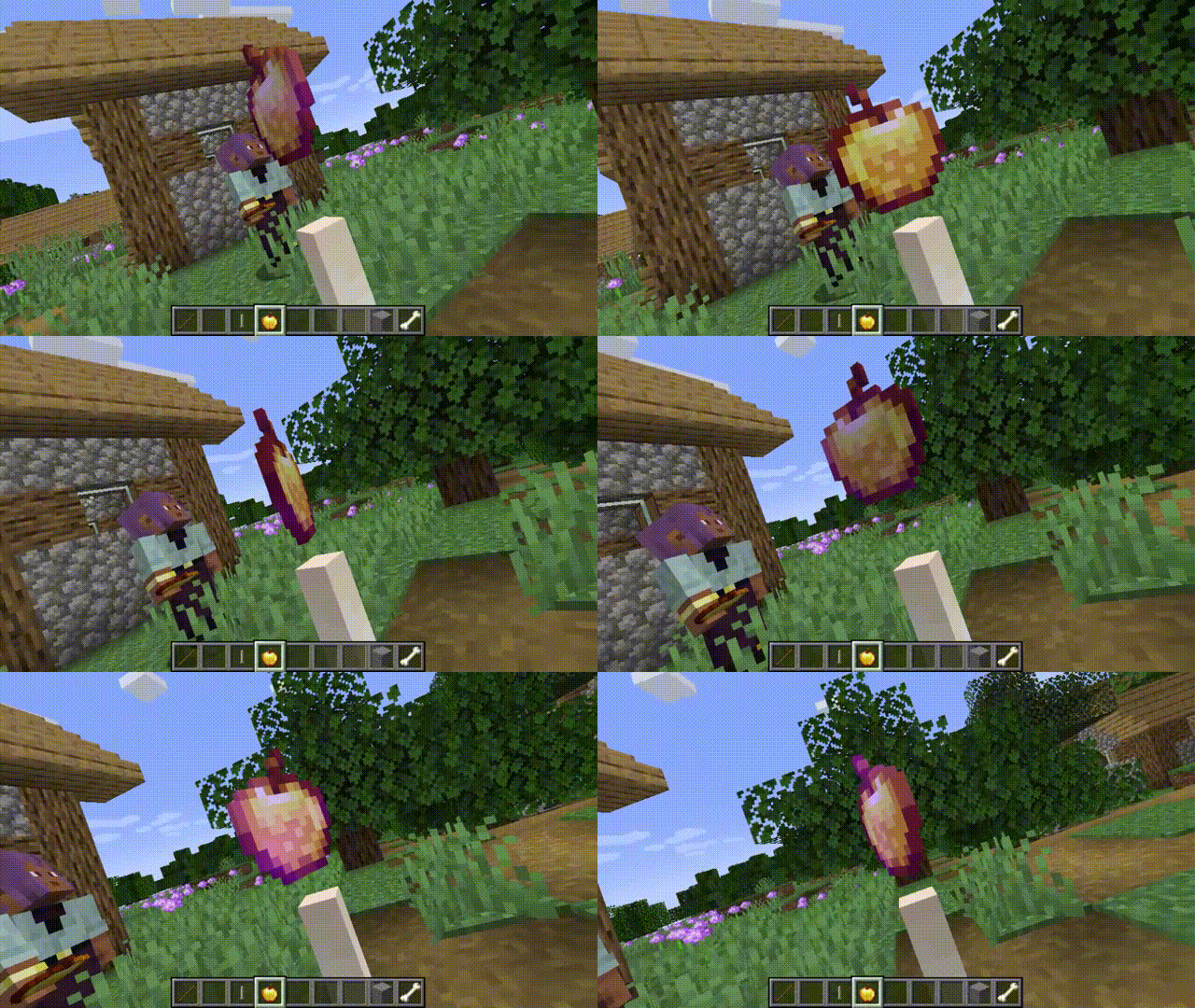
Free camera API V5
Free camera mode
Since version 3.2.0, the mod has included a built-in free camera feature, as many players were attracted by the mod's name only to discover that such functionality was not actually present.
By default, this feature is not bound to a key mapping and requires manual setup. Block collision detection is enabled by default and can be disabled via the configuration interface. If the mod is not installed on the server, it will be force-enabled; otherwise, it will follow the server's settings.
What are the advantages?
- Decouples from camera internals, reducing complexity.
- Simple and flexible usage.
- Supports loading chunks beyond the player's view range (with expansion).
How to Register and Use the Plugin
-
Create the plugin class
@Plugin(value = "example", priority = ModifierPriority.LOWEST)
public class ExamplePlugin implements CameraPlugin {
    // ...
}
value: Plugin unique identifier (string)
priority: Priority setting (ModifierPriority.HIGH/LOWEST etc.) -
Initialization
public ExamplePlugin(CameraModifier modifier) { modifier.disable() .enablePos() .enableFov() .enableGlobalMode(); } -
Update camera data every frame
modifier
            .enablePos() // Enable position modification
            .enableRotation() // Enable rotation modification
            .enableFov() // Enable FOV modification
            .setPos(1, 2, 3) // Set camera position to (1,2,3), default is local coordinates centered on player
            .addPos(1, 2, 3)
            .setRotationYXZ(90f, 15f, 25f) // Set camera rotation to (90f, 15f, 25f)
            .move(0, 0, -5) // Move camera based on current rotation
            .enableGlobalMode() // Enable global mode, all coordinates and rotations will be modified according to world coordinates
            .enableChunkLoader() // Enable chunk loader, load chunks around the camera. An additional Free Camera API Addition mod needs to be installed to enable this feature, otherwise it will have no effect
            .enableObstacle() // Enable collision detection
Gallery

下载 Free camera API
下载 Free camera API
下载 Free camera API
下载 Free camera API
下载 Free camera API
下载 Free camera API
下载 Free camera API
下载 Free camera API
下载 Free camera API
下载 Free camera API
修复无法创建相机数据类型的问题
关于这个资源的讨论、问题反馈与使用心得
还没有讨论,来发第一帖吧
你是这个资源的作者?登录后可认领此资源。
相似资源
 模组

一个用于收集生物掉落物的多区块模组。
 模组

显示你正在注视的方块的信息。(适用于 Minecraft 1.16+ 的 Hwyla/Waila 分支)
 模组

查看物品与配方
 模组
在游戏画面角落显示附近世界地形、玩家、生物和实体的地图。可创建路径点,帮助你找到标记过的位置。
 模组
使用 JavaScript 编辑配方、添加自定义物品、编写世界事件!
 模组

适用于 MC 1.18+ 的 Effekseer 加载器
评论 0
登录后参与评分
还没有评论,来抢沙发吧