
使用方法
安装模组后,右上角会出现两株高草。右侧的高草代表 Google,左侧的高草代表你当前连接的服务器。每 10 秒(此间隔可在 grasspinger.toml 配置文件中调整),下方草方块会被移除并向服务器发送一次 ping 请求。当服务器响应后,上方草方块也会被移除。
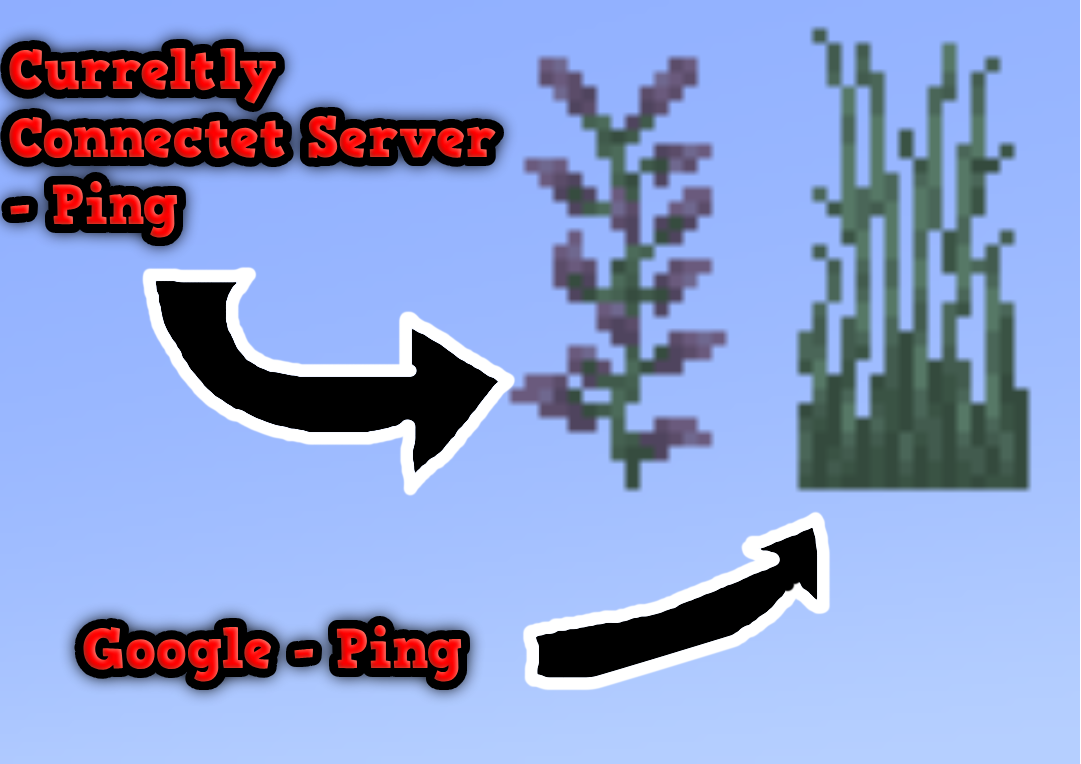
这张图片展示了两个 Grass Pingers:Connected Server pinger 和 Google pinger。
Connected Server pinger 会尝试连接你当前所在的服务器(例如 Hypixel.net、Gommehd.net 等)。 Google pinger 会尝试连接 Google.com。
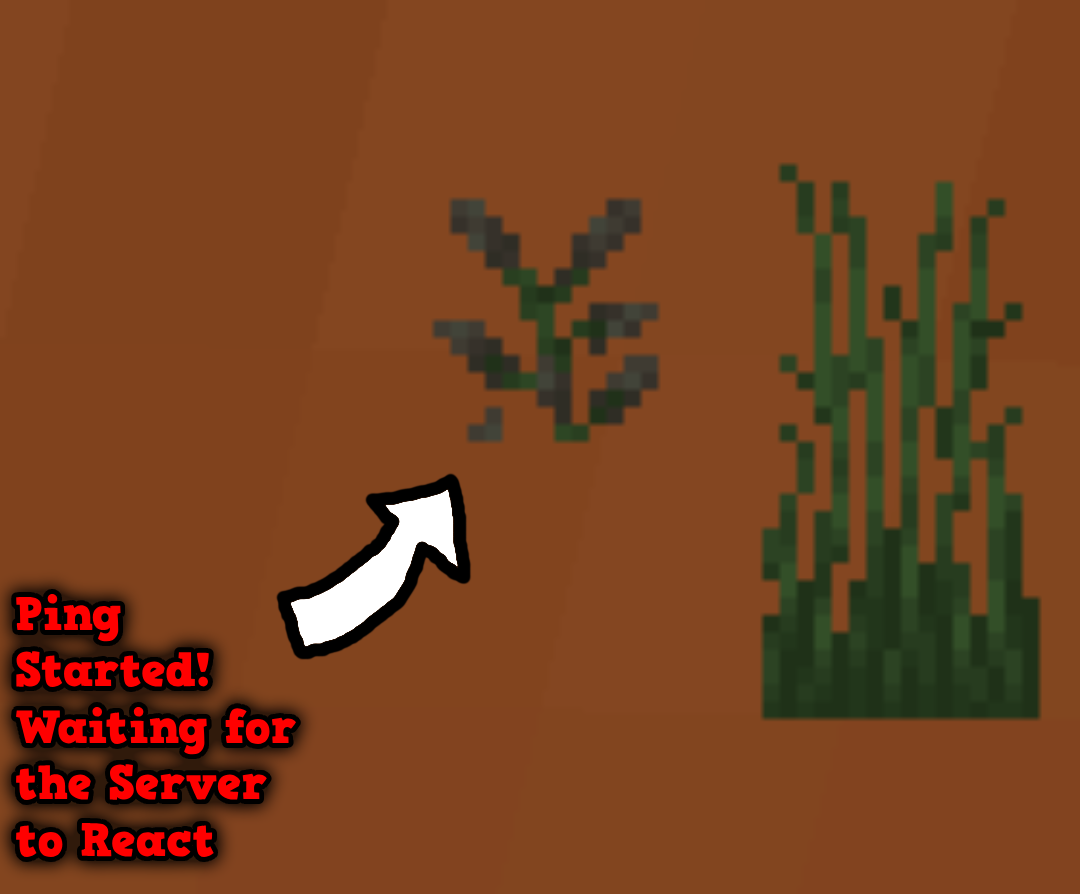
这张图片展示了 ping 的工作原理:一旦底部的高草或紫丁香被破坏(它会每隔几秒自动破坏),就会向服务器发送一次 ping 请求。当服务器响应后,顶部的方块也会消失!

这张图片展示了当你处于单人世界或服务器崩溃时,Current Server Ping 的样子。如果 Google pinger 也出现同样的情况,则表明你的网络连接已断开。然而,如果 Google pinger 正常工作而 Current Server pinger 不工作,则说明服务器已崩溃!
配置
你可以进行以下配置:
- 纹理
- 每次成功 ping 之间的间隔
- 每次失败 ping 之间的间隔
纹理
你可以创建自定义纹理包,但必须遵循以下结构:
TexturepackName/assets/grasspinger/textures/Tallgrassbottom.png

TexturepackName/assets/grasspinger/textures/Tallgrasstop.png

TexturepackName/assets/grasspinger/textures/Liliacbottom.png

TexturepackName/assets/grasspinger/textures/Liliactop.png
时间配置
配置文件位于:
.minecraft/config/grasspinger.toml
该文件包含五个可配置的参数:
ServerBetweenWaitingTime = 800
IsServerpingEnabled = false
IsClientpingEnabled = false
ServerTimeOutWaitingTime = 5000
ServerStartWaitingTime = 500
ClientBetweenWaitingTime = 800
ClientStartWaitingTime = 500
ServerBetweenWaitingTime 是每次服务器 ping 之间的间隔(Ping Grass 不可见)。
IsServerpingEnabled 如果为 true,则表示将显示 Google ping。
IsClientpingEnabled 如果为 true,则表示将显示服务器 ping。
ServerTimeOutWaitingTime 是服务器 ping 失败时的等待时间。
ServerStartWaitingTime 是 ServerBetweenWaitingTime 之后每次服务器 ping 的间隔(Ping Grass 可见)。
ClientBetweenWaitingTime 是每次 Google ping 之间的间隔(Ping Grass 不可见)。
ClientStartWaitingTime 是 ClientBetweenWaitingTime 之后每次 Google ping 的间隔(Ping Grass 可见)。
命令
目前只有一个命令:
/pingDebug
pingDebug 命令会显示 Current Server Ping 的控制台输出。
(此命令使用 cmd 的 ping 命令,因此会显示服务器的 IP 地址。)
键位绑定
有两个键位绑定:
- 切换 Current Server Pinger
- 切换 Google Pinger
How to Use
Once the mod is installed, two tall grass stalks should appear in the top-right corner. The right stalk represents Google, while the left represents the server you are currently connected to. Every 10 seconds (this interval is adjustable in the grasspinger.toml config file), the lower grass block is removed, and a ping is sent to the server. Once the server responds, the upper block will also be removed.
This image shows both Grass Pingers: the Connected Server pinger and the Google pinger.
The Connected Server pinger attempts to connect to the server you are currently on (e.g., Hypixel.net, Gommehd.net, etc.). The Google pinger attempts to connect to Google.com
This image shows how the ping works: as soon as the bottom grass or lilac is broken (it breaks automatically every few seconds), a ping is sent to the server. When the server responds, the top block will disappear as well!
This image shows what the Current Server Ping looks like if you are on a single-player world or if the server has crashed. If the same thing happens with the Google pinger, it indicates that your internet connection has dropped. However, if the Google pinger works and the Current Server pinger doesn’t, it means the server has crashed!
Config You can configure:
- The textures
- The interval between each successful ping
- The interval between each failed ping
Textures
You can create a custom texture pack, but it must follow this structure:
TexturepackName/assets/grasspinger/textures/Tallgrassbottom.png

TexturepackName/assets/grasspinger/textures/Tallgrasstop.png

TexturepackName/assets/grasspinger/textures/Liliacbottom.png

TexturepackName/assets/grasspinger/textures/Liliactop.png
Time Configuration
The configuration file is located at:
.minecraft/config/grasspinger.toml
This file contains five arguments that you can configure:
ServerBetweenWaitingTime = 800
IsServerpingEnabled = false
IsClientpingEnabled = false
ServerTimeOutWaitingTime = 5000
ServerStartWaitingTime = 500
ClientBetweenWaitingTime = 800
ClientStartWaitingTime = 500
ServerBetweenWaitingTime is the interval between each server ping (the Ping Grass is not visible). IsServerpingEnabled if it is true, it means, that it will display the google ping IsClientpingEnabled if it is true, it means, that it will display the Server ping ServerTimeOutWaitingTime is the time it waits if the server ping fails. ServerStartWaitingTime is the interval between each server ping after ServerBetweenWaitingTime (the Ping Grass is visible). ClientBetweenWaitingTime is the interval between each Google ping (the Ping Grass is not visible). ClientStartWaitingTime is the interval between each Google ping after ClientBetweenWaitingTime (the Ping Grass is visible).
Commands
There is currently only one command:
/pingDebug
The pingDebug command shows the console output for the Current Server Ping.
(This uses the cmd ping command, so it will show the server’s IP address.)
Key Bindings
There are two Keybindings:
- Toggle Current Server Pinger
- Toggle Google Pinger

下载 Grass Pinger
下载 Grass Pinger
需要联机服务器吗?
稳定流畅、一键部署,几分钟即可和朋友联机开服
最低仅需 8 元/月 即可畅快联机
下载 Grass Pinger
下载 Grass Pinger
需要联机服务器吗?
稳定流畅、一键部署,几分钟即可和朋友联机开服
最低仅需 8 元/月 即可畅快联机
下载 Grass Pinger
下载 Grass Pinger
需要联机服务器吗?
稳定流畅、一键部署,几分钟即可和朋友联机开服
最低仅需 8 元/月 即可畅快联机
下载 Grass Pinger
下载 Grass Pinger
需要联机服务器吗?
稳定流畅、一键部署,几分钟即可和朋友联机开服
最低仅需 8 元/月 即可畅快联机
下载 Grass Pinger
需要联机服务器吗?
稳定流畅、一键部署,几分钟即可和朋友联机开服
最低仅需 8 元/月 即可畅快联机
下载 Grass Pinger
没什么,只是存在一些初始化问题
关于这个资源的讨论、问题反馈与使用心得
还没有讨论,来发第一帖吧
你是这个资源的作者?登录后可认领此资源。
相似资源
 模组
缓冲的原始输入和线程化的事件轮询
 模组

显示你正在注视的方块的信息。(适用于 Minecraft 1.16+ 的 Hwyla/Waila 分支)
 模组

原版世界生成优化模组
 模组
使用 JavaScript 编辑配方、添加自定义物品、编写世界事件!
 模组

查看物品与配方
 模组
在游戏画面角落显示附近世界地形、玩家、生物和实体的地图。可创建路径点,帮助你找到标记过的位置。
评论 0
登录后参与评分
还没有评论,来抢沙发吧