
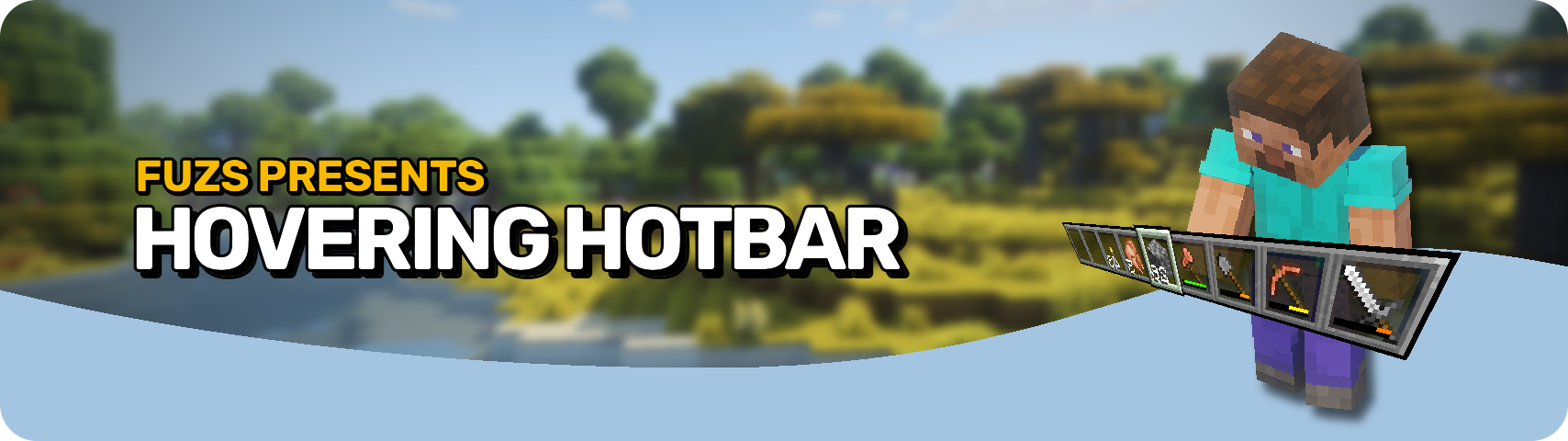


Hovering Hotbar 将基岩版和旧主机版的悬浮快捷栏风格引入 Java 版。?
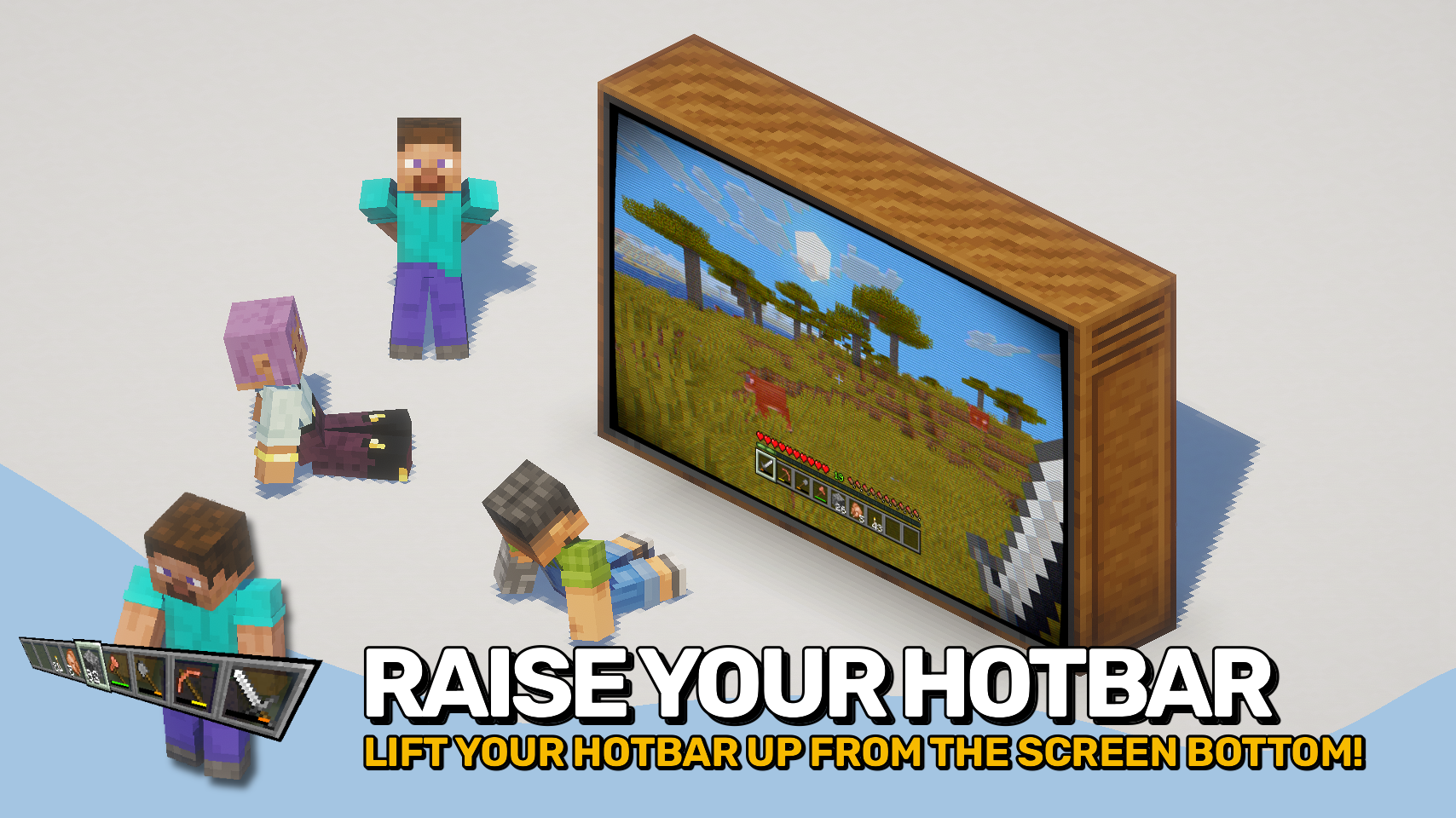
通过将快捷栏从屏幕底部边缘移开,使其看起来悬浮在原地,从而营造出更简洁、更现代的 HUD 布局。这也使得完整的选中高亮效果得以渲染,而不会被屏幕边框部分裁切。✨
快捷栏的偏移量完全可配置,让你可以将其精确放置在你想要的位置。为了完善主机风格的视觉效果,经验等级显示也可以移动到经验条上方。⚙️

- ? 主机风格布局:重现基岩版和旧主机版中常见的悬浮快捷栏风格。
- ✨ 悬浮快捷栏外观:将快捷栏从屏幕底部边缘移开,使其看起来悬浮在原位。
- ?️ 完整可见的选中高亮:允许渲染完整的快捷栏选中精灵,而不会被屏幕边框部分裁切。
- ?️ 可调节位置:自由配置快捷栏偏移量,打造你偏好的 HUD 布局。
- ? 改进的经验显示:可选地将经验等级指示器移至经验条上方,以匹配主机风格界面。
- ? 模组兼容性:支持随快捷栏一起移动其他模组的额外快捷栏覆盖层。


⏩ 需要在客户端安装
⏩ 需要安装 PUZZLES LIB (适用于 Fabric & NeoForge)
⏩ 需要安装 Fabric API(适用于 Fabric)
⏩ 需要安装 Forge Config API Port(适用于 Fabric)

如果模组支持配置,可以通过游戏内模组菜单直接进行设置(需要在 Fabric 上安装由 Prospector 开发的 Mod Menu)。
若使用外部文本编辑器手动配置,所有文件均位于 .minecraft/config 目录下,文件名分别为 MOD_ID-client.toml、MOD_ID-common.toml 或 MOD_ID-server.toml,具体取决于配置类型。并非所有类型的配置文件都会存在于某个模组中,甚至可能完全不存在。
 |
 |
|
 |
 |
|
 |
 |
|
 |
 |
|
 |
 |

© 2026 @heyitsfuzs. All rights reserved. This page was last edited on 11 September 2026, at 06:44 (UTC).
Hovering Hotbar brings the elevated hotbar style from Bedrock Edition and Legacy Console Edition to Java Edition. ?
By moving the hotbar away from the bottom edge of the screen, it appears to float in place, creating a cleaner and more modern HUD layout. This also allows the full selection highlight to be rendered instead of being partially cut off by the screen border. ✨
The hotbar offset is fully configurable, letting you position it exactly where you want it. To complete the console-inspired look, the experience level display can also be moved above the experience bar. ⚙️
- ? Console-Inspired Layout: Recreates the elevated hotbar style found in Bedrock Edition and Legacy Console Edition.
- ✨ Floating Hotbar Appearance: Moves the hotbar away from the bottom screen edge, making it appear to hover in place.
- ?️ Fully Visible Selection Highlight: Allows the complete hotbar selection sprite to render instead of being partially cut off by the screen border.
- ?️ Adjustable Positioning: Freely configure the hotbar offset to create your preferred HUD layout.
- ? Improved Experience Display: Optionally moves the experience level indicator above the experience bar, matching the console-style interface.
- ? Mod Compatibility: Supports shifting additional modded hotbar overlays together with the hotbar.
⏩ INSTALLATION REQUIRED ON CLIENT
⏩ REQUIRES PUZZLES LIB TO BE INSTALLED (FABRIC & NEOFORGE)
⏩ REQUIRES FABRIC API TO BE INSTALLED (FABRIC)
⏩ REQUIRES FORGE CONFIG API PORT TO BE INSTALLED (FABRIC)
If available for a mod, configuration is possible directly from in-game using the mod menu (requires Mod Menu by Prospector to be installed on Fabric).
For manual configuration using an external text editor all files are found at .minecraft/config, named as MOD_ID-client.toml, MOD_ID-common.toml, or MOD_ID-server.toml, depending on the type of config. Not all types might exist for a mod, if any at all.
|
|
|
|
|
|
|
|
|
|
|
|
|
|
© 2026 @heyitsfuzs. All rights reserved. This page was last edited on 11 September 2026, at 06:44 (UTC).

下载 Hovering Hotbar
下载 Hovering Hotbar
下载 Hovering Hotbar
下载 Hovering Hotbar
下载 Hovering Hotbar
下载 Hovering Hotbar
下载 Hovering Hotbar
下载 Hovering Hotbar
下载 Hovering Hotbar
下载 Hovering Hotbar
更新日志
本项目所有值得注意的更改都将记录在此文件中。
格式遵循 Keep a Changelog, 并且本项目遵守 语义化版本控制。
[v26.3.0-mc26.3.x] - 2026-09-20
变更
- 更新到 Minecraft 26.3.x
关于这个资源的讨论、问题反馈与使用心得
还没有讨论,来发第一帖吧
你是这个资源的作者?登录后可认领此资源。
相似资源
 模组

显示你正在注视的方块的信息。(适用于 Minecraft 1.16+ 的 Hwyla/Waila 分支)
 模组
使用 JavaScript 编辑配方、添加自定义物品、编写世界事件!
 模组

查看物品与配方
 模组
在游戏画面角落显示附近世界地形、玩家、生物和实体的地图。可创建路径点,帮助你找到标记过的位置。
 模组
AE2:一款流行的自动化与存储模组
 模组
那是什么?一个 Waila/Hwyla 的分支。
评论 0
登录后参与评分
还没有评论,来抢沙发吧