
物品雨模组
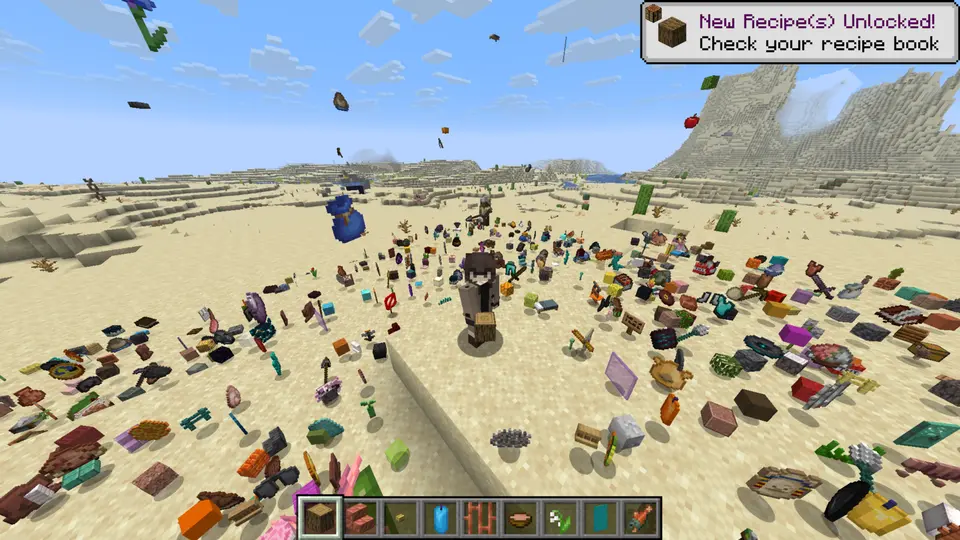
本模组引入了 /ir 命令,用于控制所有“物品雨”功能。
命令语法:
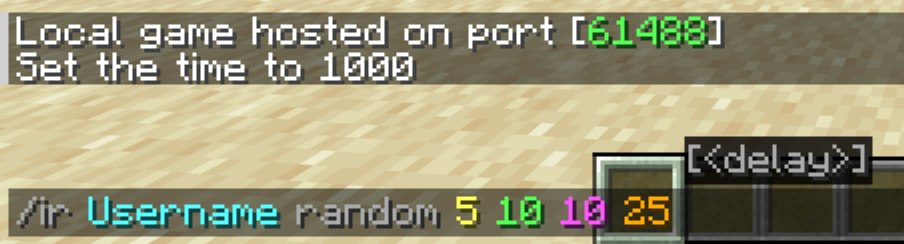
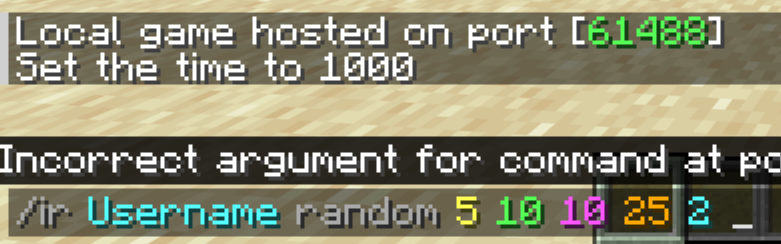
/ir <目标> <物品名称> [数量] [持续时间] [范围] [高度] [延迟]
使用方法
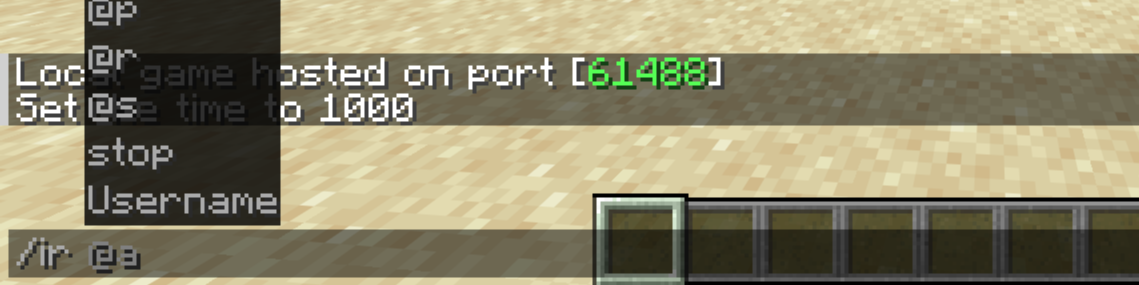
1. 目标
首先,你必须指定物品将落在谁身上。如果缺少此参数,命令将无法生效。
2. 物品
接下来,选择将从天空中掉落的物品。
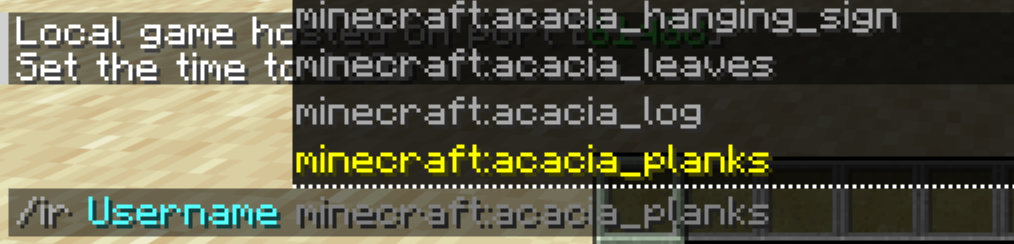
如果你希望物品掉落完全随机,只需输入 random 而不是具体的物品名称。
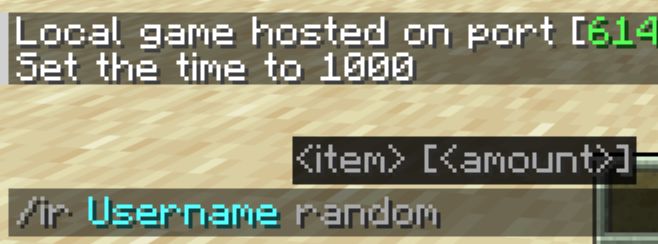
3. 数量
现在,决定物品下落的速率和密度。
- 默认值: 1
- 最小值: 1
- 最大值: 5
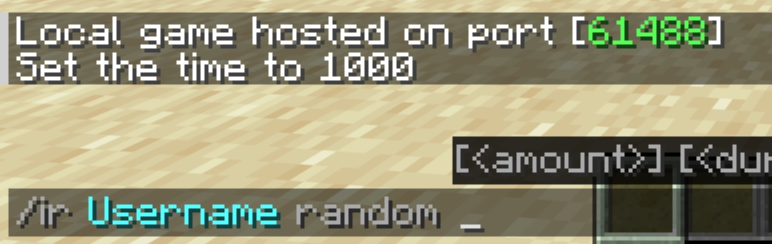
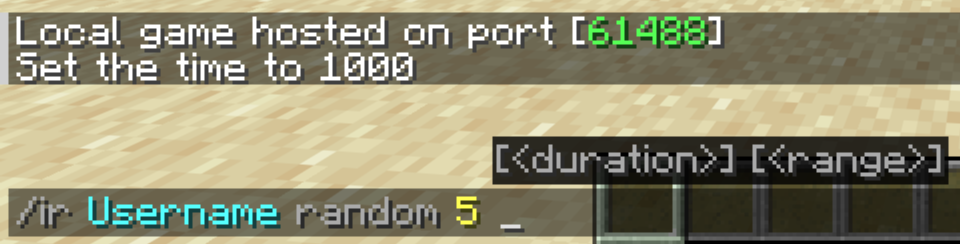
4. 持续时间
指定物品雨持续的时间(以秒为单位)。
- 默认值: 10 秒
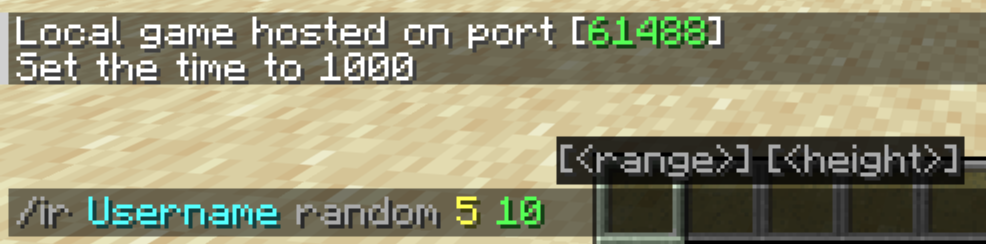
5. 范围
确定目标周围物品散落范围的水平半径(以方块为单位)。
- 默认值: 10 个方块
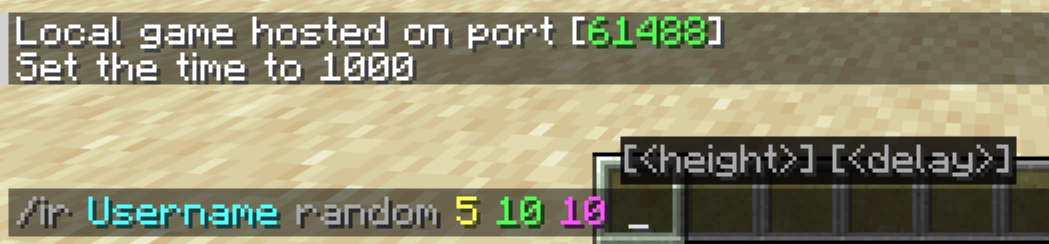
6. 高度
选择物品在目标上方生成并开始下落的高度。
- 默认值: 20 个方块
7. 延迟
最后,你可以设置一个倒计时计时器(以秒为单位),在降雨开始前生效。这是完全可选的。
停止降雨
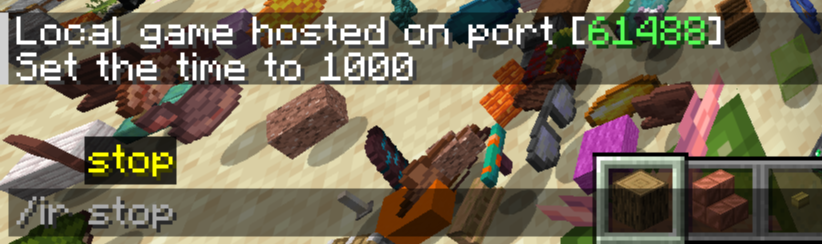
如果混乱局面失控,你可以通过运行以下命令立即清除所有活跃的降雨效果:
/ir stop
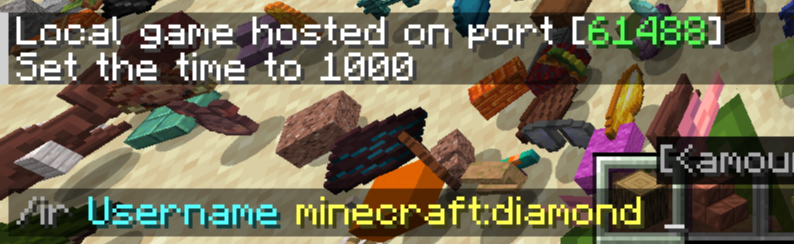
注意: 你也可以通过仅输入目标和物品名称来快速发起降雨。
示例
/ir Username minecraft:redstone
/ir YourFriend minecraft:cobblestone 5
/ir stop

你是这个资源的作者?登录后可认领此资源。
相似资源
 模组

探险者指南针Explorer's Compass
Chaosyr
让你能够在世界中的任何位置定位结构。
冒险装备
108
 模组

群峦传说TerraFirmaCraft
eerussianguy
TerraFirmaCraft (TFC) 是一个全面转换模组,对生存模式进行了彻底的改造与重新设计。
冒险玩法机制
97
 模组
Hodgepodge
mitchej123
一堆修复
玩法机制优化
78
 模组

Cobblemon Spawn Notification
tmetcalfe89
如果游戏能告知重要的刷新点,会怎样?
实用玩法机制
70
 模组
Vivecraft
ferriarnus
一款适用于你选择的加载器的 Minecraft VR 模组!
玩法机制前置
70
 模组

Armor Poser
Mrbysco
为盔甲架添加图形用户界面,允许你配置其姿势和其他属性
玩法机制
67
评论 0
登录后参与评分
还没有评论,来抢沙发吧