
支持更新(2026年9月): KoHs Inventory Tweaks 现已支持 Minecraft 1.21.11 及更高版本。1.21.10 的构建仍可下载为存档版本,但不再接收修复或新功能。
你的背包,由你定义
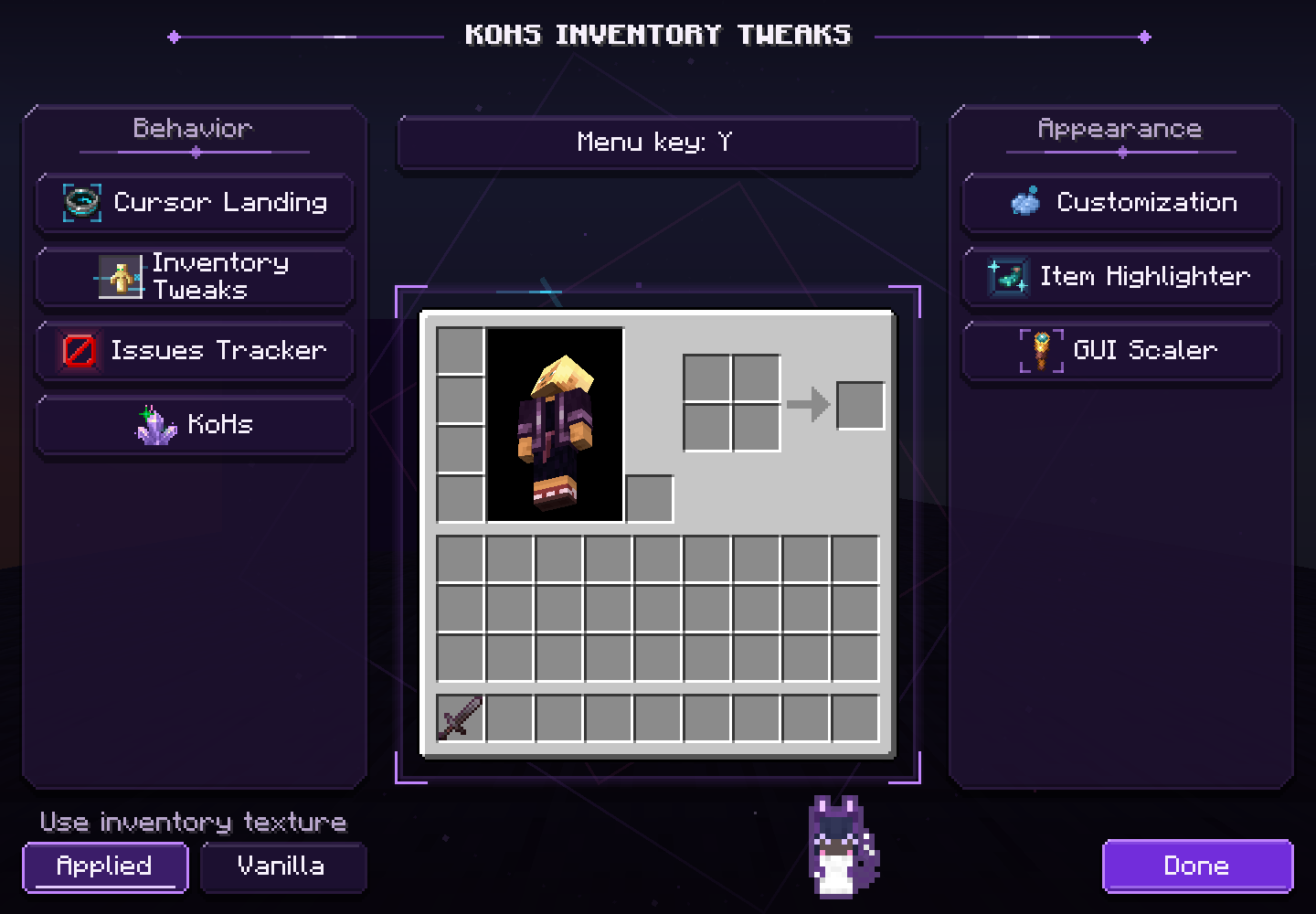
KoHs Inventory Tweaks 是 KoHs Inv Cursor 的客户端继任者,适用于 Minecraft 1.21.11、26.1、26.1.1、26.1.2、26.2 和 26.3。它为你提供精确的光标定位、更快更可靠的背包输入、视觉自定义、物品高亮以及仅针对背包的 GUI 缩放器——所有这些功能都通过一个响应式的紫色配置菜单实现,还有一只小猫陪伴在你身边。
该模组保留正常的 Minecraft 背包规则。它不需要在服务器上安装,也不会添加自动物品传输或自定义背包数据包。
1.4.0 新增内容
- 下一代 KoHs 背包界面 — 13 种布局可将槽位移动到屏幕中央:Broken、Visor、Vertical、Compact、Ring、Honeycomb、Fan、Hotbar Up、Mirror、Flipped、Wide、Side Hotbar 和 Custom(自定义)。在自定义模式中,你可以随意拖动快捷栏、每个槽位、玩家模型和效果面板。每种布局都有对应的创造模式版本。请注意警告:某些服务器可能不允许移动槽位。
- 处处皆风格 — 创意模式标签页、配方书标签页、滚动条、效果面板和物品提示框都会跟随你自定义的背包界面。Minecraft 自带的按钮也可以跟随。
- 快捷栏样式 — 提供 Visor、Ghost、Split 和 Vertical 样式,并可选地在行走和掉落时产生动态效果,以及对图腾、生命值和受击反应的视觉效果。
- 俄语支持 — 包括改革前的俄语版本。
- Minecraft 26.3 — 从 GLFW 迁移至 SDL。
功能特性
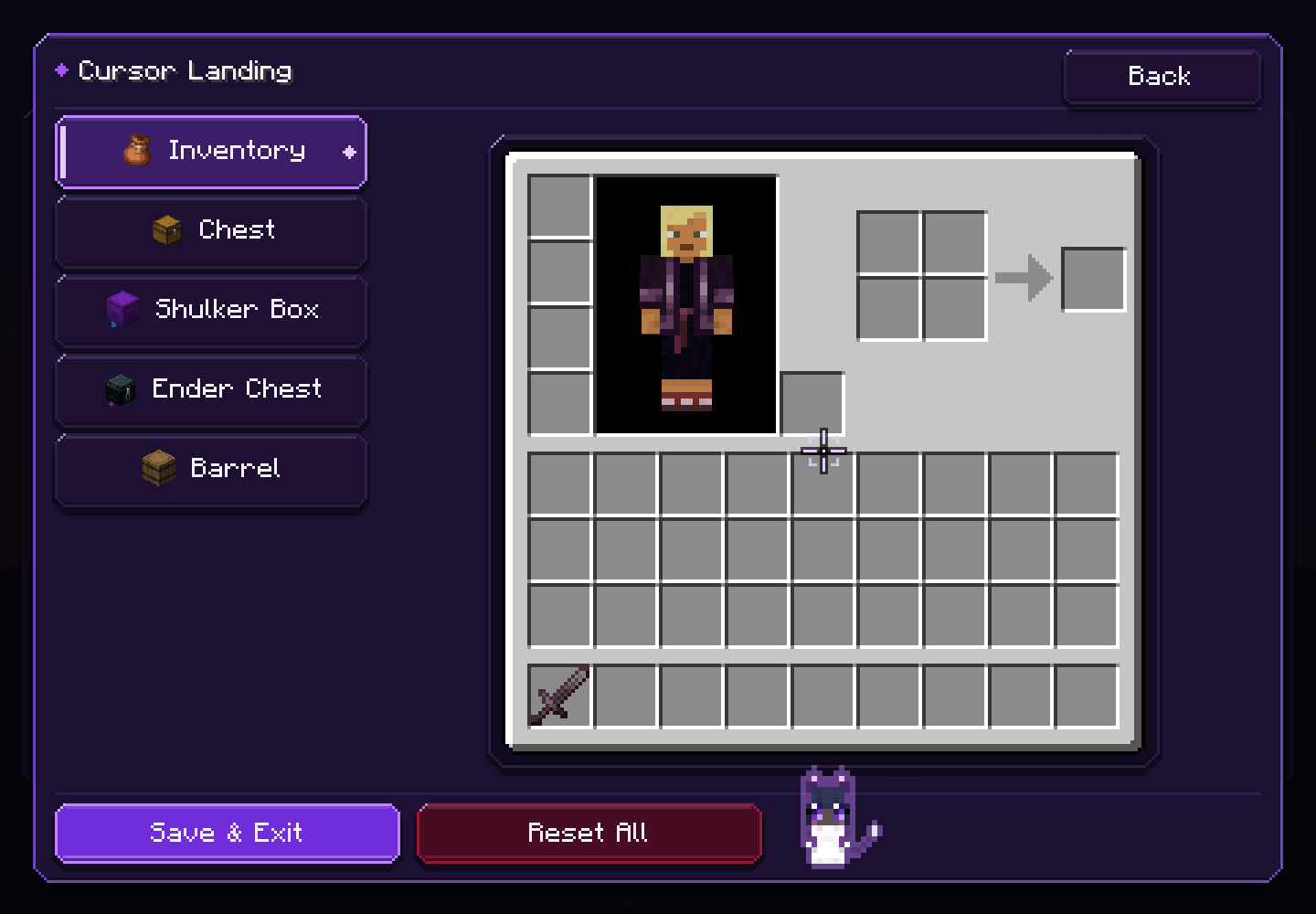
- 光标落点 — 选择光标在你的背包、单/双箱、末影箱和桶中出现的初始位置。每个容器均可单独禁用以保留原版行为。
- 中心鼠标修复 — 在 Minecraft 释放鼠标的瞬间,将光标一次性放置在中心位置,此时背包或任何容器尚未存在。如果手已经伸向图腾或其他物品,则不会被拉回。
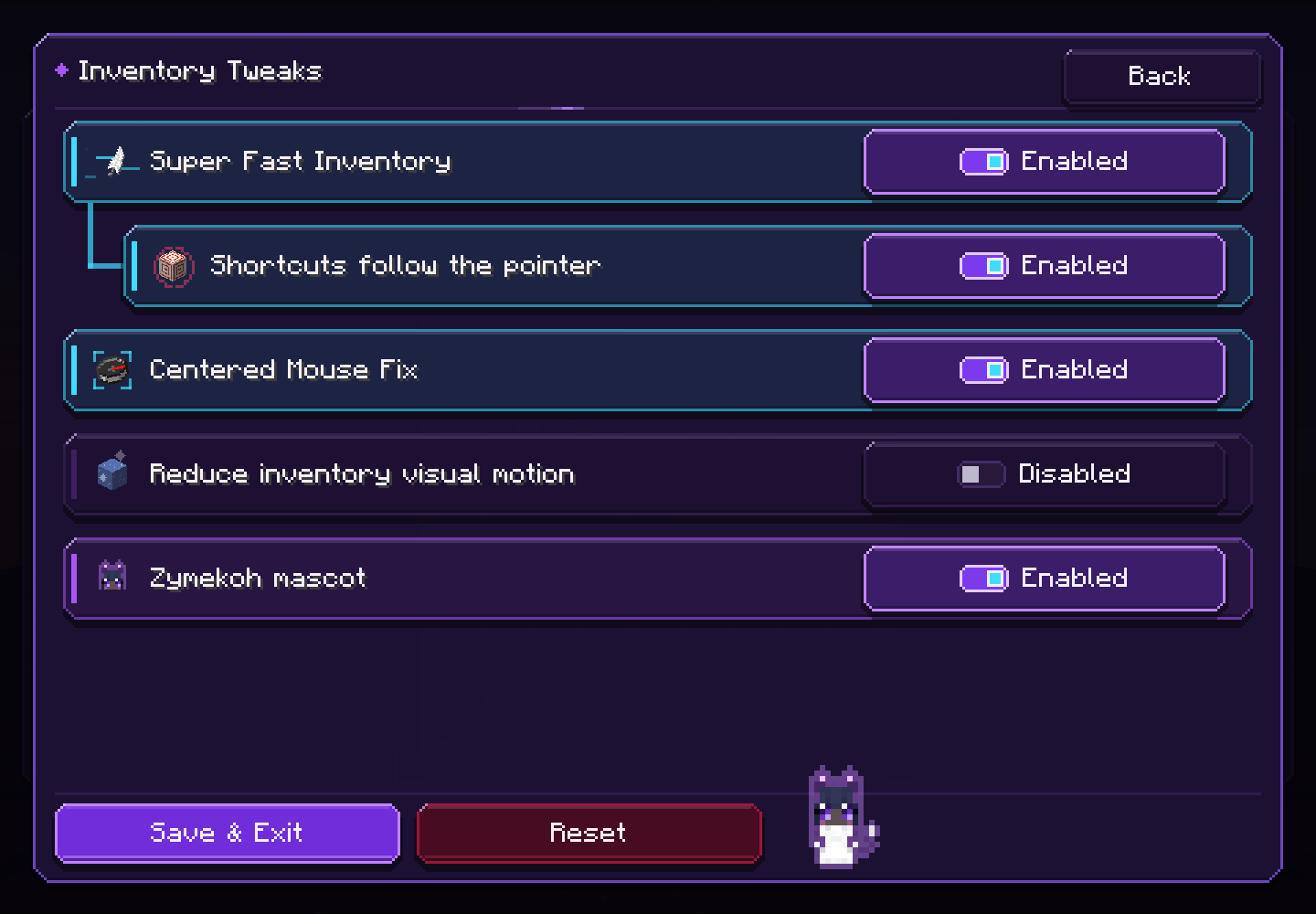
- 极速背包 — 提前最多一 tick(50 ms)显示本地背包状态,仅在原版仍会先执行某些操作(如待处理的攻击或使用中的物品)时才等待。只有屏幕显示提前了:你在其中的操作会在该 tick 运行后处理,顺序与原版客户端发送的一致。
- 快捷键跟随指针 — 启用“极速背包”时:F、1-9、Q 和 Ctrl+Q 会在你按下按键的瞬间作用于指针所在的槽位,即使在快速甩动鼠标之后,在背包和所有原版容器中均有效。
- 稳定的背包显示 — 在网络延迟下,你刚刚点击改变的槽位会继续显示这些点击操作,直到服务器回应所有操作;其他部分则立即显示服务器的最终状态。你发送的任何数据都不会改变。
- 隐藏配方书 和 使用移动键离开 — 可选功能:移除配方书按钮,以及允许使用移动键关闭容器。
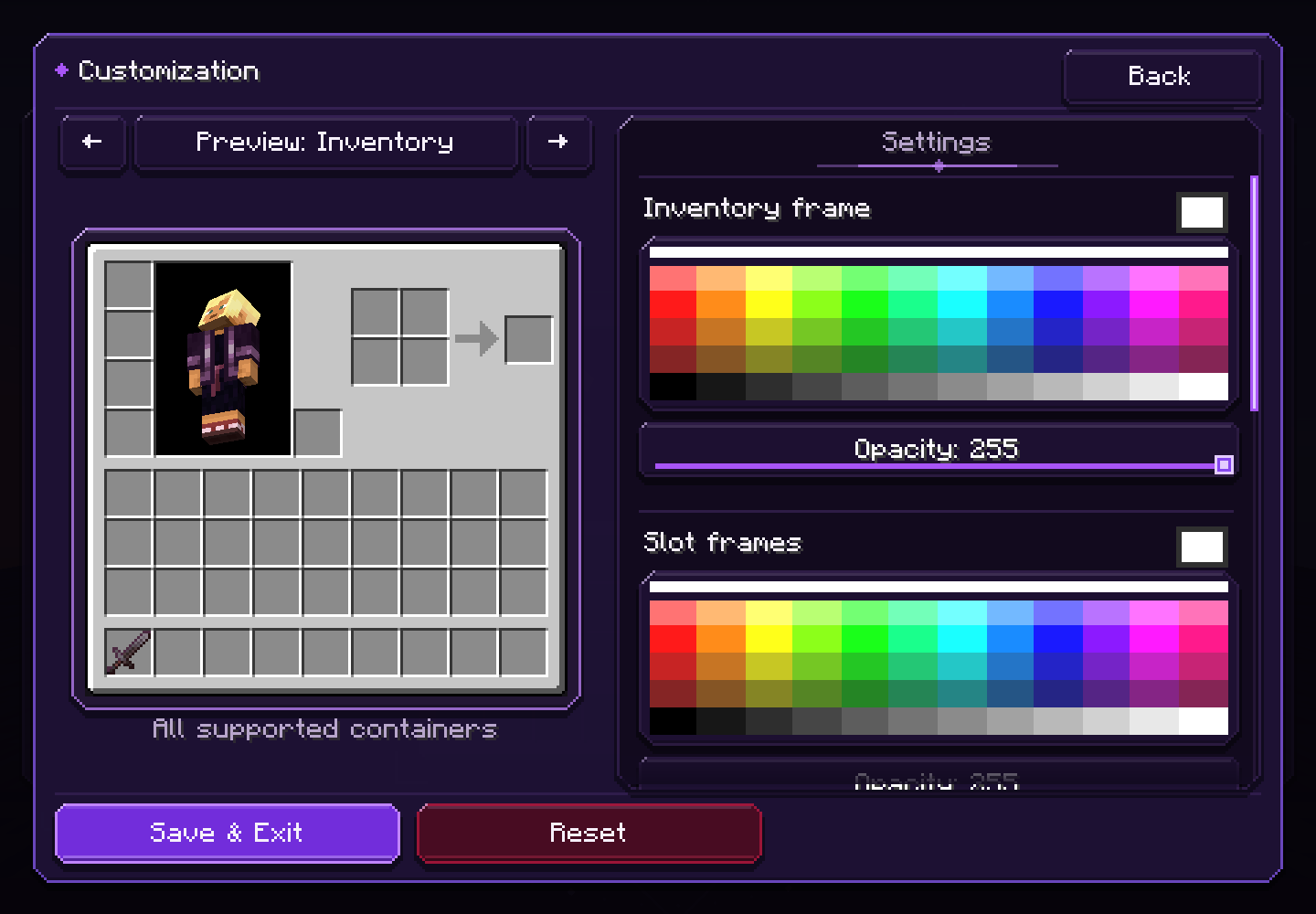
- 自定义美化 — 重新着色背包和槽位边框,控制透明度和世界背景黑暗度,或使用裁剪图片、GIF 或短视频作为背景。标签页、提示框和按钮可随之适配。
- 感知资源包 — 可选择激活的资源包背包纹理或原版基础纹理,然后在其上方应用 KoHs 的自定义美化。
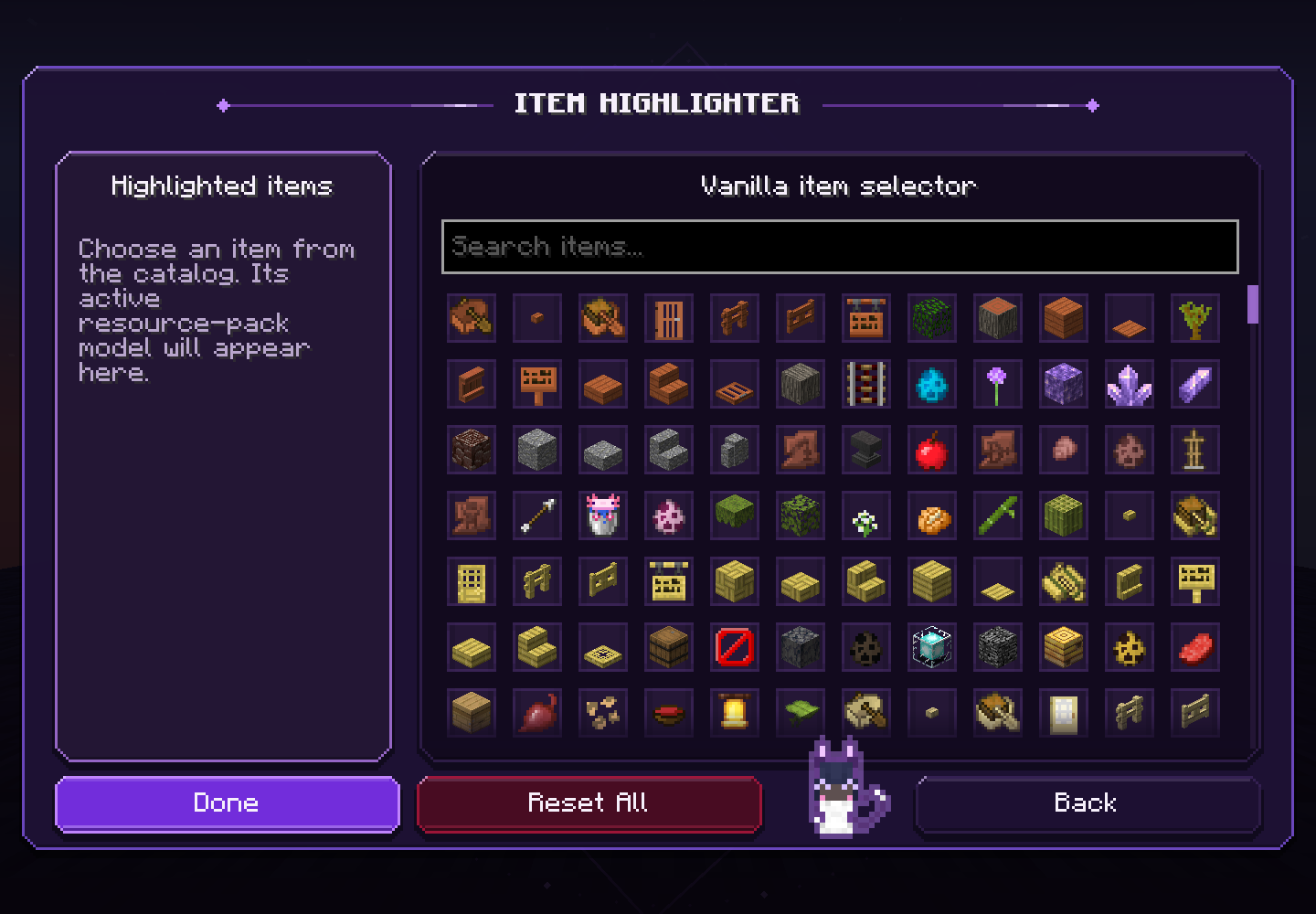
- 物品高亮器 — 搜索原版物品,配置槽位颜色、边框、快捷栏高亮以及动态悬停高亮。
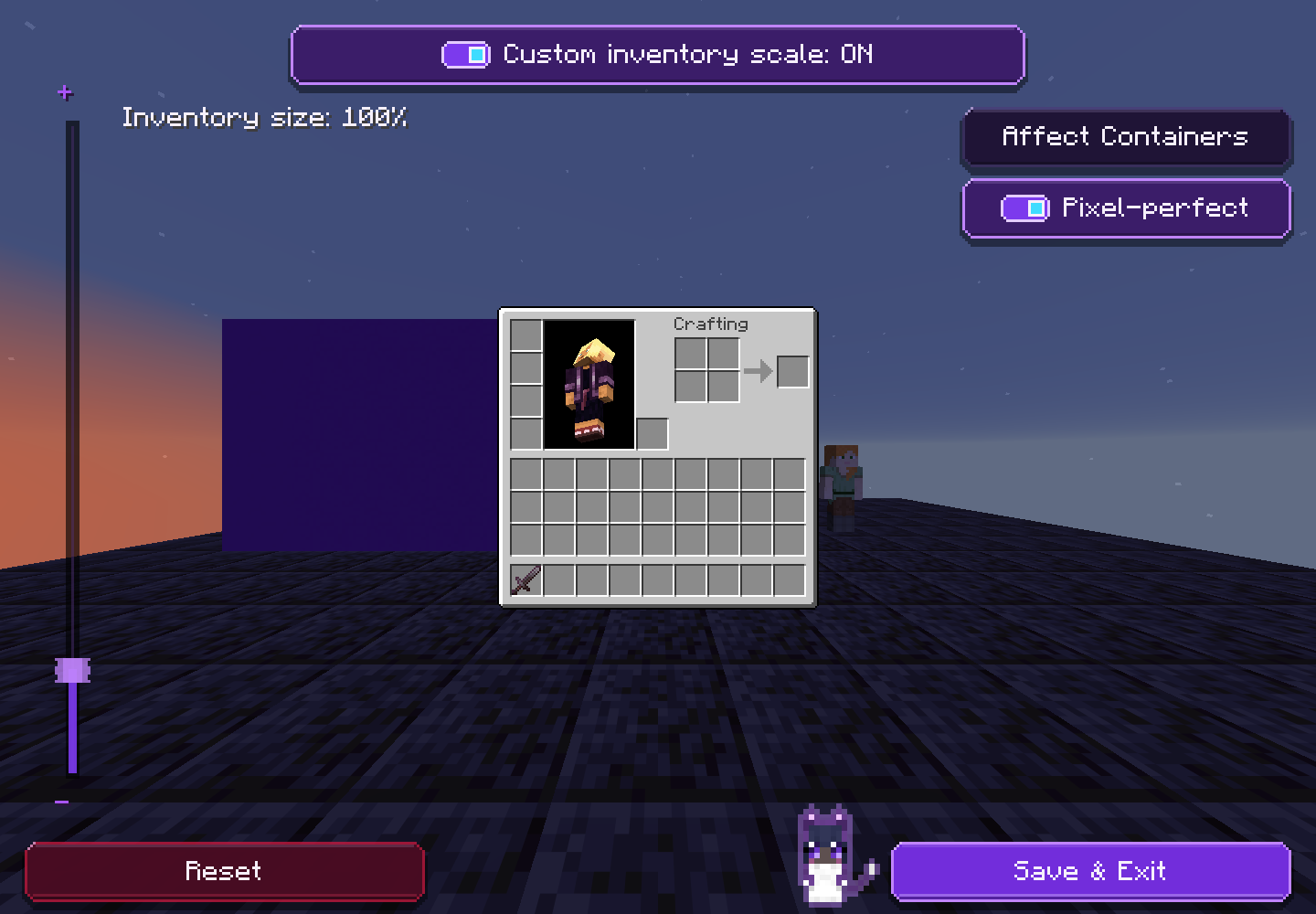
- GUI 缩放器 — 仅调整玩家背包的大小,包括其槽位、文本、物品和角色模型。像素完美缩放确保每个槽位整齐且清晰。
- 下一代 KoHs 背包界面 — 13 种背包布局,每种均有创造模式版本,以及一种由你自行排列的自定义布局。提供带有可选动态效果和反应动画的快捷栏样式。
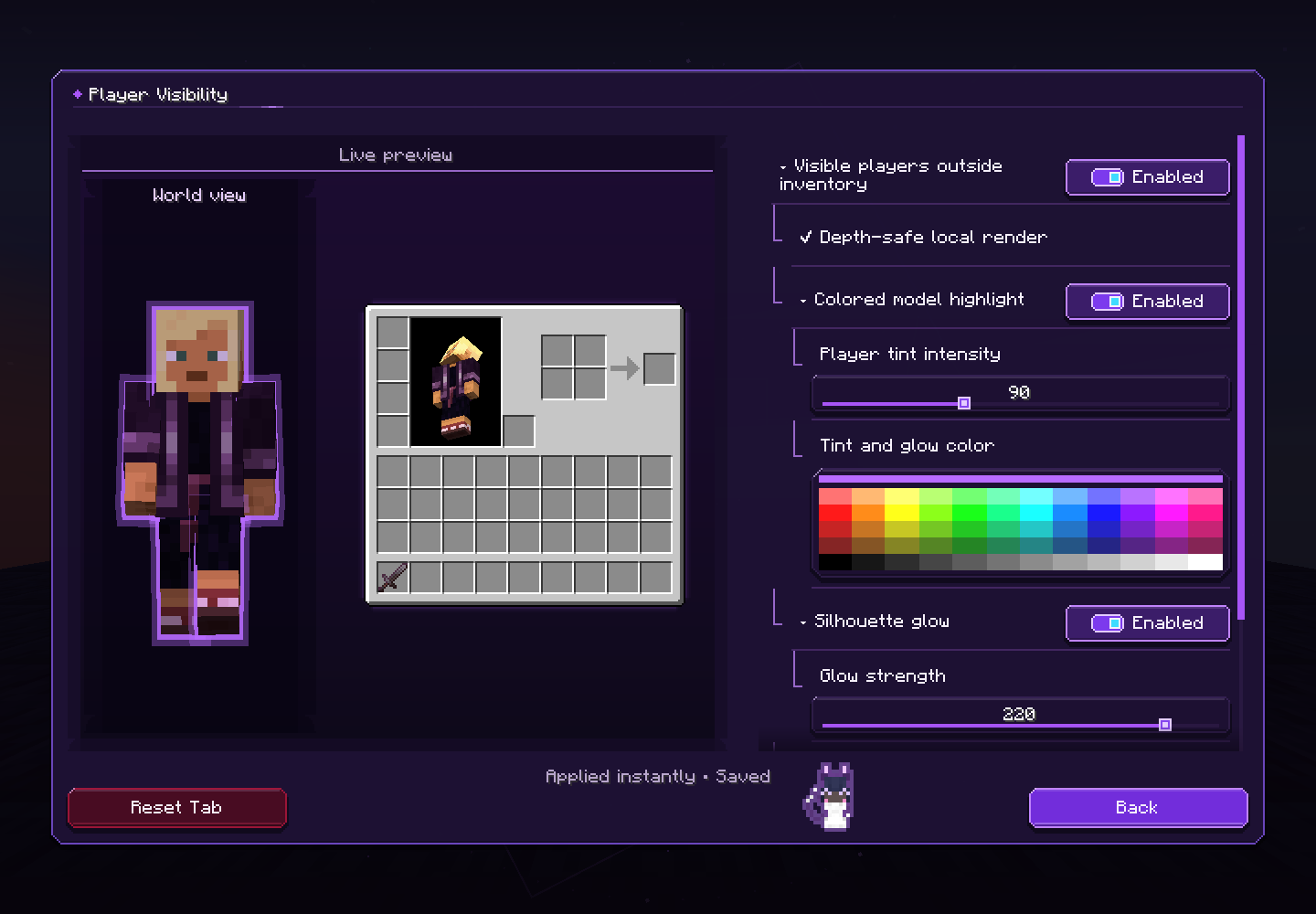
- 玩家可见性 — 为你在打开背包时已能看到的玩家添加色调和发光轮廓。方块遮挡两者:墙壁后不会透出任何东西。
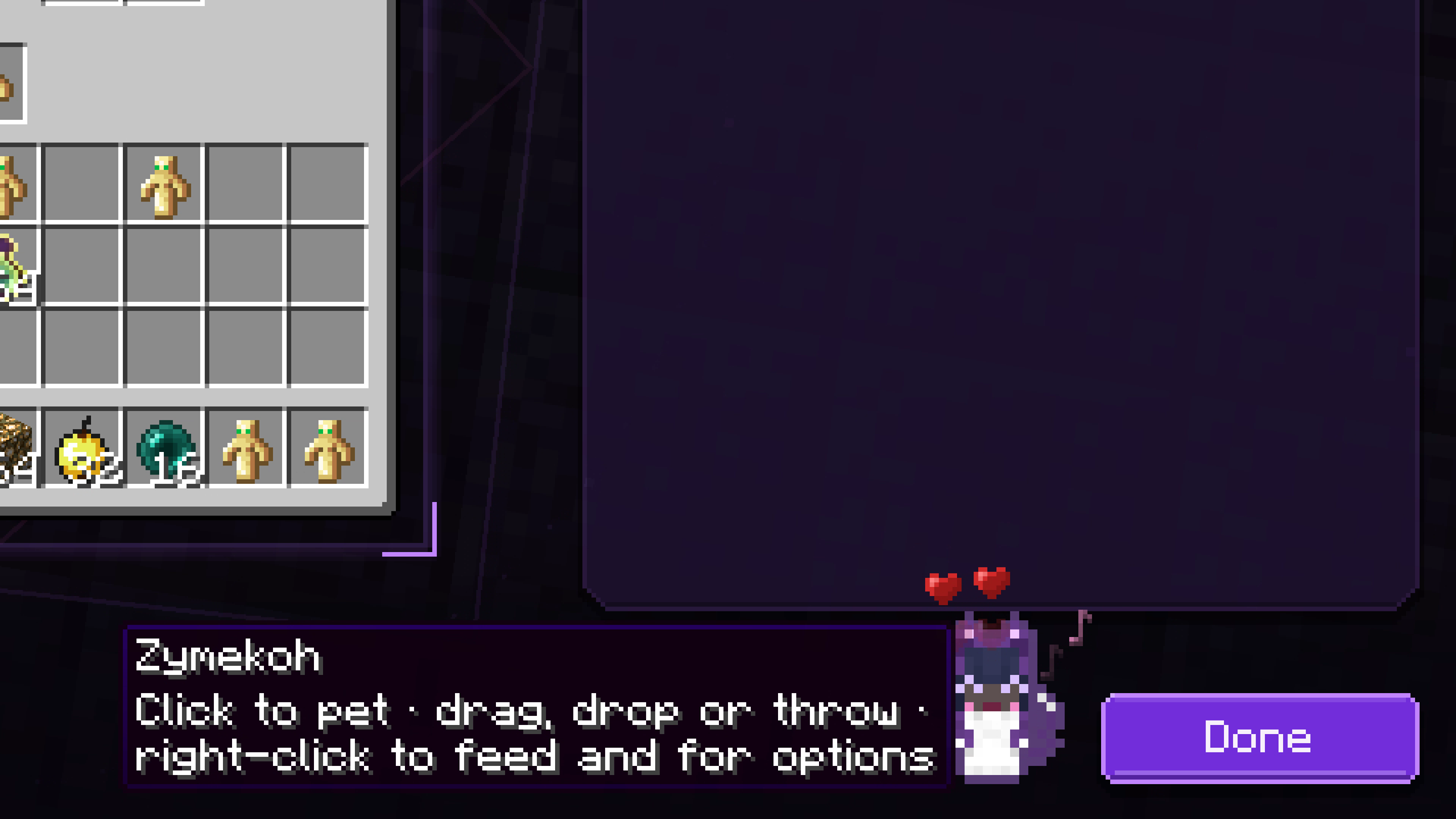
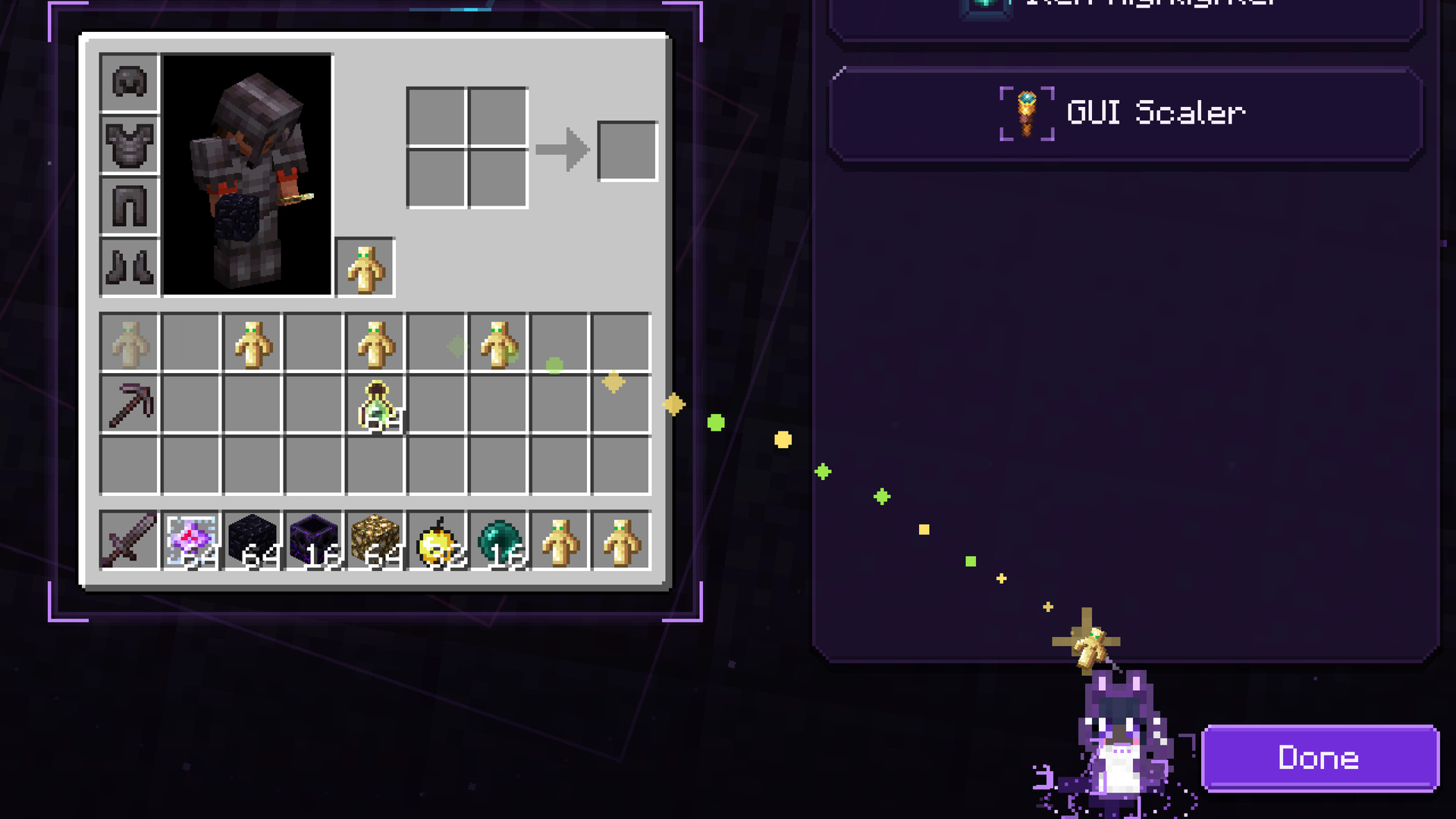
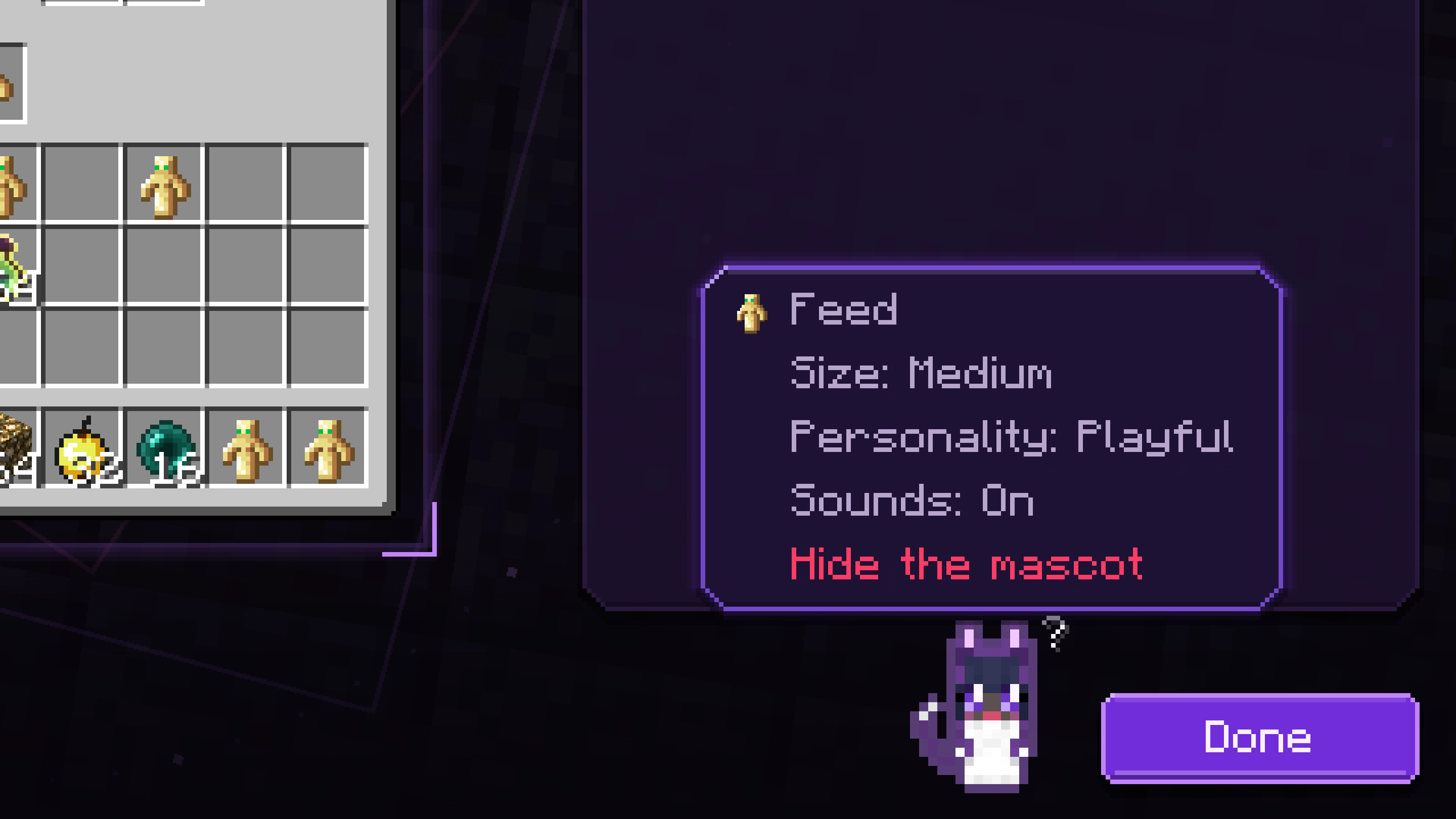
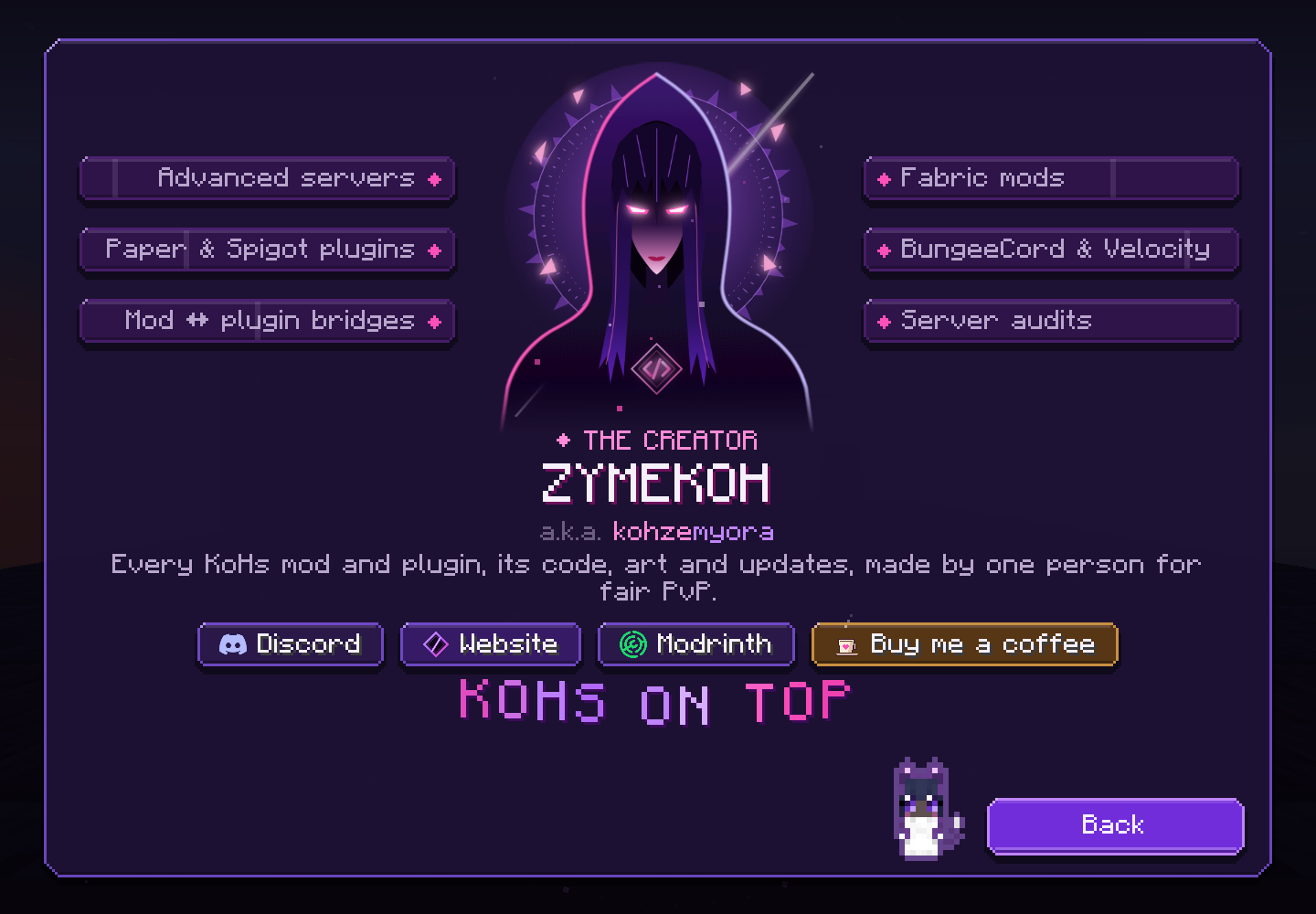
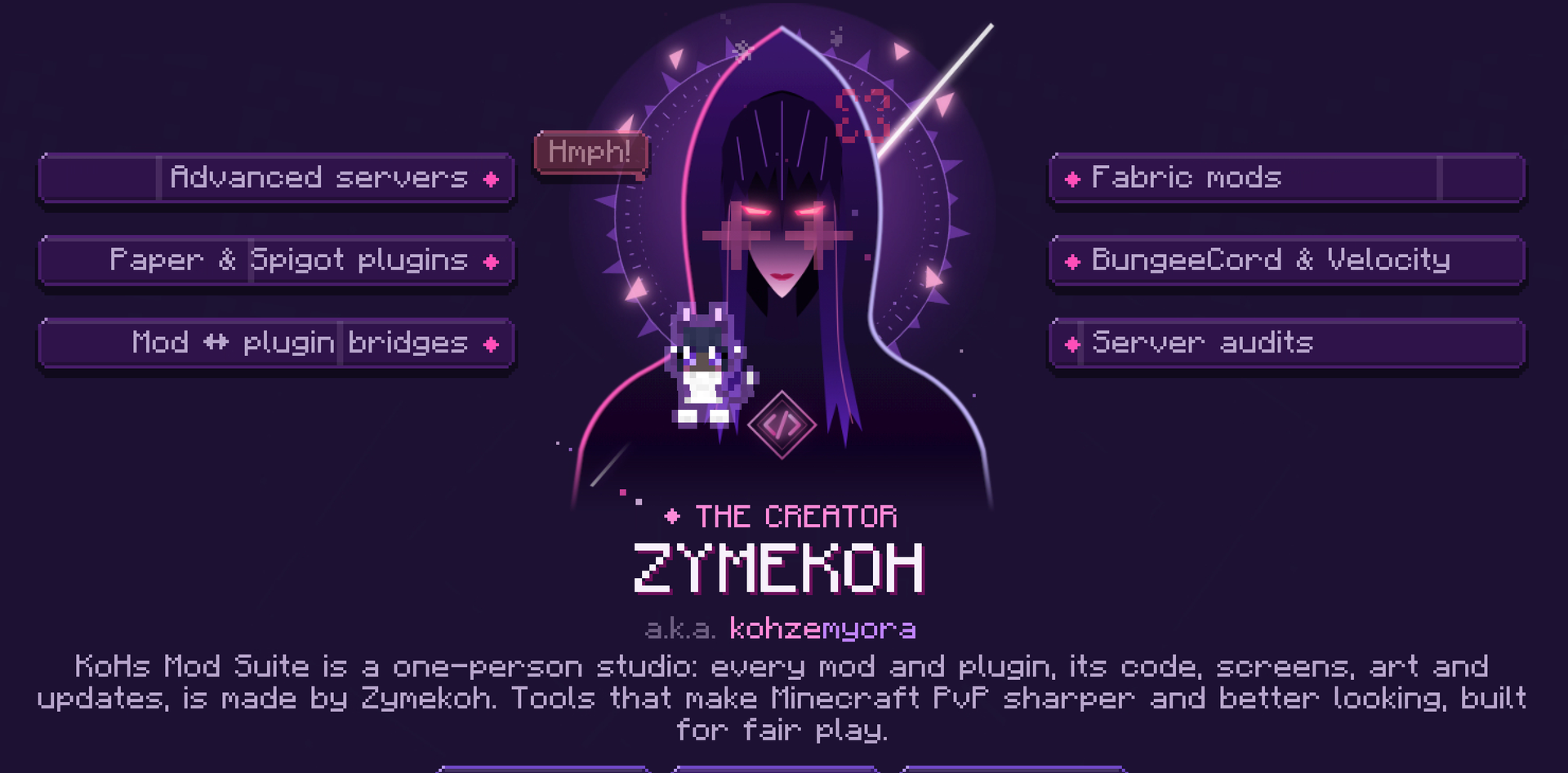
- Zymekoh 吉祥物 — 它会呼吸、眨眼、跟随你的指针并对你的开关做出反应。它只吃不死图腾,这些图腾通过魔法从你的背包预览中获取:你的真实背包永远不会被触碰。收集五个会让它在十分钟内变得圆润沉重。你可以在“Inventory Tweaks”页面关闭它,或其菜单中隐藏它。
- 界面设计 — 深紫玻璃质感、永不静止的动画图标(无论图形或粒子设置如何)、指针下方从不偏移的控制按钮、悬停说明,以及在 GUI 缩放级别 2、3 和 4 下完美适配的页面布局。
- 英语、西班牙语和俄语 — 所有支持的西班牙语地区均使用西班牙语界面,改革前的俄语也有独立版本;其他语言默认回退到英语。
细节一览
Inventory Tweaks
Zymekoh 吉祥物
KoHs 标签页
光标着陆
物品栏外观
物品高亮显示
仅物品栏 GUI 缩放器
玩家可见性
更新日志
每一次更改,按版本列出:GitHub 上的 CHANGELOG.md
如需完整说明、媒体限制、故障排除和配置备份,请阅读 KoHs Inventory Tweaks Wiki。
Support update (September 2026): KoHs Inventory Tweaks now supports Minecraft 1.21.11 and later. The 1.21.10 builds stay downloadable as archived versions but no longer receive fixes or new features.
Your inventory, your rules
KoHs Inventory Tweaks is the client-side successor to KoHs Inv Cursor, maintained for Minecraft 1.21.11, 26.1, 26.1.1, 26.1.2, 26.2, and 26.3. It gives you precise cursor placement, faster and more reliable inventory input, visual customization, item highlighting, and an inventory-only GUI scaler—all through a responsive purple configuration menu, with a little cat to keep you company.
The mod keeps normal Minecraft inventory rules. It does not require installation on the server and does not add automated item transfers or custom inventory packets.
New in 1.4.0
- Next Gen KoHs Inventories — 13 layouts that move your slots around the middle of the screen: Broken, Visor, Vertical, Compact, Ring, Honeycomb, Fan, Hotbar Up, Mirror, Flipped, Wide, Side Hotbar, and Custom, where you drag the hotbar, every slot, your player and your effects wherever you like. Each one has its own Creative version. Behind a warning: some servers may not allow moved slots.
- Your look, everywhere — creative tabs, recipe book tabs, scrollbars, effect panels and item tooltips follow your customized inventory. Minecraft's own buttons can too.
- Hotbar styles — Visor, Ghost, Split or Vertical, with optional movement as you walk and fall, and reactions to totems, hearts and hits.
- Russian — and pre-reform Russian.
- Minecraft 26.3, which moved from GLFW to SDL.
Features
- Cursor Landing — choose where the cursor appears in your inventory, single or double chests, Ender Chests, and barrels. Every container can be individually disabled to keep its Vanilla behavior.
- Center Mouse Fix — places the cursor in a single move right as Minecraft releases the mouse, before your inventory or any container exists. A hand already moving toward a totem or any item is never pulled back.
- Super Fast Inventory — shows the local inventory up to one tick (50 ms) sooner, and waits only when Vanilla would still run something first, such as a pending attack or an item in use. Only the screen is early: what you do in it is handled once that tick has run, in the order a Vanilla client sends.
- Shortcuts follow the pointer — under Super Fast Inventory: F, 1-9, Q and Ctrl+Q act on the slot under your pointer the moment you press them, even right after a fast flick, in your inventory and every Vanilla container.
- Steady inventory — with ping, the slots your clicks just changed keep showing those clicks until the server answers them all; everything else shows the server's word at once. Nothing you send changes.
- Hide recipe book and Leave with movement keys — optional: no recipe book button, and movement keys that close a container.
- Customization — recolor inventory and slot frames, control opacity and world backdrop darkness, or use a cropped image, GIF, or short video background. Tabs, tooltips and buttons can follow it.
- Resource-pack aware — choose the active resource-pack inventory texture or the Vanilla base, then apply KoHs customization above it.
- Item Highlighter — search Vanilla items and configure slot colors, borders, hotbar highlighting, and dynamic hover highlighting.
- GUI Scaler — resize only the player inventory, including its slots, text, items, and character model. Pixel-perfect scale keeps every slot even and sharp.
- Next Gen KoHs Inventories — 13 inventory layouts, each with a Creative version, and a Custom layout you arrange yourself. Hotbar styles with optional movement and reactions.
- Player Visibility — tint and a glowing silhouette for the players you can already see while your inventory is open. Blocks hide both: nothing shows through walls.
- Zymekoh mascot — it breathes, blinks, follows your pointer and reacts to your switches. It only eats Totems of Undying, pulled by magic from your inventory preview: your real inventory is never touched. Five make it round and heavy for ten minutes. Turn it off on the Inventory Tweaks page or hide it from its menu.
- The interface — dark violet glass, animated icons that no graphics or particle setting stills, controls that never shift under your pointer, hover explanations, and pages that fit at GUI scale 2, 3 and 4.
- English, Spanish and Russian — every supported Spanish locale uses the Spanish interface, and pre-reform Russian has its own; other languages fall back to English.
A closer look
Inventory Tweaks
The Zymekoh mascot
KoHs tab
Cursor Landing
Inventory appearance
Item Highlighter
Inventory-only GUI Scaler
Player Visibility
Changelog
Every change, version by version: CHANGELOG.md on GitHub
For complete instructions, media limits, troubleshooting, and configuration backups, read the KoHs Inventory Tweaks Wiki.

下载 KoHs Inventory Tweaks
下载 KoHs Inventory Tweaks
下载 KoHs Inventory Tweaks
下载 KoHs Inventory Tweaks
下载 KoHs Inventory Tweaks
下载 KoHs Inventory Tweaks
下载 KoHs Inventory Tweaks
下载 KoHs Inventory Tweaks
下载 KoHs Inventory Tweaks
下载 KoHs Inventory Tweaks
更新日志:
更新日志:
更新日志:
关于这个资源的讨论、问题反馈与使用心得
还没有讨论,来发第一帖吧
你是这个资源的作者?登录后可认领此资源。
相似资源
 模组

让你能够在世界中的任何位置定位结构。
 模组

TerraFirmaCraft (TFC) 是一个全面转换模组,对生存模式进行了彻底的改造与重新设计。
 模组
一堆修复
 模组

如果游戏能告知重要的刷新点,会怎样?
 模组
一款适用于你选择的加载器的 Minecraft VR 模组!
 模组

为盔甲架添加图形用户界面,允许你配置其姿势和其他属性
评论 0
登录后参与评分
还没有评论,来抢沙发吧