警告 当前的光照算法实现不正确,这会导致一段时间后崩溃。
注意 该模组仍处于 Alpha 测试阶段,请在 问题追踪器 中报告任何问题或功能请求。
Miner Overview
一个简单的 HUD,显示坐标、生物群系、FPS、光照等级等信息。显示物品栏和盔甲中物品的耐久度和堆叠数量。高亮显示可以放置火把和其他光源的方块。
功能
信息概览
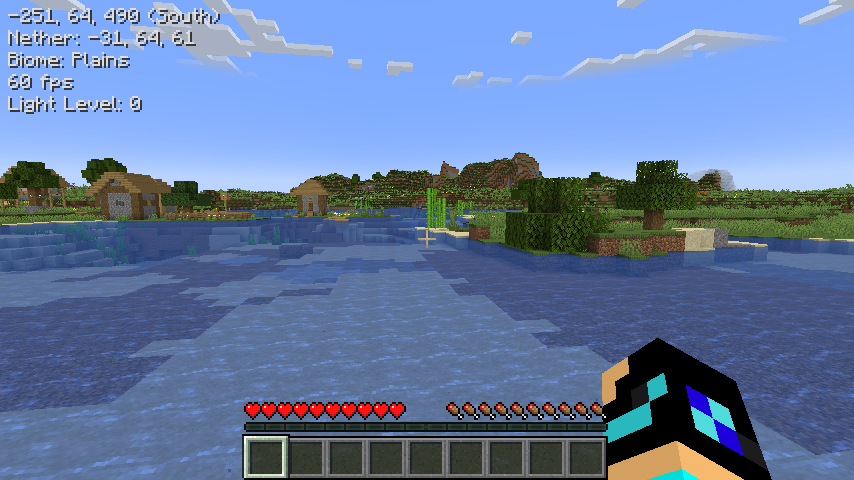
在屏幕左上角显示关于世界的信息。这些信息的可见性可以在模组菜单设置或配置文件中更改。
物品概览
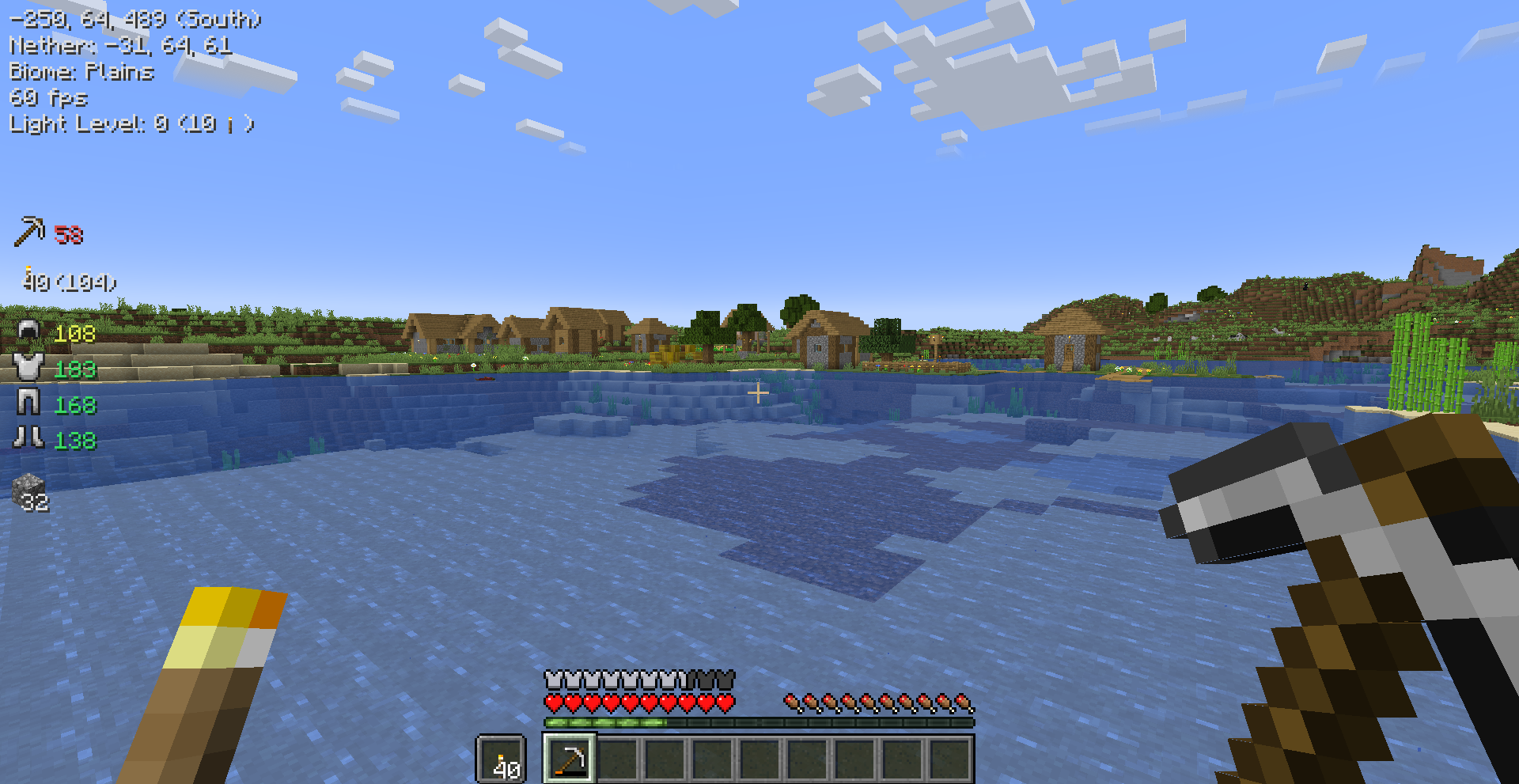
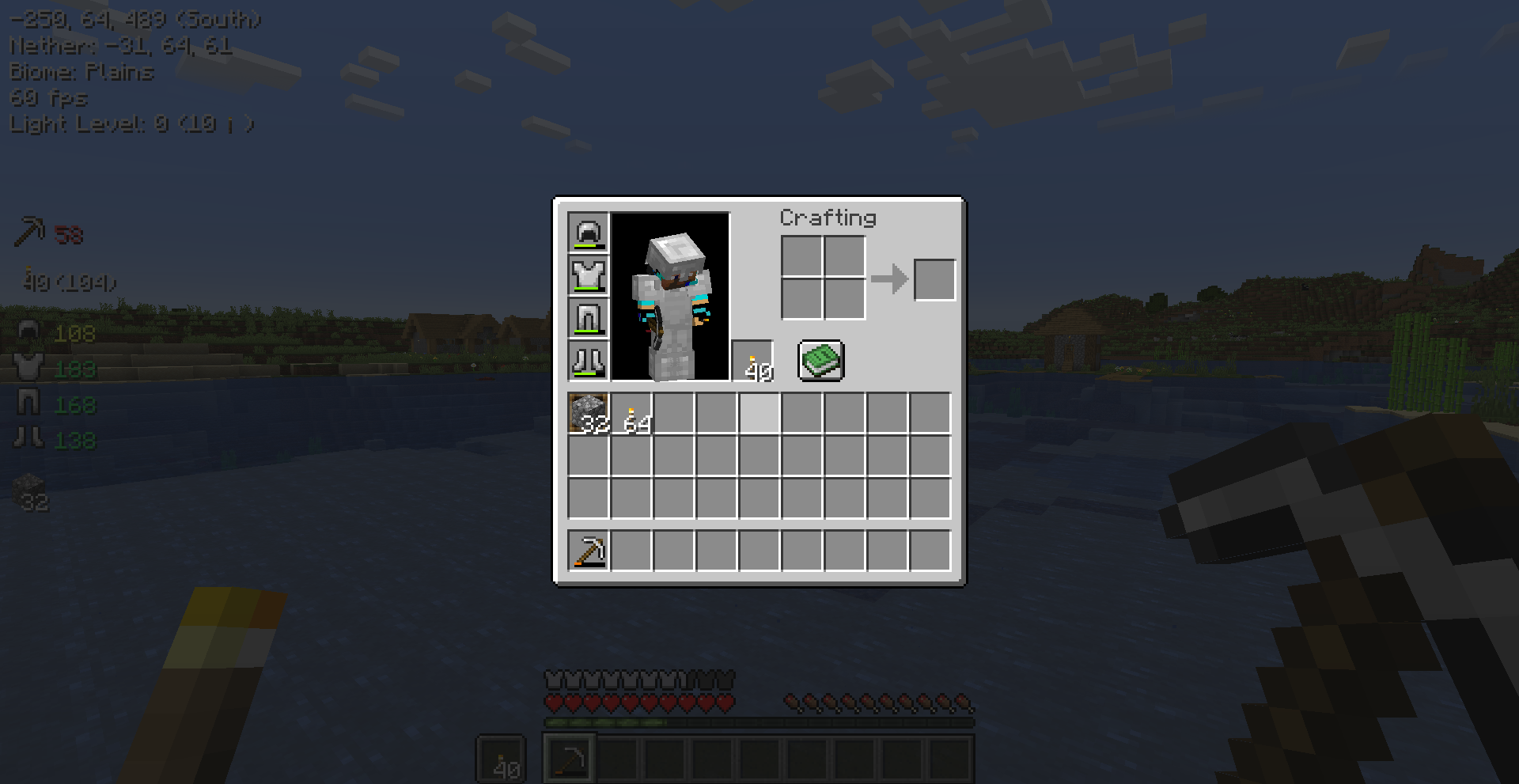
显示物品栏中物品的信息。包括主手、副手、盔甲以及自定义物品栏槽位。可以通过点击槽位并按住切换槽位键来添加或移除槽位。
光照等级
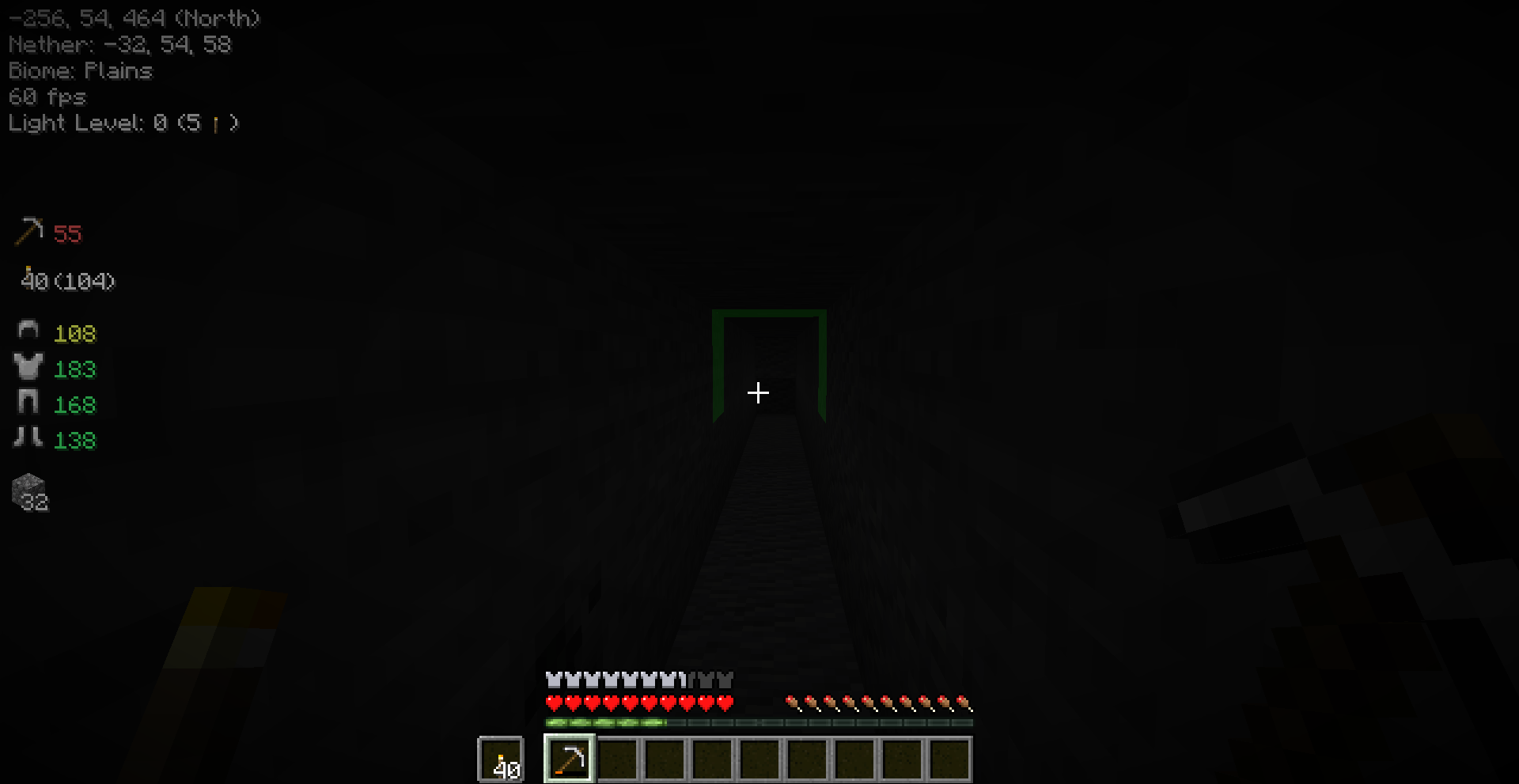
光照等级会显示在信息文本中。您还可以启用“光照距离”功能。启用后,它会在方块和信息文本中高亮显示放置下一个光源的位置。这在竖井挖矿时非常有用,可以确保没有怪物生成。最小光照等级和光源高度可以在设置中更改。
按键绑定
| 名称 |
默认按键 |
描述 |
| 切换概览 |
M |
切换概览 HUD 的可见性。 |
| 切换物品概览槽位 |
LEFT ALT |
添加/移除物品概览槽位时需要按住的按键。 |
您可以在 Minecraft 按键绑定设置中更改所有按键绑定。
WARNING The current light algorithm is not implemented correctly which causes crashes after some time
NOTE The mod is still in alpha please report any issues or feature requests in the issues tracker.
Miner Overview
A simple hud that shows coordinates, biome, fps, lightlevel and more. Shows durability and stack size of items in the inventory and armor. Highlights blocks where to place torches and other light sources.
Features
Info Overview
Shows information about the world on the top left side of the screen. The visibility of these can be changed in the mod menu settings or in the config file.

Item Overview
Shows information about items in the inventory. This includes the mainhand, offhand, armor and custom inventory slots. The slots can by added by clicking on it + holding the toggle slot keybind.

Light Levels
The light levels is shown in the info texts. You can also enable Light Level Distance. When this is enabled it will show highlights on blocks and in the info text where to place the next light source. This is very handy while strip mining to make sure no mobs spawn. The minimum light level and height of the light source can be changed in the settings.

Key Bindings
| Name |
Default Key |
Description |
| Toggle Overview |
M |
Toggles the visibility of the overview hud. |
| Toggle Slot For Item Overview |
LEFT ALT |
The key to hold when adding/removing a slot for the item overview. |
You can change every key binding in the Minecraft key binding settings.
评论 0
登录后参与评分
还没有评论,来抢沙发吧