Simply Quests!

这是我为 Minecraft 版本 26.1+ 开发的一款任务模组(Questing Mod)的测试版发布。我确信其中存在不少漏洞,请随时通过问题追踪器向我反馈遇到的问题。
任务系统!
在背包界面中点击任务书,或按 O 键打开任务窗口。任务书可以拖动到任意位置。
为其他玩家创建任务并奖励他们完成的任务。所有任务都归属于章节(Chapters)。章节可以是独立的,也可以包含在组(Groups)中。
进度推进!
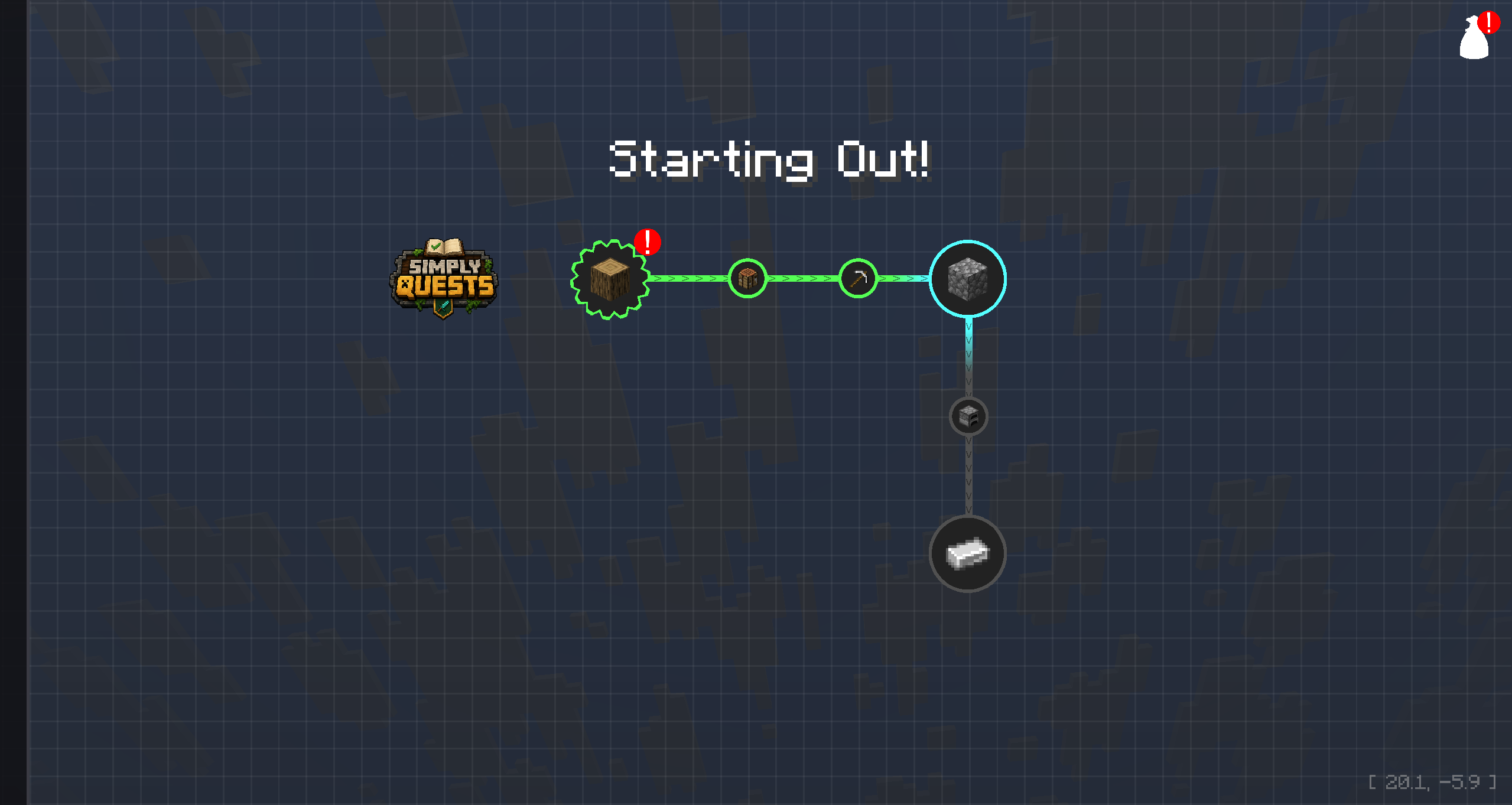
每个任务都可以通过完成前置依赖来解锁,当然,如果你只想创建一个独立存在的任务,那也是完全没问题的。随着你逐步推进任务线,任务和连接线的颜色都会发生变化和更新。
协作功能!
Simply Quests 支持服务器环境。如果你是一个整合包团队的一员,每个人都可以加入服务器并共同完成任务线。当一名玩家开始编辑某个任务时,该任务会被锁定,以防止玩家的修改互相覆盖。更改会实时应用,因此你可以看到其他玩家的改动。
安全保护!
编辑任务的能力是一个两步过程。玩家必须是游戏中的操作员(启用命令),并且必须拥有编辑权限。可以通过输入以下命令来启用编辑权限:
/simplyquests enableEditMode true
自定义选项!
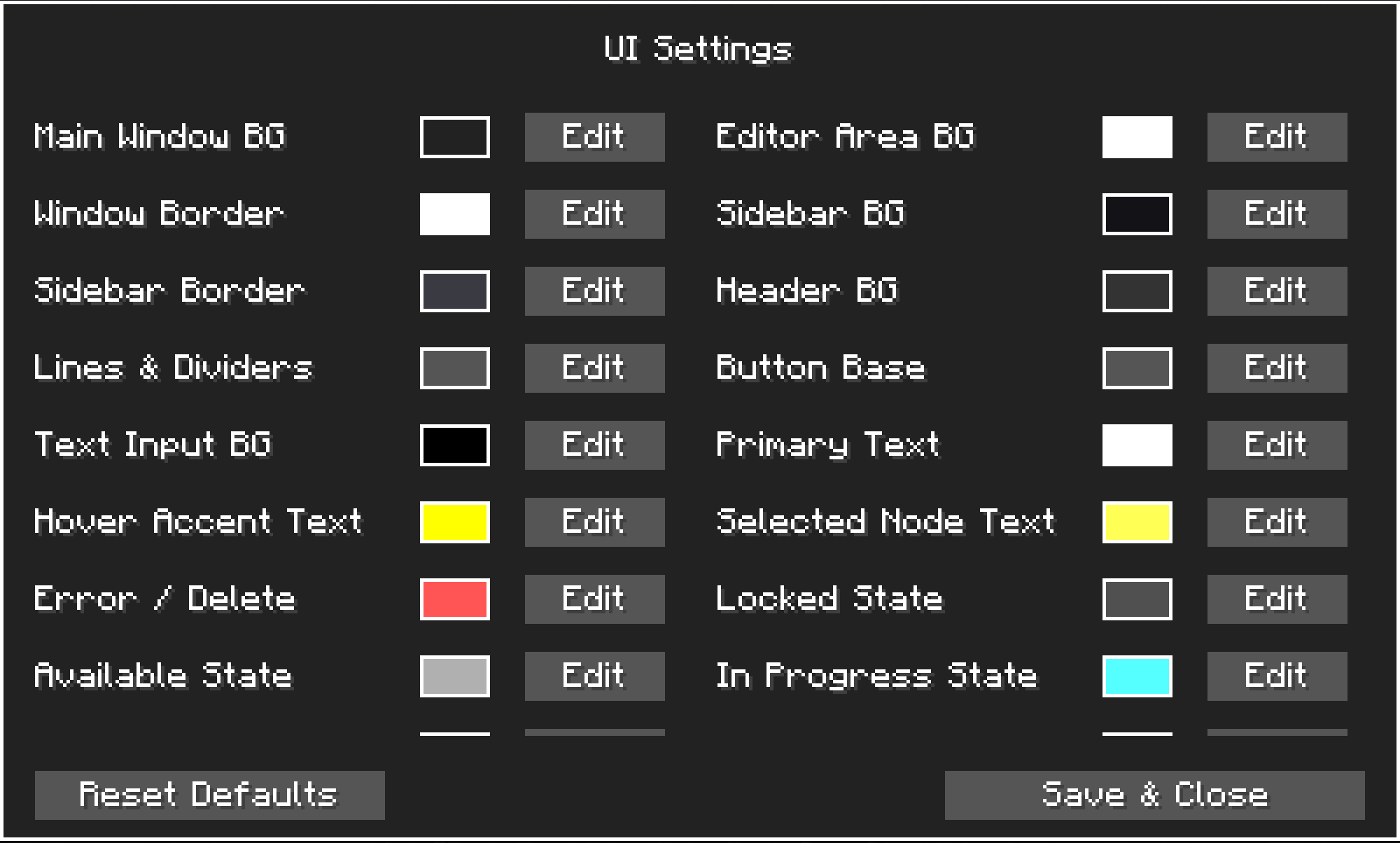
本模组的所有 UI 元素都可以在设置面板中进行自定义,只需点击侧边栏中的齿轮图标即可进入设置面板。
注意:
我不太擅长写描述文案!如果你觉得我遗漏了任何重要信息,请告诉我,我会根据需要做出调整!
Simply Quests!

This is a Beta release for a Questing Mod for Minecraft version 26.1+ that I have been working on. I am sure there are plenty of bugs, please feel free to let me know of issues via the Issue Tracker.
Questing!
Open the quest window by clicking the quest book in your inventory screen or by pressing the O key. The quest book can be dragged to a desired position.
Create Quests for other players to undertake and reward them for completing tasks. All Quests reside in Chapters. Chapters can either be Standalone, or they can be contained within Groups.
Progression!
Every Quest can be unlocked by completing Dependencies, or if you just want a free standing Quest, that is fine too. As you work your way through the Quest Line, the colors change and update for both Quests and the lines that connect to them.
Collaborate!
Simply Quests works in a Server Environment. So if you are part of a Team working on a Modpack, everyone can join a Server and work on Quest Lines together. When a player begins editing a Quest, that Quest gets locked to prevent players from overwriting each others work. Changes apply in real time, so you can see changes from other players as it happens.
Secure!
Ability to Edit Quests is a 2 step process. Players must be an Operator in the game (Commands enabled) and they must have Editing Enabled. Editing can be enabled by typing the following command:
/simplyquests enableEditMode true
Customize!
All of the UI Elements of this mod can be Customized within the Settings panel found by clicking the gear icon in the Side Bar.

Note:
I am not great at writing Descriptions! If you feel that I have missed any important information, please let me know and I will adjust everything as needed!
评论 0
登录后参与评分
还没有评论,来抢沙发吧
