
初始命令入门指南:Minecraft 中的起始命令,以及黑暗镐与黑暗斧。
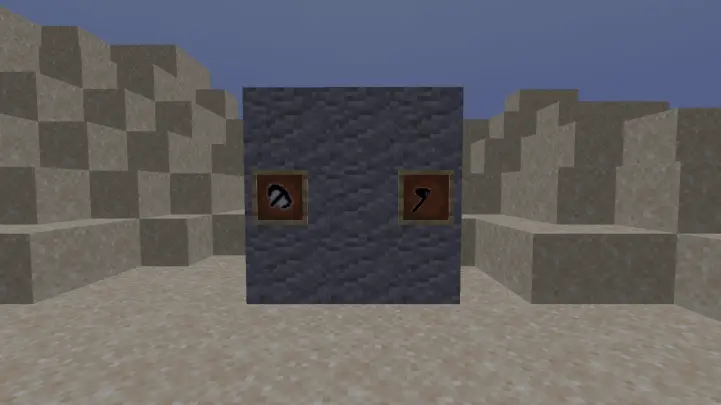
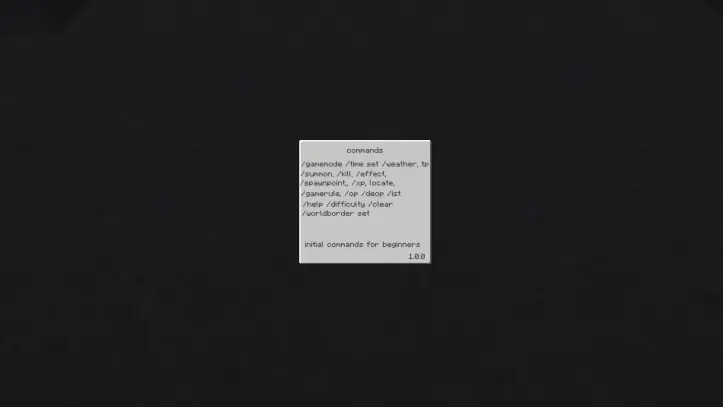
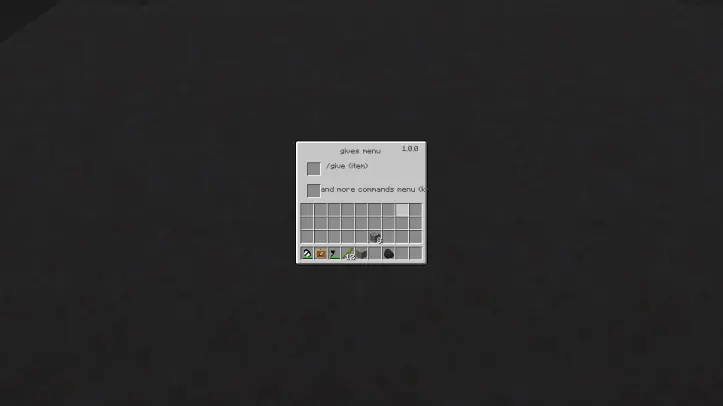
本模组专为刚刚接触 Minecraft 的新手玩家设计。 其目的是让玩家随时查看命令,从而节省时间。 新手启动命令界面 给予模组菜单 1 命令,更多命令的命令菜单 给予模组菜单 - j 命令菜单 - k 为什么我们的模组对新手至关重要?该模组教导新玩家基础命令,因此无需使用第三方程序,玩家即可直接在游戏内查看 Minecraft 中的简单命令。此外,玩家可以快速记忆命令并在游戏中独立输入。
? 安装指南
Start Command 支持多种加载器,但我们推荐使用 Forge 以获得最简单、最轻量的体验。如果您使用的是第三方启动器,它可能具备自动安装加载器的内置功能。一旦安装了加载器,您就可以像其他模组一样,将 Start Command 放入 mods 文件夹中。
? 如何报告问题
请使用页面顶部的 链接至 Discord 来报告错误、崩溃及其他问题。请确保包含您正在使用的模组信息,并附上任何崩溃日志或运行日志文件。

你是这个资源的作者?登录后可认领此资源。
相似资源
 模组

Woot Revived
pharuxtan
一个用于收集生物掉落物的多区块模组。
生物科技
349
 模组
Applied Energistics 2
shartte
AE2:一款流行的自动化与存储模组
存储科技
165
 模组

格雷科技现代版GregTech CEu Modern
serenibyss
基于 GTCEu 1.12.2 的现代 GregTech
装饰科技
129
 模组

探险者指南针Explorer's Compass
Chaosyr
让你能够在世界中的任何位置定位结构。
冒险装备
95
 模组

群峦传说TerraFirmaCraft
eerussianguy
TerraFirmaCraft (TFC) 是一个全面转换模组,对生存模式进行了彻底的改造与重新设计。
冒险玩法机制
87
 模组
Hodgepodge
mitchej123
一堆修复
玩法机制优化
78
评论 0
登录后参与评分
还没有评论,来抢沙发吧