TexTweaks
TexTweaks 是一个模组,提供了多种用于修改纹理及其在 Minecraft 中处理方式的功能。
纹理缩放
运行时放大或缩小纹理,并支持自定义算法(线性/最近邻)。这适用于:
更好的多级渐远纹理
默认情况下,Minecraft 允许你在选项中设置最多 4 级多级渐远纹理。这对于默认的 16x16 纹理来说已经足够。但是,如果你使用的是更高分辨率的资源包,多级渐远纹理将不完整(无法一直下探到 1x1)。这会导致远处纹理的锯齿化程度明显高于正常情况。
简单地强制游戏生成更多层级并不容易,因为所有纹理的尺寸必须大于或等于 2 的多级渐远纹理层级次幂,而大多数高分辨率资源包并未包含所有纹理(包括物品)。然而,通过在在游戏中将所有纹理统一缩放到相同大小,现在可以轻松生成更高层级的多级渐远纹理,无需借助任何图像编辑工具。
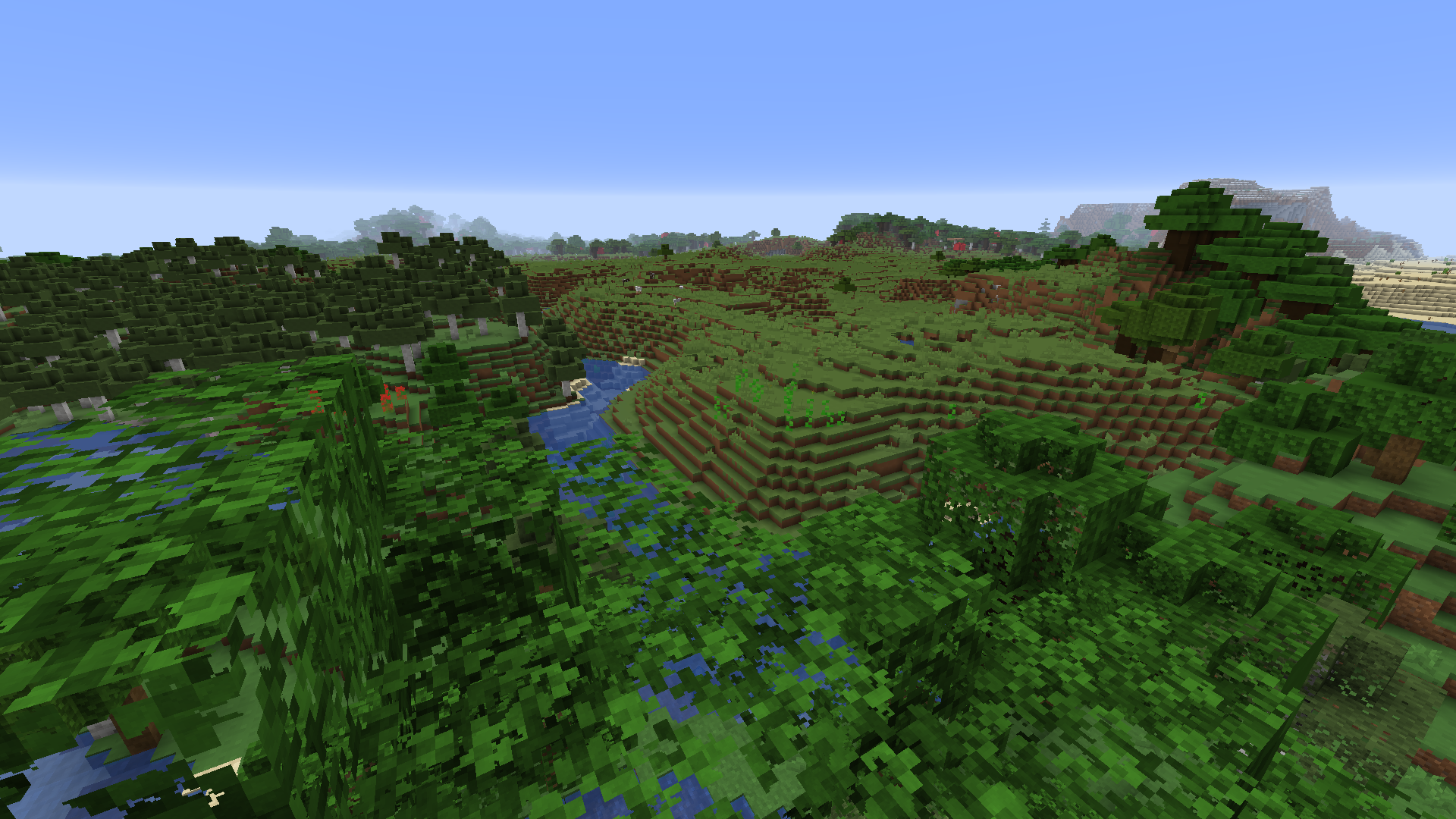
以下是使用 256x 资源包时 4x 多级渐远纹理与 8x 多级渐远纹理的对比:4x 8x(请以原生分辨率查看以确保准确性)
要测试此功能是否生效,请按“显示纹理信息”快捷键(默认未绑定),然后检查 block.png 图集的多级渐远纹理层级。
细节层次偏差 (LOD Bias)
LOD Bias 改变了在使用下一级多级渐远纹理之前的距离。这可用于微调纹理的清晰度和锯齿化效果,或者为 Minecraft 带来独特的视觉效果。
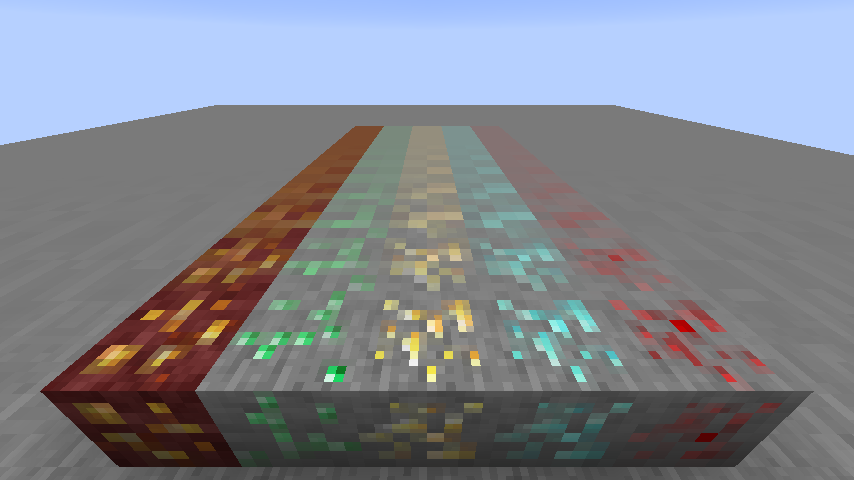
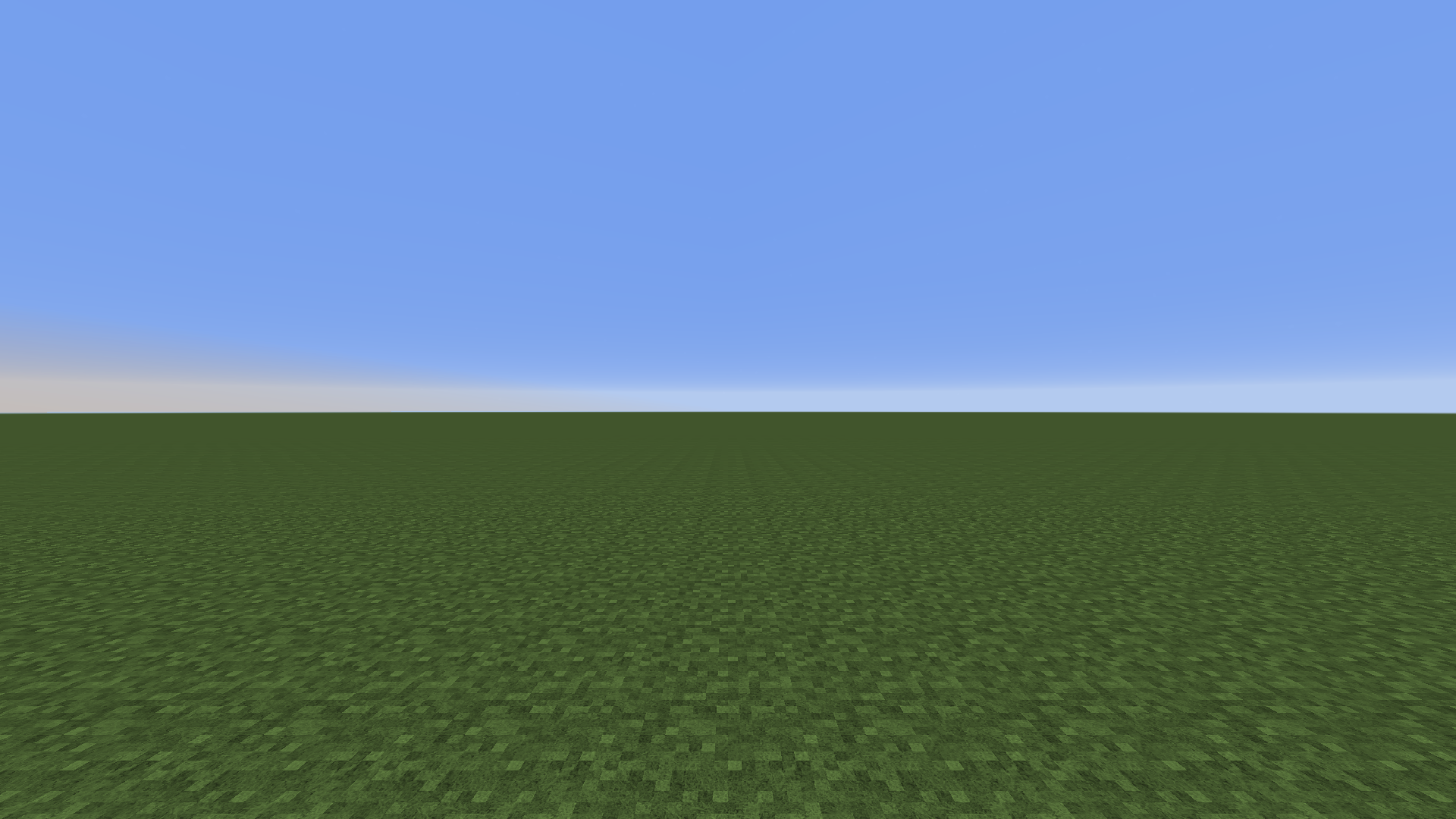
当将 LOD Bias 设置得非常高时会发生以下情况:
兼容性
经测试,TexTweaks 可与 Optifine、Sodium、Iris 和 Canvas 渲染器兼容。至少在主要功能方面未发现冲突。如果你发现了错误或冲突,请向问题追踪器报告。
TexTweaks
TexTweaks is a mod that has various features for modifying textures and how they are handled in Minecraft.
Texture Scaling
Upscale or downscale textures at runtime with customizable algorithm (linear/nearest neighbor). This is useful for:
- Creating complete mipmaps (more about this down below)
- Reducing the hardware requirements of texture packs that are only available at very high resolutions
- Playing Minecraft using 1x1 textures
Better Mipmaps
By default, Minecraft allows you to set mipmap levels up to 4 in the options. This is enough for the default 16x16 textures. But, if you are using a higher resolution texture pack, the mipmaps will not be complete (not going all the way down to 1x1). This causes distant textures to become significantly more aliased than normal.
It's not so easy to just force the game to generate more levels, as it requires all textures to be equal or larger than 2 to the power of the mipmap level, and most high resolution texture packs don't have all textures (including items) done. However, by upscaling all textures to the same size in game, it's now possible to generate higher level mipmaps easily, without bothering with any image tools.
Here is a comparison of 4x mipmapping vs 8x mipmapping using a 256x resource pack: 4x 8x (please view at native resolution for accuracy)
To test if this is working, press the "Show Texture Info" keybind (unbound by default) and check the mipmap level for the block.png atlas.
LOD Bias
LOD Bias changes how far before the next mipmap level is used. This can be used for fine-tuning sharpness and aliasing of the textures, or as a way to give Minecraft an interesting look.
This is what happens when you set LOD Bias very high:
Compatibility
TexTweaks is tested to work with optifine, sodium, iris and canvas renderer. There are no conflicts found so far at least in the main features. If you found a bug or conflict, please report to the issue tracker.


 模组

 模组
 模组

 模组
 模组
 模组

评论 0
登录后参与评分
还没有评论,来抢沙发吧