公告
我不再更新这个整合包了。
我因为社区内的纠纷、与 Minecraft 圈内好友的矛盾,以及 Mojang 缺乏更新或低质量的更新而离开了 Minecraft 社区。我现在在 Roblox 上更活跃,也想投入更大的项目。所以,就这样吧。
再见,Minecraft!
欢迎
你可能想在 VR 中运行 Minecraft。你有头显和软件,但你的电脑没有足够的性能来运行 Steam VR,或者虽然有性能但非常卡顿。
如果你对上述问题回答“是”,那么你可能想使用这个整合包。
面向低端笔记本的 Minecraft VR!
此整合包通过一些优秀的优化模组,帮助那些尚未准备好支持 VR 的笔记本/PC 在 VR 中游玩 Minecraft,从而让你的设备在 VR 模式下运行得更流畅!
设置指南
前置准备
你需要以下几样东西:
安装设置
设置过程简单得像吃蛋糕一样。
在 Modrinth 启动器中找到此整合包并进行安装,这是最简单且最佳的安装方式。
另一种方法是从本页面下载整合包文件,并使用 Modrinth 启动器进行安装。
之后,打开 Steam VR 并运行 Minecraft。
然后只需切换 VR 按钮即可。
就这么简单!
我就说这很简单吧,像吃蛋糕一样。
游戏内表现如何?
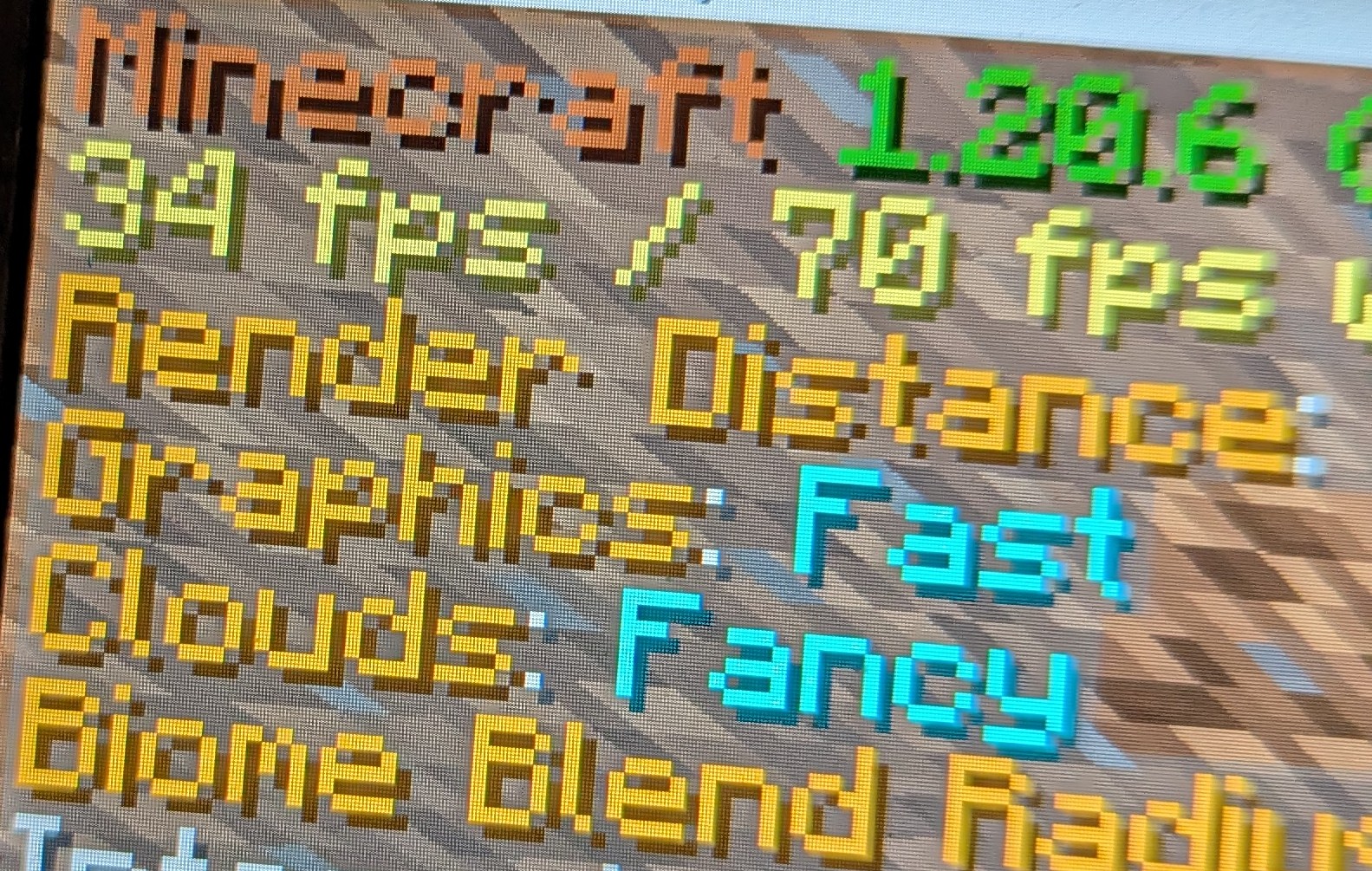
该整合包配合优化模组和配置文件,能够在仅有 12GB RAM 且缺乏 VR 支持的电脑上实现约 30 FPS 的帧率,这对于此类配置来说已经相当不错了。
总体评价
如果你希望在非 VR 就绪或低配电脑上体验 Vivecraft,那么这个整合包是个不错的选择。有几点需要注意:首先,该整合包并非完美无缺,某些电脑根本无法运行它,例如 MacBook 或超低端电脑。此外,你还需要遵循 Vivecraft FAQ 中的一些设置说明。服务器所有者请阅读 此处 以了解 Vivecraft 服务器相关内容。必须安装 Steam VR 才能正常工作 下载地址在这里。请在打开 Steam VR(并将头显戴在头上)的情况下运行 Minecraft,然后按下 VR 按钮。
我还将其设置为多加载器兼容,这样你可以用你最爱的加载器享受此整合包,并在这些加载器中添加你自己的模组 :3
鸣谢
本整合包的图标由 Unfunnymii 制作。
同时也感谢本整合包中使用的所有模组作者允许我将它们收录其中。这对我们意义重大!
Notice
I am no longer updating this modpack.
I left the minecraft community because of drama with the community, drama with my friends who are big the the minecraft space. And mojangs lack of updates/low qulity updates. I am more active in Roblox than minecraft and i also want to work on bigger projects. So yeah
Goodbye minecraft!
Welcome
You may want to run Minecraft in VR. You got the headset the software. But you computer does not have the power to run Steam VR. Or it does but it is very laggy.
If you said yes to those questions then you may want to use this modpack
Minecraft VR for bad laptops!
This Mod Pack helps laptops/PCs that are not VR ready be able to play Minecraft in VR using some very good optimization mods that is going to help your laptop/PC run better in VR!
How to setup
Pre-setup
You would need a few things.
- A launcher that can read
.mrpack (I recomend using Prism Launcher but any launcher works!)
- And a copy of Steam VR
Setup
Setting up is easy as cake.
find this modpack in the modrinth laucher and install it really simple and the best way to install it.
A another way is to download the modpack file from this page and install it with the modrith laucher.
After that. open Steam VR and run Minecraft.
Then just toggle the VR button
That's it!
told ya it's easy as cake
How is it in game?
The modpack with the optimization mods and configs is able to get around 30 FPS in VR which is really good for a computer with only 12GB of RAM and a lack of VR support

Overall
This modpack is good if you are looking for a way to play Vivecraft on a non-VR ready or low end computer. There are a few things to note one is that the modpack is not perfect and some computer can't run this at all like MacBooks or super super low end computer. And also you would to have to follow some setup from Vivecraft FAQ. FOR SERVER OWNER PLEASE READ THIS FOR VIVECRAFT SERVER STUFF. And Steam VR is needed for it to work it can be found here. Run Minecraft with Steam VR open (and headset on your head) and press on the VR button.
I also made it mult-loader so you can enjoy this modpack in your favitore loader and have your own mods in those said loaders :3
Credits
The icon for this modpack was made by Unfunnymii
Also thanks to the mods used in this modpack for letting me put them in here. It means a lot!
评论 0
登录后参与评分
还没有评论,来抢沙发吧