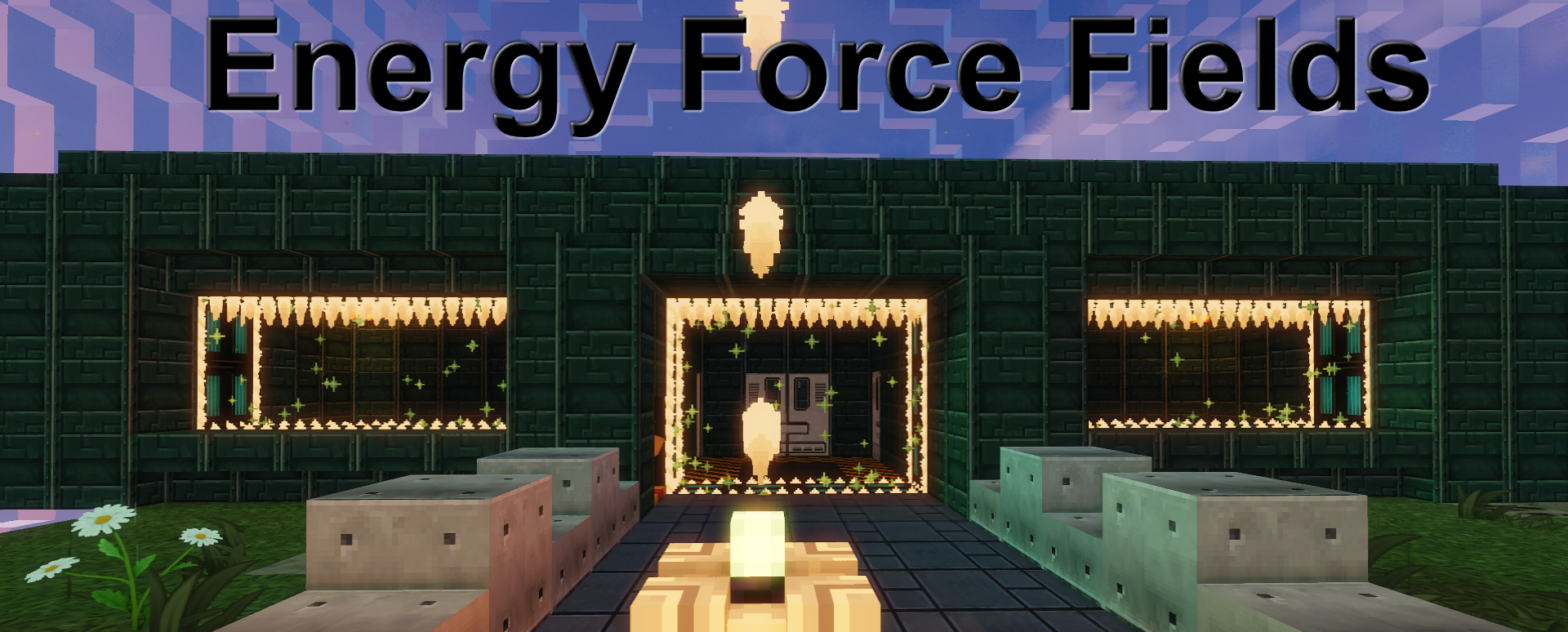
描述:
一个 Paper 插件,通过 GUI 控制的能量力场来保护任何门口、墙壁缺口或区域(便携式发电机)。激活后,它会变成一道实体屏障。
如何设置您自己的力场(门):
如果您拥有相应权限,可以使用 /eff_tools 打开便捷工具 GUI。在该 GUI 中,您将找到 5 种物品(闪电棒:“力场创建工具(用于门)”;信标:“力场发电机(用于球形力场风格)”;末影水晶:“遥控器”;玩家的书:“力场与发电机列表”;管理员书 2:“世界中所有力场与发电机的列表”),您可以将它们拖入背包以供后续使用。
闪电棒:(力场创建工具)
 使用闪电棒:选择两个相互垂直的位置(一个在左下角,一个在右上角)。成功操作后,您将收到 2 个讲台(力场讲台)以控制和编辑该力场。将它们放置在您希望的任何位置(通常放在力场的两侧各一个)。
力场发电机:(自定义信标)
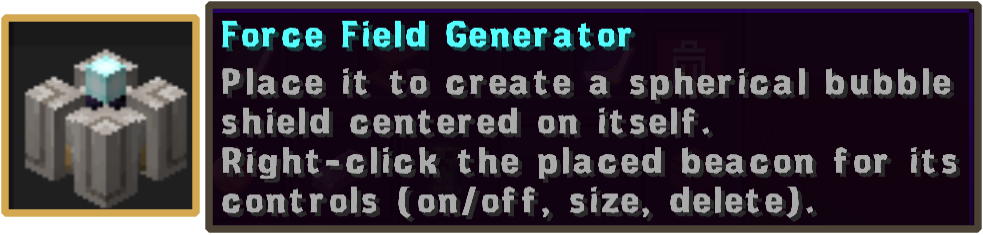 力场发电机可用于保护有限区域。每位玩家只能拥有 2 个发电机。发电机可以单独或同时使用,以扩展第一个发电机的覆盖范围。放置 F.F. 发电机后,右键单击它以打开当前发电机的菜单,其中包含以下选项。
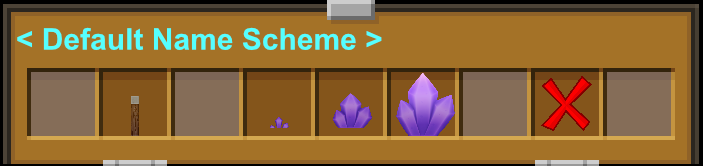 开/关、字段大小选择器(提供三种选项,默认半径为 25、50、75,可在 config.yml 文件中完全自定义),以及删除发电机。
- 请注意,每位玩家最多可拥有 2 个 F.F. 发电机。
- 删除发电机后,它将无法被拾取。
遥控器:
 遥控器可以在面对力场或发电机方向的情况下,控制您拥有的范围内 10 格内的力场和发电机。
玩家之书:
 这本书将包含您所有的力场和发电机。
管理员之书:
 这本书是给管理员使用的,它将包含世界中所有的力场和发电机。
命令与权限:
当前的命令和权限可在 GitHub 上的 wiki 页面或 config.yml 配置文件中找到。
Description:
A Paper plugin that protect any doorway, wall in gap, or area (portable generator) with an Energy Force Field, controlled through a GUI. Raise it and it becomes a solid barrier.
How to setup your own Force Field (Doors):
If you have the permission then you can use /eff_tools to open up the convenient tools GUI. In this GUI you will find 5 items (Lighting Rod: "Force Field Creator Tool (for doors)"; Beacon: "Force Field Generator (for a sphere style FF)", Ender Crystal: "Remote control ", player Book: "List of force field & Generators" Admin Book 2: "List of all force field & Generators in the world "), that you can drag to your inventory for further use.
Lighting Rod: (Force Field Creator Tool)
Using the Lighting Rod: Chose two positions perpendicular to each other (one a the bottom left corner and one at the top right corner) by left clicking Once successful you will be given 2 lecterns (Force Field lectern) to control and edit the force field. Place them where ever you wish (typically one on each side of your force field).
-
Please note that the maximum size of a Force Field is set to 5000 blocks
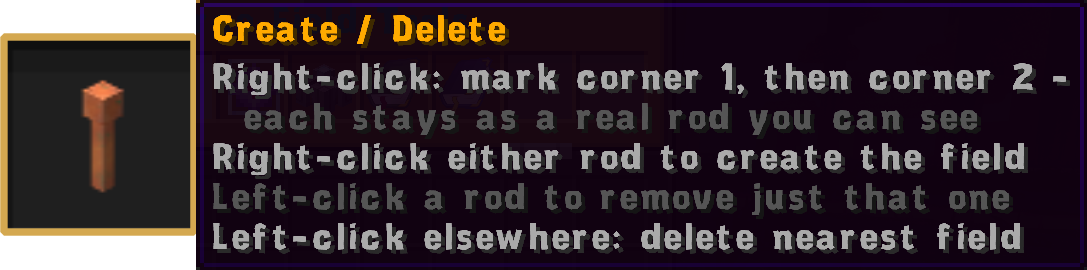 Upon placing force field lectern right-click to toggle on/off or double left-click to open Force Field lectern menu with the following options.
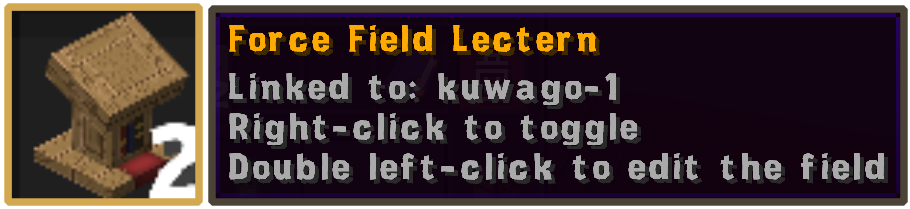 Rename Force Field, Change ownership, Location of the said Force Field, Set Public/Private (default), Back up on/off, Get replacement lecterns, Delete Force Field and Remove current lectern.
Force Field Generator: (Custom Beacon)
Force Field Generator can be use to protect a limited area. Players may own only 2 Generator. Generators can be use separately or concurrently to extend the size of the first one. Upon placing the F. F. Generator right-click it to open the menu for the current generator with the following options.
on/off, field size selector three option are available default size are 25, 50, 75 radius (fully customizable in the config.yml file), and delete generator
*Please note that the maximum of 2 F. F. Generator can be own by a player
- Upon deletion the generator will not be pick-able.
Remote:
The Remote can control both the Force field and Generators you own within 10 block radius wile facing in the direction of the force field or generator.
Player Book:
This book will contain all your Force Fields and generators
Admin Book:
This book is for admins it will contain all Force Fields and generators in the world
Commands & Permission:
Current Commands and Permissions can be found on the wiki on github or in the config.yml


 插件

 插件
 插件
 插件
 插件
 插件
评论 0
登录后参与评分
还没有评论,来抢沙发吧