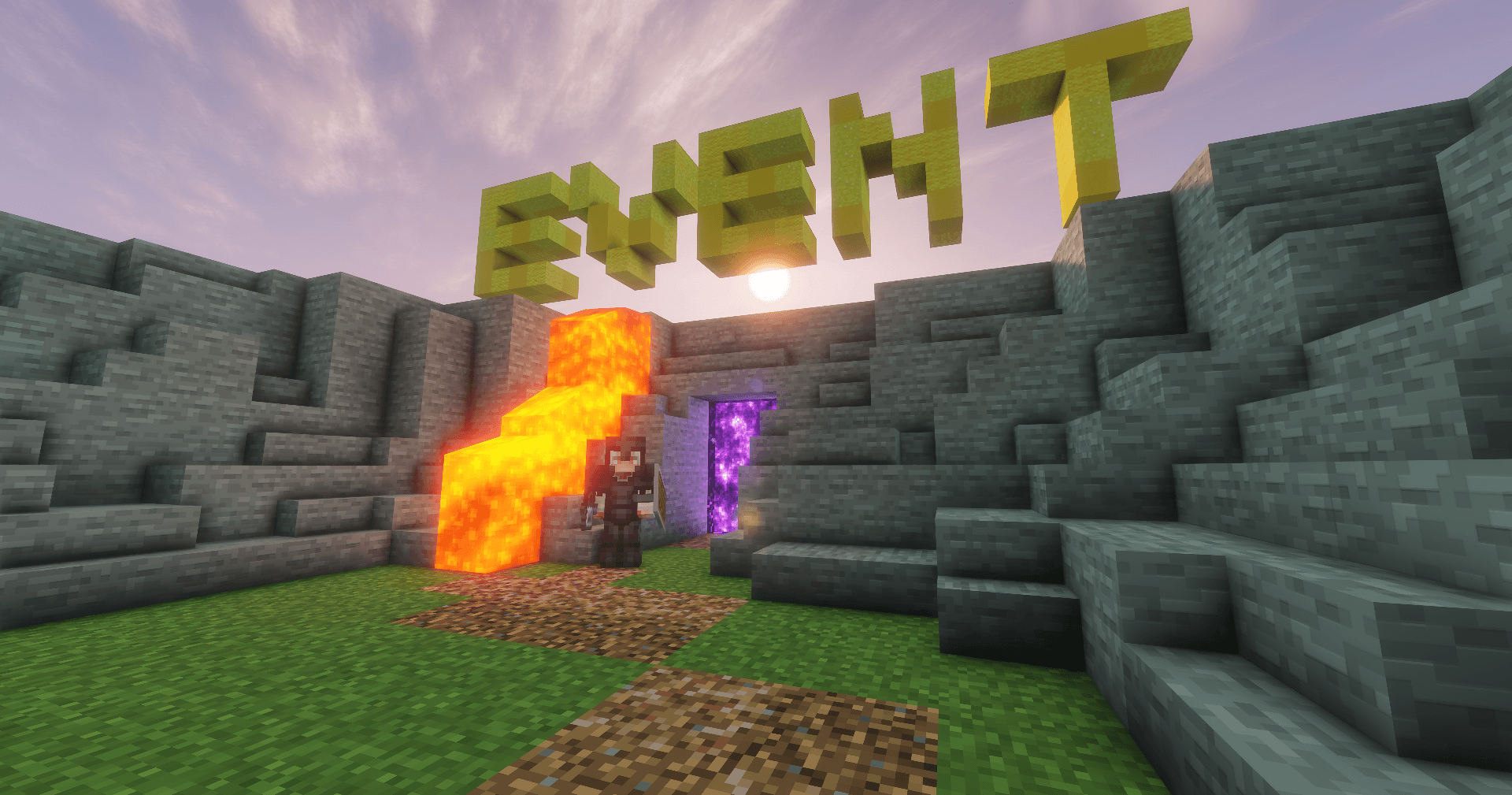
Event 插件
Event Plugin 是一款允许你在 Minecraft 服务器上举办活动的插件。它包含库存保存、玩家还原、参与人数限制、黑名单管理以及限制玩家仅能加入一次活动等功能。该插件将持续更新,新增功能、改进和错误修复。
插件指令
玩家指令
/event — 加入活动。
/event confirm — 确认传送,无需点击聊天消息。
管理员指令
/event admin(快捷方式:/ea)
活动管理
/ea set — 开始一场活动。
/ea set <time> — 设置加入倒计时后开始活动。
示例:
/ea set 0
0 = 玩家可以无限期加入。- 其他任何数字 = 玩家可加入的时间(以分钟为单位)。
/ea set <time> <message> — 使用自定义公告开始活动。
示例:
/ea set 0 Welcome to the event!
该消息将在聊天中显示。
玩家管理
/ea kick <player> — 将玩家从活动中移除,并禁止其重新加入。
/ea close — 关闭活动,不再允许更多玩家加入。
/ea end — 结束活动,并将所有参与者传送回之前的位置。
/ea maxplayers <number> — 设置活动参与者的最大数量。使用 0 禁用此限制。
黑名单
/ea blacklist add <player> <reason> — 永久拉黑一名玩家。如果该玩家当前正在参加活动,他们将被立即移除,返回原始位置,并恢复其库存和经验值。
/ea blacklist tempadd <player> <time> <reason> — 临时拉黑一名玩家。支持的时间格式:30m、2h、1d。
/ea blacklist remove <player> — 从黑名单中移除一名玩家。
插件设置
/ea toggle — 打开插件设置菜单。
/ea toggle inv — 启用或禁用库存和经验值保存。
/ea toggle once — 启用或禁用“仅能加入一次”功能。
/ea toggle title — 启用或禁用屏幕大字标题公告。
/ea toggle sound — 启用或禁用活动音效。
功能特性
- 自动将玩家传送到活动地点。
- 玩家可使用
/event confirm 确认传送。
- 可选的库存和经验值保存功能。
- 在传送前保存玩家的位置。
- 活动结束后或玩家死亡时,自动将其送回保存的位置。
- 可选的“仅能加入一次”模式。
- 可配置的活动加入倒计时。
- 可配置的最大玩家数量限制。
- 自定义活动公告。
- 内置永久和临时黑名单系统。
- 即时从活跃活动中移除被拉黑的玩家,同时自动恢复其库存、经验和之前位置。
- 可选的屏幕大字标题公告。
- 可选的活动开始和结束音效。
- 标题和音效拥有独立的配置开关。
- 支持英语和俄语两种语言。通过在配置文件中设置
language: en 或 language: ru 来更改插件语言。
更新日志
版本 1.1
新增
- 添加了可配置的活动最大玩家数量限制。
- 添加了
/ea maxplayers <number> 用于管理参与人数限制。
- 添加了在活动进行中即时移除被拉黑玩家的功能。他们的库存、经验和之前位置会自动恢复,并且黑名单原因会在聊天中显示。
- 添加了配置选项
enable-title 和 enable-sound。
- 添加了
/ea toggle title 用于快速启用或禁用标题公告。
- 添加了
/ea toggle sound 用于快速启用或禁用活动音效。
修复
- 将所有插件音效的音量降低至舒适水平(
0.4f)。
- 完全修复了本地化路由问题。英语和俄语翻译现已完全分离,所有消息均正确跟随所选语言。
Event Plugin
Event Plugin is a plugin that allows you to host events on your Minecraft server. It includes features such as inventory saving, player restoration, participant limits, blacklist management, and the ability to allow players to join an event only once. The plugin will continue to receive updates with new features, improvements, and bug fixes.
Plugin Commands
Commands for Players
/event — Join the event.
/event confirm — Confirm the teleport without clicking the chat message.
Admin Commands
/event admin (shortcut: /ea)
Event Management
/ea set — Start an event.
/ea set <time> — Start an event with a join timer.
Example:
/ea set 0
0 = players can join forever.- Any other number = time (in minutes) during which players can join.
/ea set <time> <message> — Start an event with a custom announcement.
Example:
/ea set 0 Welcome to the event!
The message will be displayed in the chat.
Player Management
/ea kick <player> — Remove a player from the event without allowing them to rejoin.
/ea close — Close the event so no more players can join.
/ea end — End the event and teleport all participants back to their previous locations.
/ea maxplayers <number> — Set the maximum number of event participants. Use 0 to disable the limit.
Blacklist
/ea blacklist add <player> <reason> — Permanently blacklist a player. If the player is currently participating in the event, they will be removed immediately, returned to their original location, and their inventory and experience will be restored.
/ea blacklist tempadd <player> <time> <reason> — Temporarily blacklist a player. Supported time formats: 30m, 2h, 1d.
/ea blacklist remove <player> — Remove a player from the blacklist.
Plugin Settings
/ea toggle — Open the plugin settings menu.
/ea toggle inv — Enable or disable inventory and experience saving.
/ea toggle once — Enable or disable the "Join Only Once" feature.
/ea toggle title — Enable or disable large on-screen title announcements.
/ea toggle sound — Enable or disable event sound effects.
Features
- Automatic player teleportation to the event.
- Players can confirm teleportation using
/event confirm.
- Optional inventory and experience saving.
- Saves the player's location before teleporting.
- Automatically returns players to their saved location when the event ends or after they die.
- Optional "Join Only Once" mode.
- Configurable event join timer.
- Configurable maximum player limit.
- Custom event announcements.
- Built-in permanent and temporary blacklist system.
- Instantly removes blacklisted players from active events while restoring their inventory, experience, and previous location.
- Optional on-screen Title announcements.
- Optional sound effects for event start and end.
- Independent configuration toggles for Titles and Sounds.
- Supports both English and Russian languages. Change the plugin language in the configuration file by setting
language: en or language: ru.
Changelog
Version 1.1
New
- Added a configurable maximum player limit for events.
- Added
/ea maxplayers <number> to manage the participant limit.
- Added instant removal of players who are blacklisted during an active event. Their inventory, experience, and previous location are restored automatically, and the blacklist reason is displayed in chat.
- Added configuration options
enable-title and enable-sound.
- Added
/ea toggle title to quickly enable or disable Title announcements.
- Added
/ea toggle sound to quickly enable or disable event sound effects.
Fixed
- Reduced the volume of all plugin sound effects to a comfortable level (
0.4f).
- Completely fixed localization routing. English and Russian translations are now fully separated, and all messages correctly follow the selected language.


 插件

 插件
 插件
 插件
 插件
 插件
评论 0
登录后参与评分
还没有评论,来抢沙发吧