
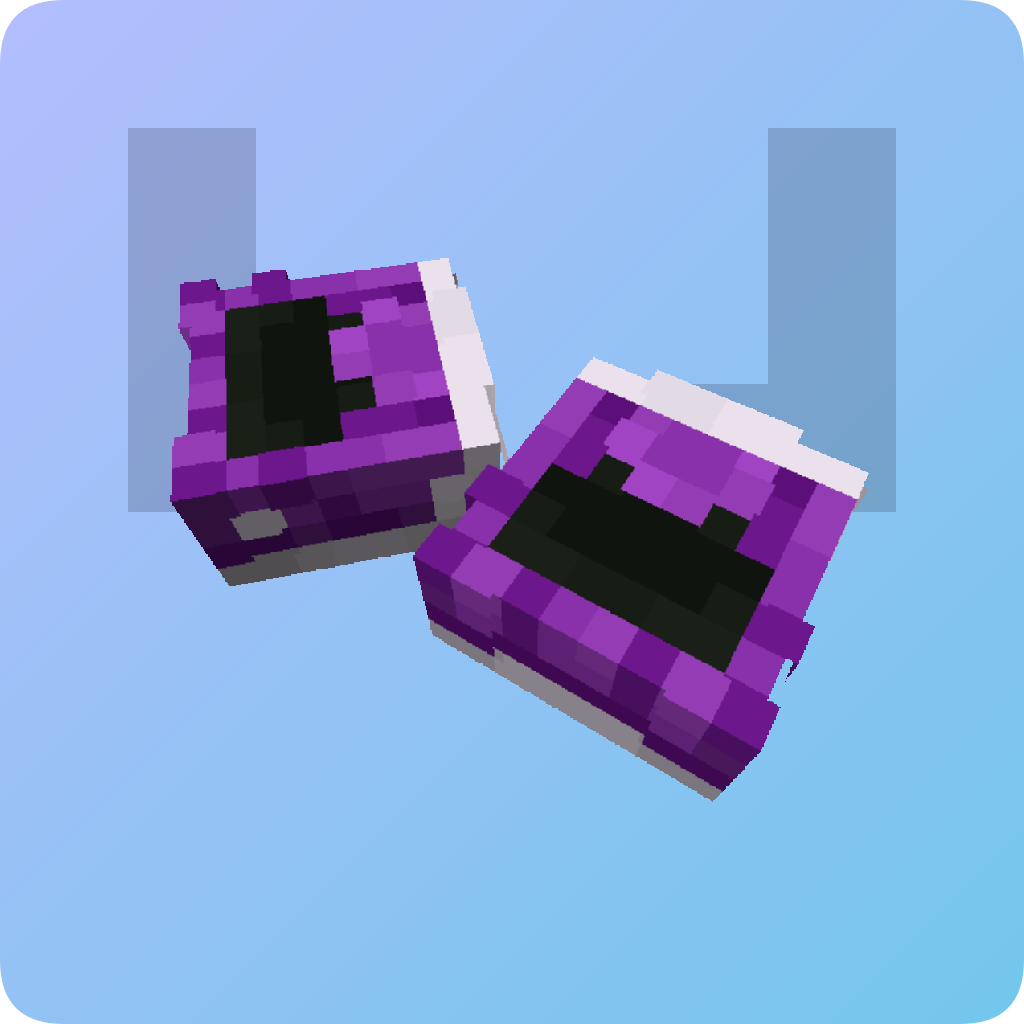
headmate
前所未有的方式调整、旋转和自定义 Minecraft 玩家头颅!这是一个 PaperMC 插件。此插件需要另一个插件(或其他方法)来获取带有皮肤的玩家头颅才能正常工作。
请参阅画廊标签页查看图片。
控制说明
headmate 使用 Breeze Rod 作为其法杖物品。
要创建你的第一个合并头颅,请在副手持有玩家头颅,在主手持有法杖,然后点击你想放置它的位置的方块。如果你希望将其放置在方块内部,请按住潜行键并点击一个方块。此时你将进入编辑器模式。
编辑器模式具有屏幕上的操作提示。在编辑器模式下,你可以移动、旋转和缩放头颅。按移动键水平移动,或按跳跃/疾跑键垂直移动。按潜行键进入变换模式。在变换模式中,你可以旋转和缩放头颅。按前进/后退键进行缩放,按左/右键进行旋转。按潜行键切换回移动模式。若要保存更改,请按住潜行键约一秒。
你可以通过重复创建第一个头颅的操作,将更多的头颅添加到同一个方块中(这也是它被称为“合并头颅”的原因)。
要编辑之前放置的头颅,请空手并用右击法杖点击该头颅,或者按住 Shift 点击方块以查看该方块内所有头颅的列表。你可以从该列表中编辑或删除头颅。你也可以通过手持法杖和熔岩桶左击来删除该方块中的所有头颅。
若要更改头颅方块的碰撞箱,请在手持法杖时按下左击。这将在穿透模式和实心方块之间切换。你还可以通过在穿透模式下直接放置自定义方块来添加它们。
headmate
Resize, rotate and customize Minecraft heads more than ever before! A PaperMC plugin. This requires another plugin (or method) to obtain skinned player heads to work properly.
See the gallery tab for images.
Controls
headmate uses a Breeze Rod as its wand item.
To create your first merged head, hold a player head in your offhand and the wand in your main hand, then click the block you want to place it on. If you wish to place it inside, hold the Sneak key and click a block. You will now enter editor mode.
Editor mode features on-screen instructions. In editor mode, you can move, rotate and scale the head. Press movement keys to move horizontally, or Jump/Sprint to move vertically. Press Sneak to enter transform mode. In transform mode, you can rotate and scale the head. Press Forward/Backward to scale, Left/Right to rotate. Press Sneak to toggle back to move. To save the change, hold Sneak for a second.
You can add more heads (this is why it's called merged heads!) to the same block by doing the same thing you did to create the first head.
To edit a head you placed earlier, hold nothing and click the head with the wand, or shift-click the block to see a list of all the heads in the block. You can edit or delete heads from this list. You can alternatively delete all heads in the block by Left-clicking with the wand and a Lava Bucket.
To change the hitbox of the head block, press Left Click while holding the wand. This will toggle between a pass-through and a solid block. You can also add a custom block by simply placing it while in pass-through mode.

下载 headmate
下载 headmate
下载 headmate
下载 headmate
下载 headmate
下载 headmate
下载 headmate
下载 headmate
下载 headmate
下载 headmate
自 v2.2.0 版本以来的更改
- 修复了各种 Blockcasting 错误
在 GitHub 上查看:
关于这个资源的讨论、问题反馈与使用心得
还没有讨论,来发第一帖吧
你是这个资源的作者?登录后可认领此资源。
相似资源
 插件

PacketEvents 是一款专为 Minecraft Java 版打造的协议库,旨在简化数据包的处理与传输。
 插件
ExyliaPlugins 的库。
 插件
通过对话框或铁砧界面帮助你的 Anthme
 插件
自定义你的Minecraft头像!
 插件
重新定义服务器上的生物运输方式。使用高度可定制的口袋道具,安全地捕获、存储和释放任何实体。
 插件
为基于 Spigot/Paper/Folia 的服务器添加对 Vivecraft 的支持
评论 0
登录后参与评分
还没有评论,来抢沙发吧