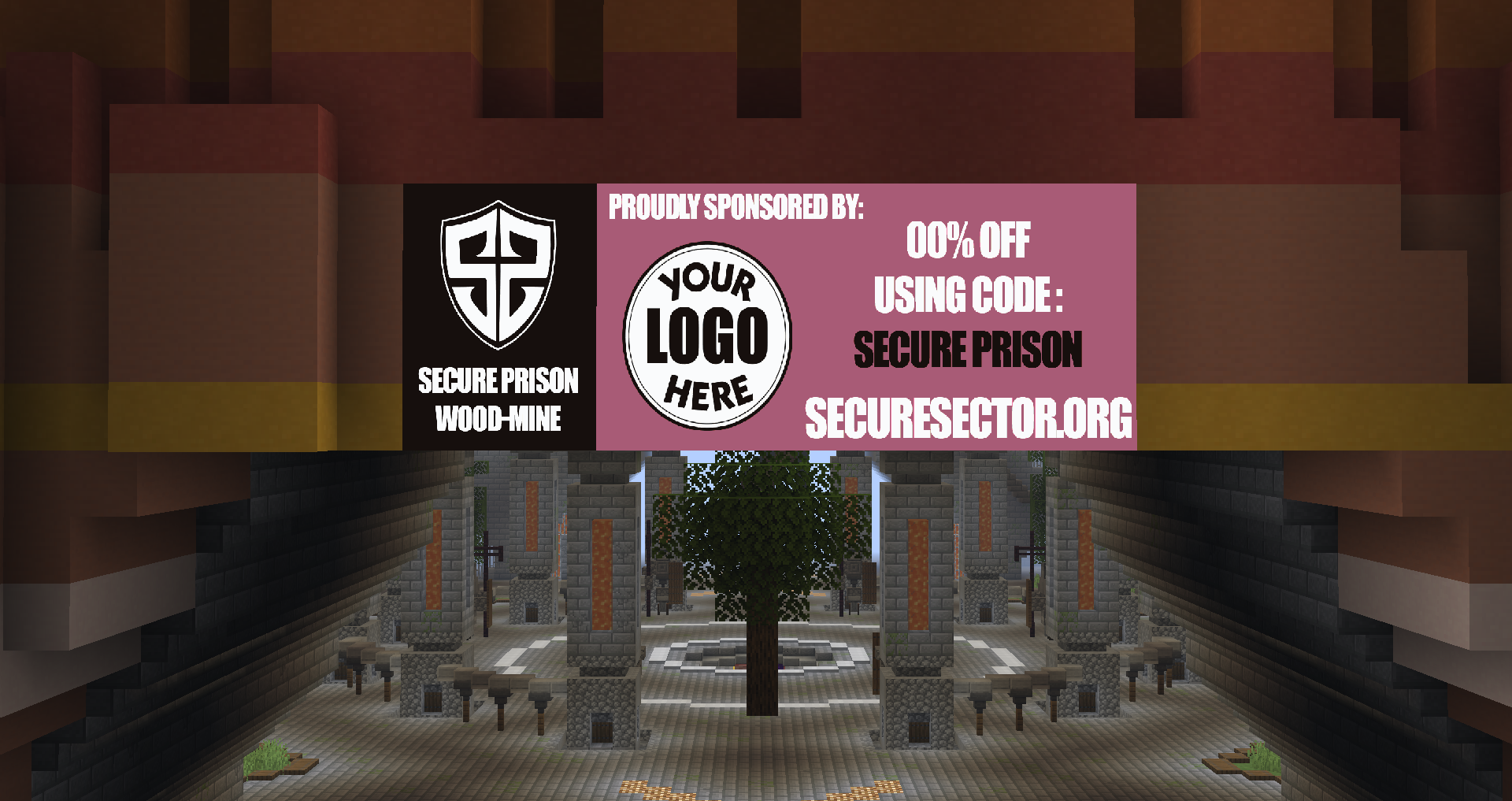
Image-To-Painting

Image-To-Painting 让你能够将任何图片(来自文件或 URL)通过游戏内的地图转化为完全渲染的 Minecraft 画作。无论你是想展示像素艺术、标志还是服务器赞助者,这个插件都让这一切变得简单、可定制且无卡顿。
在我服务器的体验中先睹为快: Play.SecureSector.org
请勿使用评论来获取支持!
✔️ 获取支持
✨ 特性
图片上传 — 支持任意有效的在线图片 URL
经济系统支持 — 可为地图添加成本并自定义货币名称。
多地图支持 — 自动将大尺寸图片分割成多个地图图块,以确保完美细节。
背包溢出处理 — 如果背包已满,地图会安全地掉落至你的脚下。
高性能 — 优化渲染过程,对服务器影响极小。
简易命令 — 易于学习和使用,即使是新手玩家也能轻松上手。
自定义地图 ID — 保持你的艺术作品井然有序且可重复利用。
权限节点 — 完全控制谁可以给予、粘贴和删除画作。
⚙️ 命令
/itp
/itp list
/itp help
/itp place <id>
/itp delete <id>
/itp rebuild <id>
/itp give <id> <Full>
/itp give <id> <Width> <Height>
/itp render <URL/File> <Width> <Height> <Fit|Fill>
/itp frame <id> <North|East|South|West> <Width> <Height> <Distance>
/itp reload
⌨️ 权限
imagetopainting.list
imagetopainting.place
imagetopainting.delete
imagetopainting.rebuild
imagetopainting.give
imagetopainting.render
imagetopainting.frame
imagetopainting.economy.bypass
?️ 配置选项
启用/禁用每幅画作的价格
能够更改每张地图的价格和货币名称
图像类型质量选项包括:
抖动 - 插值 - 多步骤 - 锐化
可自定义的最大宽度和高度
? 使用方法
服务器艺术品展示
小游戏竞技场
游戏内广告
自定义地图与冒险
博物馆建筑
?️ 图像使用方法:
首先,将物品框架放置在表面上
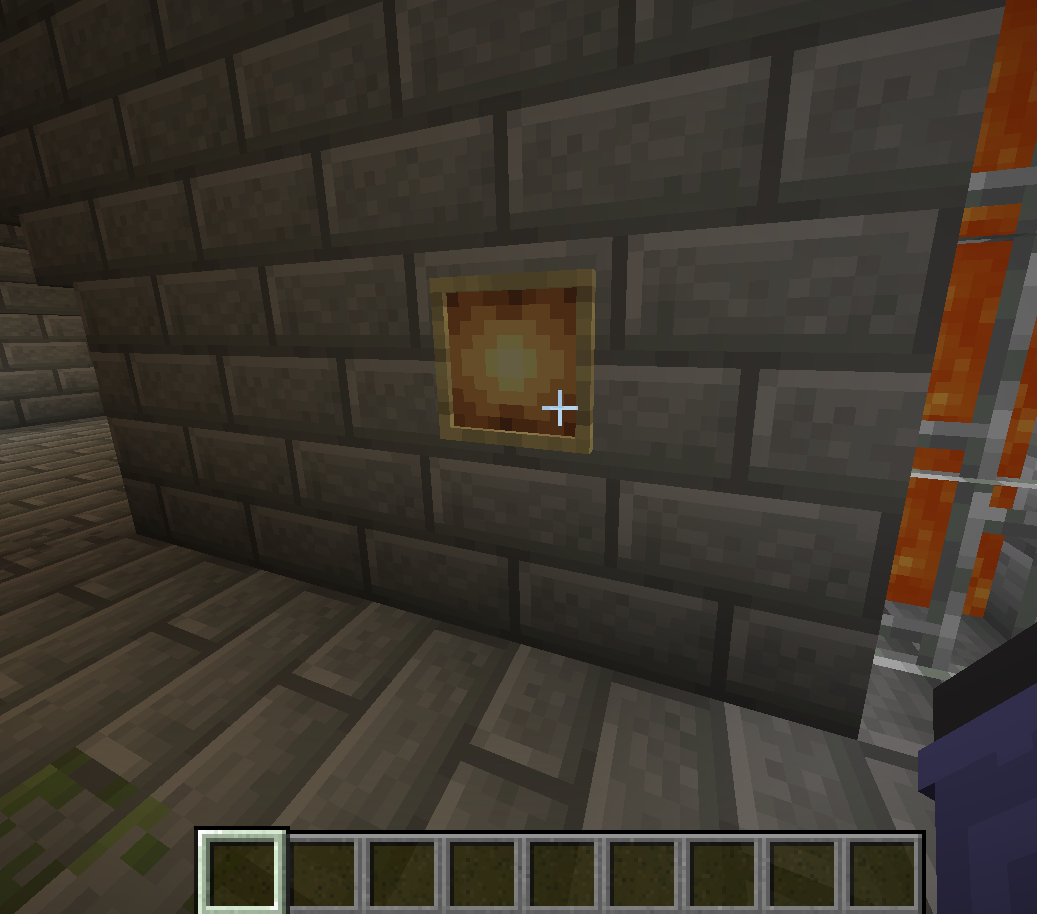
接下来,输入命令 /itp <URL> <宽度> <高度> Fit|Fill(在此示例中为 /itp <URL> 1 1)
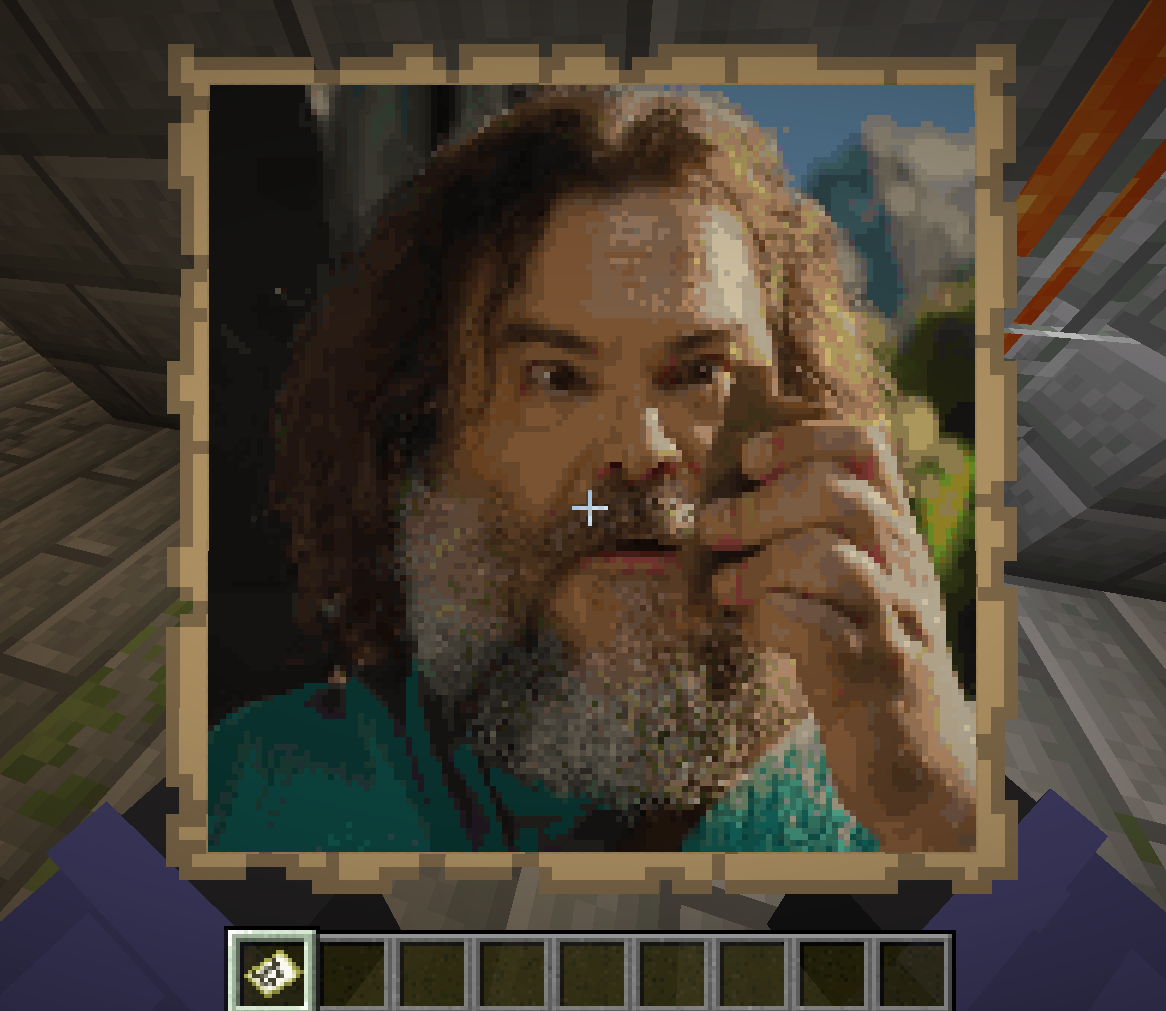
最后,将获得的地图放入物品展示框中
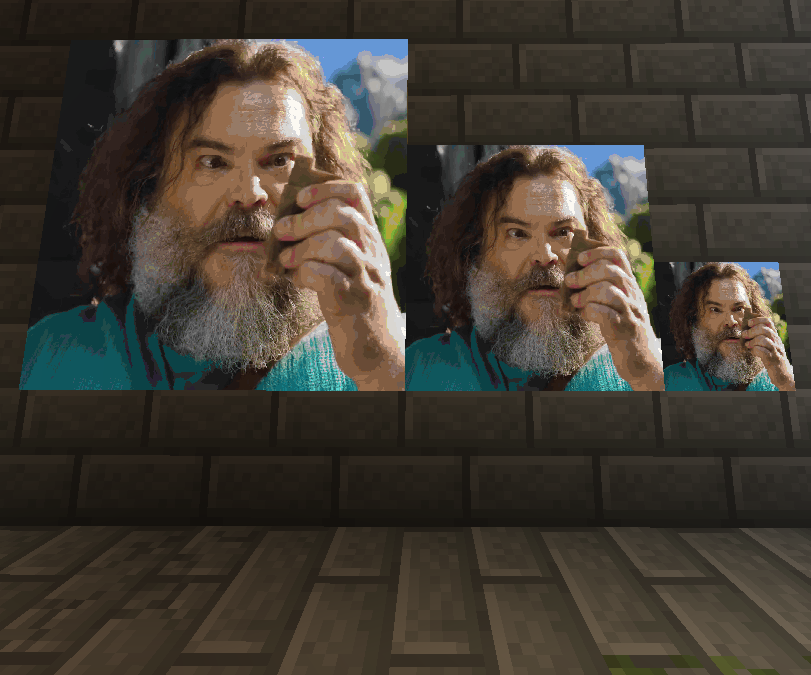
Image-To-Painting

Image-To-Painting lets you transform any image (from file or URL) into a fully rendered Minecraft painting using in-game maps. Whether you want to showcase pixel art, logos, or server sponsors, this plugin makes it simple, customizable, and lag-free.
See it in action before you try on my server: Play.SecureSector.org
Do not use reviews for support!
✔️ Get support
✨ Features
Image Upload — Any valid online image URL
Economy Support — Ability to add cost of maps and currency name.
Multi-Map Support — Automatically splits large images into multiple map tiles for perfect detail.
Inventory Overflow Handling — If your inventory is full, maps are safely dropped at your feet.
High Performance — Optimized rendering with minimal server impact.
Simple Commands — Easy to learn and use, even for new players.
Custom Map IDs — Keep your artwork organized and reusable.
Permission Nodes — Full control over who can give, paste, and delete paintings.
⚙️ Commands
/itp
/itp list
/itp help
/itp place <id>
/itp delete <id>
/itp rebuild <id>
/itp give <id> <Full>
/itp give <id> <Width> <Height>
/itp render <URL/File> <Width> <Height> <Fit|Fill>
/itp frame <id> <North|East|South|West> <Width> <Height> <Distance>
/itp reload
⌨️ Permissions
imagetopainting.list
imagetopainting.place
imagetopainting.delete
imagetopainting.rebuild
imagetopainting.give
imagetopainting.render
imagetopainting.frame
imagetopainting.economy.bypass
️️**?️ Config Options**
Enable/Disable price per map
Ability to change price of each map and currency name
Image type quality options including:
dither - interpolation - multistep - sharpening
Customizable width and height maxes
? Usage
Server artwork displays
Minigame arenas
In-game advertisements
Custom maps & adventures
Museum builds
?️ Image How To:
First, Place Item Frame on surface

Next, Do /itp <URL> <Width> <Height> <Fit|Fill> (For this it would be /itp <URL> 1 1)

lastly, Place the map given to you in item frame

评论 0
登录后参与评分
还没有评论,来抢沙发吧