Mosaikin
Mosaikin(Mosaic + Skin)让你能够在 Minecraft 中使用玩家头颅和显示实体创建高分辨率或动态图像墙,完全不需要客户端模组或资源包。
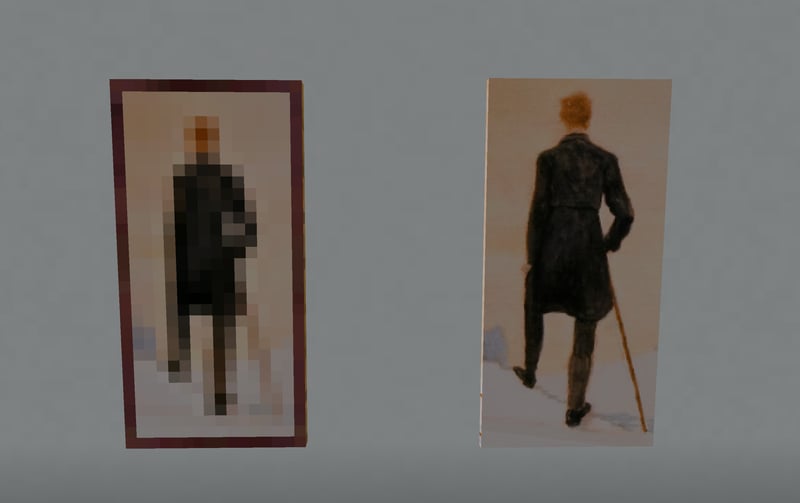
“流浪者” - Minecraft 像素艺术 vs 原版画作
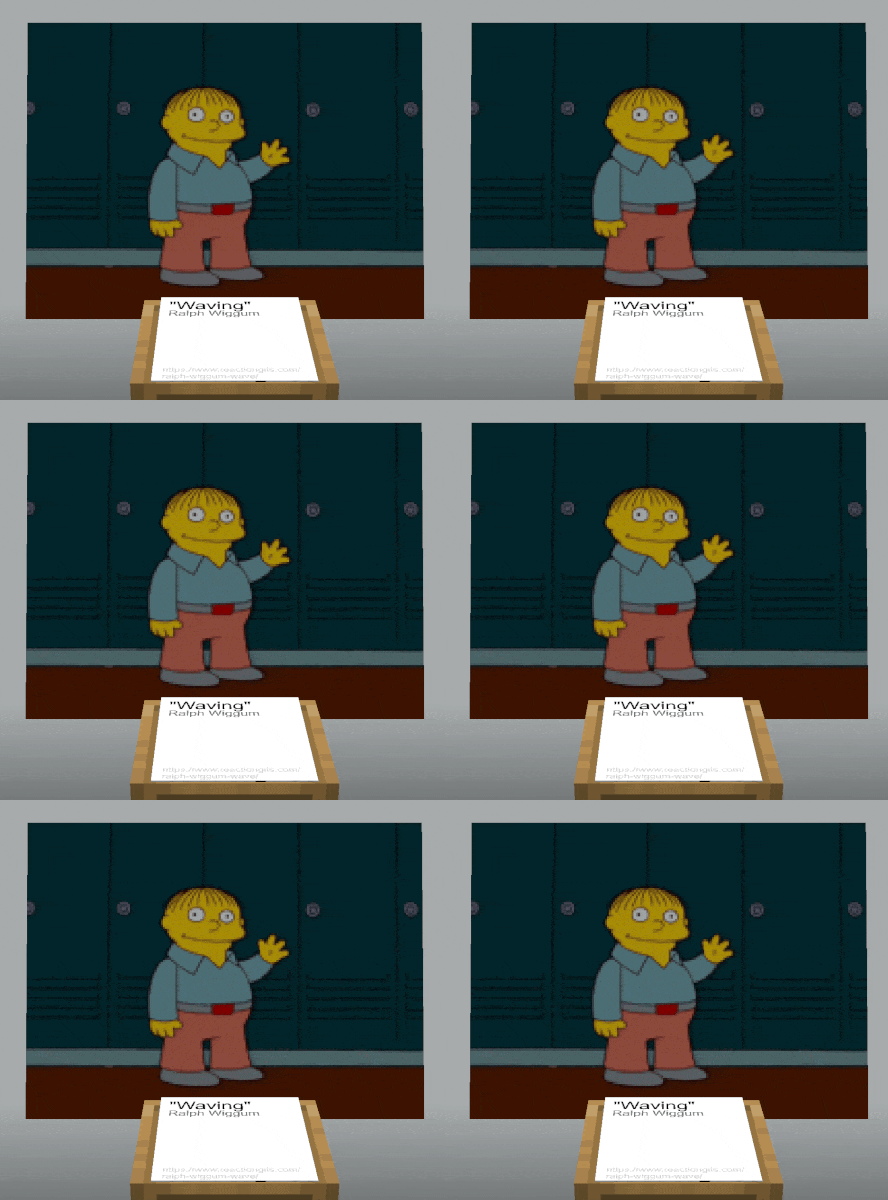
功能
- 创建高质量的图像展示
- 展示内容可自由缩放、旋转和平移,允许你根据需要调整游戏内图形的任意大小
- 低分辨率源素材可以以较小的游戏内尺寸渲染,从而看起来更清晰。
- 支持 GIF 和视频(视频需通过配套转换器处理)
- 配套的网页编辑器和文件转换器,便于设置和预览
- 高度优化的玩家头颅与纹理合并算法
- 自动将纯色背景等元素合并为单个放大的玩家头颅
- 智能拆分纹理并将最多 6 个图像块打包进一个皮肤中,使得每次 MineSkin 上传可覆盖 6 个单元格
- 智能播放机制:在现有头颅上交换方块面而非重新发送皮肤,从而最小化每帧的带宽占用
- 详尽的文档
- 简单的聊天界面用于设置
- 丰富的选项,涵盖游戏内和配套网站上的各种展示设置
- 由 MineSkin 提供支持
重要提示:此插件需要 MineSkin API 密钥。如果你要制作多个静态展示,强烈建议购买付费订阅。
披露:我(inventivetalent)拥有并管理此插件以及 MineSkin。
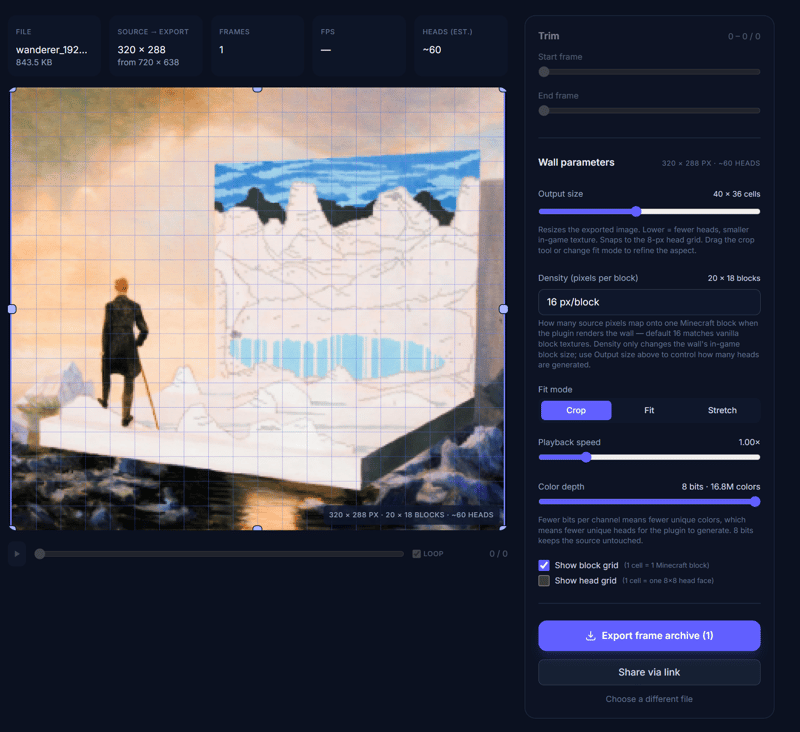
配套转换器网站
使用场景
- 大厅告示牌广告游戏
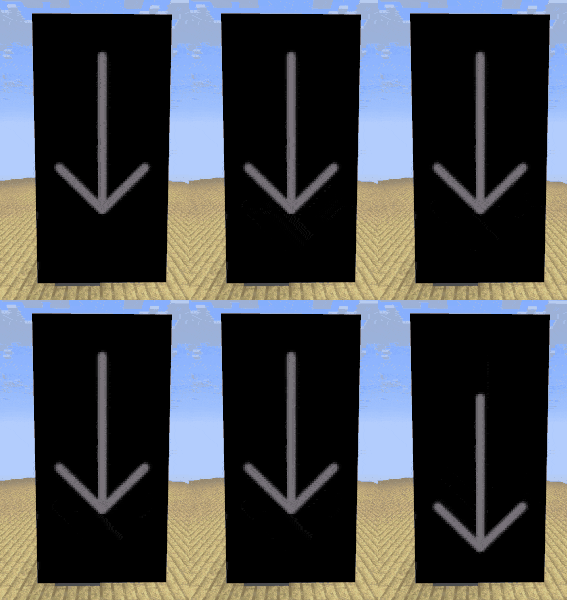
- 引导玩家的动态箭头或图形
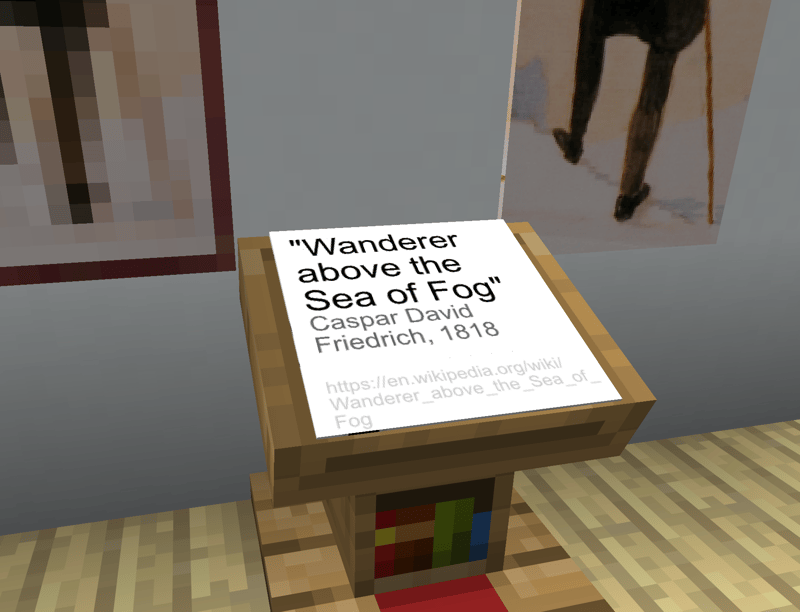
- 高分辨率文本标签 / 告示牌替代品
- 自定义像素艺术,无需资源包
入门指南
请参阅文档中的完整入门指南
- 下载 .jar 文件并将其放入你的
plugins 文件夹
- 重启服务器
- 从 MineSkin 获取 API 密钥
- 编辑插件的
config.yml 配置文件,并设置 API 密钥
- 重启/重载服务器
- 使用
/mosaikin create 并按照步骤创建你的第一个展示(运行 /mosaikin 可查看命令列表)
限制
- 生成玩家头颅的皮肤签名需要时间。付费的 MineSkin 计划会显著加快这一过程,但对于非常大的图像或长动画,生成时间仍可能在几分钟到几小时之间。请在开始生成皮肤前检查所需的唯一头颅数量估计值。从小规模尝试开始,以便了解所需时间。
- 但是:皮肤只需生成一次,且数据存储在本地。除非你更改图像或密度,否则你可以暂停生成并在之后恢复,而无需再次等待整个流程。
- 动画播放可能会消耗大量带宽。建议限制动画的大小、长度以及同一区域内动画展示的数量。
- 包含大量玩家头颅(有时称为“单元格”)的展示可能会导致严重的客户端性能问题(低 FPS)。尽量保持头颅数量在图像分辨率所允许的最低水平。优先选择缩小墙壁尺寸以提高细节清晰度。建议使用转换器网页工具来预览图像及所需的头颅数量。
- 细节较多的图像需要更多的唯一头颅。
- 重复使用的纹理或纯色背景更优,因为它们可以被去重甚至合并成更大的块。
- 由于 Minecraft 的 TPS 限制,动画播放最高为 20FPS。
- 此插件主要面向服务器所有者/管理员,用于设置全局告示牌、图像等——而不是供玩家自行创建展示,因为这会带来性能影响。
本插件的开发得到了 AI 的大量协助。
此插件通过 bStats 收集匿名使用统计数据。你可以通过在 config.yml 中设置 metrics.enabled: false 来禁用此功能。
Mosaikin
Mosaikin (Mosaic + Skin) lets you create high-resolution or animated image walls in Minecraft using player heads and display entities, completely without client mods or resource packs.
"Wanderer" - Minecraft Pixel Art vs Original Painting
Features
- Create high-quality image displays
- Displays can be freely scaled, rotated and translated, allowing for any in-game size of graphics you need
- Low-res sources can be rendered at a smaller in-world size to appear sharper.
- Supports GIFs and videos (videos via the companion converter)
- Companion web editor and file converter for easy setup and preview
- Highly optimized merging of player heads and textures
- Automatically combines e.g. solid-colored background into a single scaled-up player head
- Intelligently splits up textures and packs up to 6 image chunks per skin, so each MineSkin upload covers 6 cells
- Smart playback that swaps cube faces on existing heads instead of resending skins, minimizing bandwidth per frame
- Extensive documentation
- Easy chat UI for setup
- Wide range of options for each display, both in-game and on the companion website
- Powered by MineSkin
Important Note: This plugin requires a MineSkin API key. A paid subscription is strongly recommended if you're making more than a few still displays.
Disclosure: I (inventivetalent) own and manage both this plugin and MineSkin.
Companion Converter Website
Use Cases
- Hub signs advertising games
- Animated arrows or graphics to guide players
- High-resolution text labels / sign alternatives
- Custom pixel art, without requiring a resource pack
Getting Started
Please see the docs for a full Getting Started guide
- Download the .jar and drop it into your plugins folder
- Restart the server
- Get an API key from MineSkin
- Edit the plugin config.yml, and set the API key
- Restart/reload the server
- Use
/mosaikin create and follow the steps to create your first display (run /mosaikin for a list of commands)
Limitations
- Generating the skin signatures for player heads takes time. Paid MineSkin plans make this much faster, but generation will still take somewhere between a couple of minutes up to a few hours for very large images or long animations. check the unique head estimate before starting skin generation. start small to get a feel for how long it takes.
- But: Skins only need to be generated once and the data is stored locally. Unless you change the image or density, you can pause generation and resume without having to wait for the whole thing again.
- Playback of animations can take up a lot of bandwidth. It's recommended to limit the size and length of animations, as well as the number of animated displays in the same area.
- Displays with a lot of player heads (sometimes referred to as cells) can cause significant clientside performance issues (low FPS). Try to keep the number of heads as low as the image resolution allows. Prefer scaling down the wall to increase detail. It's recommended to use the converter web tool to preview the image and number of heads required.
- Images with a lot of details will require more unique heads.
- Repeated textures or solid-color backgrounds are preferable, as they can be deduplicated or even merged into bigger chunks.
- Due to Minecraft's TPS, animation playback is limited to 20FPS
- This plugin is primarily intended for server owners/admins to set up global signage, images, etc. — not for players to create their own displays, due to the performance implications.
Creation of this plugin was heavily AI-assisted.
This plugin collects anonymous usage statistics via bStats. You can disable this by setting metrics.enabled: false in config.yml.


 插件
 插件

 插件
 插件

 插件

 插件

评论 0
登录后参与评分
还没有评论,来抢沙发吧