DBDP
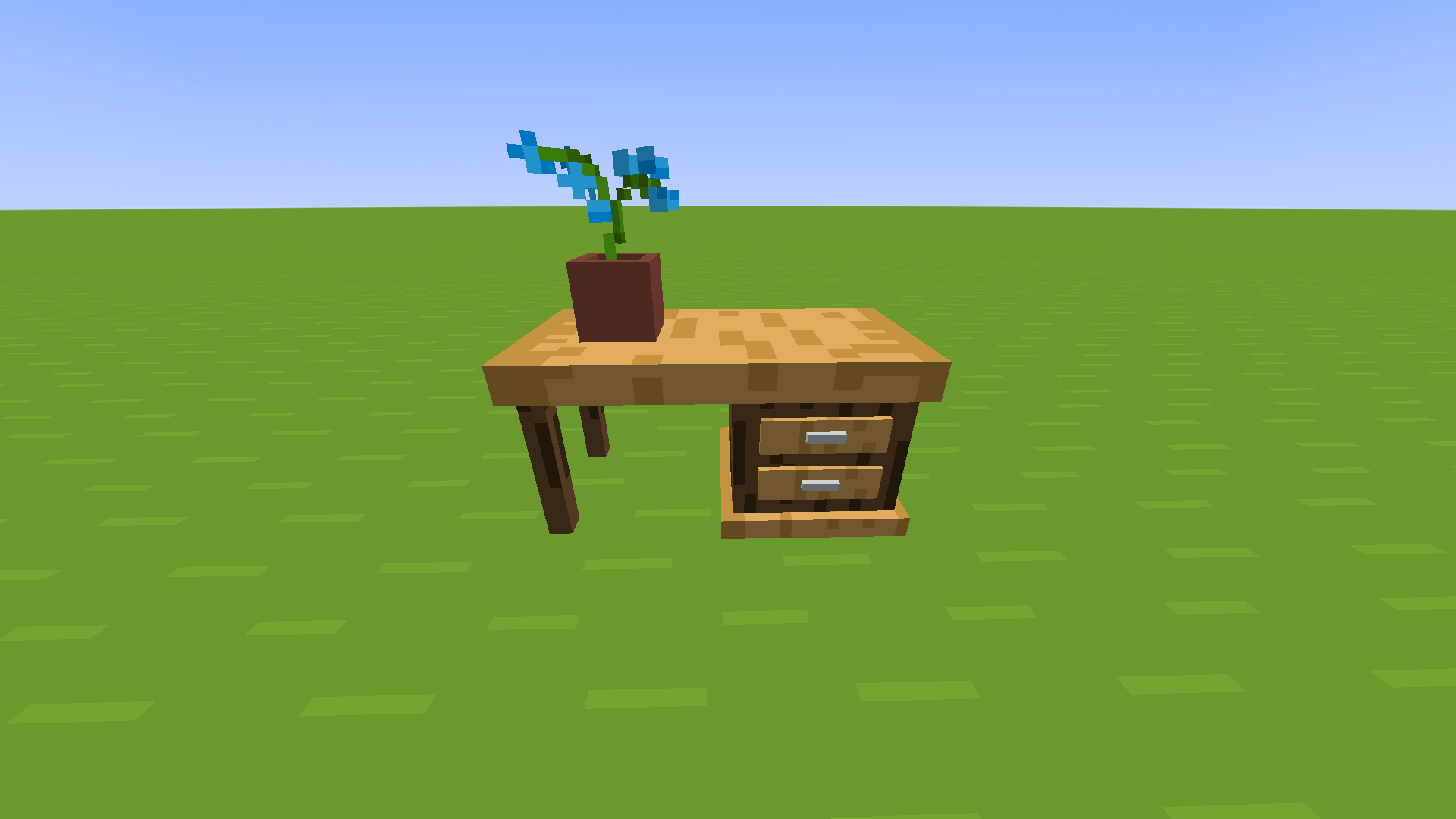
DarkblooM's Desk Pack 是一款简单的 CIT 资源包,为 Minecraft 添加了木制书桌。
什么是 CIT?
CIT(Custom Item Texture,自定义物品纹理)是 Optifine 的一项功能,允许玩家通过资源包改变物品的外观。它有时也被称为 CEM(Custom Entity Model,自定义实体模型)。
如何使用?
只需安装 Optifine,然后下载 DBDP 的最新版 发布版,并将其放入 .minecraft 目录下的 resourcepacks 文件夹中。
完成后,打开一个 Minecraft 世界,选择你喜欢的木板方块,并使用铁砧将其重命名为 "Desk Right" 或 "Desk Left",具体取决于你想要的朝向。然后在地板上放置一个物品展示框,将你的书桌放进去,即可大功告成!
提示
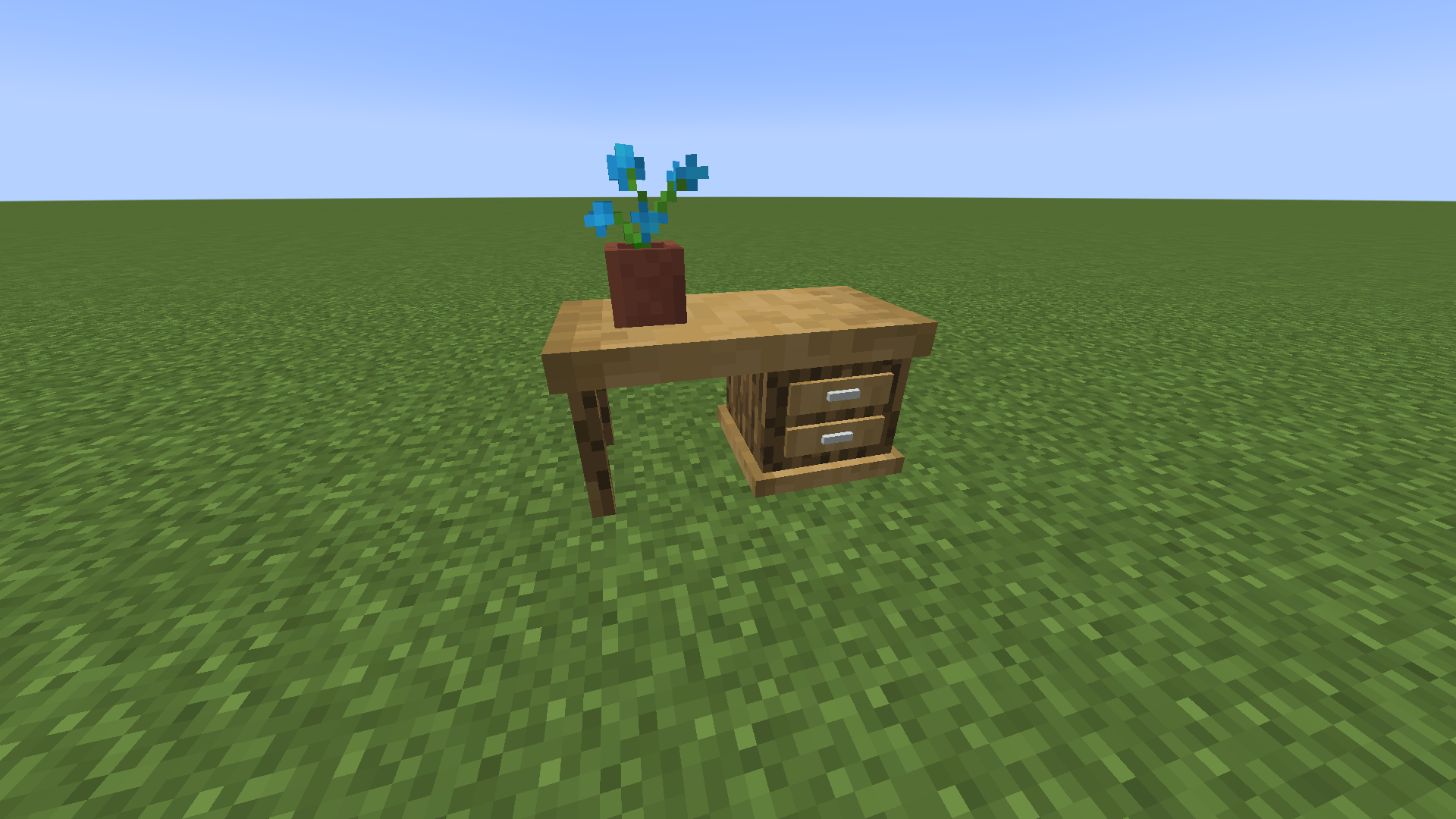
你可以使用活板门在书桌上放置装饰物。
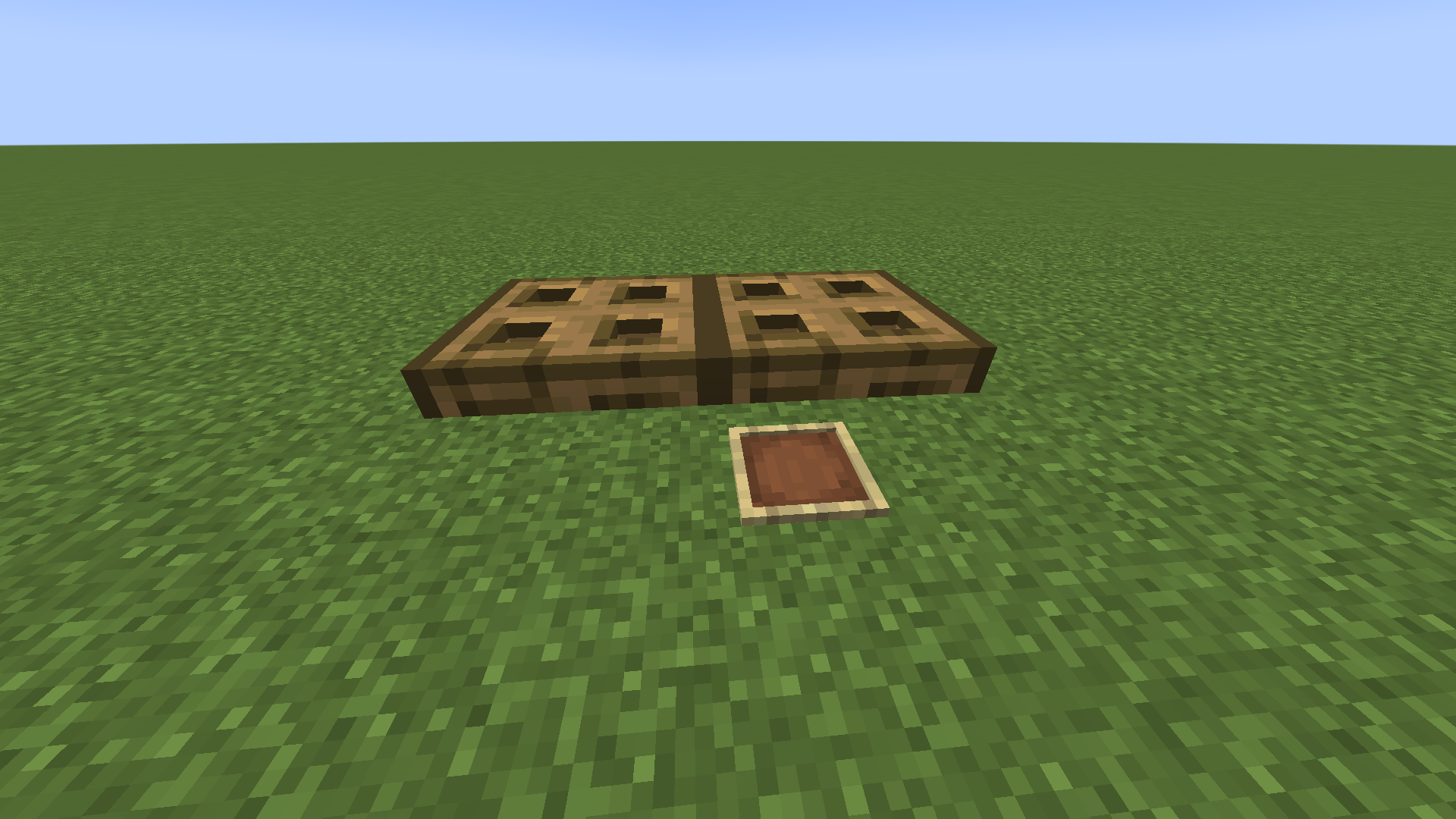
你可以使用使物品展示框不可见的资源包以获得更好的效果。我推荐 Mizuno's Invisible Item Frames。
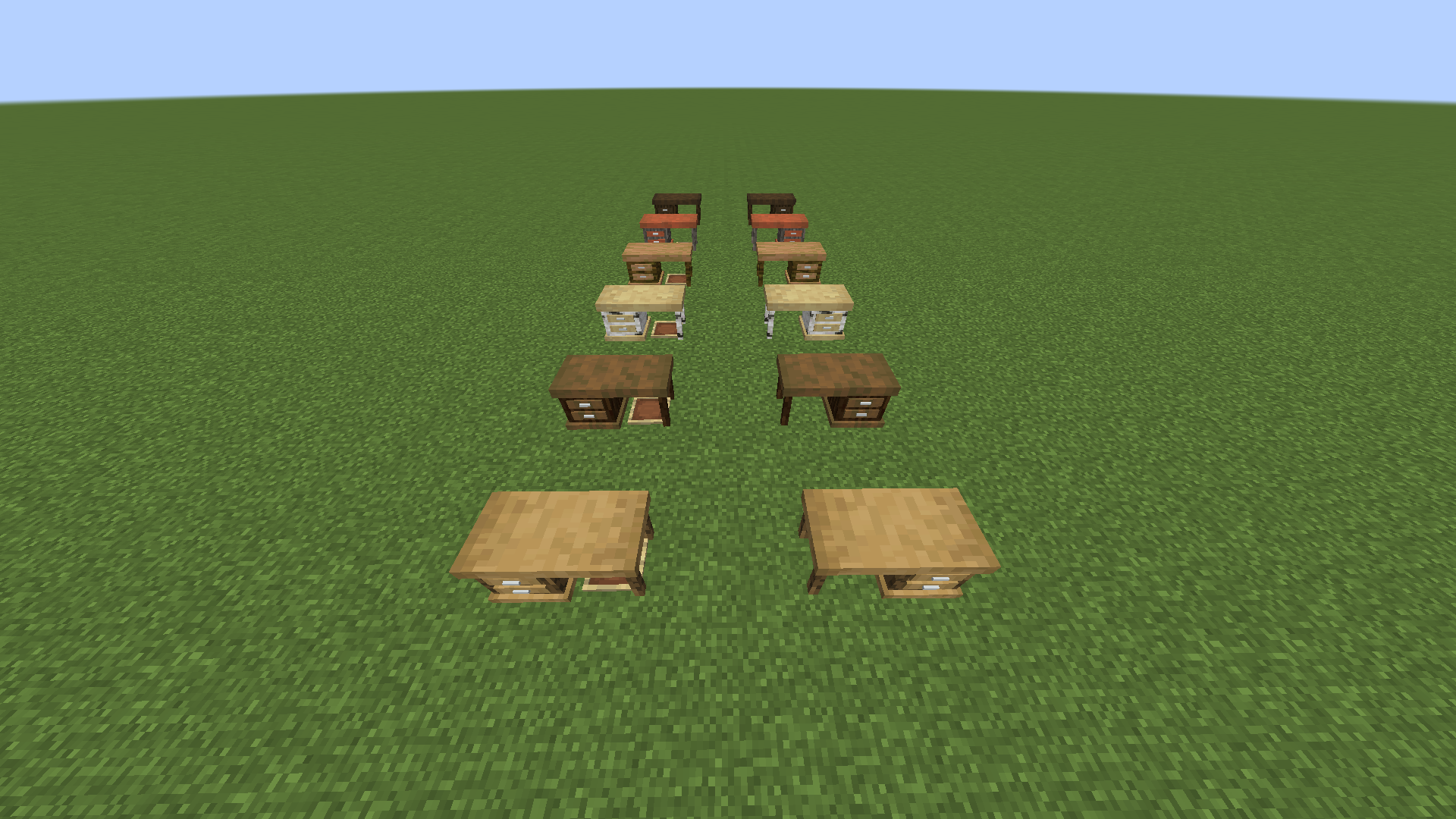
我制作的模型拥有我所谓的“自适应纹理”,因此书桌的外观将与你所使用的任何材质包相匹配。
默认外观
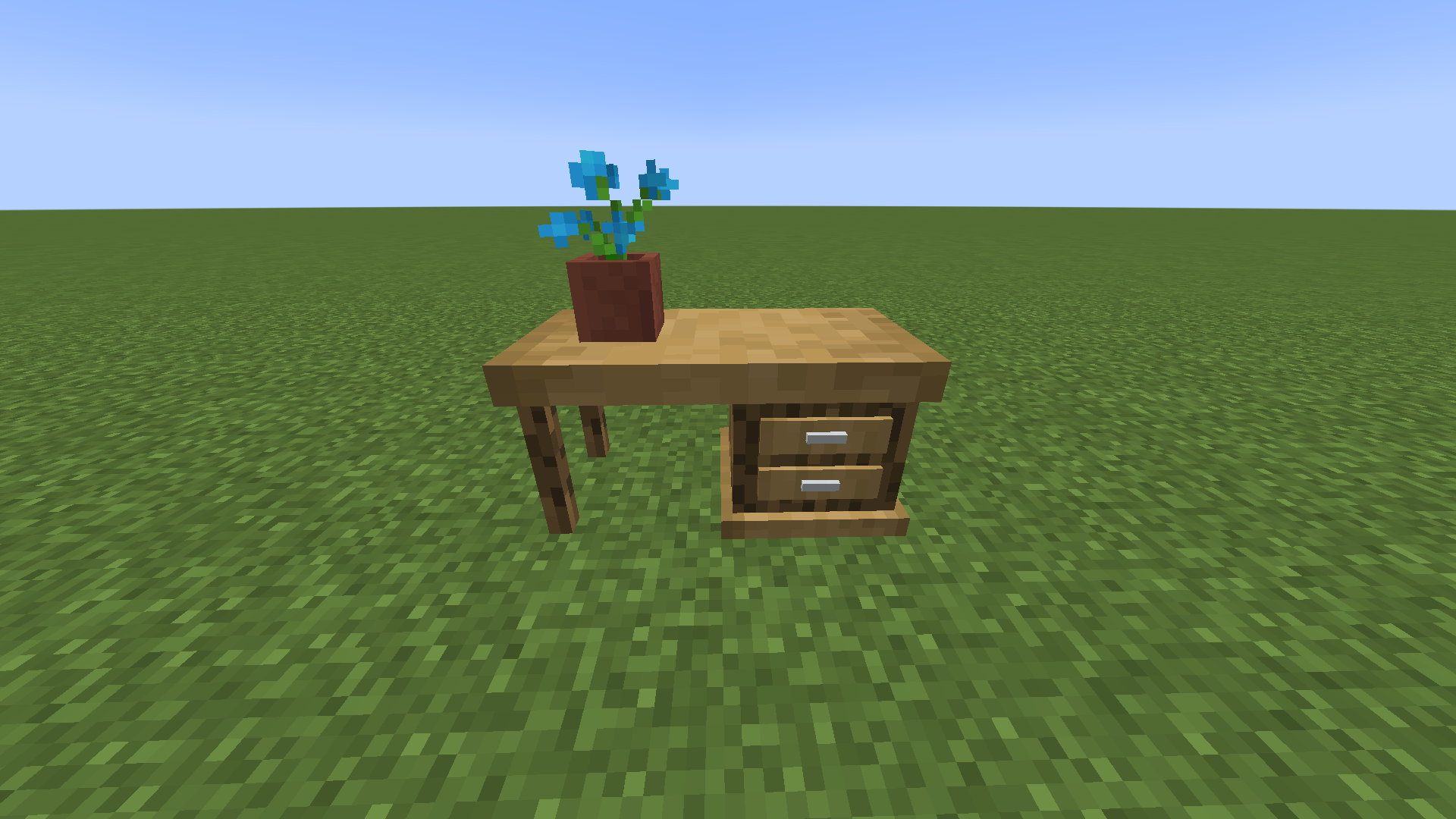
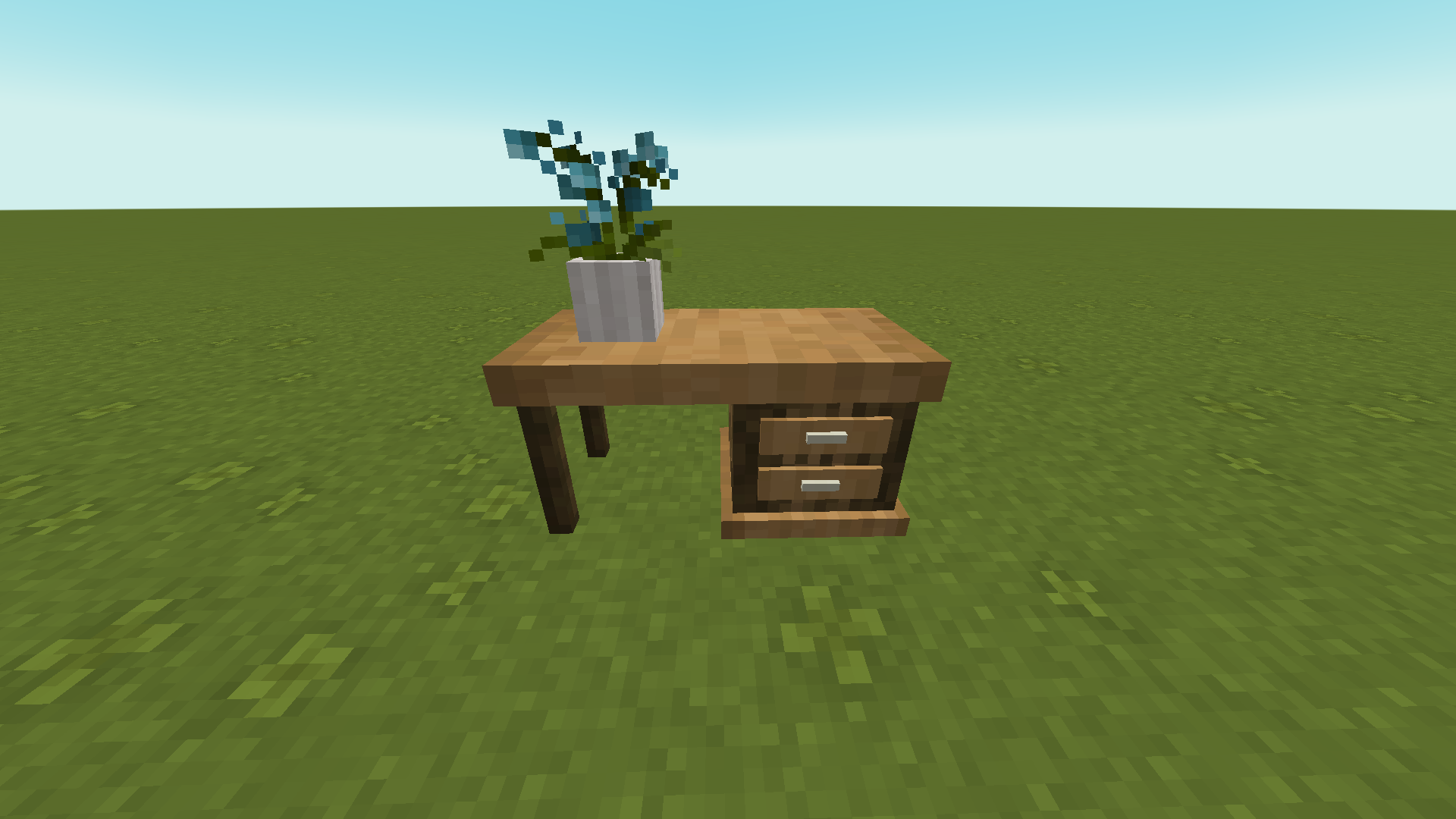
Mizuno's 16 Craft

Bare Bones

故障排除
此资源包适用于哪个版本?
该资源包是为 1.18 制作的,但应该也能在所有更早的版本上运行,最低至 1.13,但不保证兼容。
它不起作用!
请确保你已安装最新版本的 Optifine。
还要确保你的资源包加载顺序正确,如下所示:
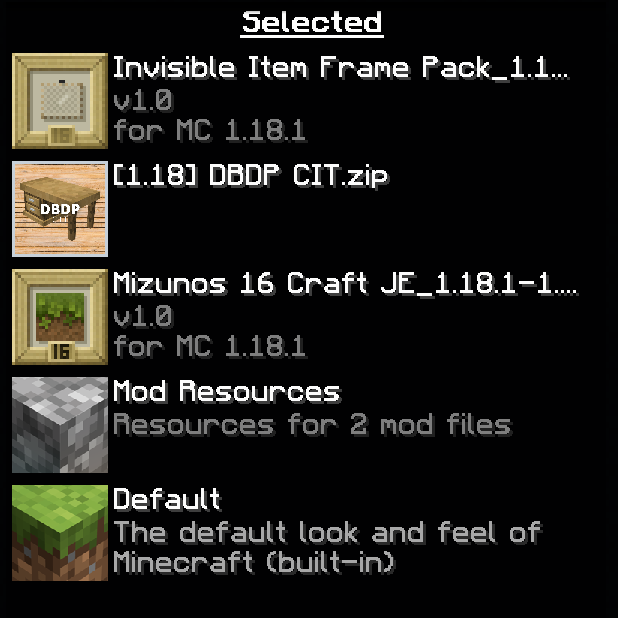
另外,在重命名物品时请注意拼写错误!
DBDP
DarkblooM's Desk Pack is a simple CIT resource pack that adds wooden desks to Minecraft.
What is CIT?
CIT (Custom Item Texture) is a feature of Optifine that allows players to change the appearance of items through the use of resource packs. It is also sometimes called CEM (Custom Entity Model).
How do I use it?
Simply install Optifine, then download the latest release of DBDP and put it inside the resourcepacks folder in your .minecraft directory.
Once that's done, open a Minecraft world, take the wooden planks block of your choice and, using an anvil, rename it "Desk Right" or "Desk Left" depending on the orientation you want. Then, put an item frame on the floor and put your desk inside, and voilà!

Tips
You can use trapdoors to put decorations on top of your desk.


You can use a resource pack that makes item frames invisible for a better effect. I recommend Mizuno's Invisible Item Frames.
I made the models so they have what I call adaptive textures, so the look of the desks will match whatever texture pack you are using.
Default look

Mizuno's 16 Craft

Bare Bones

Troubleshooting
What version does this work on?
The pack was made for 1.18 but it should work on previous versions all the way down to 1.13, no guarantee though.
It doesn't work!
Make sure you have installed the latest version of Optifine.
Also make sure that your packs are loading in the right order, like this:

Also watch out for typos when renaming items!
评论 0
登录后参与评分
还没有评论,来抢沙发吧