这是什么?
- 不会替换原版游戏现有的纹理或模型。
- 用于容器 GUI(图形用户界面)自定义。
- 通过
item_model 和 custom_model_data 将物品堆叠转换为模块化 GUI 精灵。
- 提供一份物品模型定义作为示例或直接使用。
GUItem
基于用物品精灵覆盖物品栏槽位的容器 GUI 自定义概念。
这是一项通过物品模型定义实现的可定制模块化 GUI 精灵的简单实现。
该物品模型是由按顺序堆叠的“层”模型组成的复合体:
- 前景(Foreground):必须显示的图形,即使它们会遮挡物品精灵。
- 图标(Icon):符号或表情图形的图形。
- 按钮(Button):提示可以与之交互以触发某事。
- 槽位(Slot):提示可以与物品堆叠进行交互或预览。
- 图案(Pattern):隐含信息的图形。
- 字段(Field):用于声明区域或部分的图形。
- 背景(Background):最底层,可以显示。
每一层都有各种形式的模板模型,并通过分配纹理来创建子模型。
以下是一个使用提供的物品模型定义获取“勾选标记按钮”的 /give 命令示例:/give @s minecraft:recovery_compass[minecraft:item_model='guitem:gui_stack',minecraft:custom_model_data={"strings":["","","","","button","check_mark",""]}]
演示
本部分所示精灵中使用的 GUI 元素也包含在该资源包中。
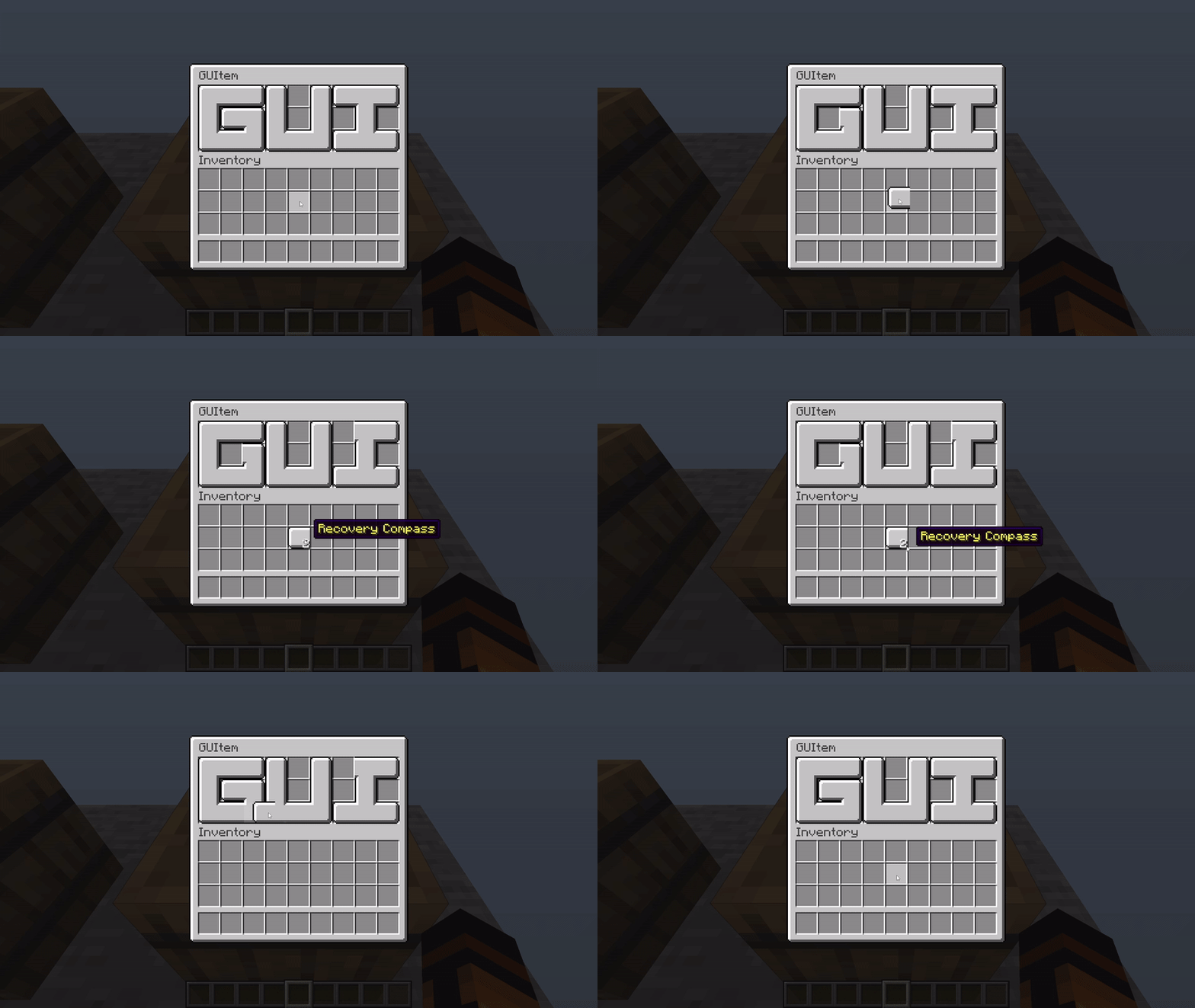
大多数部件设计为适合整个槽位的大小:
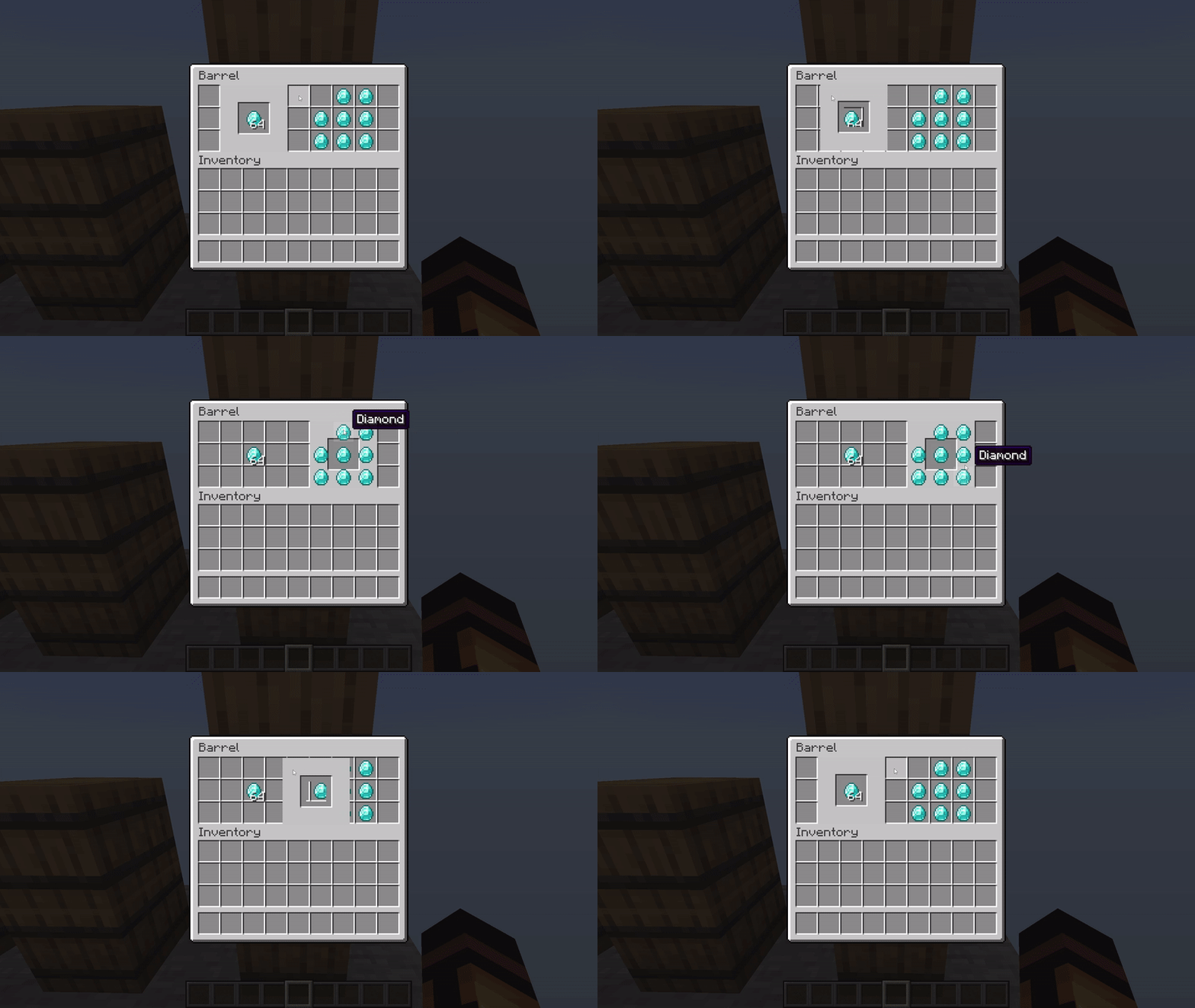
有些部件具有更大的覆盖范围,延伸至其他槽位,代表一个完整的元素,或是作为其他元素的前景/背景:
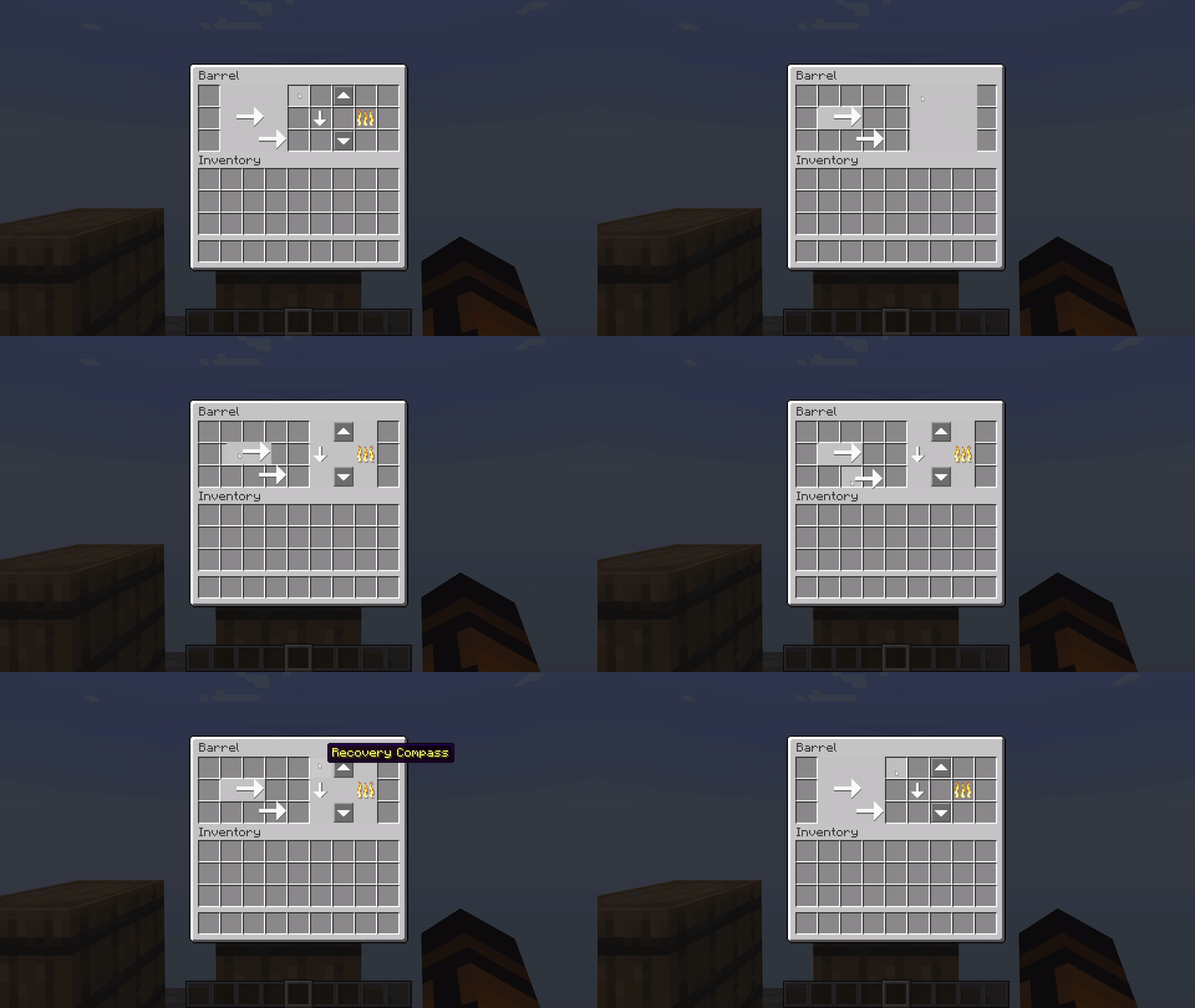
谨慎操作超大物品!它们可能有自己的一套覆盖规则:
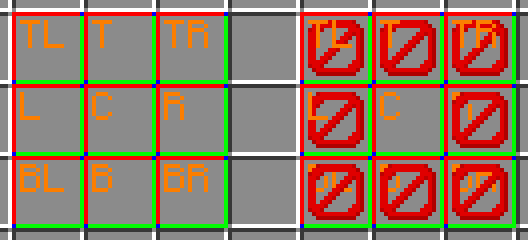
提醒
- 自 Minecraft 1.21.6 起,物品模型定义中添加了
oversized_in_gui 属性,用于控制模型是否可以超出单个槽位大小(true)或被裁剪至槽位大小(false,默认值)。
- 尝试结合自定义字体一起使用。虽然编辑容器名称需要重新打开 UI,但对于静态内容来说,这仍然是一个不错的选择;而模型化物品则有助于处理动态内容。
已知问题
- 物品模型的渲染略显暗淡。
- 似乎随着 Minecraft 26.1 快照 1 中光照贴图算法的更改,这一上游问题已得到修复。
- 某些超大模型的 UV 区域较小,导致纹理缩放错误。
- 部分超大模型缺少其顶部一行像素(经 GUI 缩放后)。
兼容性信息
- 命名空间(namespace):
guitem
- 图集目录(atlases directory):
gui_item
What is this?
- Does not replace existing textures or models of the vanilla game.
- For container GUI customization.
- Turns item stacks into modular GUI sprites through
item_model and custom_model_data.
- An item model definition as an example or for direct use.
GUItem
Based on the container GUI customization concept of covering inventory slots with item sprites.
A simple implementation of the customizable modular GUI sprite via the item model definition.
The item model is a composite of "layer" models stacked in order:
- Foreground: Graphics that must be shown, even if they cover item sprites.
- Icon: Graphics of symbols or expressions.
- Button: Informs that it can be interacted with to trigger something.
- Slot: Informs that it can interact with or preview an item stack.
- Pattern: Graphics of implicit information.
- Field: Graphics to declare the region or section.
- Background: The bottom layer that can be displayed.
Each layer has template models in various forms and can create child models by assigning textures.
Here is an example /give command to get a "check mark button" by using the provided item model definition: /give @s minecraft:recovery_compass[minecraft:item_model='guitem:gui_stack',minecraft:custom_model_data={"strings":["","","","","button","check_mark",""]}]
Demonstration
The GUI elements used in the sprites shown in this section are also provided in the pack.
Most pieces are designed to fit a whole slot size:
Some pieces have a greater cover area that extends to other slots, representing a complete element or being a foreground/background to the others:
Play with oversized items with caution! They may have their own rules for covering items:
Reminder
- The item model definition, after Minecraft 1.21.6, added
oversized_in_gui to control whether the model can exceed a slot (true) or be trimmed to slot size (false, default).
- Try combining with the custom fonts as well. Although editing the container name requires reopening the UI, it's still a great option for static content, while modeled items help with dynamic content.
Known Issues
- Item models are rendered slightly dim.
- It seems like this upstream issue is fixed along with the lightmap algorithm changes made in Minecraft 26.1 snapshot 1.
- Oversized models sometimes have a smaller UV area, resulting in the wrong scaling of the texture.
- Some oversized models are missing their top row of pixels(GUI scaled).
Compatibility Info
- namespace:
guitem
- atlases directory:
gui_item


 资源包

 资源包

 资源包

 资源包

 资源包

 资源包

评论 0
登录后参与评分
还没有评论,来抢沙发吧