

链接箱子 – 前所未有的储物整理体验!
厌倦了在储藏室之间来回奔波吗?使用链接箱子,你可以将世界中的多个箱子连接起来,让你的战利品井然有序,并且随时随地都能访问!同步你的存储,节省时间,轻松管理资源!
创建链接箱子
首先,在你想要放置箱子的地方放置一个箱子,并直接注视它。在持有末影珍珠的情况下,执行命令 /trigger linkedc.create_link。粒子效果会显示链接箱子已创建但尚未链接。
剧透
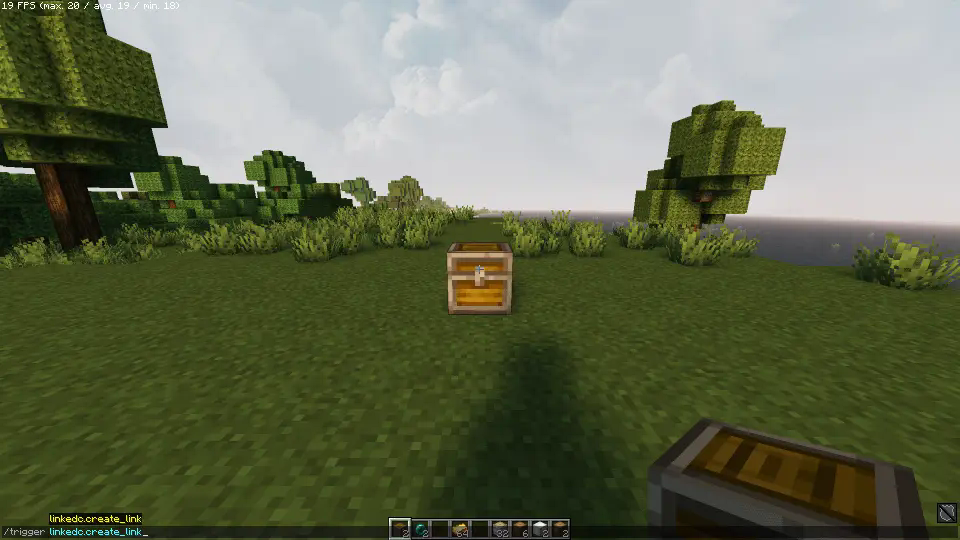
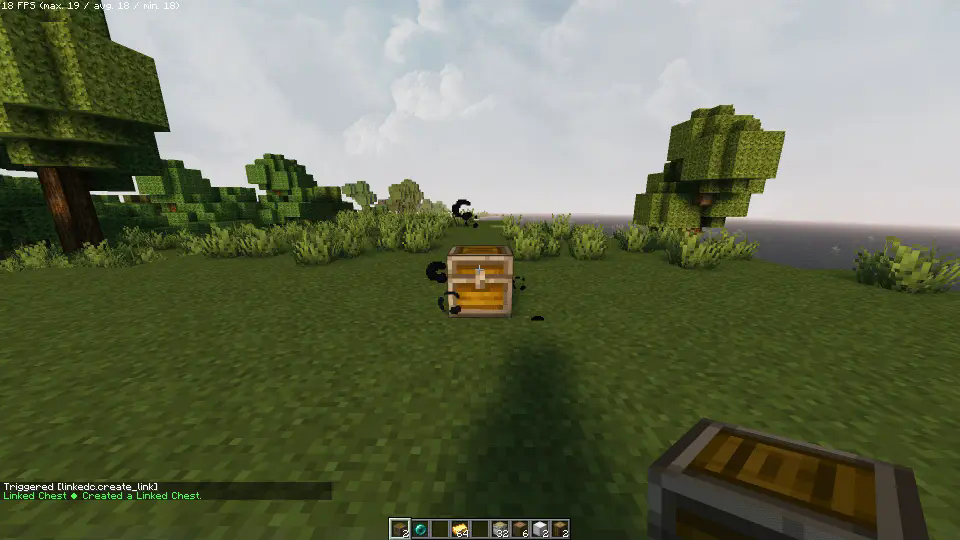
链接箱子
每个链接箱子都通过一个特殊物品进行同步。只需手持你想要链接的物品,右键点击箱子顶部即可。所有使用该相同物品链接的箱子现在都将同步,即时共享它们的内容。
让我们创建两个链接箱子来看看
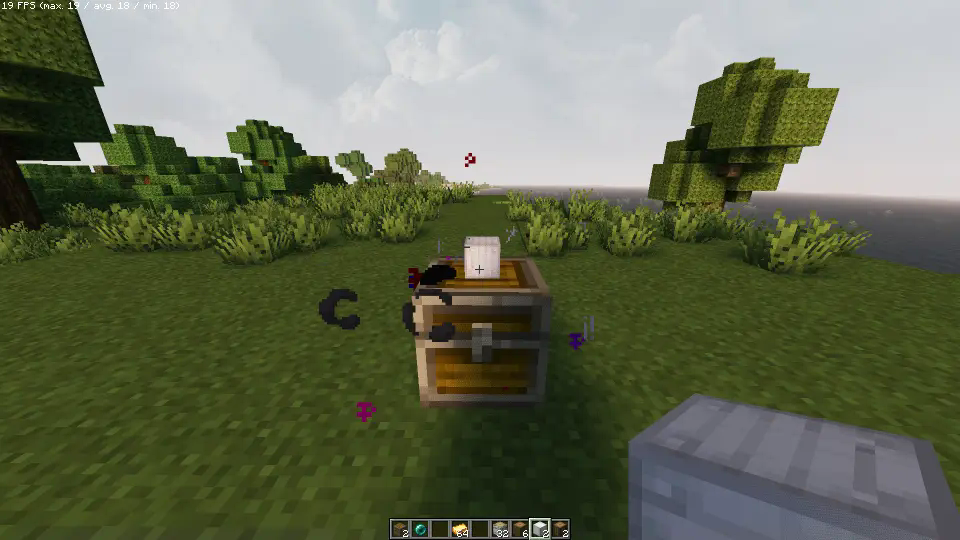
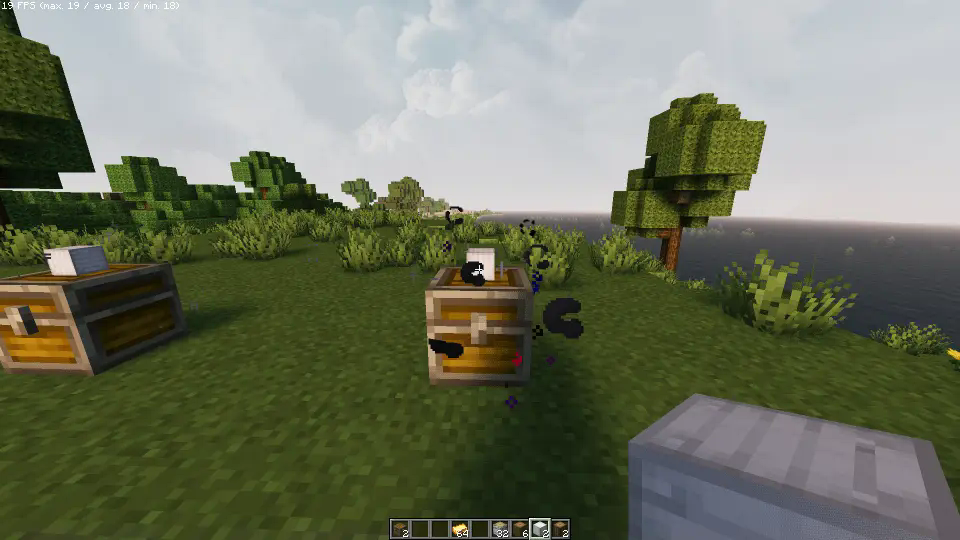
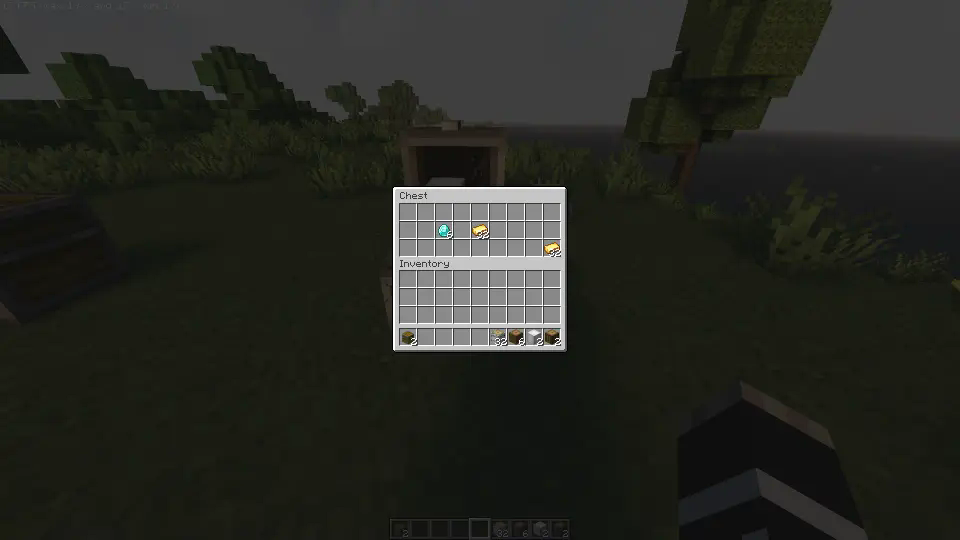
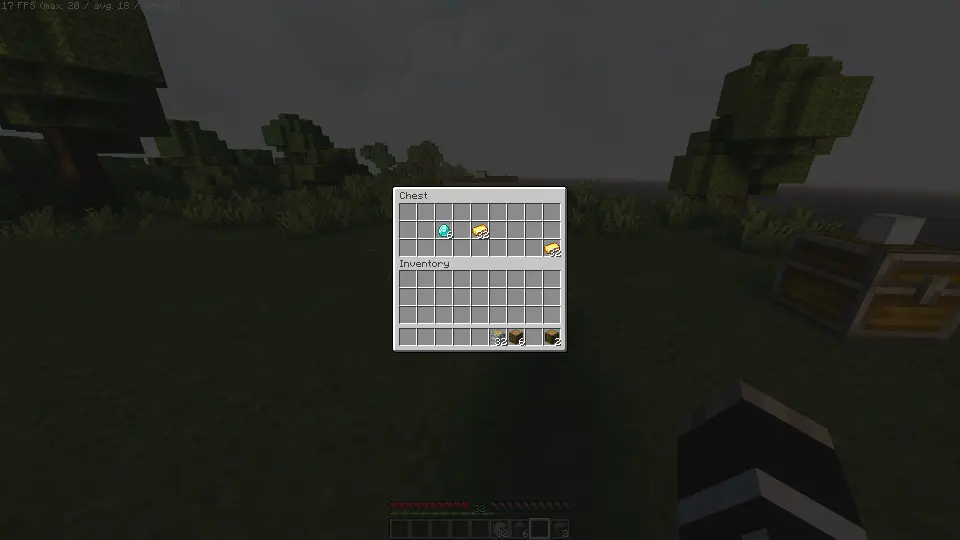
破坏链接箱子
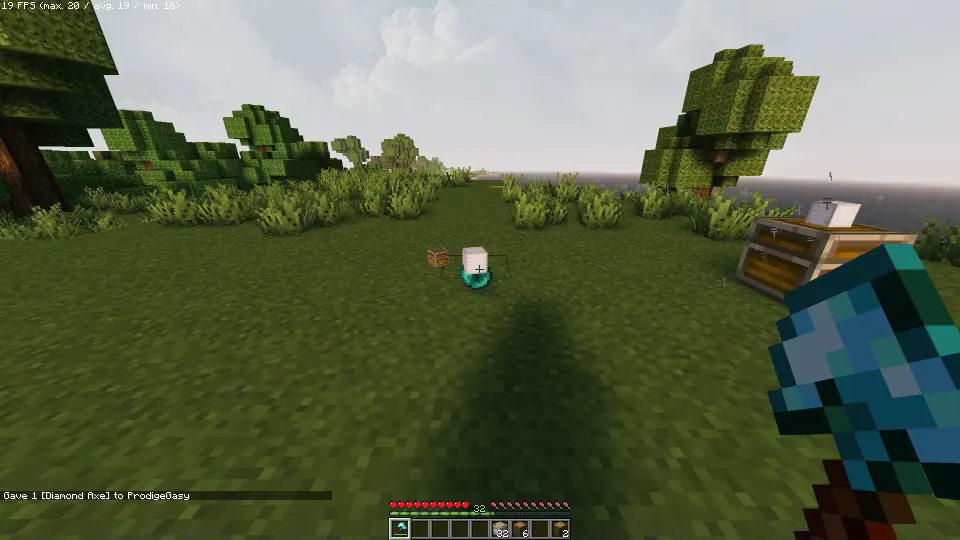
要移除链接箱子,请将其破坏。末影珍珠和链接物品将被返还。在破坏箱子时按住潜行键,同时也会掉落其中的内容物。如果还有其他链接箱子存在,除非这是链接到该物品的最后一个箱子,否则物品不会掉落。
剧透
卸载
准备好告别这个数据包了吗?没问题!只需按照以下简单步骤操作:
- 打开聊天窗口。
- 输入卸载命令并按回车:
/function linked_chests:uninstall
- 你现在可以安全地从数据包文件夹中删除它,数据包的每一个痕迹都已被清除。
其他说明
- 与所有其他数据包兼容,遵循标准约定。
- 此数据包使用 JMC 编写。

你是这个资源的作者?登录后可认领此资源。
相似资源
 数据包

Avarii Fortress
SkyArchitec
此数据包添加了属于阿瓦里海盗的独特结构,将他们的独特风格带入你的 Minecraft 世界!兼容性:1.20 至 26.3
冒险装饰
37
 数据包
Retina
Nico314159
一个 Minecraft 光线投射库,能够精确检测玩家正在查看的方块,包括像台阶和楼梯这样的特殊方块形状。
前置实用
28
 数据包

Blessed Mode [difficulty]
kategirl1937sk
此数据包添加了新的“祝福模式”难度。
玩法机制实用
19
 数据包

Vanilla Backport Compat
Vykket
为模组生物群系添加原版回溯特性!
冒险生物
16
 数据包
Xaero's Map Server Utils
xxtg666
允许服务器管理员方便地禁用 Xaero's Map 系列模组中的实体雷达、小地图等功能,使竞技游戏更加公平。
管理实用
12
 数据包

SpaceFrog's Frog Variant Changer
spacefrog1984
使用原版/生存友好的方法更改青蛙的变种类型。支持原版(寒冷、温带、温暖)以及可选的“More Frogs 2”变种:深红、末影、地狱、毒镖、紫珀、幽匿、灵魂、诡异和木头。
冒险玩法机制
11
评论 0
登录后参与评分
还没有评论,来抢沙发吧