关于
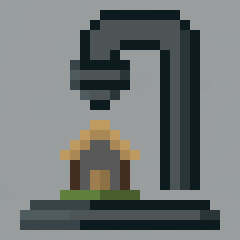
此数据包提供了一种将任何建筑缩小至单个方块的方法!需要您拥有 OP(管理员)权限。
新增功能
以下是所有新功能的简要列表。欲了解更多信息,请展开下方的选项卡。
- 打印选择区域(x16、x32 和 x64)
- 打印位置标记
- 打印移除器
打印选择区域
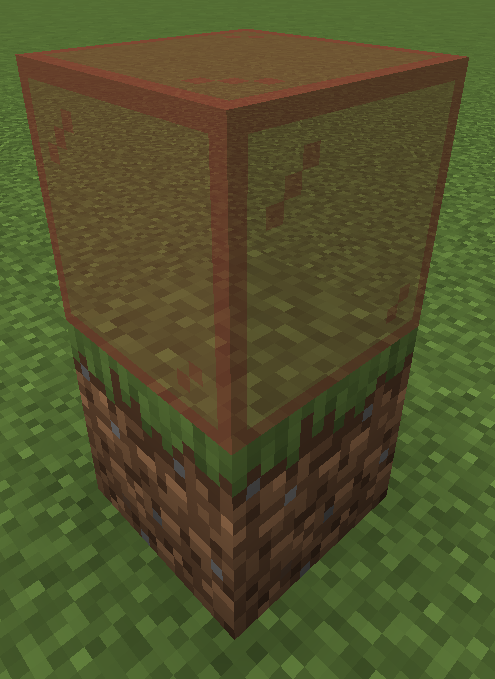
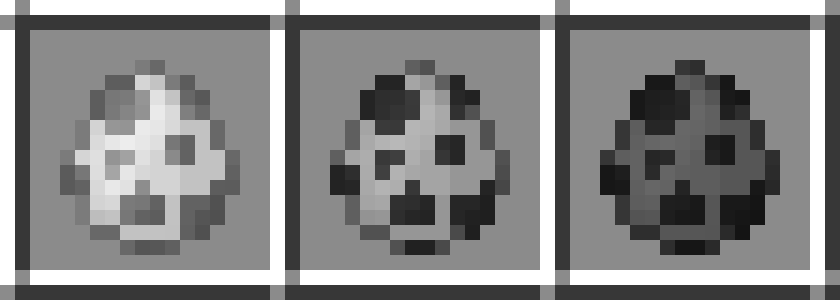
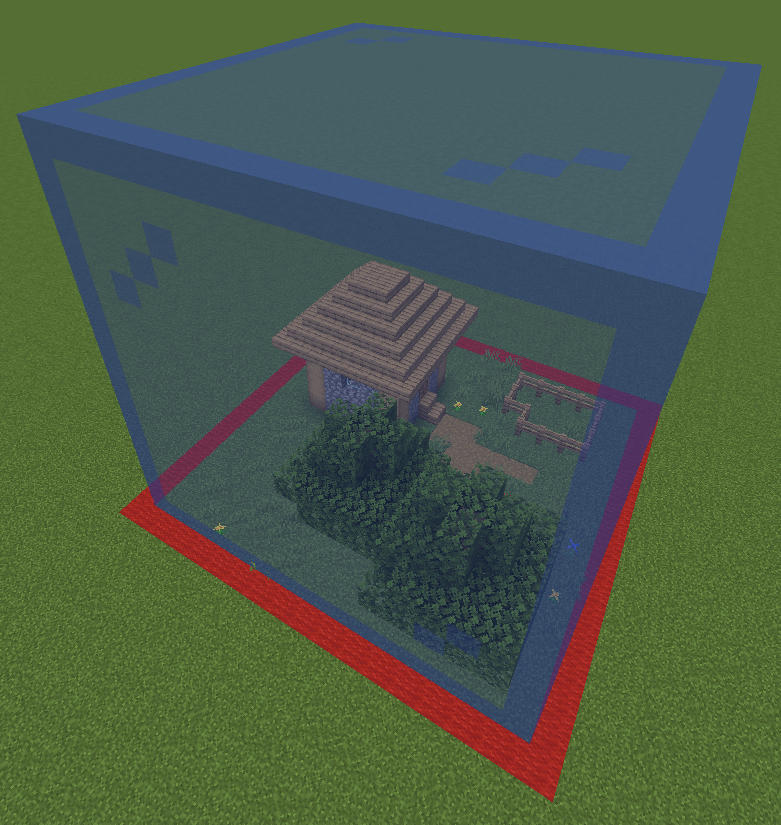
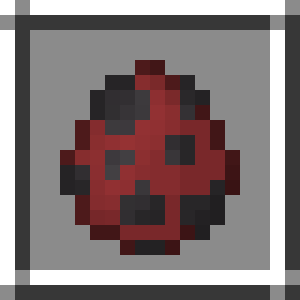
在打印之前,请选择您想要处理的任意区域。选择时有三种尺寸:16x16x16、32x32x32 和 64x64x64。要选择一个区域,请放置选择出生蛋(selection spawn eggs)。您可以通过命令 /function give:print_X 获取它们,其中 X 为 16、32 或 64。放置出生蛋时,它将捕获您选择区域的最低 x、y、z 坐标。此外,还会显示预览以查看所选区域。
打印位置标记
可通过命令 /function give:print_location 获取。
放置此物品以选择您希望进行打印的位置。系统将提供预览,以便您查看打印生成的区域。左键点击打印位置标记可移除该位置以及当前的选择区域。右键点击打印位置标记即可开始打印。

打印移除器
可通过命令 /function give:print_remover 获取。
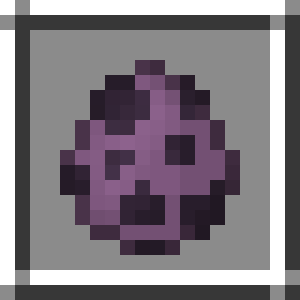
放置此物品以移除在该方块上进行的任何打印。
这些打印作品由**方块显示实体(block displays)**构成。对于较小的打印(如 16x16x16),不会产生任何卡顿。然而,使用 64x64x64 打印机进行大型打印可能会导致卡顿,并且完成可能需要数小时。
⚠️ 错误
如果您发现任何错误,请在 我的 Discord 服务器 的 [bugs] 文本频道中报告。
下载
要下载此数据包,您可以选择以下两种方法将其添加到您的世界中:
-
创建新世界:
- 下载 Printer_Datapack.zip 文件
- 在 Minecraft 中点击 创建新世界
- 点击 数据包
- 将 Printer_Datapack.zip 文件拖入此处,并确保将其放置在“已选中”侧(右侧)
-
添加到现有世界:
- 下载 Printer_Datapack.zip 文件
- 在单人游戏菜单中选择您的世界
- 点击屏幕底部的 编辑
- 点击 打开世界文件夹
- 进入 datapacks 文件夹
- 将 Printer_Datapack.zip 文件拖入其中
About
This Datapack adds a way to shrink down any build to a single block! Requires you to have OP commands.
New
This is a short list of all the new features. For more information, expand the tabs bellow.
- Printing Selection (x16, x32 and x64)
- Printing Location
- Print Remover
Printing Selection
Before you print, select whatever area you want. There are three sizes when selecting: 16x16x16, 32x32x32 and 64x64x64. To select an area, place down the selection spawn eggs. They can be obtained using /function give:print_X with X being 16, 32 or 64. When placing the spawn egg you will grab the lowest x,y,z coordinates of your selection. Additionally, there will be a preview to see the area you selected.


Printing Location
Can be obtained using /function give:print_location.
Place down to select the spot where you would like to have your print. There will be a preview to see the area the print will be made. Left-Click the printing location to remove the location and to remove the selection. Right-Click the printing location to start printing.


Print Remover
Can be obtained using /function give:print_remover.
Place down to remove any print made on that block.

The prints are made out of block displays, which are entities. With small prints, such as 16x16x16, this won't produce any lag. However, large prints using the 64x64x64 printer may result in lag, and may take hours to complete.
⚠️ Bugs
If you notice any bugs report them in the [bugs] text channel in my discord server
Download
To download the datapack, you have two options to add it to your world:
-
Creating a new world:
- Download the Printer_Datapack.zip file
- Click Create new world in minecraft
- Click Data Packs
- Drag the Printer_Datapack.zip file into there, and make sure you put it on the 'selected' side (right side)
-
Add to existing world:
- Download the Printer_Datapack.zip file
- Select your world in the single player menu
- Click Edit at the bottom of the screen
- Click Open World Folder
- Click on the datapacks folder
- Drag the Printer_Datapack.zip file into there
评论 0
登录后参与评分
还没有评论,来抢沙发吧