
? BBS StructureForm 插件
找回备受喜爱的功能!这个功能在社区中呼声极高——尤其是那些还记得 Blockbuster (1.12) 的玩家——来自 BBS CML EDITION 分叉版本的经典 Structure Form 现在可以作为独立插件使用。
你现在可以在 官方 BBS 以及其他分叉版本中使用这款强大的工具!
✨ 功能介绍
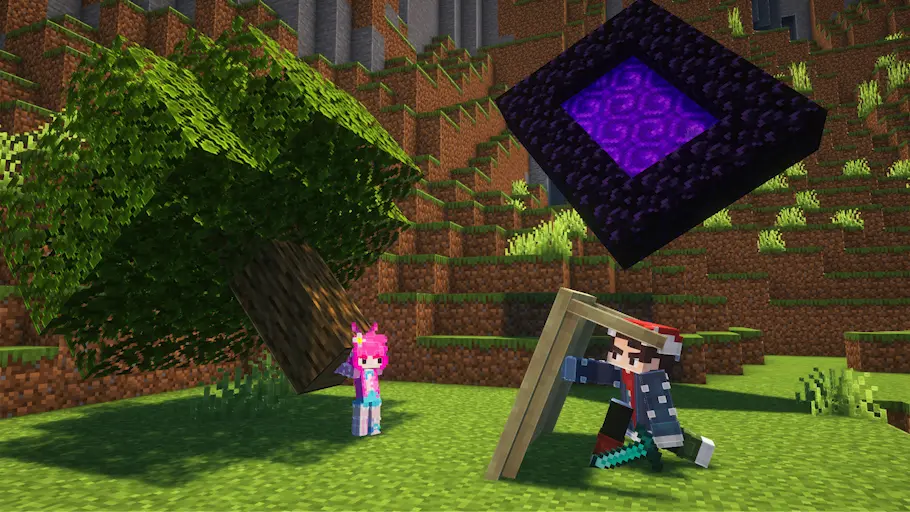
通过此插件,你可以将任何已保存的 Minecraft 结构体用作动画中的回放元素。每当你的场景需要对整个结构体进行动画处理或操作时,该插件都能为你提供支持。
?️ 使用方法
上手快速且简单:
- 使用标准的 Minecraft 结构方块 创建并保存你所需的结构体。
- 打开 表单选择菜单,找到 树形图标。
- 选中该树形图标,这将带你进入表单编辑器。
- 使用新提供的选项 选择你保存的结构体,即可开始制作动画!
⚠️ 支持与限制
请注意,由于底层技术限制,未来不太可能为该插件添加新功能或重大性能改进。
? 寻求终极体验? 如果你希望拥有完全优化的环境以及最全面的工具集,我们强烈建议使用完整的 BBS: CML EDITION 分叉版本!

你是这个资源的作者?登录后可认领此资源。
相似资源
 模组
Ixeris
decce6
缓冲的原始输入和线程化的事件轮询
优化
656
 模组

鞘翅纹饰Elytra Trims
KikuGie
可定制的鞘翅模组,支持装饰纹饰、旗帜图案等更多功能!
装饰装备
477
 模组

Woot Revived
pharuxtan
一个用于收集生物掉落物的多区块模组。
生物科技
349
 模组

玉Jade ?
Snownee
显示你正在注视的方块的信息。(适用于 Minecraft 1.16+ 的 Hwyla/Waila 分支)
实用前置
339
 模组

Fast Noise
omo50
原版世界生成优化模组
优化世界生成
242
 模组
KubeJS
Lat
使用 JavaScript 编辑配方、添加自定义物品、编写世界事件!
前置实用
239
评论 0
登录后参与评分
还没有评论,来抢沙发吧