
一个简易模组,让你轻松更改菜单按钮的布局。
如何打开配置
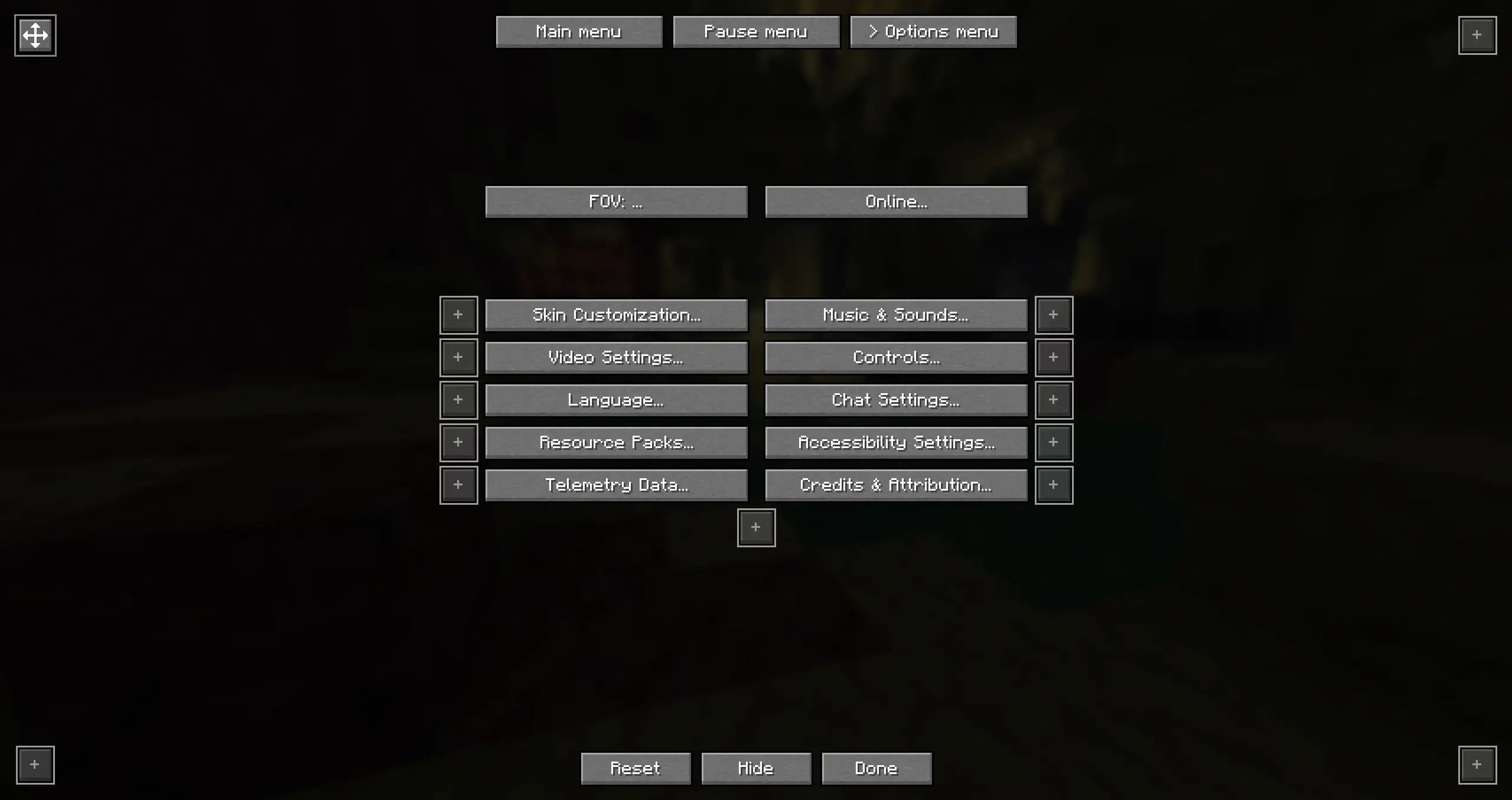
你可以先从进入“选项”,然后点击左上角的按钮开始操作。这将打开配置界面。你也可以将该按钮添加至主菜单或暂停菜单作为快捷方式。同时,你也可以选择完全隐藏该快捷按钮。如果你决定隐藏它,但仍想访问配置,可以通过模组菜单或使用命令 /bettermenubuttons 或 /bmb 来实现。
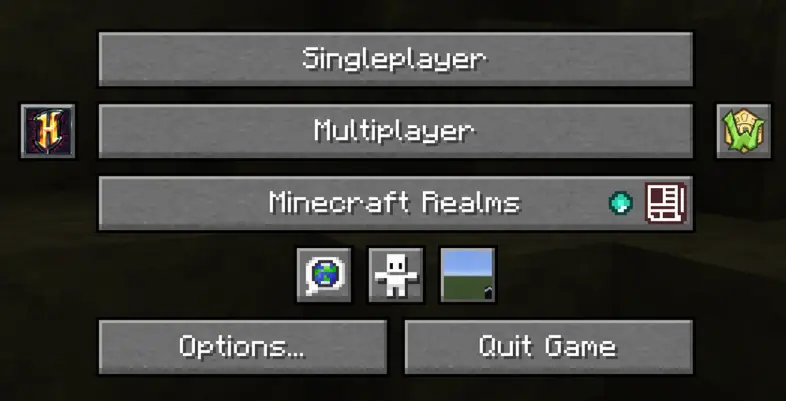
在配置界面中,你可以选择要编辑的菜单(主菜单、暂停菜单或选项菜单)。
主菜单
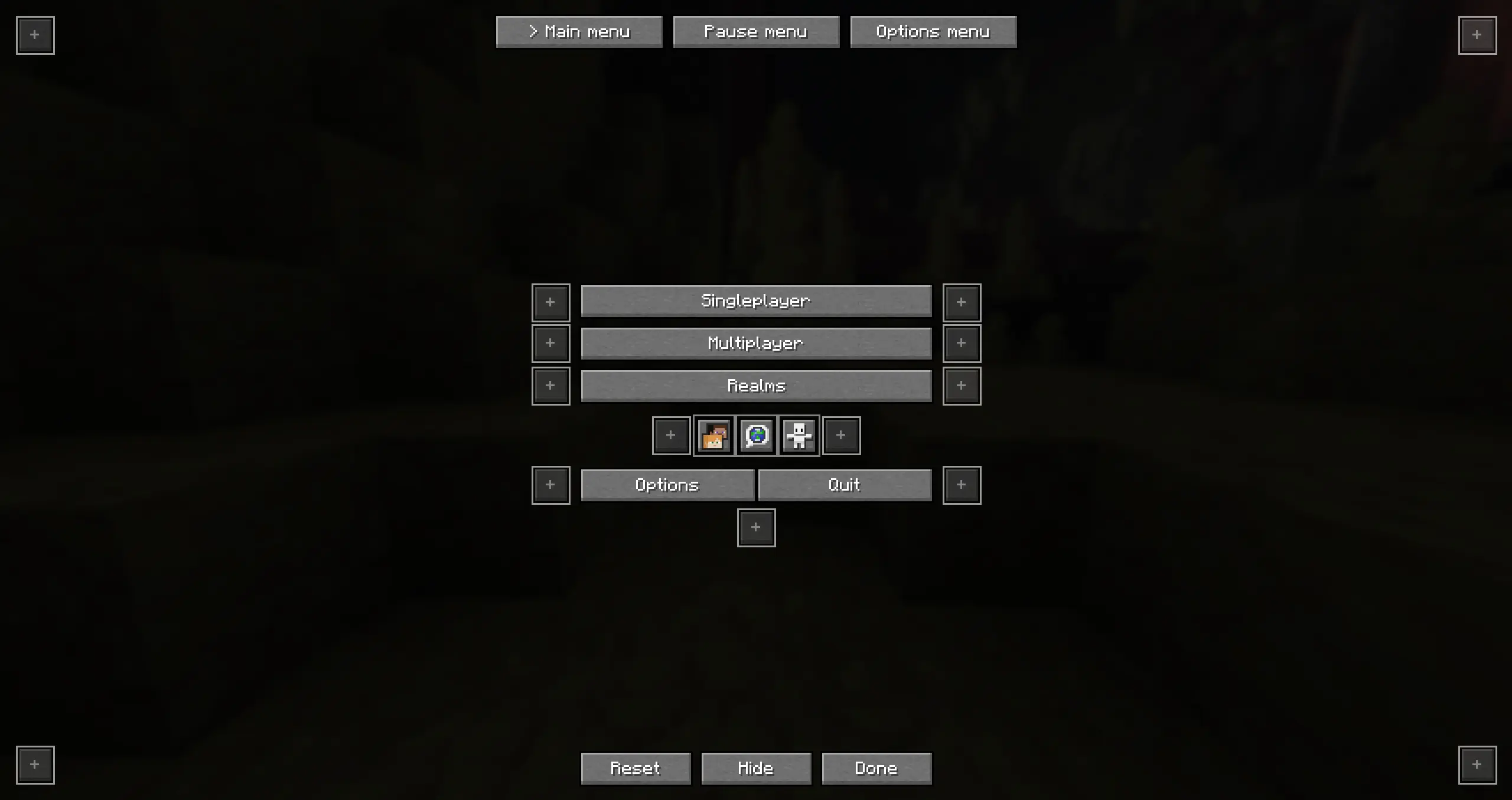
你可以点击任意可用位置,在该处选择要将哪个按钮移动到此槽位
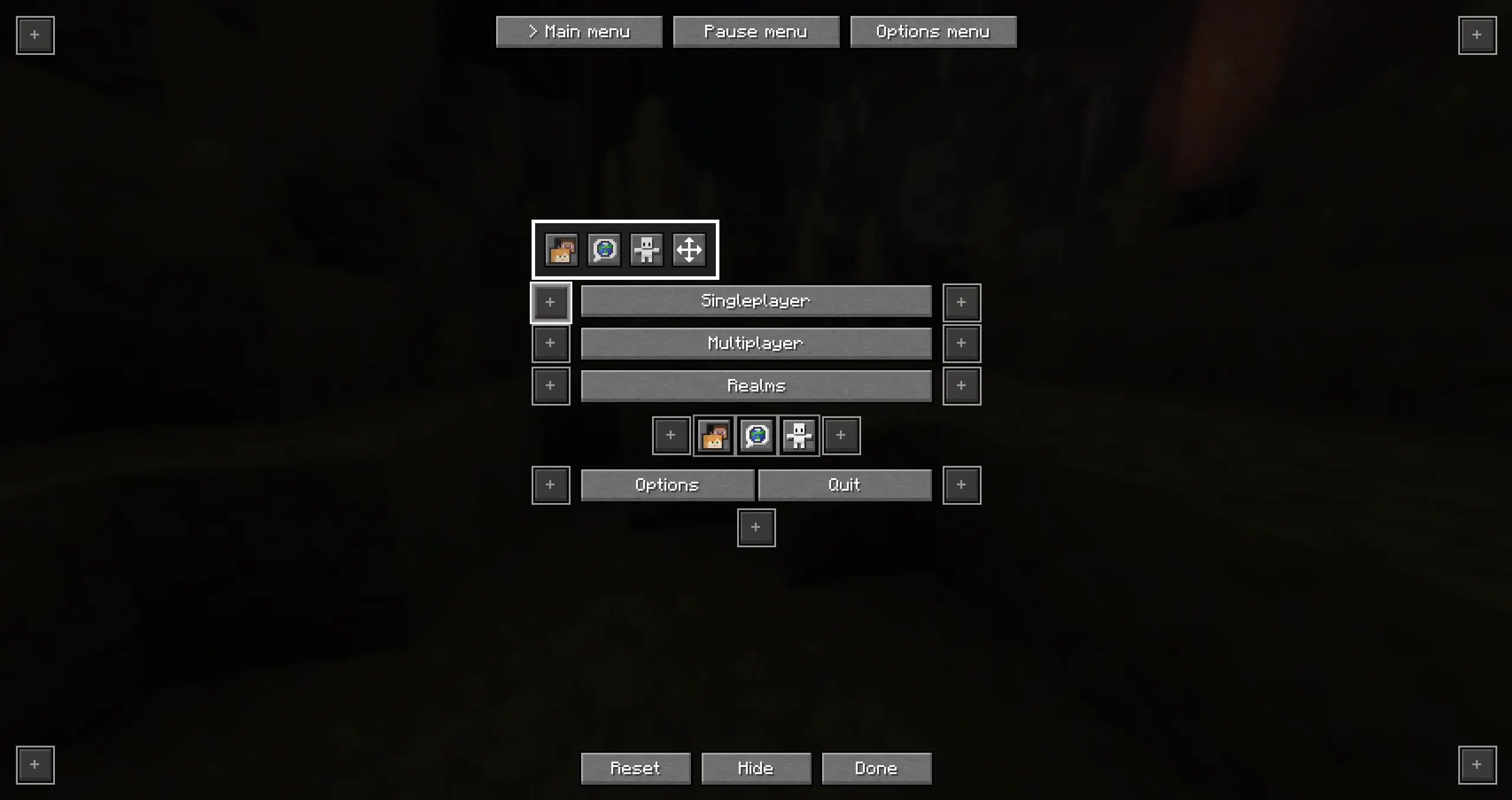
你也可以点击“Hide”(隐藏)来隐藏任意按钮
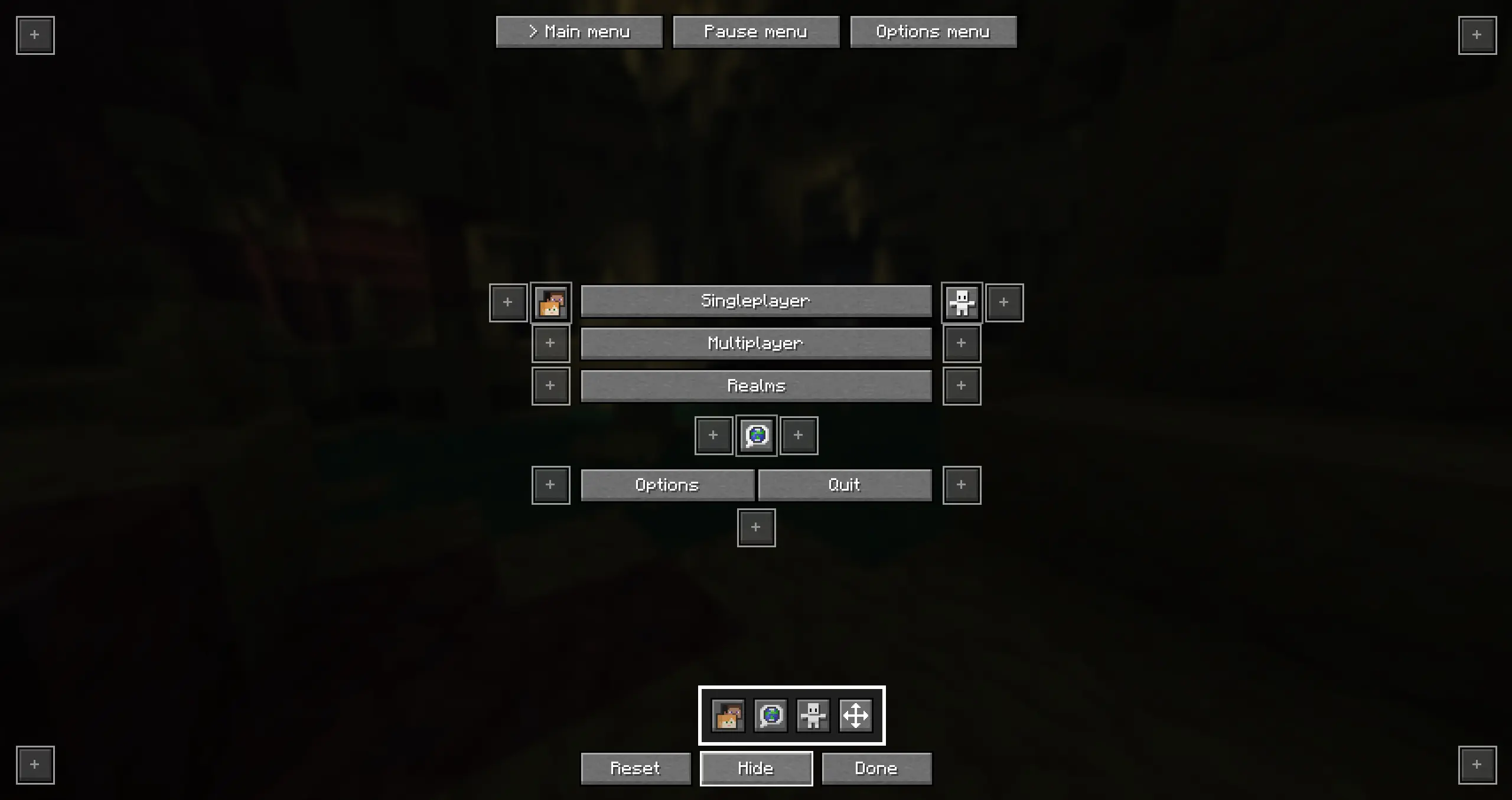
暂停菜单
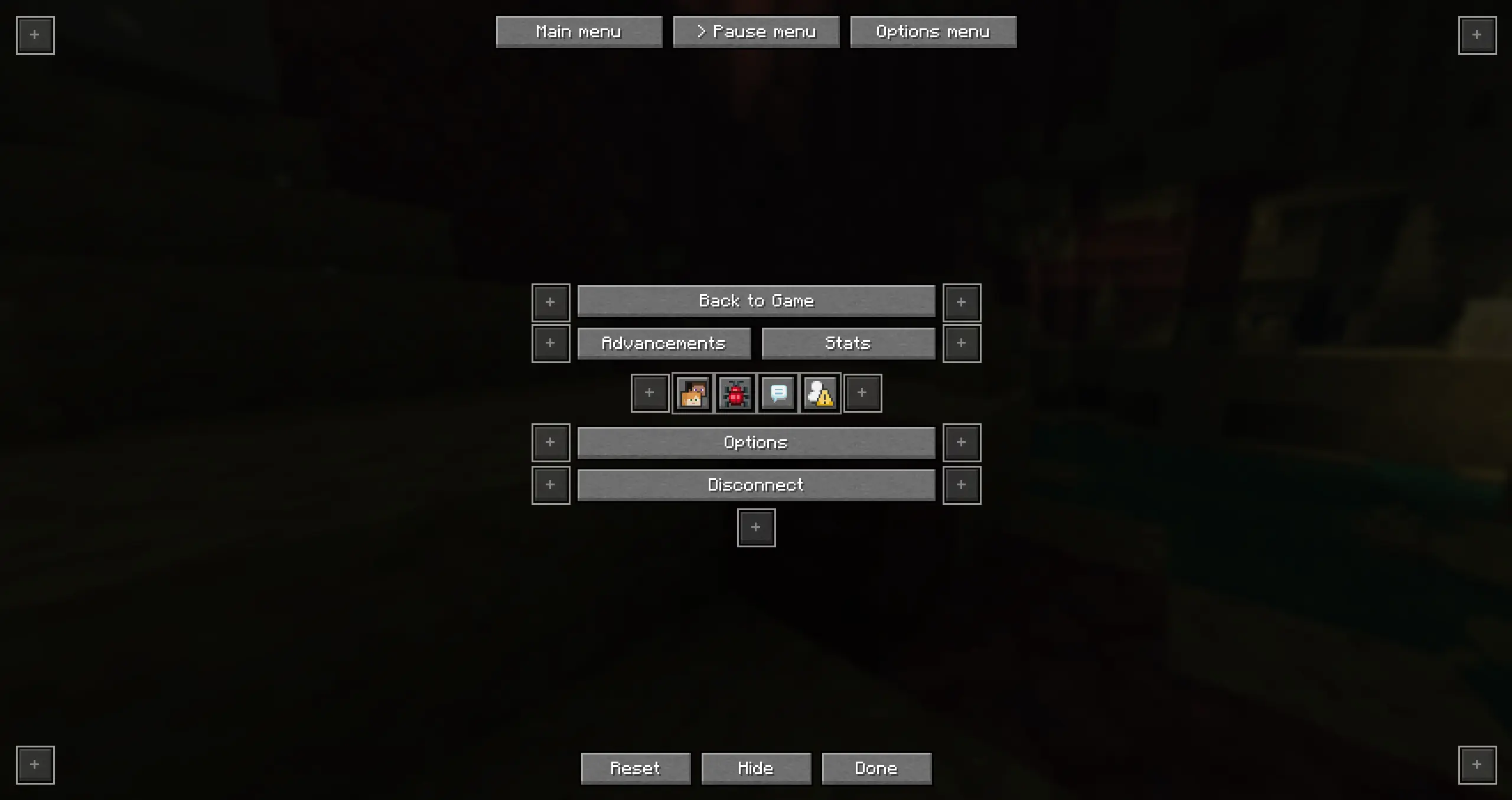
选项菜单
自定义按钮
自定义按钮让你可以快速加入服务器或单人游戏世界!
如何添加自定义按钮:
- 将服务器添加到你的服务器列表中
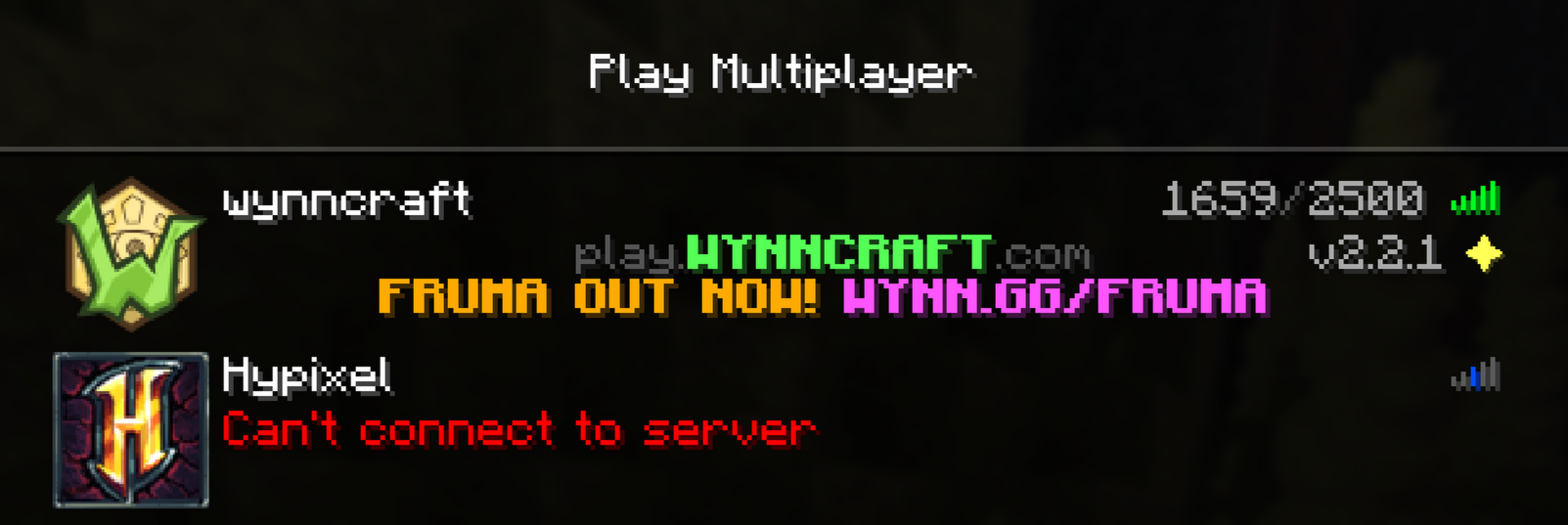
- 打开 Better-menu-buttons 配置
- 点击“Add Server”(添加服务器)或“Add World”(添加世界)
- 选择你想要加入的服务器或单人游戏世界
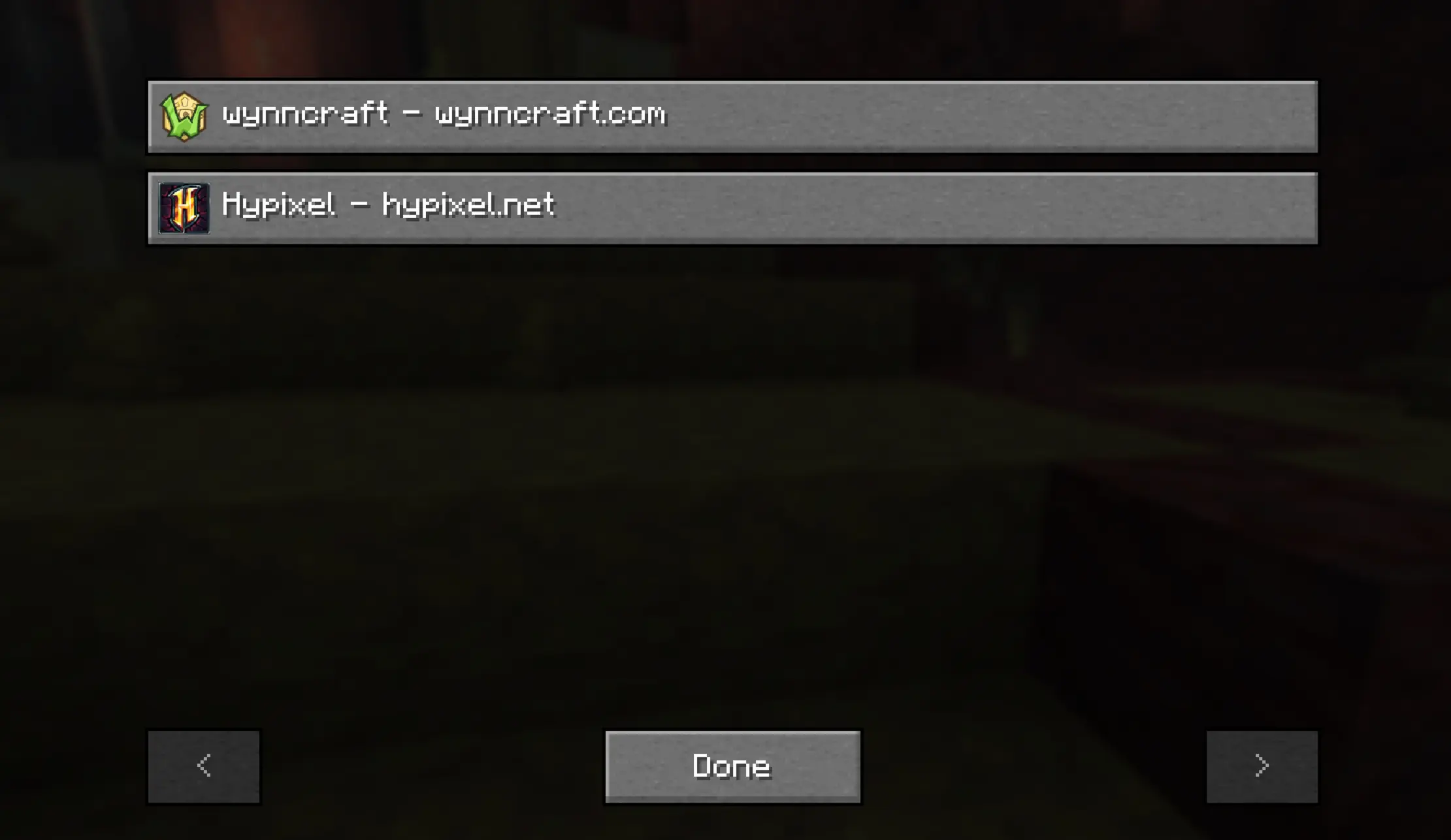
- 将按钮移动到你想要的位置
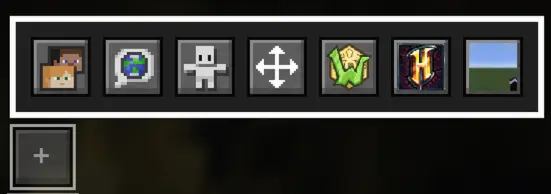
Mod Menu 支持
如果你正在使用 Mod Menu,菜单将自动适配。如果你在 Mod Menu 中使用了图标设置,你甚至可以将该图标也进行移动!
Simple mod that lets you easily change menu button layouts.
HOW TO OPEN THE CONFIG
You can start out by going to your options and clicking on the button in the top left. This will open the config screen. You can also add that button to the main or pause menu as a shortcut. It's also possible to fully hide that shortcut button. If you decided to hide it but you still want to be able to access the config you can either do that through mod menu or by using the command /bettermenubuttons or /bmb
In the config screen you will be able to select which menu to edit (Main menu, Pause menu or Options menu)
Main menu
You can click any of the available positions, there you can select which button to move to this slot
You can also click on "Hide" to hide any of the buttons
Pause menu
Options menu
Custom buttons
Custom buttons let you quickly join a server or a single player world!
How to add a custom button:
- Add the server to your server list
- Open the Better-menu-buttons config
- Click on "Add Server" or "Add World"
- Select the server or single player world you want
- Move the button wherever you want
Mod menu support
If you are using mod menu the menu will automatically adapt. If youre using the icon setting in mod menu you can also move that!

下载 Better menu buttons
需要联机服务器吗?
稳定流畅、一键部署,几分钟即可和朋友联机开服
最低仅需 8 元/月 即可畅快联机
下载 Better menu buttons
需要联机服务器吗?
稳定流畅、一键部署,几分钟即可和朋友联机开服
最低仅需 8 元/月 即可畅快联机
下载 Better menu buttons
下载 Better menu buttons
下载 Better menu buttons
需要联机服务器吗?
稳定流畅、一键部署,几分钟即可和朋友联机开服
最低仅需 8 元/月 即可畅快联机
下载 Better menu buttons
需要联机服务器吗?
稳定流畅、一键部署,几分钟即可和朋友联机开服
最低仅需 8 元/月 即可畅快联机
下载 Better menu buttons
需要联机服务器吗?
稳定流畅、一键部署,几分钟即可和朋友联机开服
最低仅需 8 元/月 即可畅快联机
下载 Better menu buttons
下载 Better menu buttons
下载 Better menu buttons
需要联机服务器吗?
稳定流畅、一键部署,几分钟即可和朋友联机开服
最低仅需 8 元/月 即可畅快联机
自定义按钮
添加了自定义按钮,让你可以快速加入服务器或单人世界!
如何添加自定义按钮:
- 将服务器添加到你的服务器列表中
- 打开 Better-menu-buttons 的配置文件
- 点击“Add Server”(添加服务器)或“Add World”(添加世界)
- 选择你想添加的服务器或单人世界
- 将按钮移动到你想要的位置
多版本支持
为 Fabric 和 Quilt 添加了 26.3-Snapshot-3 的支持。Forge 和 Neoforge 也将在支持 26.3 后获得此功能。
关于这个资源的讨论、问题反馈与使用心得
还没有讨论,来发第一帖吧
你是这个资源的作者?登录后可认领此资源。
相似资源
 模组
缓冲的原始输入和线程化的事件轮询
 模组

可定制的鞘翅模组,支持装饰纹饰、旗帜图案等更多功能!
 模组

一个用于收集生物掉落物的多区块模组。
 模组

显示你正在注视的方块的信息。(适用于 Minecraft 1.16+ 的 Hwyla/Waila 分支)
 模组

原版世界生成优化模组
 模组
在游戏画面角落显示附近世界地形、玩家、生物和实体的地图。可创建路径点,帮助你找到标记过的位置。
评论 0
登录后参与评分
还没有评论,来抢沙发吧