
? 生物群系提取器
Biome Extractor 是一款适用于 Minecraft(Fabric 和 NeoForge)的多加载器实用模组,允许你 literally 采集、存储并移植生物群系到你的世界中。该模组配备自定义的 3D 全息渲染引擎,让你对环境的生物群系数据拥有完全的控制权和可见性。
✨ 主要功能
生物群系提取附魔:为你的工具施加附魔以采集生物群系数据!使用附魔工具破坏方块时,会将该位置的确切生物群系数据直接存入掉落的物品中。
智能提示:将鼠标悬停在背包中的任何已提取方块上,即可查看显示其存储生物群系数据的彩色提示框(例如:Stored Biome: minecraft:jungle)。
移植你的世界:在世界中的任意位置放置已提取的方块,即可用存储的生物群系永久覆盖该区块的生物群系数据。
3D 生物群系矩阵:按 B(可配置)切换自定义的 3D 全息网格。该矩阵会用粗霓虹轮廓高亮显示你所站立的精确生物群系单元格,并用淡线绘制周围单元格,以便你准确规划地形改造。
三种移植尺寸:按 V(可配置)循环切换小(4x4x4)、中(12x12x12)和大(20x20x12)尺寸。允许你在进行边缘微调之前转换更大区域。
⚠️ 技术机制(生物群系实际工作原理)
Minecraft 以一种非常特定且数学化的方式处理生物群系数据。使用此模组时,你会注意到两个硬编码在基础游戏中的独特机制:
4x4x4 限制
Minecraft 并非按方块存储生物群系数据。相反,世界被划分为严格的 4x4x4 区块网格。当你放置带有存储生物群系数据的方块时,你更新的是该方块所在位置的整个 4x4x4 区块。(使用 B 键绑定查看这些区块边界的确切位置!)
基于种子的空间抖动
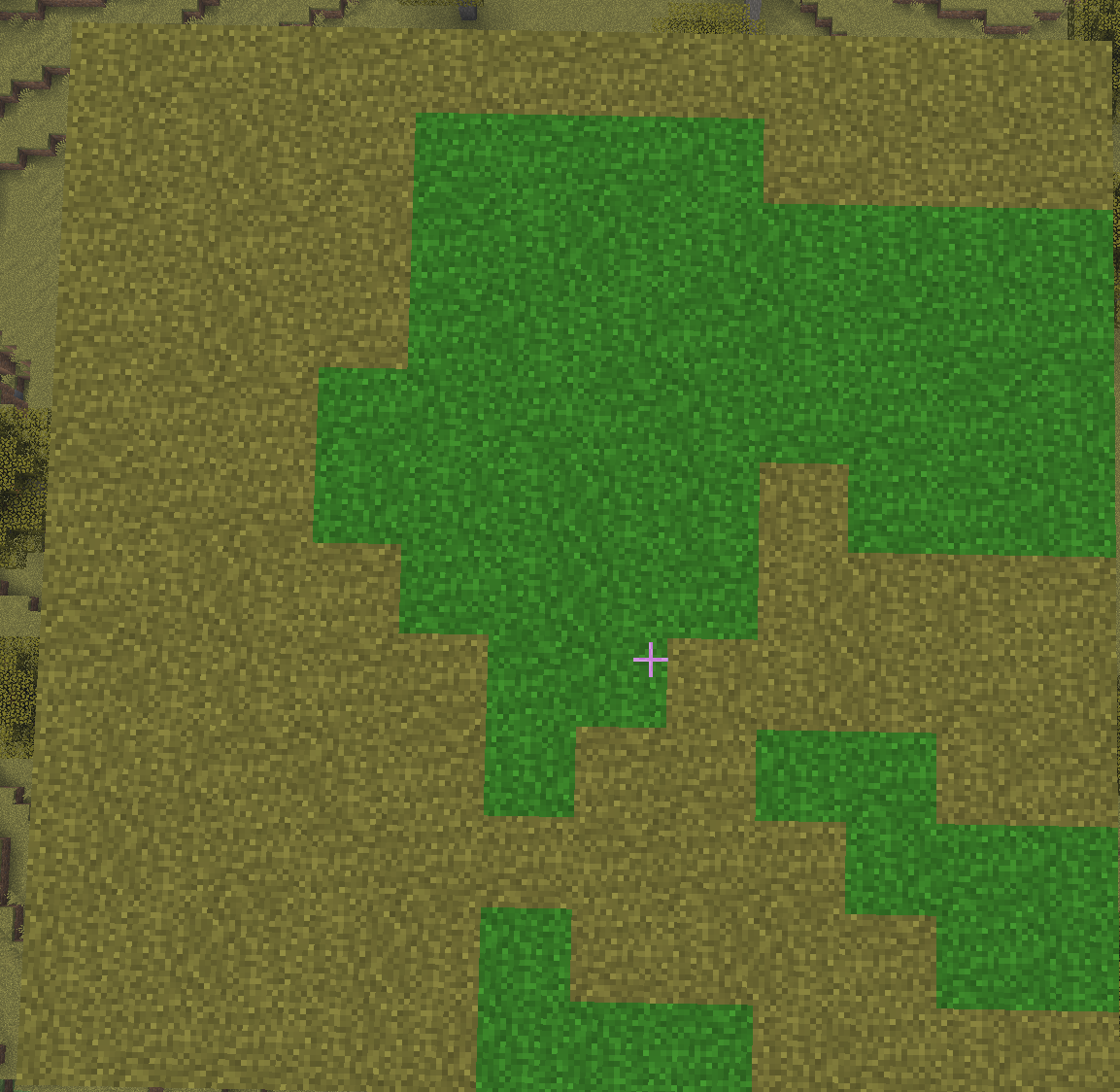
如果你放置新生物群系后发现视觉边界看起来锯齿状且有机,而不是完美匹配 4x4x4 网格,这不是 bug! 为了防止生物群系看起来像难看的棋盘格,Minecraft 的渲染引擎应用了“空间抖动”。它在应用生物群系颜色之前,利用世界的随机种子在每个方向上将坐标打乱 1-2 个方块。3D 矩阵显示真实数据,但游戏始终会在视觉上打乱边缘以使其看起来自然。
生物群系混合
你的游戏内“Biome Blend”视频设置决定了这些锯齿状边界融合得多么平滑。
可视化生物群系混合:
Biome Blend: OFF - 显示原始、未模糊的空间抖动。
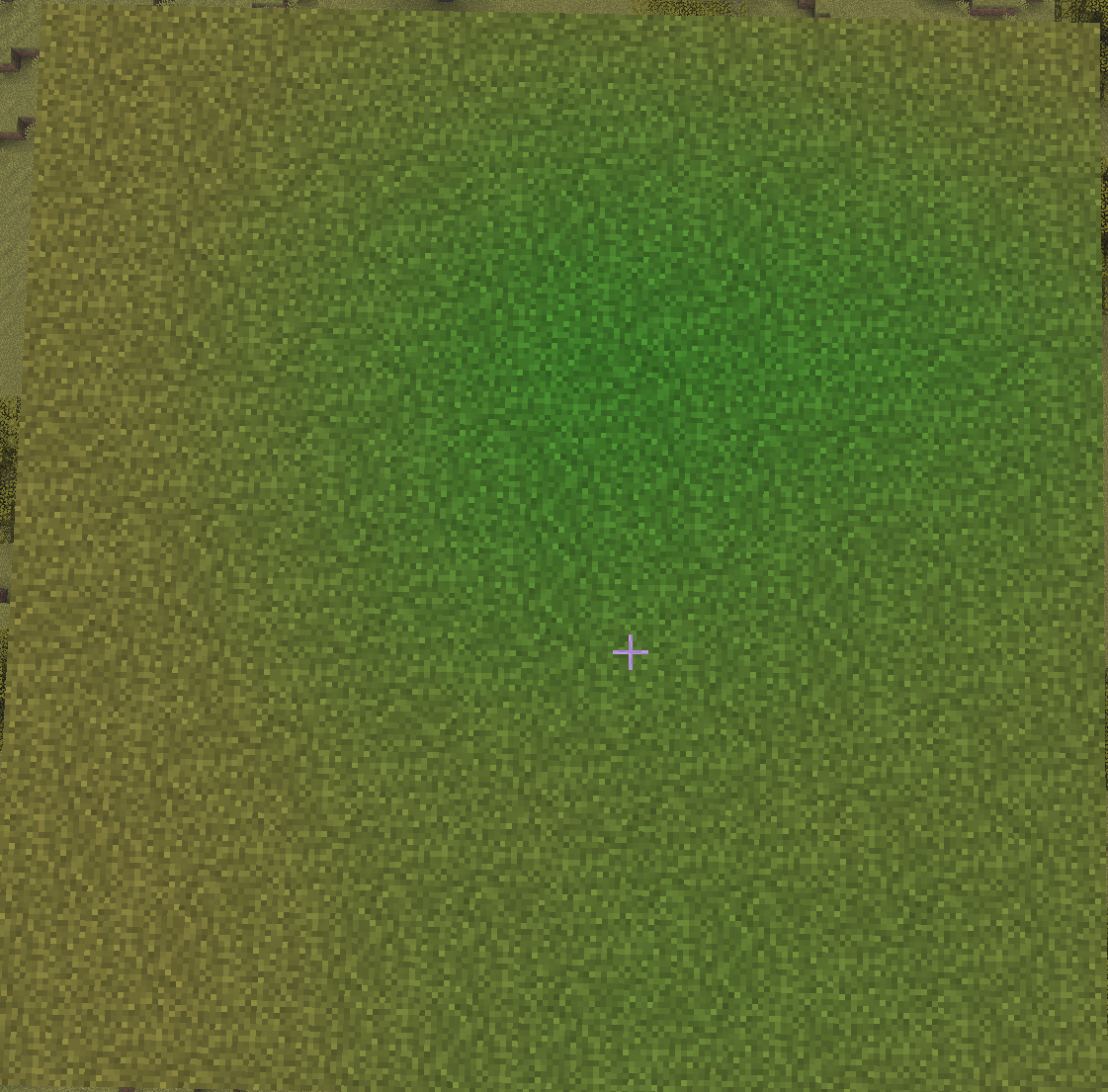
Biome Blend: 5x5 - 移植的生物群系与周围环境之间的标准平滑过渡。
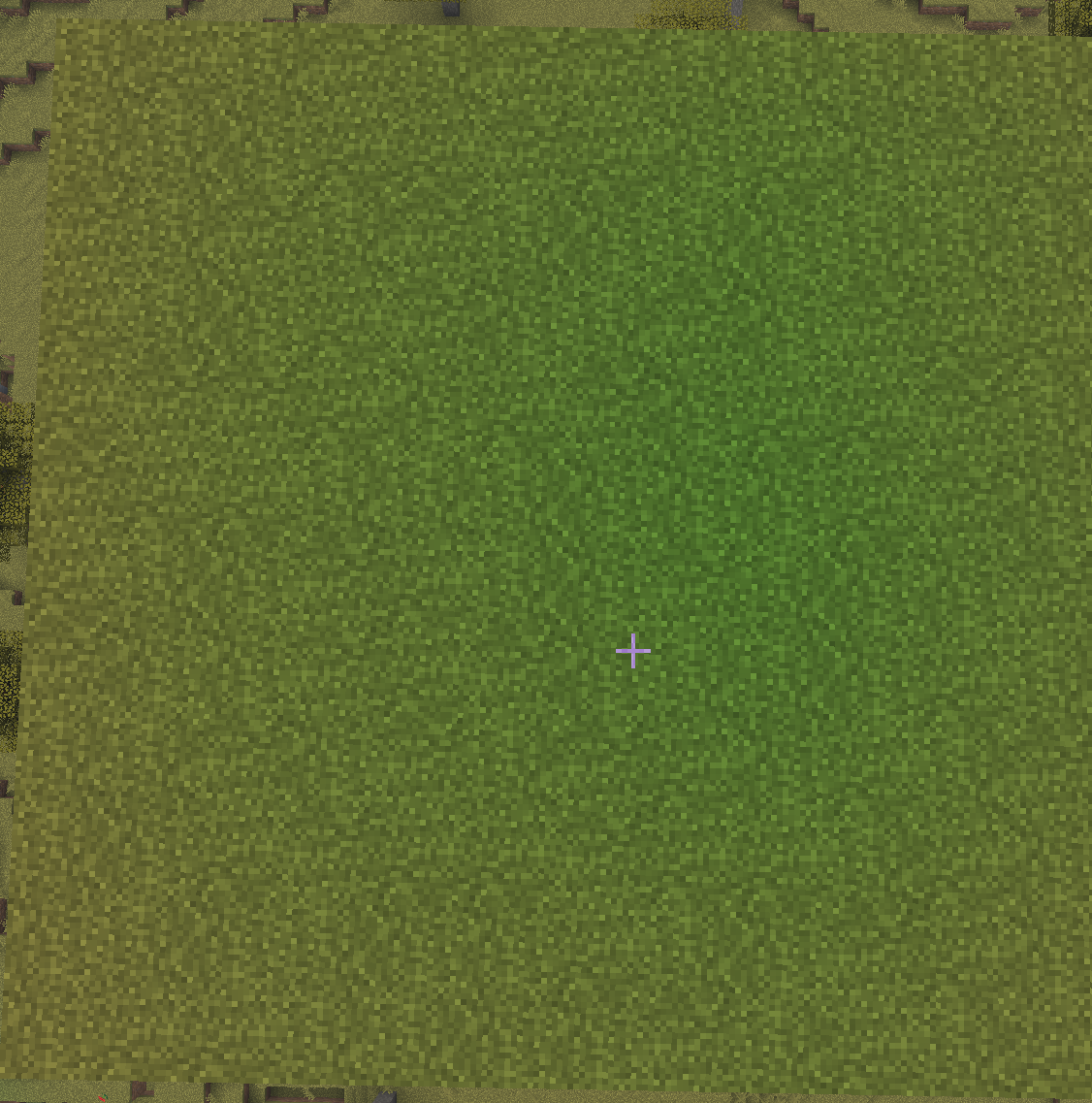
Biome Blend: 9x9 - 生物群系之间的大范围渐变。
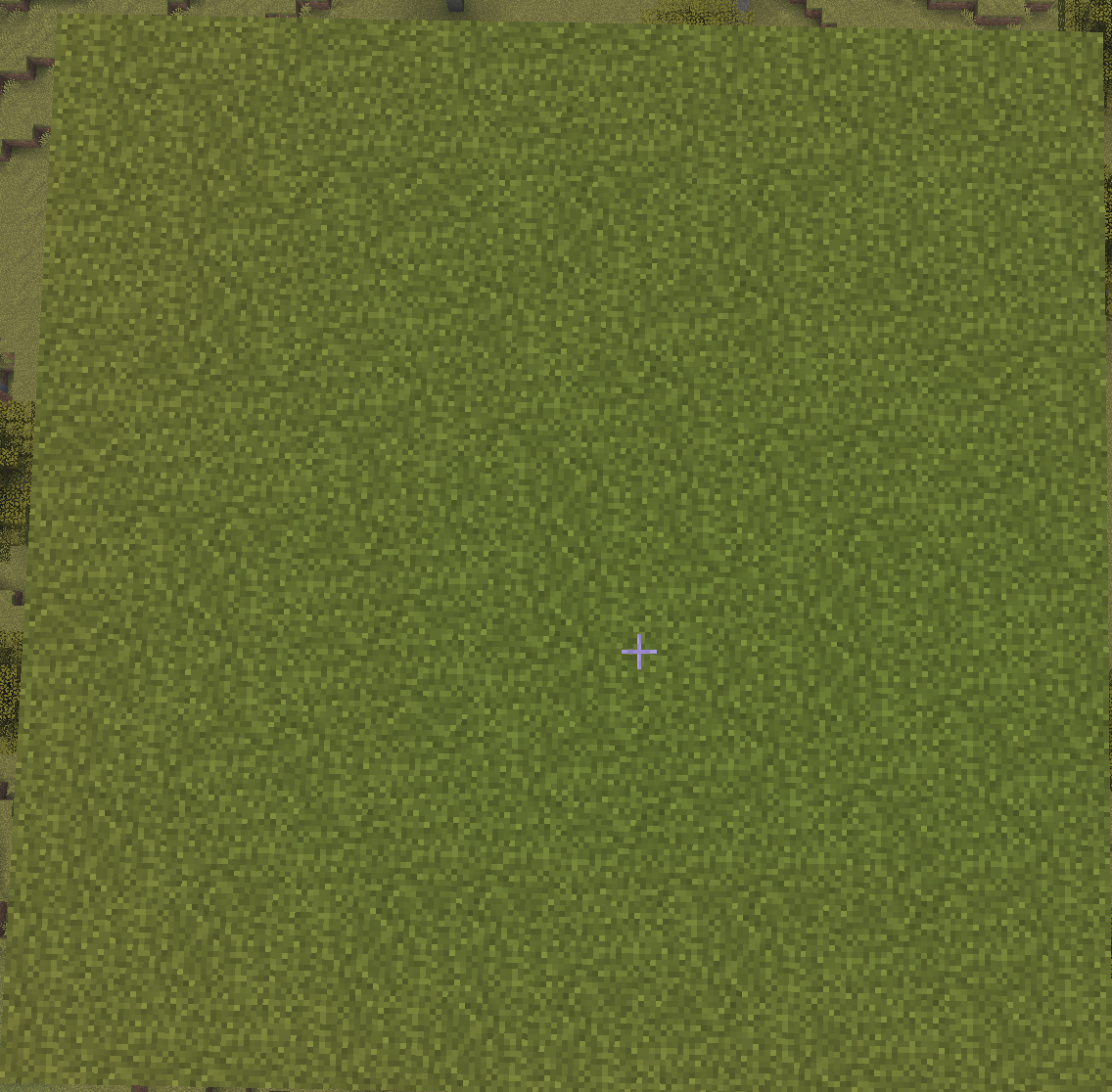
Biome Blend: 15x15 - 生物群系之间的大规模渐变。
⚙️ 安装与兼容性
需要 Fabric API(如果在 Fabric 上游玩)。
原生构建于 Minecraft 26.1.x(支持 26.1.0、26.1.1 和 26.1.2)以及 1.21/1.21.1。
我正在着手将其向后移植到 1.21.x,从 1.21.1 开始。除此之外,我不会再向后移植到低于 1.21 的任何版本。
高度优化,并与 Sodium、Lithium、C2ME 和 More Culling 等主要渲染引擎兼容。
? 许可证
Biome Extractor 是开源的,并根据 MIT 许可证授权。欢迎在你的整合包中使用它!
? Biome Extractor
Biome Extractor is a multi-loader utility mod for Minecraft (Fabric & NeoForge) that allows you to literally harvest, store, and transplant biomes across your world. Complete with a custom 3D holographic rendering engine, this mod gives you total control and visibility over your environment's biome data.
✨ Key Features
The Biome Extractor Enchantment: Enchant your tools to harvest biome data! Breaking a block with an enchanted tool will store the exact biome data of that location directly into the dropped item.
Smart Tooltips: Hover over any extracted block in your inventory to see a color-coded tooltip displaying its stored biome data (e.g., Stored Biome: minecraft:jungle).
Transplant Your World: Place an extracted block back down anywhere in the world to permanently overwrite that chunk's biome data with the stored biome.
The 3D Biome Matrix: Press B (configurable) to toggle a custom 3D holographic grid. This matrix highlights the exact biome cell you are standing in with a thick neon outline, and draws the surrounding cells with faded lines so you can accurately plan your terraforming.
Three transplant sizes: Press V (configurable) to cycle through the small(4x4x4), medium(12x12x12), and large(20x20x12) sizes. Allowing you to convert a larger area before making smaller adjustments around the edges.
⚠️ Technical Mechanics (How Biomes Actually Work)
Minecraft handles biome data in a very specific, mathematical way. When using this mod, you will notice two unique mechanics that are hardcoded into the base game:
The 4x4x4 Limitation
Minecraft does not store biome data block-by-block. Instead, the world is divided into a strict grid of 4x4x4 chunks. When you place a block with stored biome data, you are updating the entire 4x4x4 chunk that the block was placed inside. (Use the B keybind to see exactly where these chunk borders lie!)
Seeded Spatial Jitter
If you place a new biome and notice the visual border looks jagged and organic instead of perfectly matching the 4x4x4 grid, this is not a bug! To prevent biomes from looking like ugly checkerboards, Minecraft's rendering engine applies a "Spatial Jitter." It uses the world's random seed to scramble the coordinates by 1-2 blocks in every direction before applying the biome color. The 3D matrix shows the true data, but the game will always visually scramble the edges to make it look natural.
Biome Blend
Your in-game "Biome Blend" video setting determines how smoothly these jagged borders fade together.
Visualizing Biome Blends:
Biome Blend: OFF - Shows the raw, un-blurred Spatial Jitter.
Biome Blend: 5x5 - A standard, smooth fade between the transplanted biome and the surrounding world.
Biome Blend: 9x9 - A large, gradual gradient between the biomes.
Biome Blend: 15x15 - A massive, gradual gradient between the biomes.
⚙️ Installation & Compatibility
Requires Fabric API (if playing on Fabric).
Built natively for Minecraft 26.1.x (Supports 26.1.0, 26.1.1, and 26.1.2) and 1.21/1.21.1.
I will be working on backporting it to 1.21.x, starting with 1.21.1. Beyond that I will not be backporting to any version below 1.21.
Highly optimized and compatible with major rendering engines including Sodium, Lithium, C2ME, and More Culling.
? License
Biome Extractor is open-source and licensed under the MIT License. Feel free to use it in your modpacks!

下载 Biome Extractor
需要联机服务器吗?
稳定流畅、一键部署,几分钟即可和朋友联机开服
最低仅需 8 元/月 即可畅快联机
下载 Biome Extractor
下载 Biome Extractor
下载 Biome Extractor
下载 Biome Extractor
需要联机服务器吗?
稳定流畅、一键部署,几分钟即可和朋友联机开服
最低仅需 8 元/月 即可畅快联机
下载 Biome Extractor
下载 Biome Extractor
下载 Biome Extractor
下载 Biome Extractor
下载 Biome Extractor
1.1 版本发布:
- 添加了白名单和工具检查配置,更新了标签和方块。
- 移除了斧头上的附魔。
关于这个资源的讨论、问题反馈与使用心得
还没有讨论,来发第一帖吧
你是这个资源的作者?登录后可认领此资源。
相似资源
 模组

可定制的鞘翅模组,支持装饰纹饰、旗帜图案等更多功能!
 模组

显示你正在注视的方块的信息。(适用于 Minecraft 1.16+ 的 Hwyla/Waila 分支)
 模组
在游戏画面角落显示附近世界地形、玩家、生物和实体的地图。可创建路径点,帮助你找到标记过的位置。
 模组
使用 JavaScript 编辑配方、添加自定义物品、编写世界事件!
 模组

查看物品与配方
 模组
AE2:一款流行的自动化与存储模组
评论 0
登录后参与评分
还没有评论,来抢沙发吧