
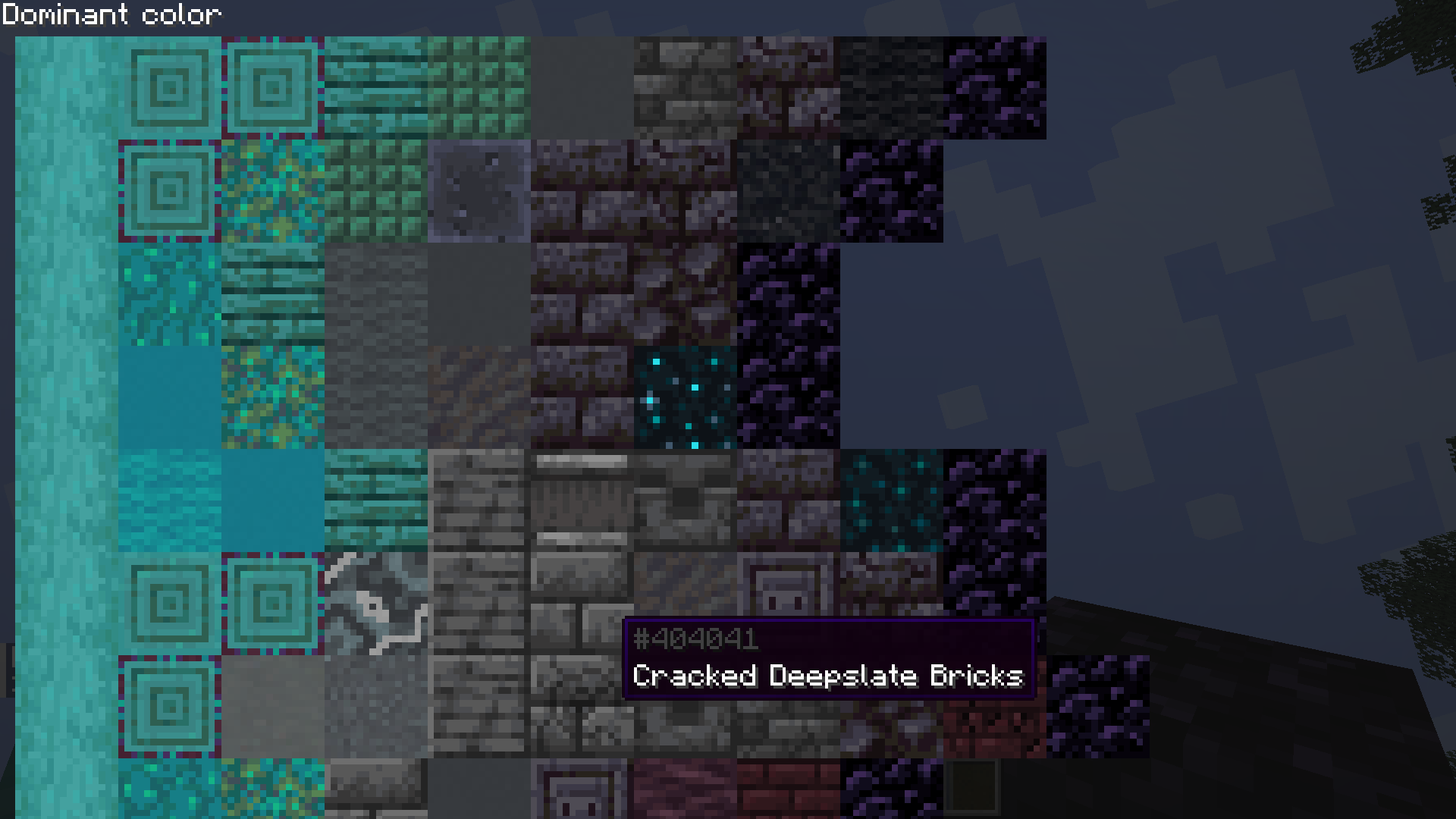
此模组可帮助你找到两种方块之间的渐变效果,它会展示可用于两者之间过渡的各种方块组合。
使用方法:在主手持有任意方块、副手持有另一种方块时按下 B 键即可查看渐变效果;再次按下 B 键可在两种模式间切换(通常「主导色」模式效果更好,但它仅显示颜色较为均匀的方块)。
使用鼠标进行导航和缩放。列表顶部的渐变效果偏差最小,随着向下滑动,你将看到与所选两种方块相似度较低的方块。
不支持半透明/透明方块。
支持模组添加的方块,但如果存在数千种方块,生成首次渐变可能需要一些时间。你可以在配置文件中将某些模组加入黑名单以加速处理过程(已默认将 Every Compat 加入黑名单)。资源包同样受到支持。
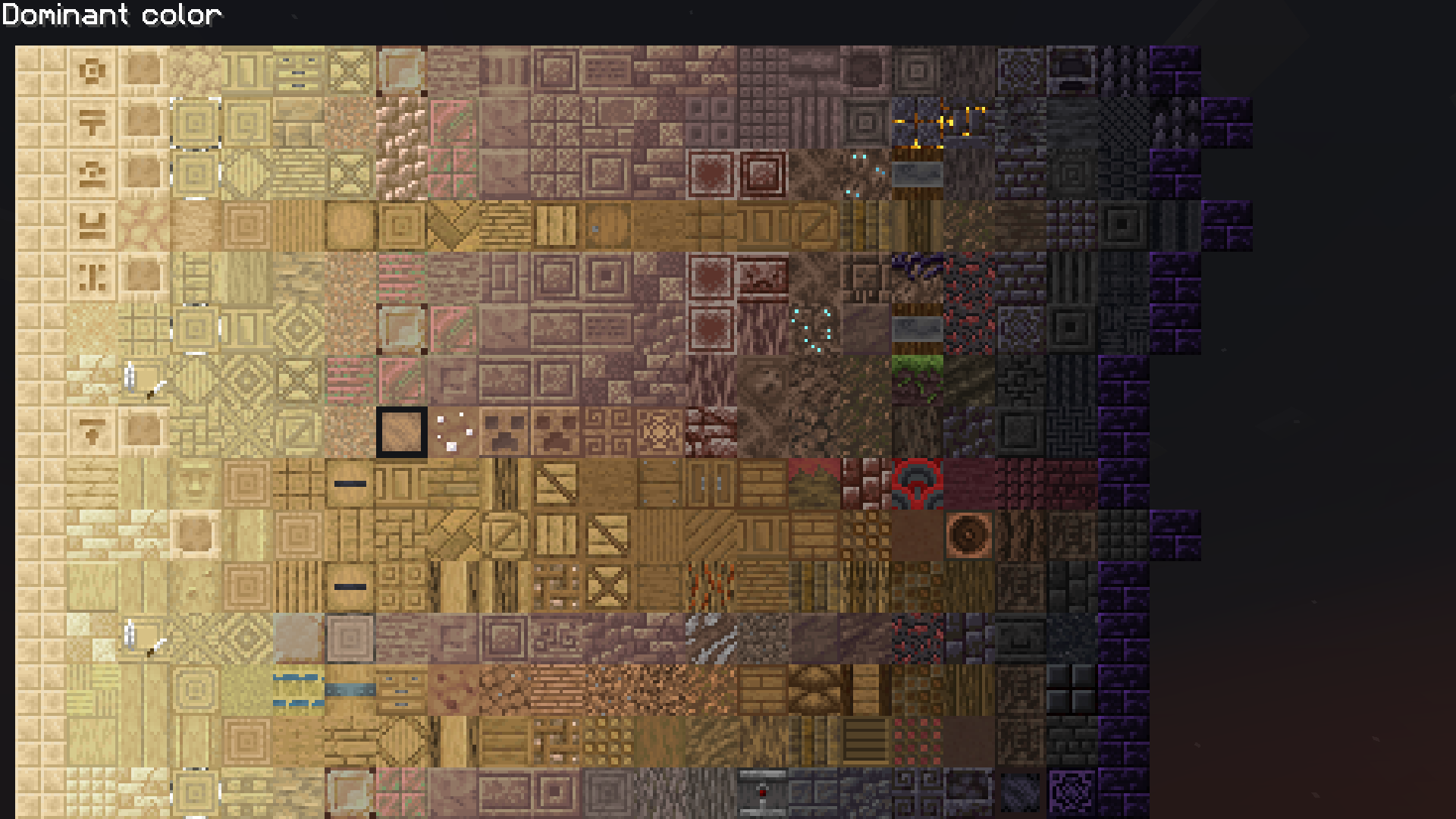
This mod helps you find a gradient between two blocks by showing you various combinations of blocks that could be used inbetween.
To use it, press B while holding a block in the main hand and another one in the off hand to view the gradients, press B again to switch between the two modes (dominant color is generally better but only shows block that are somewhat uniformly colored).
Navigate/zoom with the mouse. The topmost gradients are the ones with the least deviation, as you go down you will start seeing blocks that are less similar to the two chosen ones.
Translucent/transparent blocks are not supported.
Modded blocks are supported, but it will take some time to generate the first gradients if there are thousands of blocks. You might want to blacklist certain mods from the config to speed up the process (Every Compat is already blacklisted). Resource packs are also supported.

下载 Block Gradients
下载 Block Gradients
下载 Block Gradients
下载 Block Gradients
下载 Block Gradients
下载 Block Gradients
下载 Block Gradients
暂无更新日志
关于这个资源的讨论、问题反馈与使用心得
还没有讨论,来发第一帖吧
你是这个资源的作者?登录后可认领此资源。
相似资源
 模组

可定制的鞘翅模组,支持装饰纹饰、旗帜图案等更多功能!
 模组

显示你正在注视的方块的信息。(适用于 Minecraft 1.16+ 的 Hwyla/Waila 分支)
 模组
在游戏画面角落显示附近世界地形、玩家、生物和实体的地图。可创建路径点,帮助你找到标记过的位置。
 模组
使用 JavaScript 编辑配方、添加自定义物品、编写世界事件!
 模组

查看物品与配方
 模组
AE2:一款流行的自动化与存储模组
评论 0
登录后参与评分
还没有评论,来抢沙发吧