
英文 | 简体中文
ChromaticityBlock
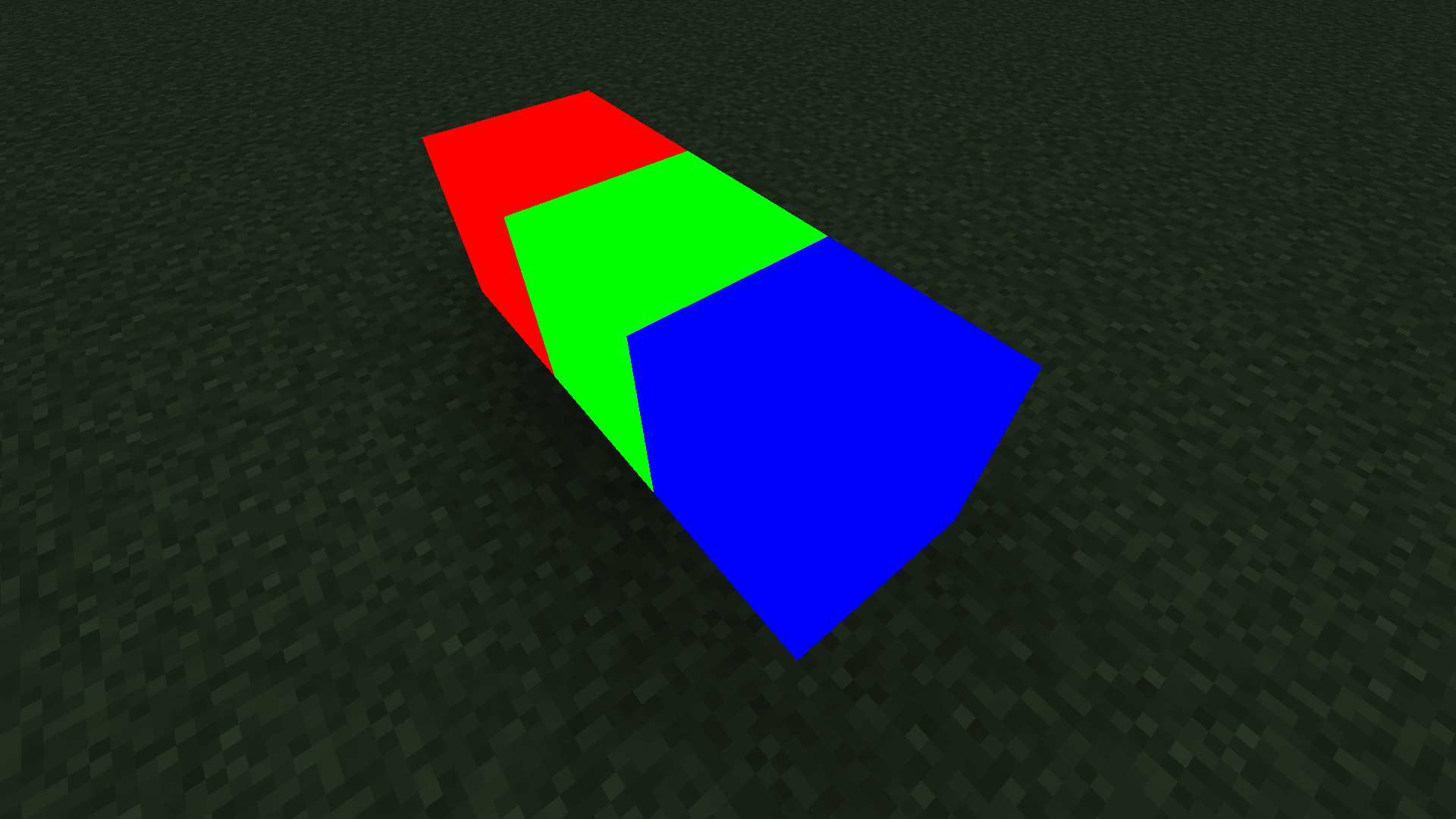
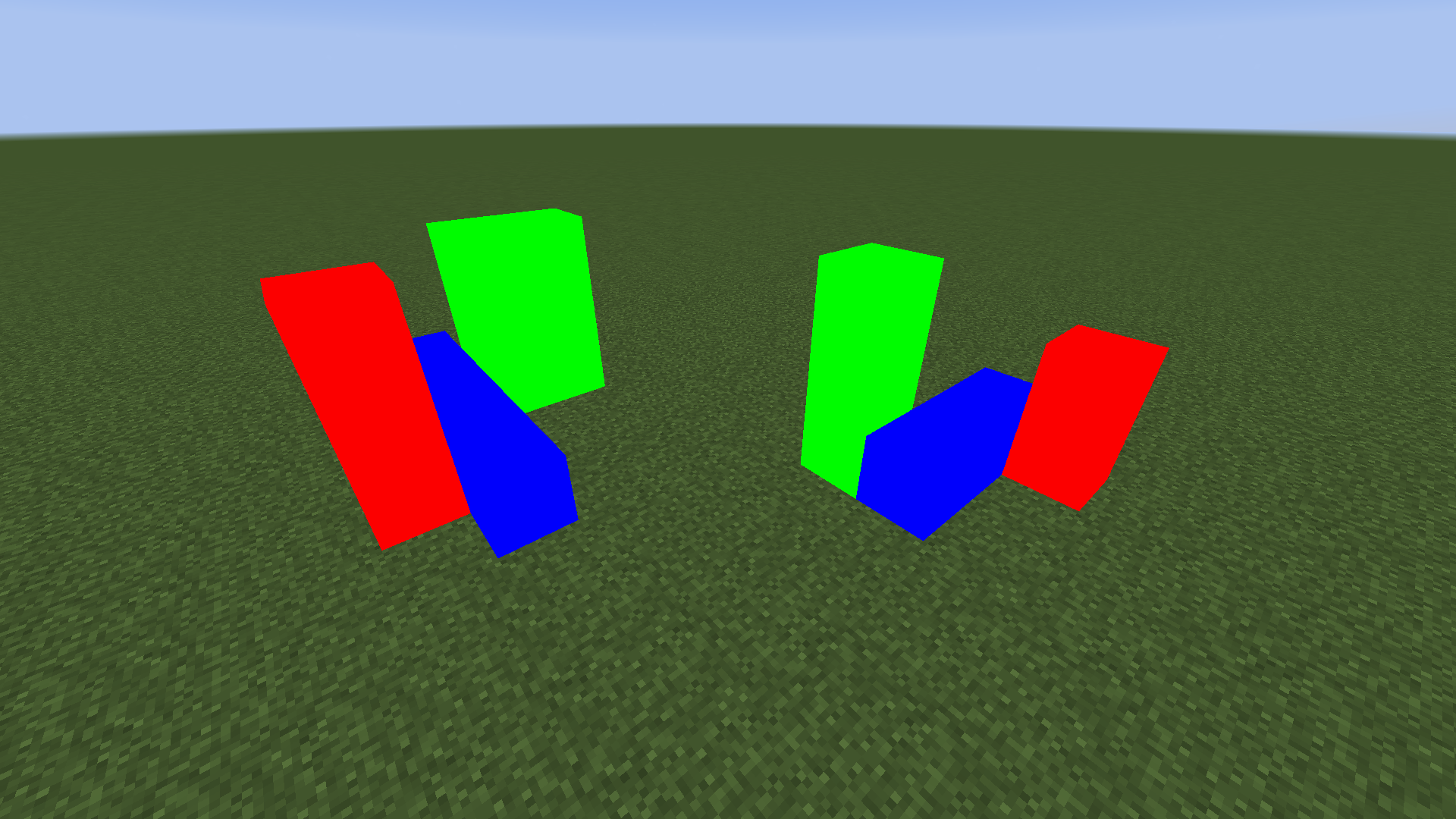
此模组添加了色块,其渲染不受光照影响,特别适合方便地制作色块剪影。
支持的 Minecraft 版本:1.12.2-forge、1.16.5-fabric、1.20.4-fabric、1.20.5-fabric、1.20.6-fabric、1.21-fabric
使用方法
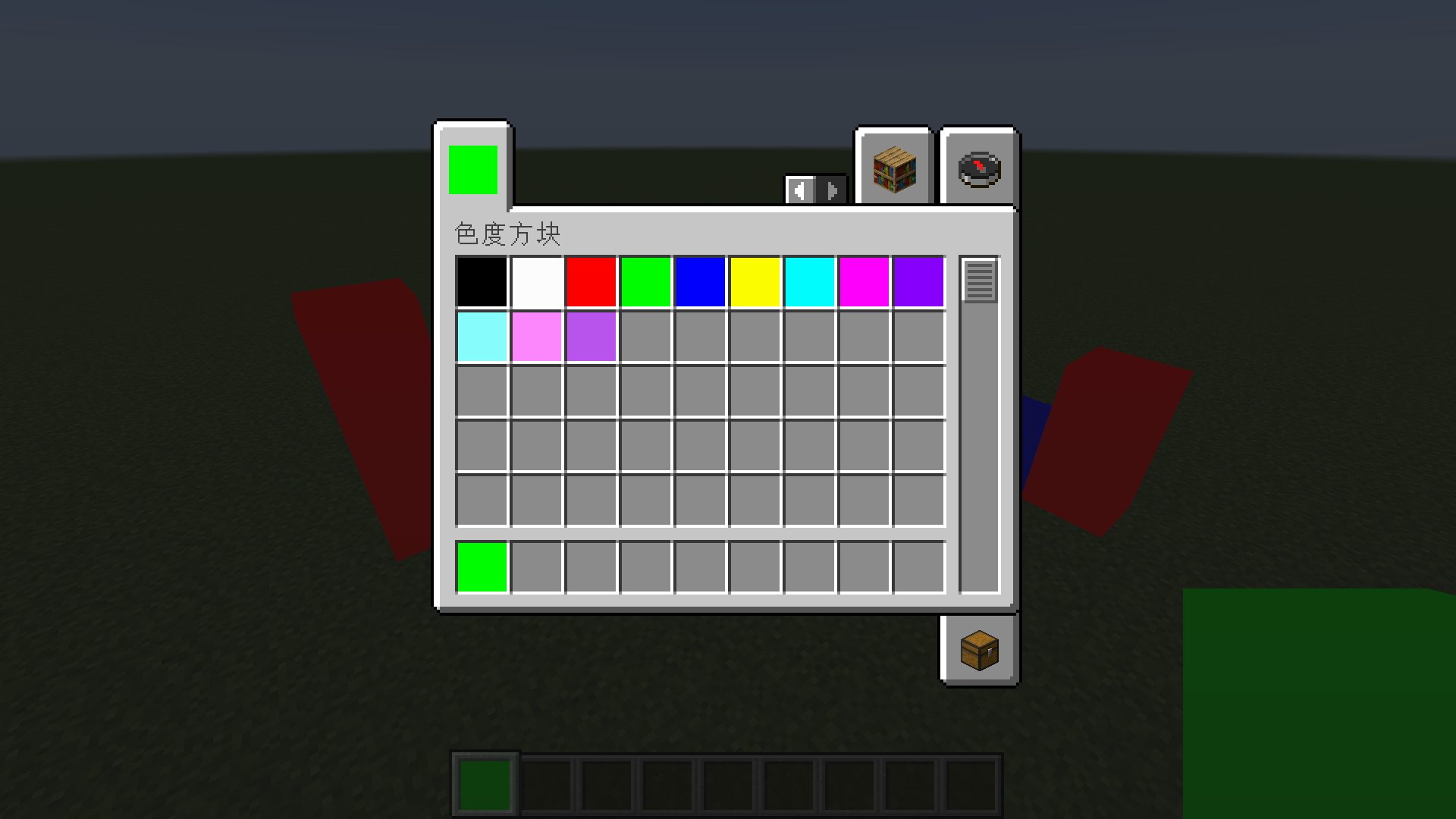
方法一:直接使用创意模式物品栏中内置的常见颜色。
方法二:通过 NBT 添加任意颜色的色块来获取它们。
获取任意颜色色块的命令
创意模式物品栏中内置的常见颜色通常能满足您的需求。如果需要自定义颜色,则需要使用命令获取任意颜色的色块。
-
MC 1.13 版本之前
give @s chromaticityblock:chromaticity_block 1 0 {"BlockEntityTag":{"color":-1}}
setblock ~ ~ ~ chromaticityblock:chromaticity_block 0 normal {"color":-1}
-
MC 1.13 版本之后
give @s chromaticityblock:chromaticity_block{"BlockEntityTag":{"color":-1}}
setblock ~ ~ ~ chromaticityblock:chromaticity_block{"color":-1}
颜色参数
色块的颜色由颜色 NBT 决定。
任何颜色都可以通过混合红、绿、蓝来获得,因此要确定一种颜色,只需要四个 ARGB 参数,即 Alpha(透明度)、Red(红)、Green(绿)和 Blue(蓝)。
例如,十六进制颜色值 FF4488CC 包含四个 ARGB 参数。FF 是 Alpha,44 是 Red,88 是 Green,CC 是 Blue,这四个参数的范围是 0-255(对应十六进制的 0-FF)。
需要注意的是,虽然 Alpha 可以存储在数字中,但此模组实际上没有透明效果。
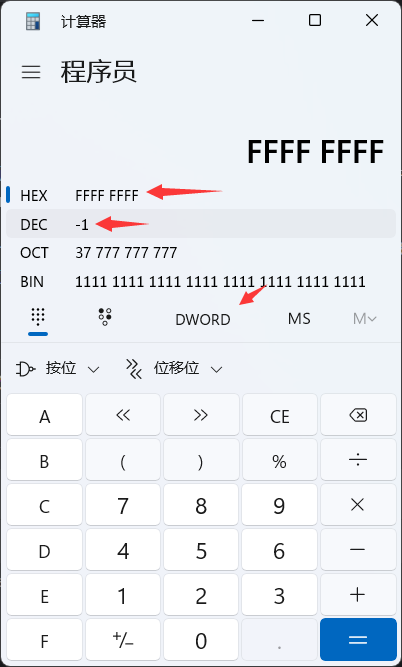
不幸的是,NBT 中的整数不能以 HEX(十六进制)格式输入,因此你需要将其转换为 DEC(十进制)。
你可以使用 Windows 自带的计算器来完成此转换。使用程序员模式,将模式设置为 DWORLD,以 HEX 格式输入数值,即可查看该值的 DEC 格式。
兼容性
-
1.12.2 - forge - Optifine
不完全兼容。Optifine 可以添加,但此模组与任何光影都不兼容。如果尝试使用光影,色块会出现严重的渲染错误。
-
1.16.5 - fabric - Sodium - Iris
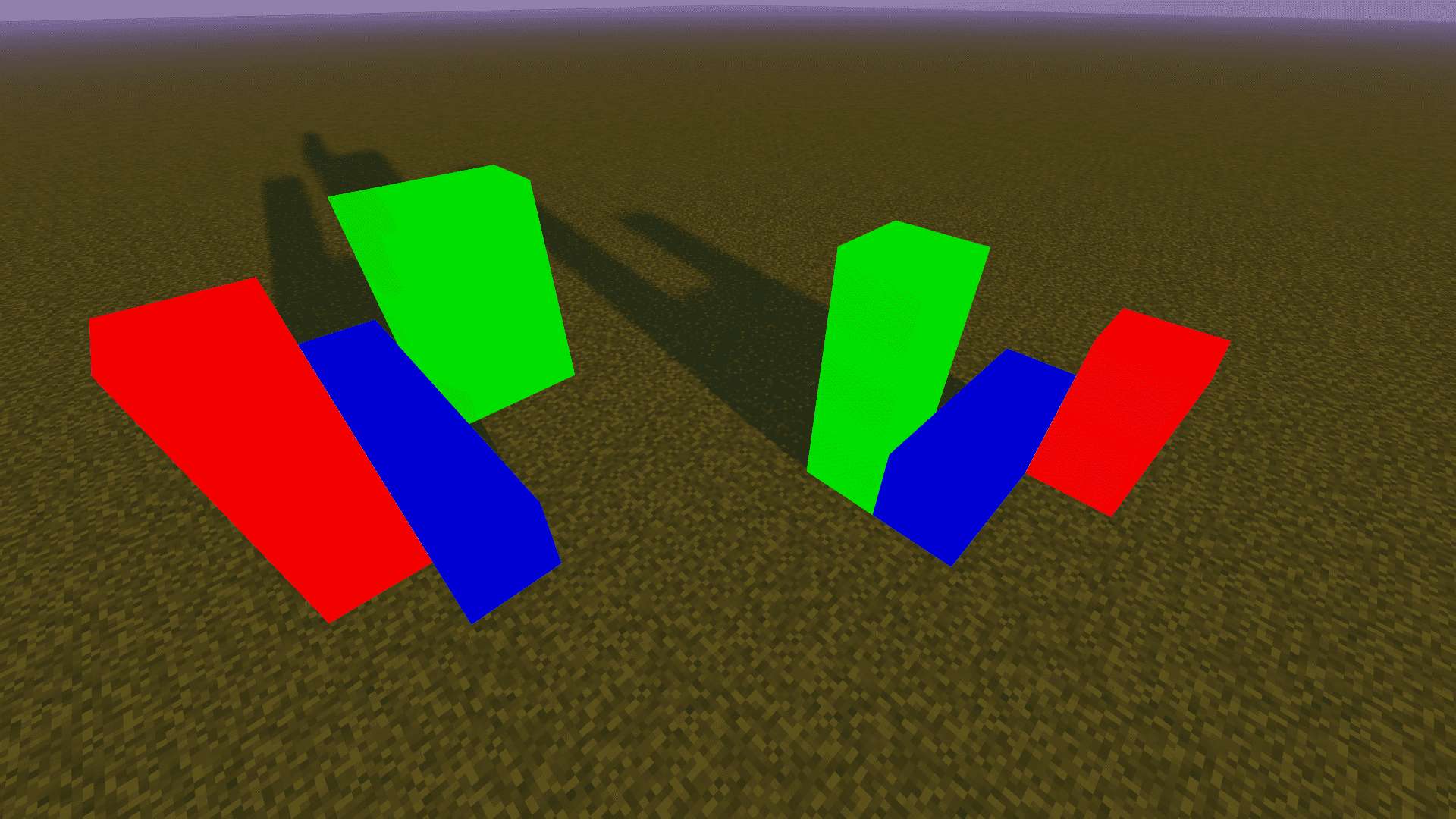
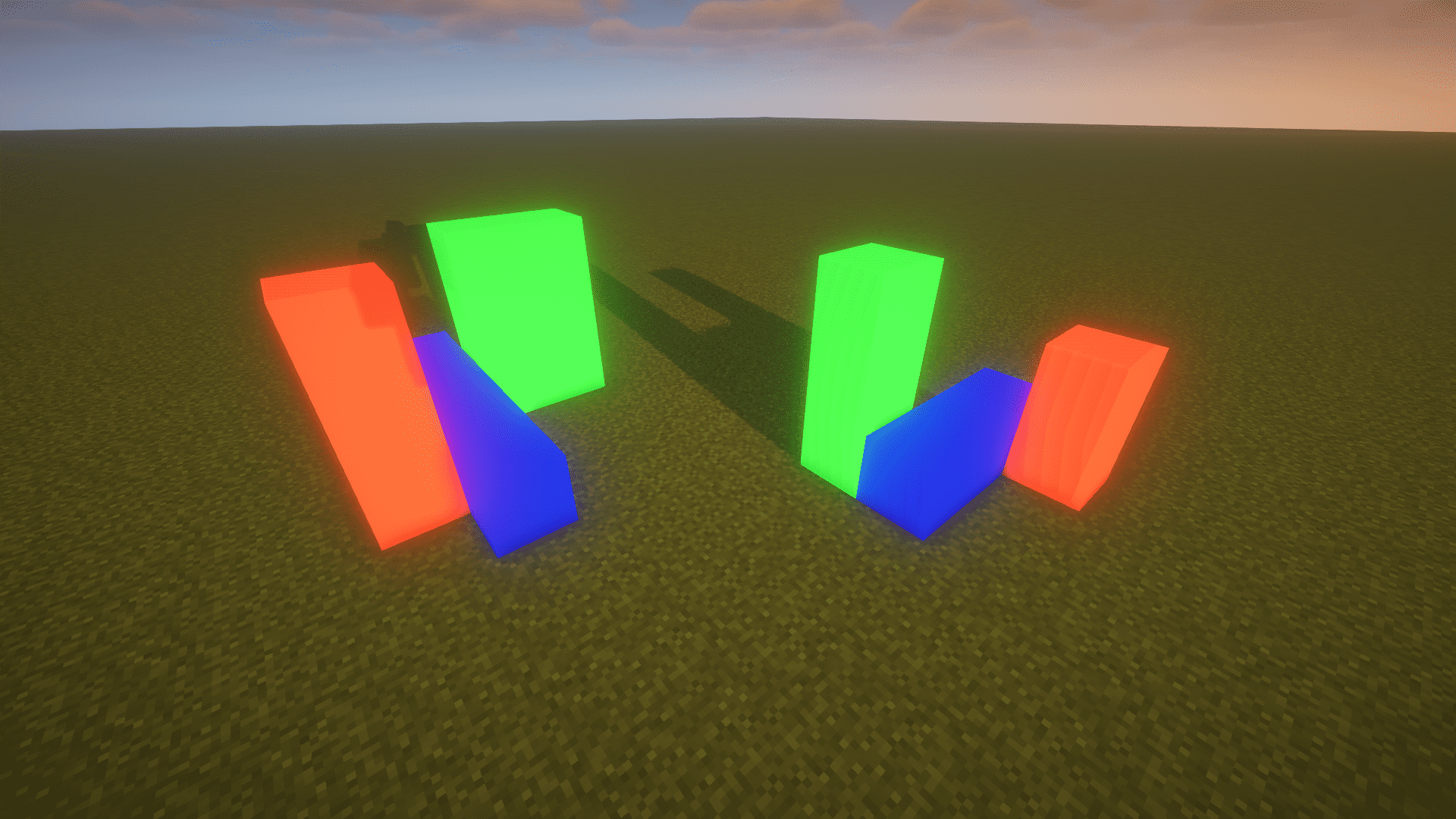
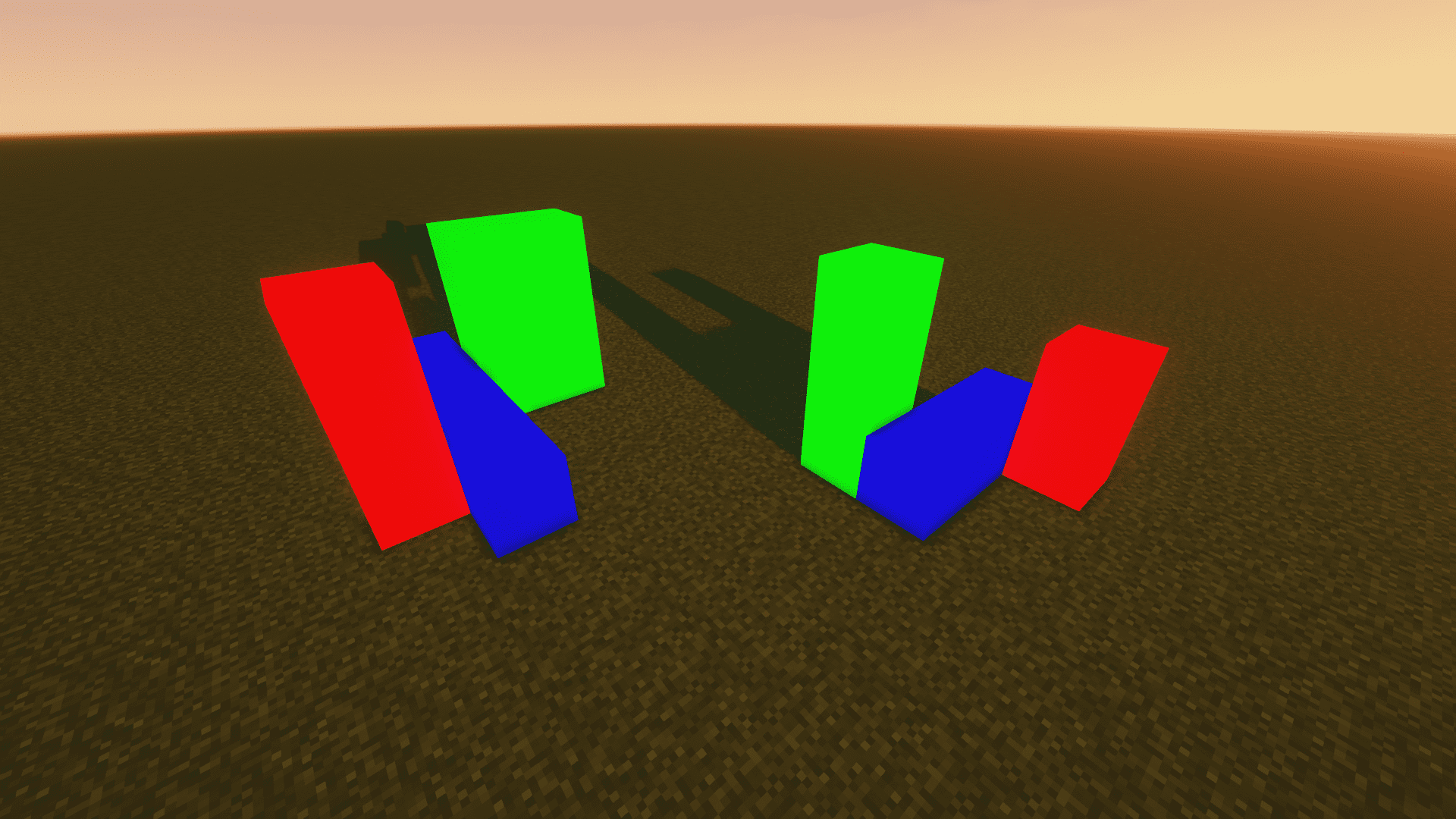
兼容。虽然使用光影可能会有一些小问题,但没有严重的渲染错误。以下是一些常见的光影效果:
- Sildurs_v1.26
- BSL_v8.2.08
- ComplementaryShaders_v4.4
-
1.20.4 - fabric - Sodium - Iris
与 1.16.5 - fabric - Sodium - Iris 相同
关于
-
作者:Yancey
-
QQ:1709185482
-
Email:1709185482@qq.com
-
GitHub:
English | 简体中文
ChromaticityBlock
This mod adds chromaticity block, whose rendering is not affected by lighting, making it particularly suitable for convenient chromaticity cutouts.
Supported minecraft versions: 1.12.2-forge,1.16.5-fabric,1.20.4-fabric,1.20.5-fabric,1.20.6-fabric,1.21-fabric
How to Use
Method One: Use the common colors built into the creative mode item bar directly.
Method Two: Obtain chromaticity blocks of any color by adding them through NBT.
Commands to Get Chromaticity Blocks of Any Color
The common colors built into the creative mode item bar should generally meet your needs. If you want to customize colors, you will need to use commands to get chromaticity blocks of any color.
-
Before MC 1.13 Version
give @s chromaticityblock:chromaticity_block 1 0 {"BlockEntityTag":{"color":-1}}
setblock ~ ~ ~ chromaticityblock:chromaticity_block 0 normal {"color":-1}
-
After MC 1.13 Version
give @s chromaticityblock:chromaticity_block{"BlockEntityTag":{"color":-1}}
setblock ~ ~ ~ chromaticityblock:chromaticity_block{"color":-1}
Color Parameter
The color of the chromaticity block is determined by color NBT.
Any color can be obtained by mixing red, green, and blue, so to confirm a color, you only need four argb parameters, which are alpha, red, green, and blue.
For example, the hexadecimal color value FF4488CC contains four argb parameters. FF is alpha, 44 is red, 88 is green, CC is blue, and the range of these four parameters is 0-255 (corresponding to hexadecimal 0-FF).
It should be noted that although alpha can be stored in the number, there is actually no transparency effect in this mod.
Unfortunately, integers in NBT cannot be input in HEX, so you need to convert to DEC.
You can use the calculator that comes with Windows to complete this conversion. Use the programmer mode, set the mode to DWORLD, enter the value in HEX, and you can see this value in DEC.
compatibility
-
1.12.2 - forge - Optifine
Not fully compatible. Optifine can be added, but this mod not compatible with any shader. If you try to use a shader, chromaticity block will have serious rendering errors.
-
1.16.5 - fabric - Sodium - Iris
Compatibility. Although using shader may have some minor issues, there are no serious rendering errors. Here are some common shadow effects:
- Sildurs_v1.26
- BSL_v8.2.08
- ComplementaryShaders_v4.4
-
1.20.4 - fabric - Sodium - Iris
same as 1.16.5 - fabric - Sodium - Iris
About
-
Author: Yancey
-
QQ: 1709185482
-
Email: 1709185482@qq.com
-
GitHub:

下载 ChromaticityBlock
下载 ChromaticityBlock
下载 ChromaticityBlock
下载 ChromaticityBlock
下载 ChromaticityBlock
下载 ChromaticityBlock
下载 ChromaticityBlock
下载 ChromaticityBlock
暂无更新日志
关于这个资源的讨论、问题反馈与使用心得
还没有讨论,来发第一帖吧
你是这个资源的作者?登录后可认领此资源。
相似资源
 模组

显示你正在注视的方块的信息。(适用于 Minecraft 1.16+ 的 Hwyla/Waila 分支)
 模组

查看物品与配方
 模组
在游戏画面角落显示附近世界地形、玩家、生物和实体的地图。可创建路径点,帮助你找到标记过的位置。
 模组
使用 JavaScript 编辑配方、添加自定义物品、编写世界事件!
 模组
添加区块认领和玩家组队功能,并与 Xaero's Minimap 和 World Map 集成
 模组
添加全屏世界地图,显示你在世界中已探索的区域。与 Xaero's Minimap 搭配使用效果极佳。
评论 0
登录后参与评分
还没有评论,来抢沙发吧