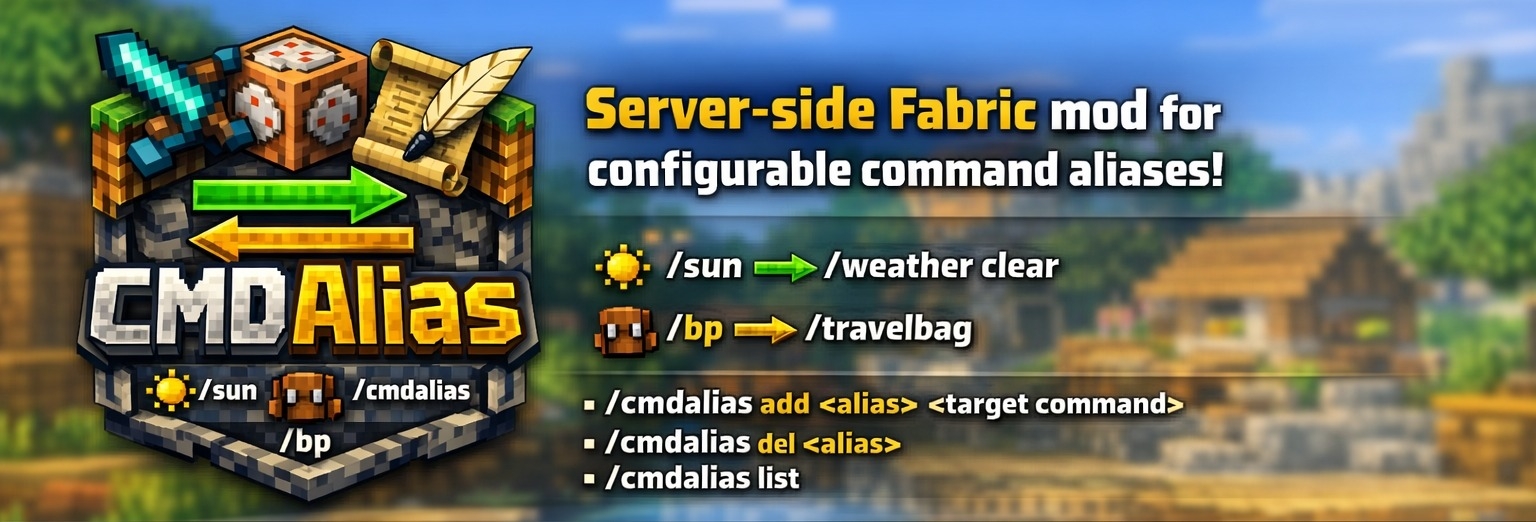
CMDAlias
CMDAlias 是一款适用于 Minecraft 的服务端 Fabric 模组,用于添加可配置的命令别名和快捷方式。
它允许你将冗长或重复的命令转换为简短易记的指令,例如:
/sun -> /weather clear
/bp -> /travelbag
/gmsp -> /gamemode spectator
由于别名会被注册回服务器命令树中,因此它们支持标签补全(Tab completion),并且对于被允许使用目标命令的玩家而言,其行为与普通命令无异。
✨ 特性
- 仅服务端:无需安装客户端模组
- 为冗长的原版或模组命令创建简短别名
- 无需重启服务器即可替换现有别名
- 在游戏中删除别名
- 修改别名后,标签补全功能会自动更新
- 别名存储在简单的 JSON 配置文件中
? 命令
/cmdalias add <alias> <target command>
添加新别名或更新现有别名。
/cmdalias del <alias>
删除现有别名。
/cmdalias list
列出所有已配置的别名。
这些命令需要操作员权限。
❗ 工作原理
别名保存在以下位置:
config/cmdalias.json
服务器启动时,CMDAlias 会加载配置的别名并将其注入到命令分发器中。当你在游戏中添加或删除别名时,配置文件会立即更新,并且命令树会与在线玩家重新同步。
CMDAlias 还会防止别名循环,例如:
⚙️ 配置
默认配置:
{
"aliases": {}
}
示例配置:
{
"aliases": {
"sun": "/weather clear",
"bp": "/travelbag",
"spawn": "/tp 0 64 0"
}
}
注意事项:
- 别名名称会被规范化为小写。
- 别名名称只能包含
a-z、0-9、_ 和 -。
- 目标命令可以带或不带前导
/ 输入。
- 在别名后输入的额外参数会尽可能传递给目标命令。
示例:
/msgs Steve Hello there 配合别名 msgs -> /msg
/day 配合别名 day -> /time set day
? 使用场景示例
- 为工作人员提供常用管理命令的快捷方式
- 为私人服务器创建简短的传送或实用工具别名
- 简化由其他模组或数据包添加的冗长命令
- 在整个服务器团队中标准化常用的管理员命令
?️ 测试服务器
欢迎加入我的 Minecraft 服务器来测试我的模组:play.swordfishbe.eu

CMDAlias
CMDAlias is a server-side Fabric mod for Minecraft that adds configurable command aliases and shortcuts.
It lets you turn long or repetitive commands into short, memorable ones such as:
/sun -> /weather clear
/bp -> /travelbag
/gmsp -> /gamemode spectator
Because aliases are registered back into the server command tree, they support tab completion and behave like normal commands for players who are allowed to use the target command.
✨ Features
- Server-side only: no client installation required
- Create short aliases for long vanilla or modded commands
- Replace existing aliases without restarting the server
- Delete aliases in-game
- Tab completion updates after aliases are changed
- Aliases are stored in a simple JSON config file
? Commands
/cmdalias add <alias> <target command>
Adds a new alias or updates an existing one.
/cmdalias del <alias>
Deletes an existing alias.
/cmdalias list
Lists all configured aliases.
These commands require operator permissions.
❗ How It Works
Aliases are saved in:
config/cmdalias.json
When the server starts, CMDAlias loads the configured aliases and injects them into the command dispatcher. When you add or remove an alias in-game, the config is updated immediately and the command tree is resynced to online players.
CMDAlias also prevents alias loops such as:
⚙️ Configuration
Default config:
{
"aliases": {}
}
Example config:
{
"aliases": {
"sun": "/weather clear",
"bp": "/travelbag",
"spawn": "/tp 0 64 0"
}
}
Notes:
- Alias names are normalized to lowercase.
- Alias names may only contain
a-z, 0-9, _ and -.
- Target commands may be entered with or without a leading
/.
- Additional arguments typed after an alias are passed through to the target command when possible.
Examples:
/msgs Steve Hello there with alias msgs -> /msg
/day with alias day -> /time set day
? Example Use Cases
- Give staff shortcuts for common moderation commands
- Create short teleports or utility aliases for private servers
- Simplify long commands added by other mods or datapacks
- Standardize frequently used admin commands across a server team
?️ Test Server
Feel free to join my Minecraft server to test my mods: play.swordfishbe.eu
评论 0
登录后参与评分
还没有评论,来抢沙发吧