欢迎来到 Compressed Box。
此模组添加了压缩箱 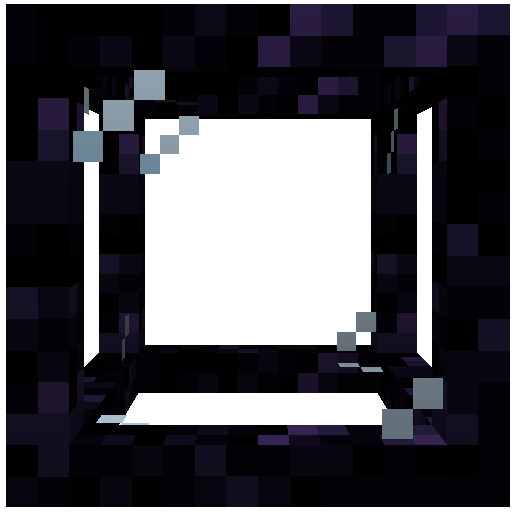
这些箱子有助于优化你的基地,通过创建可以建造任何你想要的结构的独立空间。
该模组的灵感来源于 Compact Machines 和 Hyperbox 这两个模组
区块加载器
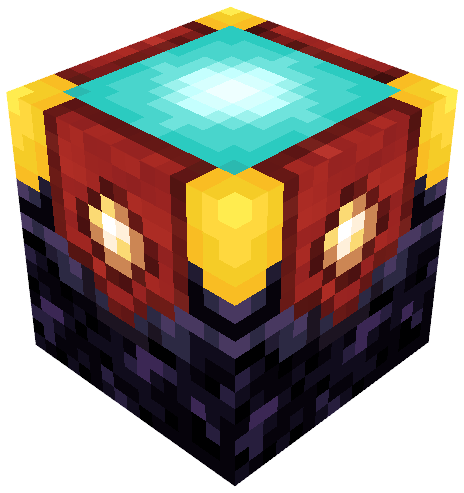
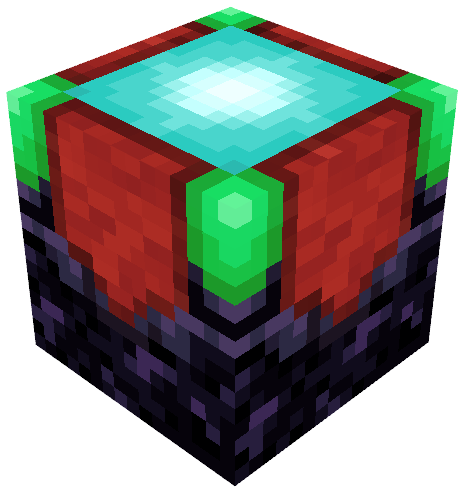
区块加载器用于保持整个箱子内的区块处于加载状态。
它需要使用 glowstone(荧石)进行充能才能正常工作。
其变体——无限区块加载器则不需要使用荧石充能。
它将始终加载你的箱子。
要制作它,只需在信标上使用普通区块加载器即可。
存储槽
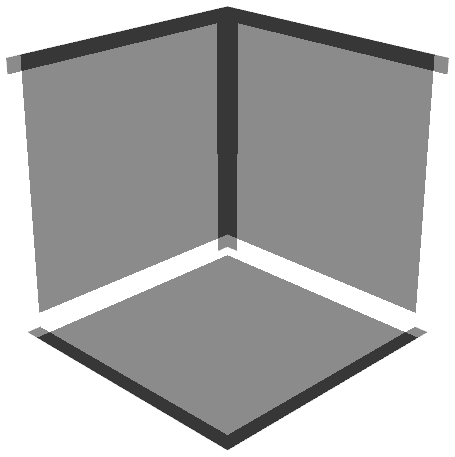
存储槽用于在箱子内部存储物品。
你可以直接使用漏斗和管道向其中插入物品。
与箱子关联的方块也可以用作所有内部存储槽的接口。
这意味着如果你尝试从箱子方块插入物品,它们将自动被存入箱子内部的存储槽中。
储液罐
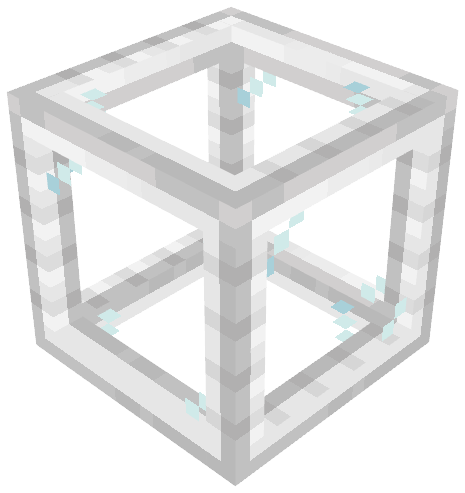
储液罐是一种用于流体的存储槽。
你可以直接使用管道或手持桶右键点击来向其注入流体。
与存储槽类似,与箱子关联的方块也可以用作所有内部储液罐的接口。
这意味着如果你尝试从箱子方块注入流体,它们将自动被存入箱子内部的储液罐中。
动作栏

动作栏是一个可以在箱子内激活的功能。
按下对应的按键绑定(默认:左 Alt)即可显示它。
要执行动作栏中的操作,只需使用“放置方块”按键绑定(默认:鼠标右键)。
动作栏中的不同操作分别是:
- 设置入口点
- 重命名箱子
- 离开箱子
- 导出箱子为结构图
- 配置客户端设置
- 获取模组帮助
你可以在整合包中使用此模组,但你不得将此模组重新发布到其他网站!
Curseforge 和 Modrinth 是该模组唯一发布的网站
Welcome to Compressed Box.
This mod adds Compressed boxes
These boxes helps you to optimise your base by creating spaces where you can build everything you want.
The mod was inspired by the mods Compact Machines and Hyperbox
Chunk Loaders
The chunk loader is used to keep things loaded in your whole box.
It need to be charged with glowstone in order to work correctly.
Its variant, the infinite chunk loader don't need to be charged with glowstone.
It will always load your box.
To create it, just use a regular chunk loader on a beacon.
Slots
The slot is used to store items inside of you box.
You can insert items to it directly with hopper and pipes.
The block linked to your box can also be used as an interface for all the slots in it.
It means that if try to insert items from the box block, it will automatically store them into the slots inside the box.
Tanks
The tank is a slot but for fluids.
You can insert fluids to it directly with pipes or by right clicking it with buckets.
Like slots, the block linked to your box can also be used as an interface for all the tanks in it.
It means that if try to insert fluids from the box block, it will automatically store them into the tanks inside the box.
The Action Bar
The action bar is a feature that can be activated in the box .
It can be shown by pressed the associated keybind (default : Left Alt).
To activate an action from the bar just use the 'Place Block' keybind (default : Right Click)
The different actions from the bar are respectively :
- Set Entry Point
- Rename Box
- Leave Box
- Export Box as Schematic
- Configure Client Settings
- Help with the mod
You can use the mod on your modpack , but you can't repost the mod on an another website !
Curseforge and Modrinth are the only websites where the mod was posted


 模组

 模组

 模组

 模组
 模组

 模组
评论 0
登录后参与评分
还没有评论,来抢沙发吧