
想在 Minecraft 中简单地使用 Live2D?
虽然这个模组功能不算强大,但实现一个假的 Live2D 绰绰有余。
无需任何设置!
本模组仅适用于客户端!服务器端无需安装!且无依赖要求!
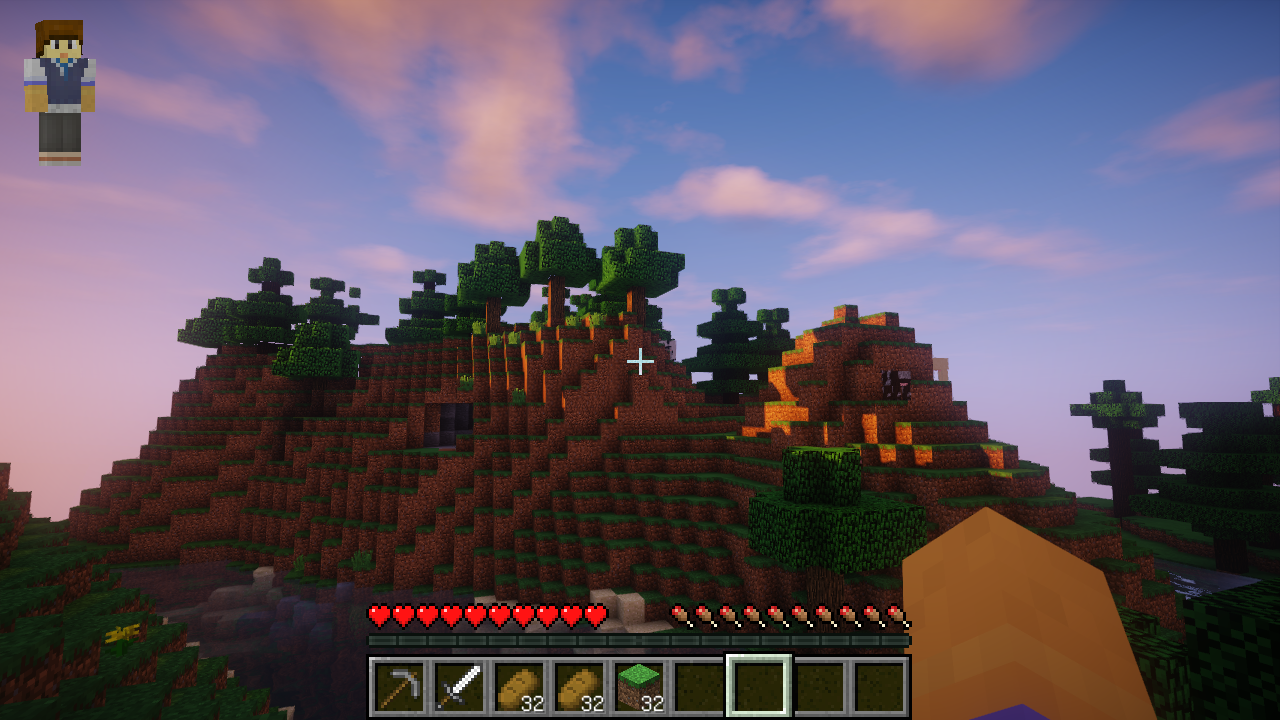
安装该模组后进入游戏,游戏画面将呈现如下效果:
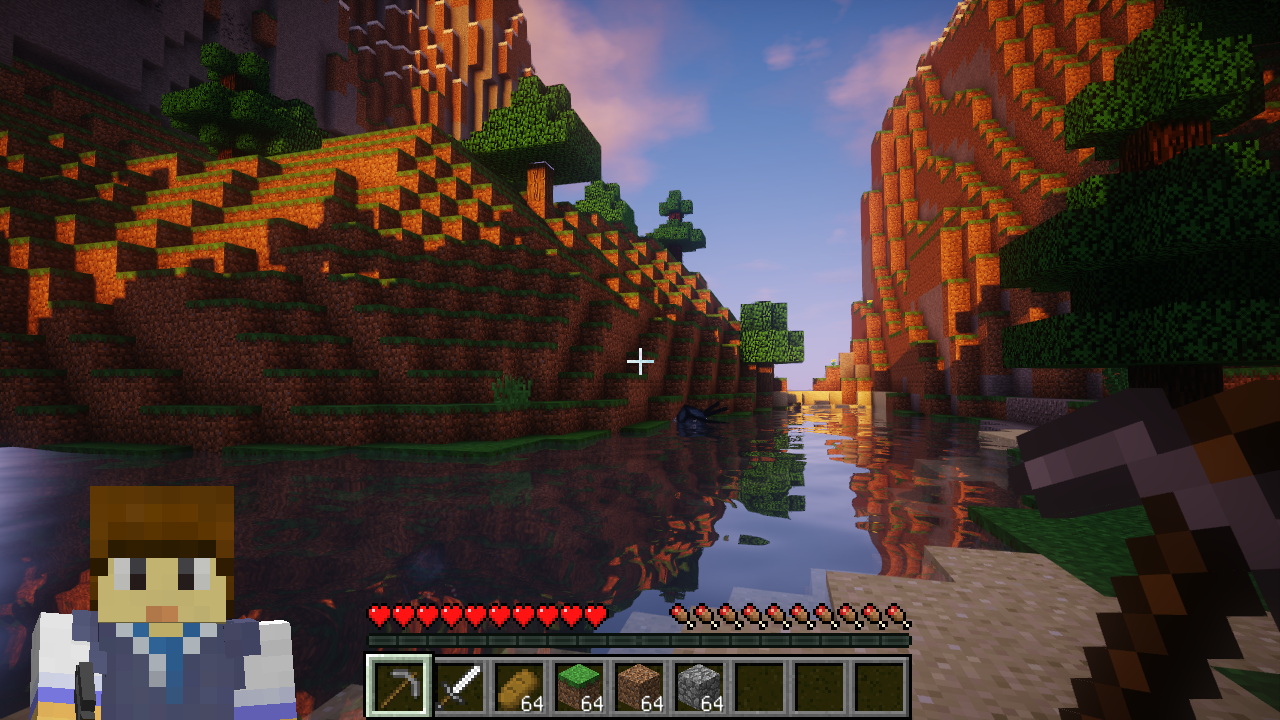
当然,由于它直接调用原版渲染机制,因此也能兼容其他修改玩家模型的模组!
例如 Custom Player Model 模组:
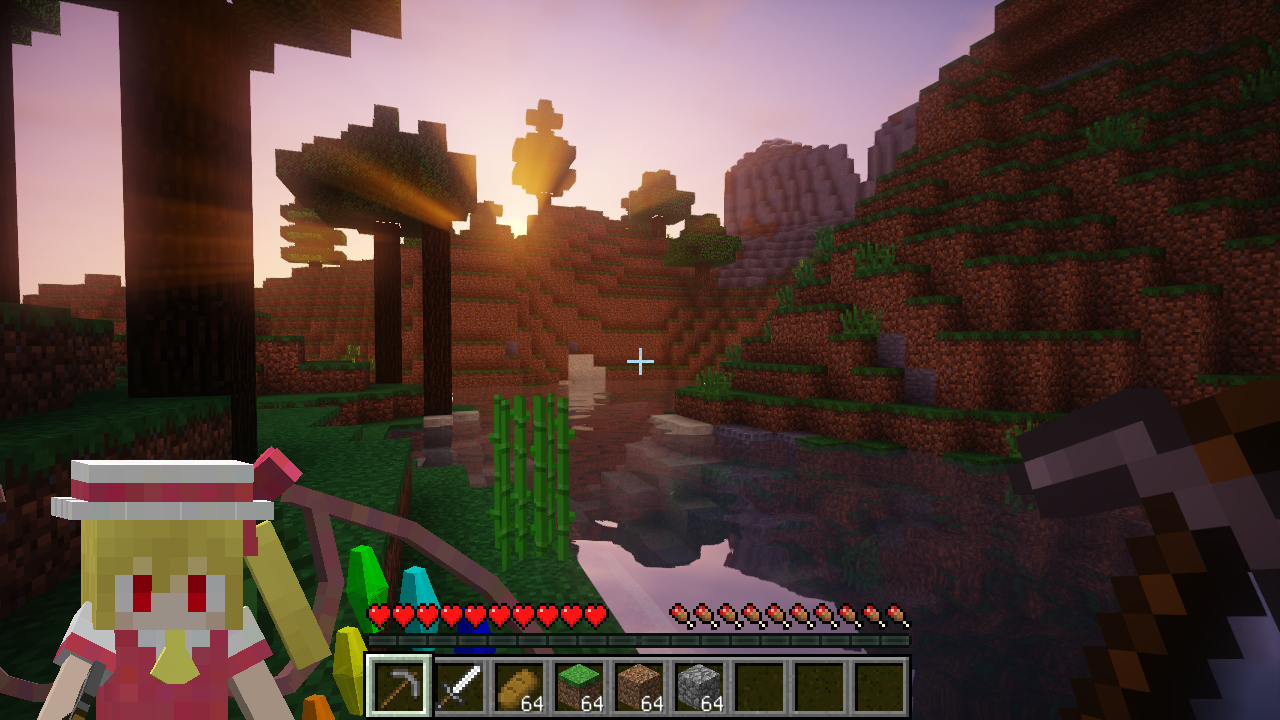
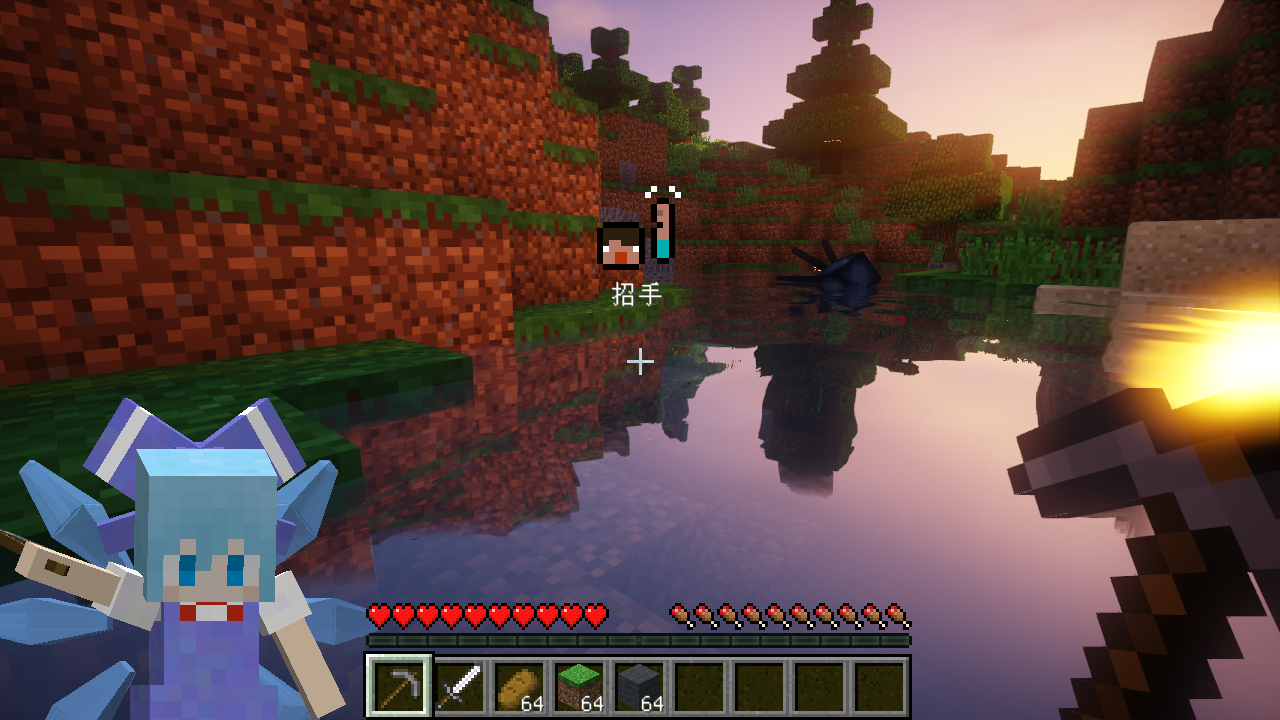
它与 Quark 的兼容性是天然的,你甚至可以将它与 Custom Player Model 模组一起使用:
当然,屏幕上显示的角色大小、位置和角度都可以自定义!
只需输入 /epr 命令 (1.13、1.14、1.15 和 1.16 版本为同时按下 Alt 键和 P 键) 即可打开此类图形用户界面。按照界面提示,使用鼠标左键、右键以及滚轮来调整角色的角度、位置和大小。
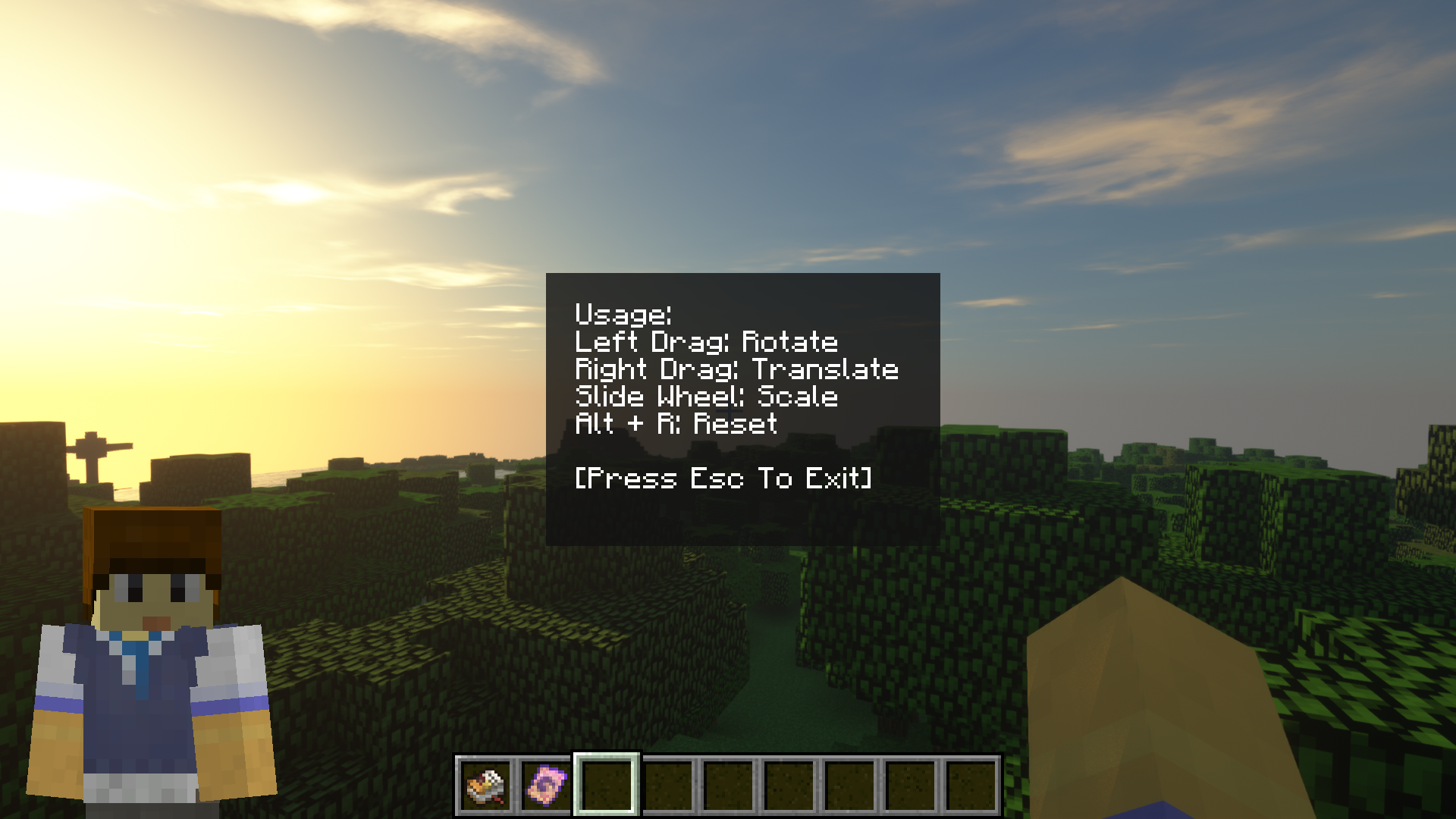
例如,我们展示一张图片并将角色调整为基岩版左上角的渲染效果:
你是这个资源的作者?登录后可认领此资源。
相似资源
 模组

鞘翅纹饰Elytra Trims
KikuGie
可定制的鞘翅模组,支持装饰纹饰、旗帜图案等更多功能!
装饰装备
477
 模组

AAA Particles
ChloePrime
适用于 MC 1.18+ 的 Effekseer 加载器
前置装饰
186
 模组

生态幻境Biomes O' Plenty
Forstride
新增 50+ 个独特生物群系,为你的世界增添新树木、花卉等更多元素!
冒险装饰
159
 模组

格雷科技现代版GregTech CEu Modern
serenibyss
基于 GTCEu 1.12.2 的现代 GregTech
装饰科技
129
 模组

舒适用品Comforts
TheIllusiveC4
添加睡袋和吊床,分别用于便携性和昼夜转换,同时不会设置新的出生点。共有16种颜色可选!
冒险装饰
100
 模组

更好的末地BetterEnd
quiqueck
为你的终界增添新生物群系、神秘仪式和全新生物
装饰生物
98
评论 0
登录后参与评分
还没有评论,来抢沙发吧