Fancy Lanterns
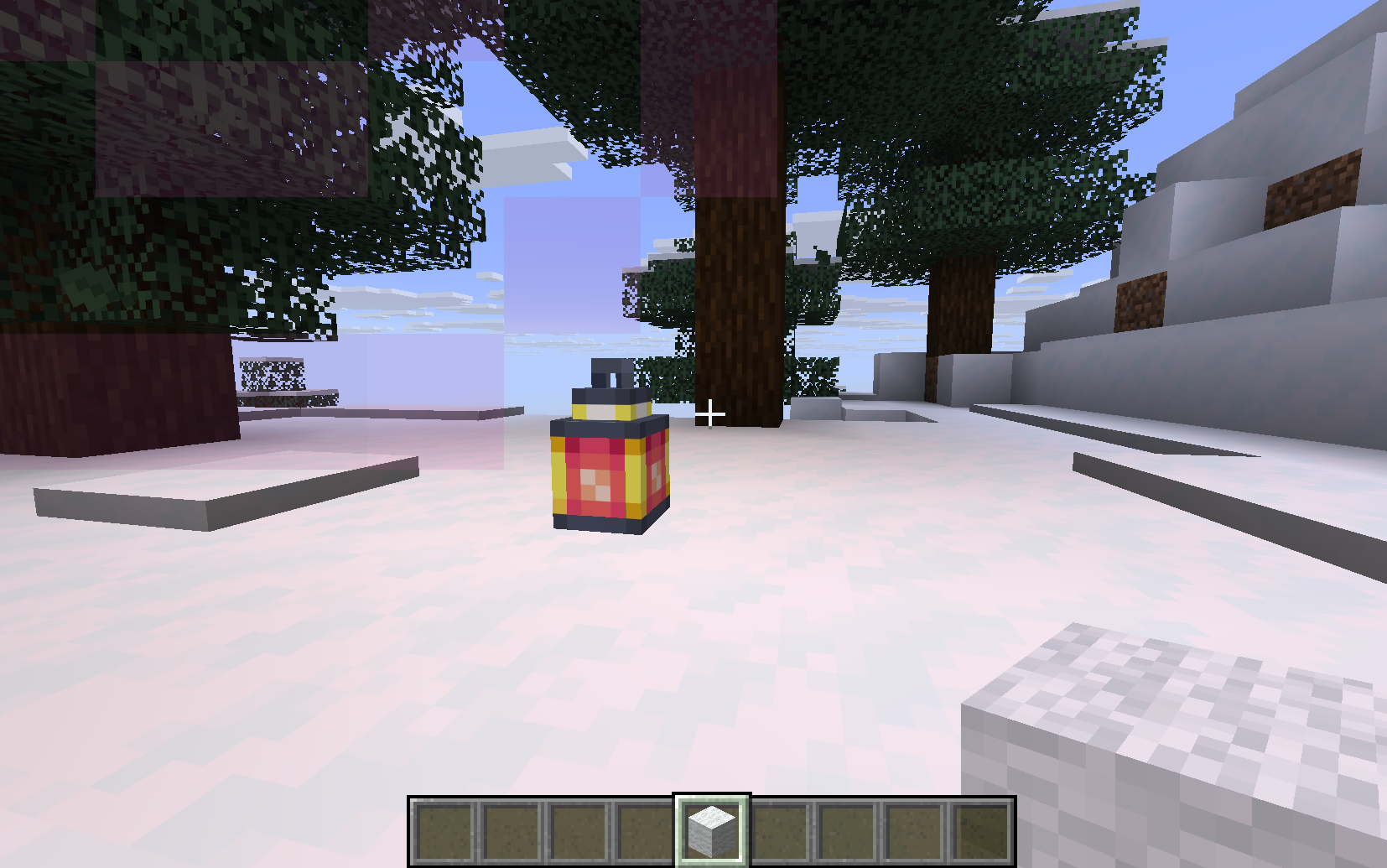
将普通的灯笼变成强大的小型信标,为附近的玩家提供有益的状态效果。
入门指南
使用以下材料制作 浑浊灯笼:
- 1 个灯笼
- 1 桶水
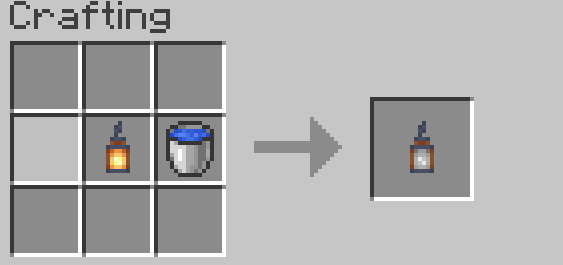
放置浑浊灯笼后,右键点击它并使用对应的物品重新点燃:
| 灯笼类型 | 重新点燃物品 |
|---|---|
| Healthy Lantern | Golden Apple |
| Strengthy Lantern | Iron Sword |
| Absorby Lantern | Gold Block |
| Speedy Lantern | Iron Boots |
| Jumpy Lantern | Rabbit Hide |
| Nighty Lantern | Soul Torch |
| Lucky Lantern | Rabbit Foot |
| Hasty Lantern | Iron Pickaxe |
| Saturaty Lantern | Apple |
| Fiery Lantern | Flint and Steel |
| Breathy Lantern | Nautilus Shell |
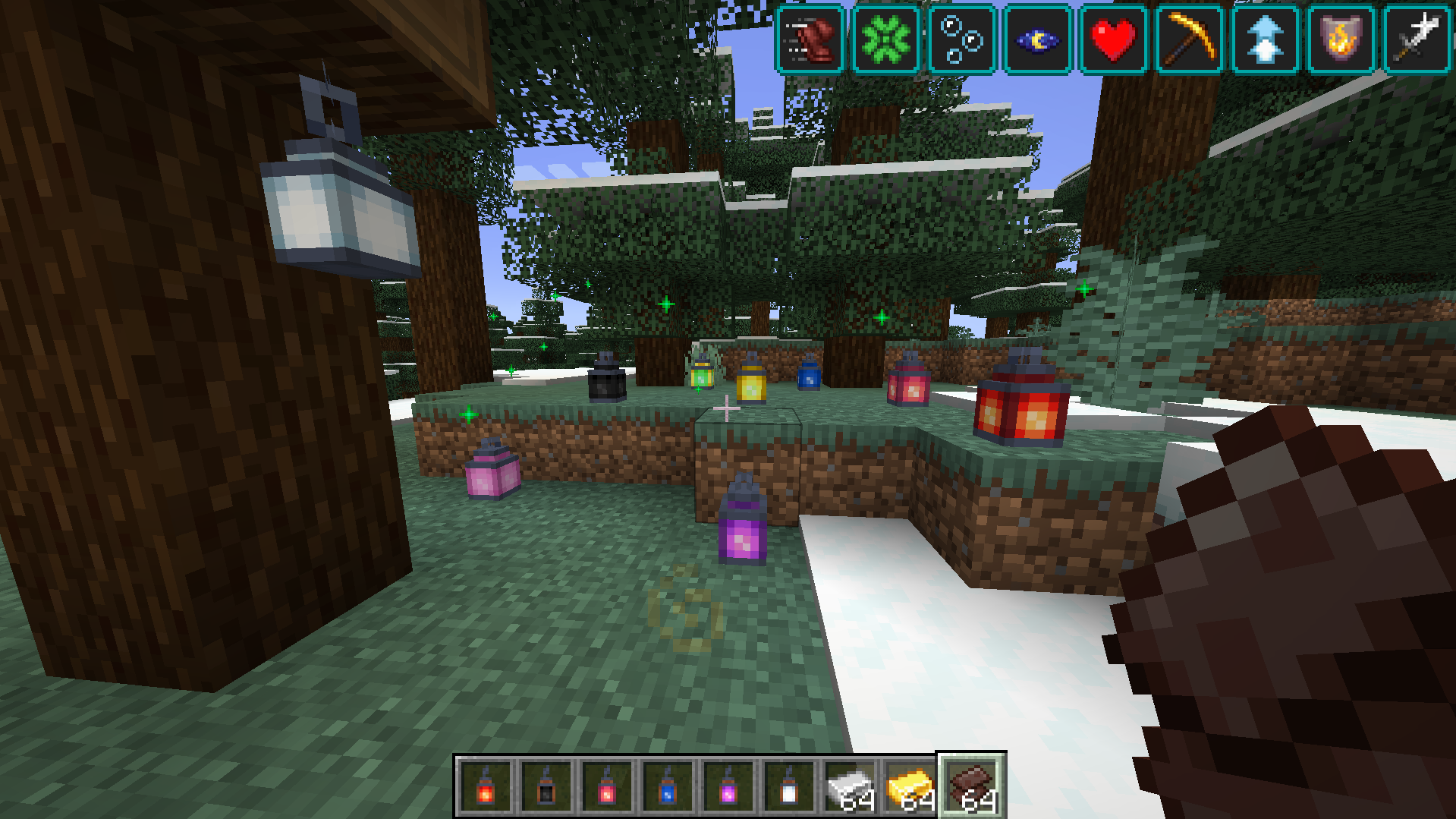
灯笼等级
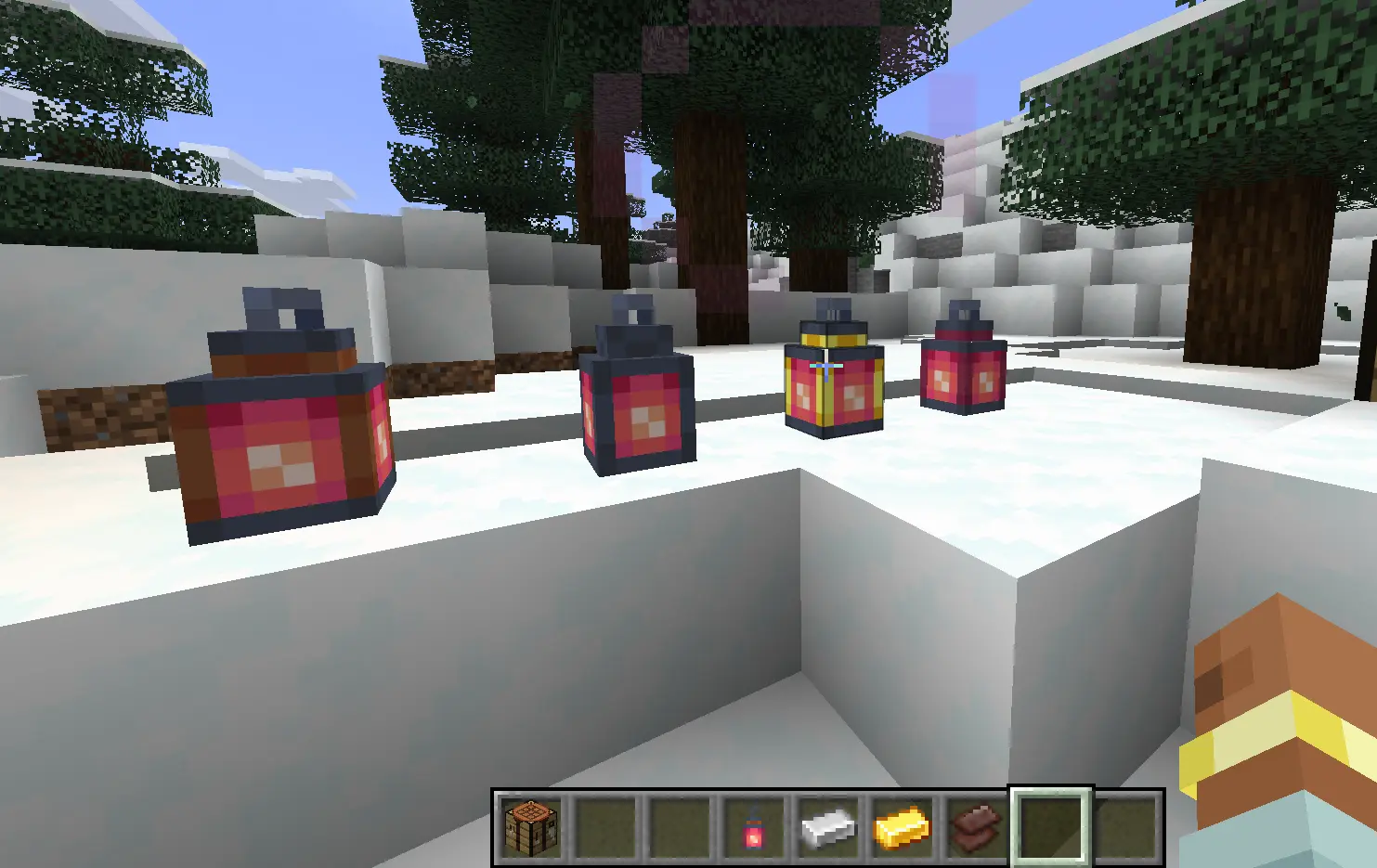
每种效果灯笼都有四个等级。更高等级提供更广的作用范围和更强的效果。
- 一级: 2格半径
- 二级: 4格半径
- 三级: 8格半径
- 四级: 16格半径且永久运行
通过右键点击已放置的灯笼并手持所需材料来升级灯笼:
- 一级 → 二级: Iron Ingot
- 二级 → 三级: Gold Ingot
- 三级 → 四级: Netherite scrap
潜行时右键点击空手的灯笼可预览其作用范围。
熄灭与重新点燃
一至三级灯笼的使用次数有限。一旦用完,它们会熄灭变回浑浊灯笼。
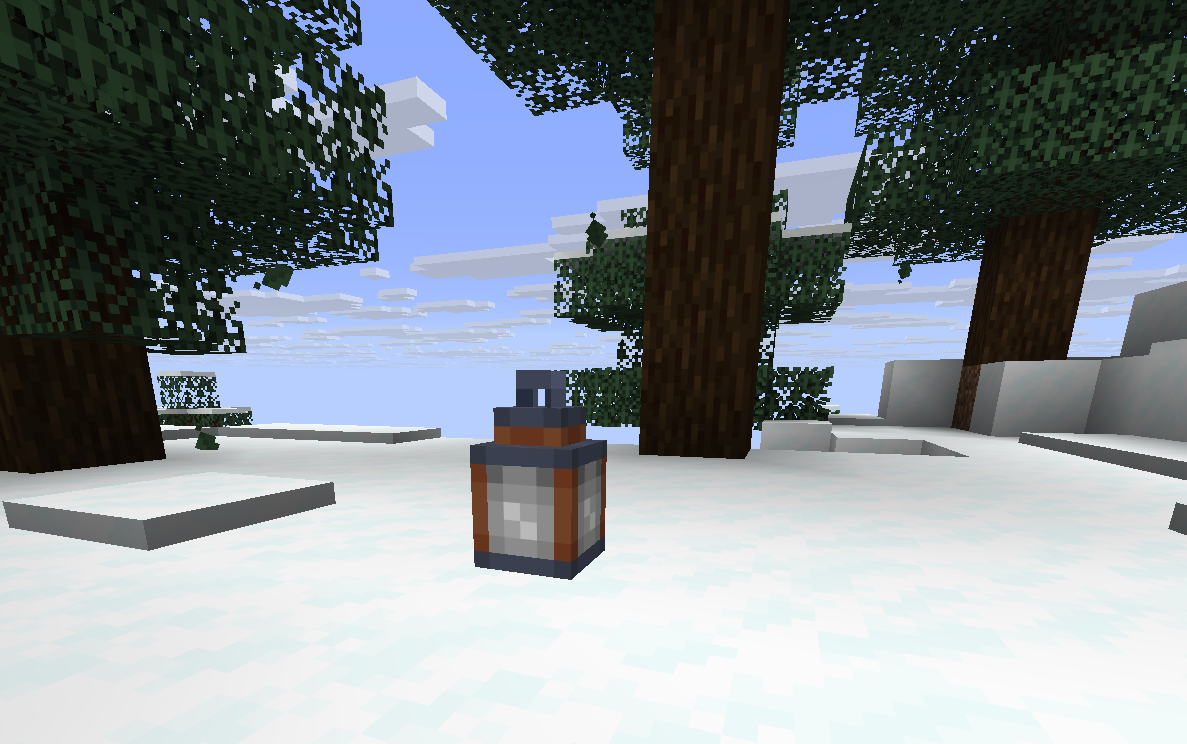
使用对应的物品重新点燃灯笼以恢复其效果。灯笼在熄灭时保留其当前等级。
四级灯笼是永久的,不会熄灭。
静音灯笼
右键点击已放置的灯笼并手持任意羊毛块即可将其静音。
- 消耗一个羊毛块。
- 禁用粒子效果和声音。
- 默认情况下状态效果继续生效。
还包含 JEI 支持以及用于修改范围、持续时间等的自定义配置文件。所有重新点燃材料均可在 resources/data 文件中更改(包括升级材料)。
Fancy Lanterns
Turn ordinary lanterns into powerful mini-beacons that grant helpful status effects to nearby players.
Getting Started
Craft a Murky Lantern using:
- 1 Lantern
- 1 Water Bucket

Place the Murky Lantern, then right-click it with the matching item to relight it:
| Lantern | Relight Item |
|---|---|
| Healthy Lantern | Golden Apple |
| Strengthy Lantern | Iron Sword |
| Absorby Lantern | Gold Block |
| Speedy Lantern | Iron Boots |
| Jumpy Lantern | Rabbit Hide |
| Nighty Lantern | Soul Torch |
| Lucky Lantern | Rabbit Foot |
| Hasty Lantern | Iron Pickaxe |
| Saturaty Lantern | Apple |
| Fiery Lantern | Flint and Steel |
| Breathy Lantern | Nautilus Shell |

Lantern Tiers
Each effect lantern has four tiers. Higher tiers provide a larger effect radius and stronger effects.
- Tier 1: 2-block radius
- Tier 2: 4-block radius
- Tier 3: 8-block radius
- Tier 4: 16-block radius and permanent operation
Upgrade a placed lantern by right-clicking it with the required material:
- Tier 1 → Tier 2: Iron Ingot
- Tier 2 → Tier 3: Gold Ingot
- Tier 3 → Tier 4: Netherite scrap
Sneak-right-click a lantern with an empty hand to preview its effect radius.

Fizzling and Relighting
Tiers 1–3 have limited uses. Once their uses run out, they fizzle into a Murky Lantern.

Relight the lantern with its matching item to restore its effect. The lantern keeps its tier when it fizzles.
Tier 4 lanterns are permanent and do not fizzle out.
Muting Lanterns
Right-click a placed lantern with any wool to mute it.
- One wool is consumed.
- Particles and sounds are disabled.
- The status effect continues by default.

Also included JEI support and custom config file for modifying range, duration... All relight materials can be changed in the resources/data files (including upgrade materials).
下载 Fancy Lanterns
下载 Fancy Lanterns
下载 Fancy Lanterns
下载 Fancy Lanterns
下载 Fancy Lanterns
下载 Fancy Lanterns
暂无更新日志
关于这个资源的讨论、问题反馈与使用心得
还没有讨论,来发第一帖吧
你是这个资源的作者?登录后可认领此资源。
相似资源
模组
可定制的鞘翅模组,支持装饰纹饰、旗帜图案等更多功能!
模组
显示你正在注视的方块的信息。(适用于 Minecraft 1.16+ 的 Hwyla/Waila 分支)
模组
使用 JavaScript 编辑配方、添加自定义物品、编写世界事件!
模组
查看物品与配方
模组
在游戏画面角落显示附近世界地形、玩家、生物和实体的地图。可创建路径点,帮助你找到标记过的位置。
模组
AE2:一款流行的自动化与存储模组
评论 0
登录后参与评分
还没有评论,来抢沙发吧