InGameWeb
适用于 Minecraft 1.21.11 (Fabric) 的游戏内 Chromium 浏览器覆盖层。
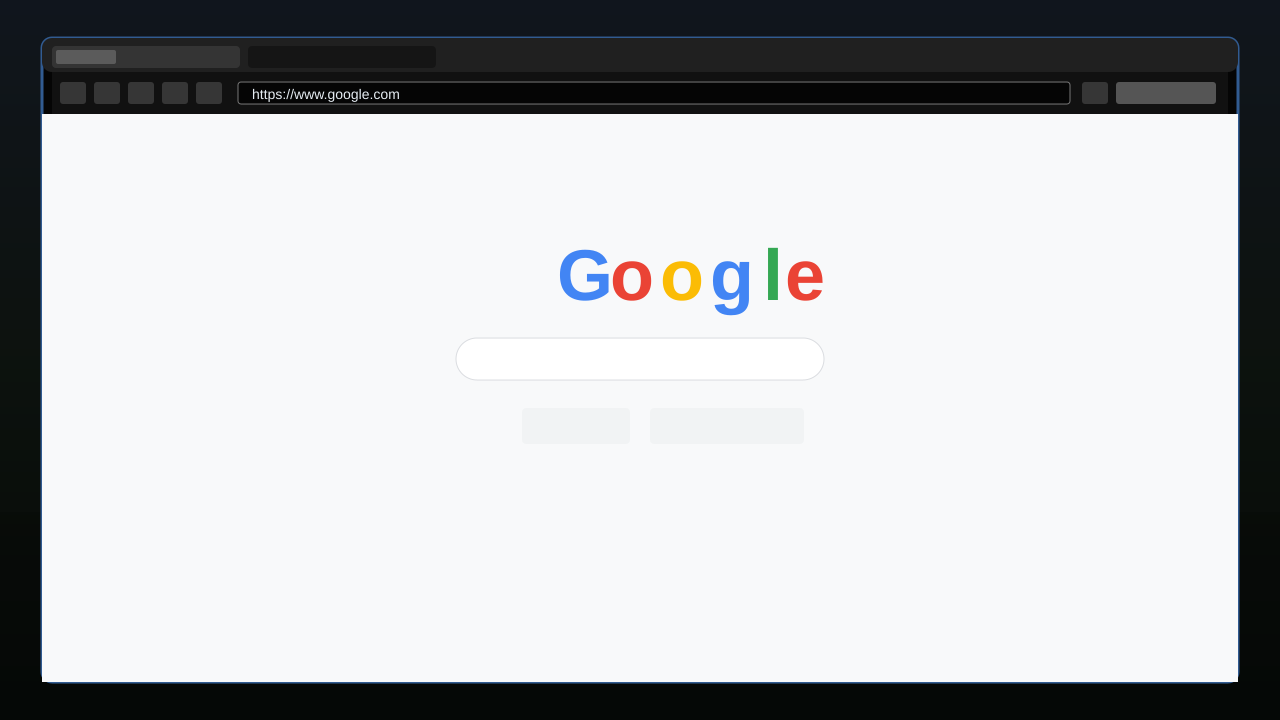
使用 Shift + Tab 在 Minecraft 中打开一个完整的浏览器——无需退出游戏即可浏览文档、维基、YouTube 以及任何普通网站。支持多标签页、持久化会话和下载确认。
---
前置要求
- Minecraft Java Edition 1.21.11
- Fabric Loader 0.19.2+
- Fabric API 0.141.4+1.21.11 或更高版本
- MCEF [Keksuccino's Fork] v2.2.0+ (用于 MC 1.21.11)
MCEF 是必需的配套模组。它会在首次启动时下载 Chromium 二进制文件。初始设置需要互联网连接。
安装方法
- 安装 Fabric Loader。
- 下载并将 Fabric API 放入你的
mods/ 文件夹。
- 下载并将 MCEF [Keksuccino's Fork] (1.21.11 需 v2.2.0 或更新版本) 放入你的
mods/ 文件夹。
- 下载并将 InGameWeb 放入你的
mods/ 文件夹。
- 启动 Minecraft。MCEF 将在首次运行时下载 Chromium 二进制文件——请等待其完成。
控制键
| 操作 |
默认值 |
位置 |
| 打开覆盖层 |
Shift + Tab |
InGameWeb 设置 |
| 关闭覆盖层 |
ESC |
控制 → Web - EywDev |
| 聚焦地址栏 |
Ctrl + L |
(在覆盖层内) |
| 新建标签页 |
Ctrl + T |
(在覆盖层内) |
| 关闭标签页 |
Ctrl + W |
(在覆盖层内) |
| 后退 / 前进 |
Alt + ← / → (通过浏览器) |
(在覆盖层内) |
| 刷新 |
Ctrl + R (通过浏览器) |
(在覆盖层内) |
打开快捷键支持修饰键组合,例如 Shift + Tab、Ctrl + M 或 Alt + B。可以通过覆盖层工具栏的设置按钮或 Mod Menu 更改该快捷键。关闭键可在 选项 → 控制 → Web - EywDev 中进行配置。
功能特性
- 由 MCEF 驱动的全功能 Chromium 浏览器——可访问真实网站、YouTube 及登录会话
- 多标签页支持——自由打开、关闭和切换标签页
- URL / 搜索栏——输入 URL 或纯文本搜索查询;输入
youtube.com 会自动添加 https:// 前缀
- Google 作为默认主页和搜索引擎(可配置)
- 持久化会话——Cookie、缓存和登录状态在重启 Minecraft 后保留
- 下载确认——在任何文件保存前进行询问;你可选择保存目标位置
- 单人游戏暂停——当覆盖层打开时游戏会暂停(可配置)
- 配置界面——可通过覆盖层工具栏、Mod Menu 或
config/wboverlay.json 访问
- 后台标签页处理——关闭覆盖层后标签页保持存活,同时隐藏浏览器视图保持轻量级
- 可选黑名单 / 白名单——默认禁用
配置说明
通过覆盖层工具栏的设置按钮、Mod Menu 或直接编辑 config/wboverlay.json 打开配置界面。
| 选项 |
默认值 |
描述 |
| 主页 |
https://www.google.com |
新标签页打开的页面 |
| 搜索引擎 URL |
Google |
必须包含 %s 作为查询占位符 |
| 打开快捷键 |
Shift + Tab |
打开覆盖层;支持 Shift、Ctrl、Alt 和 Super 修饰键 |
| 单人模式下暂停 |
On |
打开覆盖层时暂停游戏 |
| 持久化会话 |
On |
在会话之间保留 Cookie 和缓存 |
| 默认下载文件夹 |
~/Downloads |
下载文件的默认保存位置 |
| 黑名单 |
Off |
启用后阻止特定域名 |
| 白名单 |
Off |
启用后限制访问特定域名 |
平台支持
MCEF 提供以下平台的 Chromium 二进制文件:
- Windows 10/11 (x86_64, arm64)
- macOS 11+ (Intel, Apple Silicon)
- GNU/Linux with glibc 2.31+ (x86_64, arm64)
其他平台不受 MCEF 支持。
兼容性
| 模组 |
状态 |
| Fabric API |
必需 |
| MCEF [Keksuccino's Fork] |
必需 |
| Mod Menu |
支持 — 集成配置界面 |
| Sodium |
兼容 — 无已知冲突 |
| Iris |
兼容 — 无已知冲突 |
| Forge / NeoForge |
不支持 |
InGameWeb 仅适用于客户端。它不需要在服务器上安装,也不会向服务器发送任何数据。
已知限制
- MCEF 在首次启动时会下载 Chromium 二进制文件(约 200 MB)。这是由 MCEF 处理的,而非 InGameWeb。
- 音频和视频支持取决于 MCEF 内置的 Chromium 构建版本及其操作系统。YouTube 通常在支持的平台上可用。
- 关闭覆盖层后后台媒体可能继续播放,但性能取决于网站、视频分辨率和系统硬件。
- 如果缺少所需的系统库,浏览器初始化可能会失败(请参阅 MCEF 的文档以获取平台要求)。
- 如果未安装 MCEF,InGameWeb 将拒绝加载(启动时的依赖检查)。
InGameWeb
An in-game Chromium web browser overlay for Minecraft 1.21.11 (Fabric).
Open a full browser inside Minecraft with Shift + Tab — browse documentation, wikis, YouTube, and any normal website without leaving the game. Supports multiple tabs, persistent sessions, and download confirmation.
---
Requirements
- Minecraft Java Edition 1.21.11
- Fabric Loader 0.19.2+
- Fabric API 0.141.4+1.21.11 or newer
- MCEF [Keksuccino's Fork] v2.2.0+ for MC 1.21.11
MCEF is a required companion mod. It downloads Chromium binaries on first launch. An internet connection is needed for the initial setup.
Installation
- Install Fabric Loader.
- Download and place Fabric API in your
mods/ folder.
- Download and place MCEF [Keksuccino's Fork] (v2.2.0 or newer for 1.21.11) in your
mods/ folder.
- Download and place InGameWeb in your
mods/ folder.
- Launch Minecraft. MCEF will download Chromium binaries on the first run — wait for it to finish.
Controls
| Action |
Default |
Location |
| Open overlay |
Shift + Tab |
InGameWeb Settings |
| Close overlay |
ESC |
Controls → Web - EywDev |
| Focus address bar |
Ctrl + L |
(in overlay) |
| New tab |
Ctrl + T |
(in overlay) |
| Close tab |
Ctrl + W |
(in overlay) |
| Back / Forward |
Alt + ← / → (via browser) |
(in overlay) |
| Reload |
Ctrl + R (via browser) |
(in overlay) |
The open shortcut supports modifier combinations such as Shift + Tab, Ctrl + M, or Alt + B. Change it from the InGameWeb settings screen using the toolbar settings button or Mod Menu. The close key is configurable in Options → Controls → Web - EywDev.
Features
- Full Chromium browser powered by MCEF — real websites, YouTube, login sessions
- Multi-tab support — open, close, and switch tabs freely
- URL / search bar — type a URL or plain search query;
youtube.com auto-prefixes https://
- Google as default homepage and search engine (configurable)
- Persistent sessions — cookies, cache, and login state survive Minecraft restarts
- Download confirmation — asks before any file is saved; you choose the destination
- Singleplayer pause — the game pauses while the overlay is open (configurable)
- Config screen — accessible from the overlay toolbar, Mod Menu, or
config/wboverlay.json
- Background tab handling — tabs stay alive after closing the overlay while hidden browser views are kept lightweight
- Optional blocklist / allowlist — disabled by default
Configuration
Open the config screen through the overlay toolbar settings button, Mod Menu, or edit config/wboverlay.json directly.
| Option |
Default |
Description |
| Homepage |
https://www.google.com |
Page opened in new tabs |
| Search engine URL |
Google |
Must contain %s as the query placeholder |
| Open shortcut |
Shift + Tab |
Opens the overlay; supports Shift, Ctrl, Alt, and Super modifiers |
| Pause in singleplayer |
On |
Pauses the game while the overlay is open |
| Persist sessions |
On |
Keeps cookies and cache between sessions |
| Default download folder |
~/Downloads |
Where downloaded files are saved by default |
| Blocklist |
Off |
Blocks specific domains if enabled |
| Allowlist |
Off |
Restricts access to specific domains if enabled |
Platform Support
MCEF ships Chromium binaries for:
- Windows 10/11 (x86_64, arm64)
- macOS 11+ (Intel, Apple Silicon)
- GNU/Linux with glibc 2.31+ (x86_64, arm64)
Other platforms are not supported by MCEF.
Compatibility
| Mod |
Status |
| Fabric API |
Required |
| MCEF [Keksuccino's Fork] |
Required |
| Mod Menu |
Supported — config screen integration |
| Sodium |
Compatible — no known conflicts |
| Iris |
Compatible — no known conflicts |
| Forge / NeoForge |
Not supported |
InGameWeb is client-side only. It does not require installation on servers and does not send any data to servers.
Known Limitations
- MCEF downloads Chromium binaries (~200 MB) on first launch. This is handled by MCEF, not InGameWeb.
- Audio and video support depends on MCEF's included Chromium build and your OS. YouTube generally works on supported platforms.
- Background media can continue after closing the overlay, but performance depends on the website, video resolution, and system hardware.
- Browser initialization may fail if required system libraries are missing (see MCEF's documentation for platform requirements).
- If MCEF is not installed, InGameWeb will refuse to load (dependency check at startup).
评论 0
登录后参与评分
还没有评论,来抢沙发吧