此模组需要 Cyclops Core 库和 Integrated Dynamics!
欢迎加入 Cyclops Discord 服务器 的 #integratedmods 频道与我们交流!
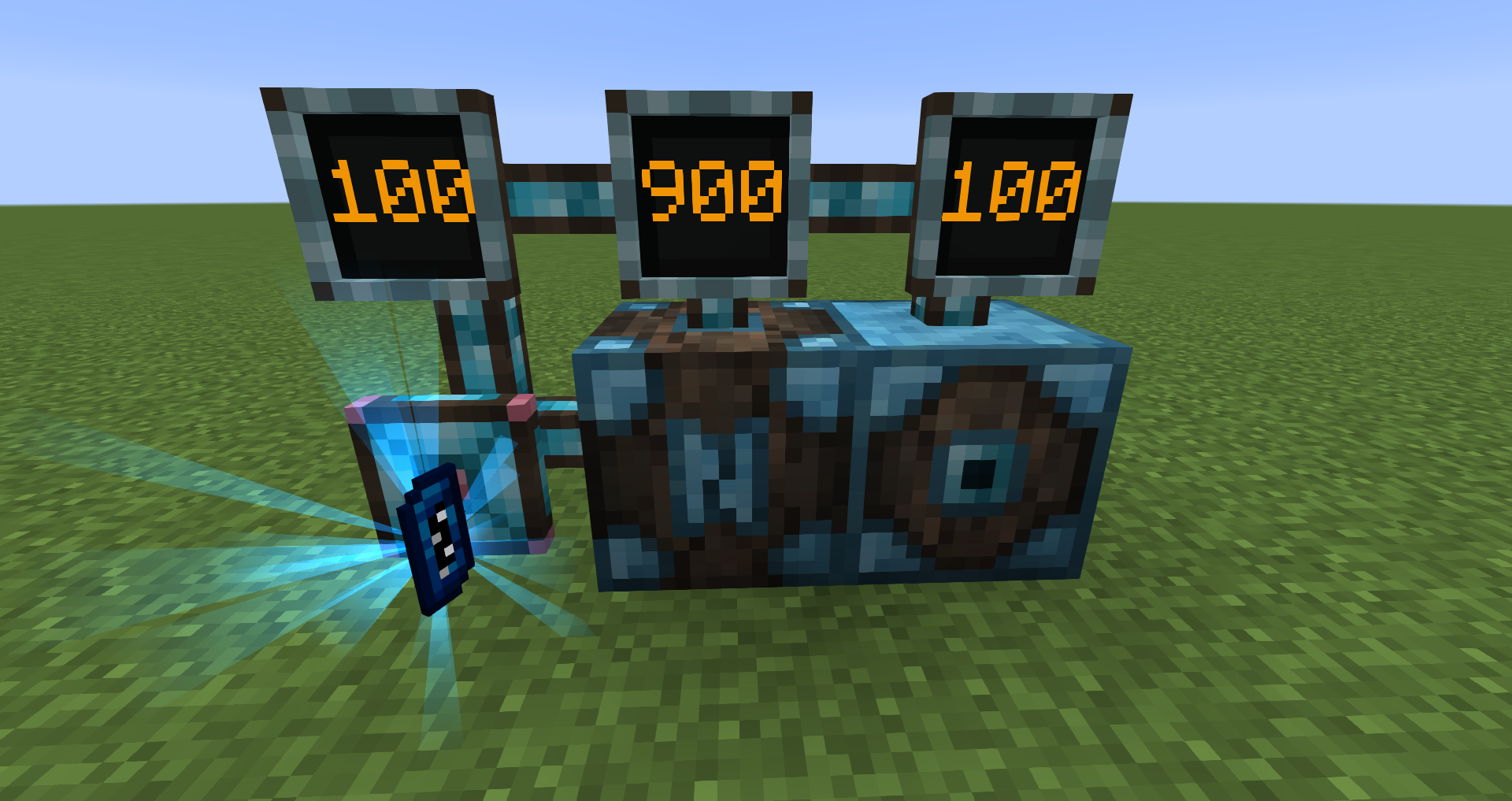
Integrated NBT 是 Minecraft 模组 Integrated Dynamics 的一个附加组件。它通过图形用户界面提供了一种简单且快速的方法,用于从复杂的 NBT 变量中提取深层嵌套的值。
支持不同的输出模式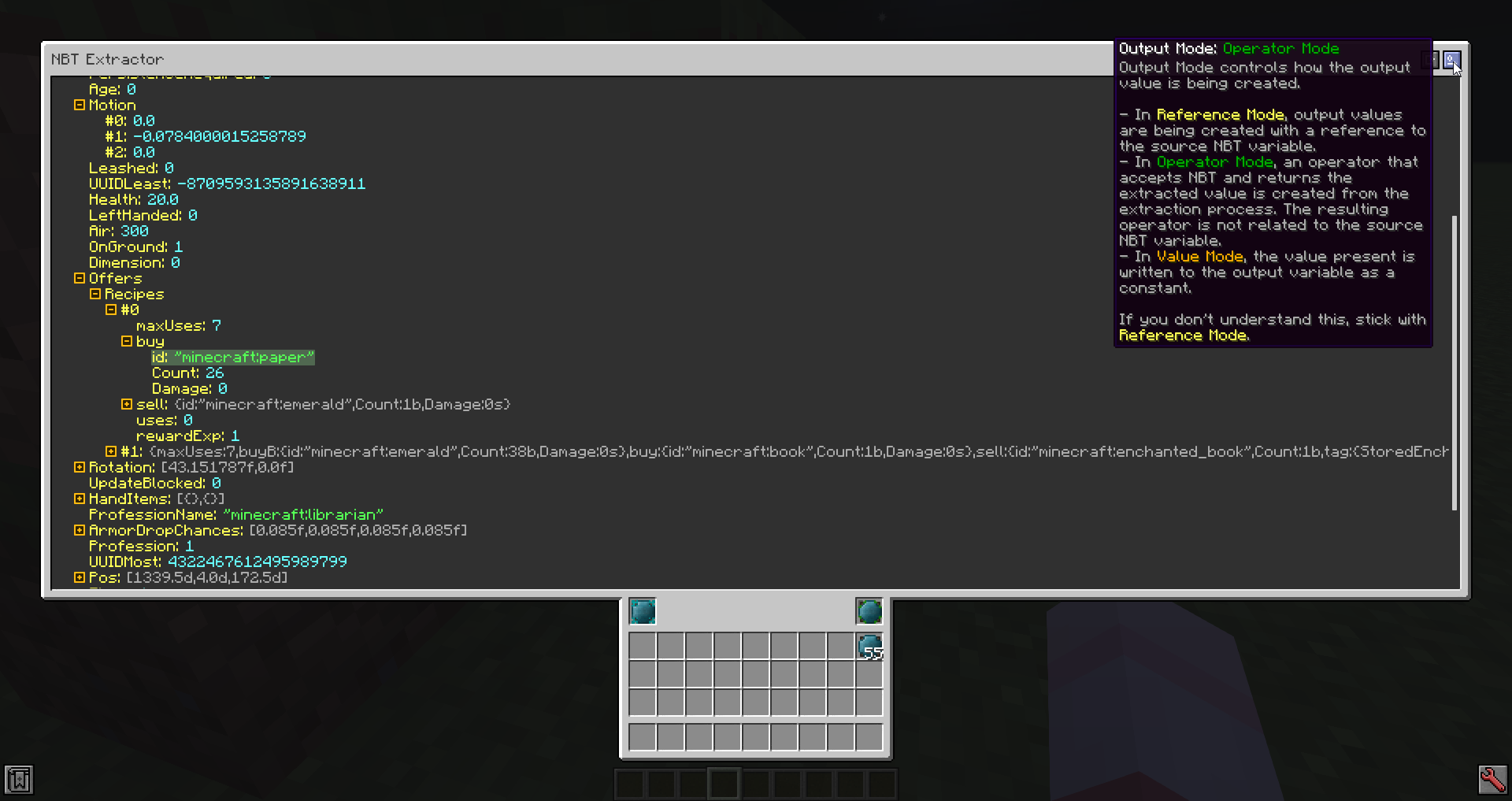
GUI 具有响应性,适用于所有 GUI 缩放比例和屏幕分辨率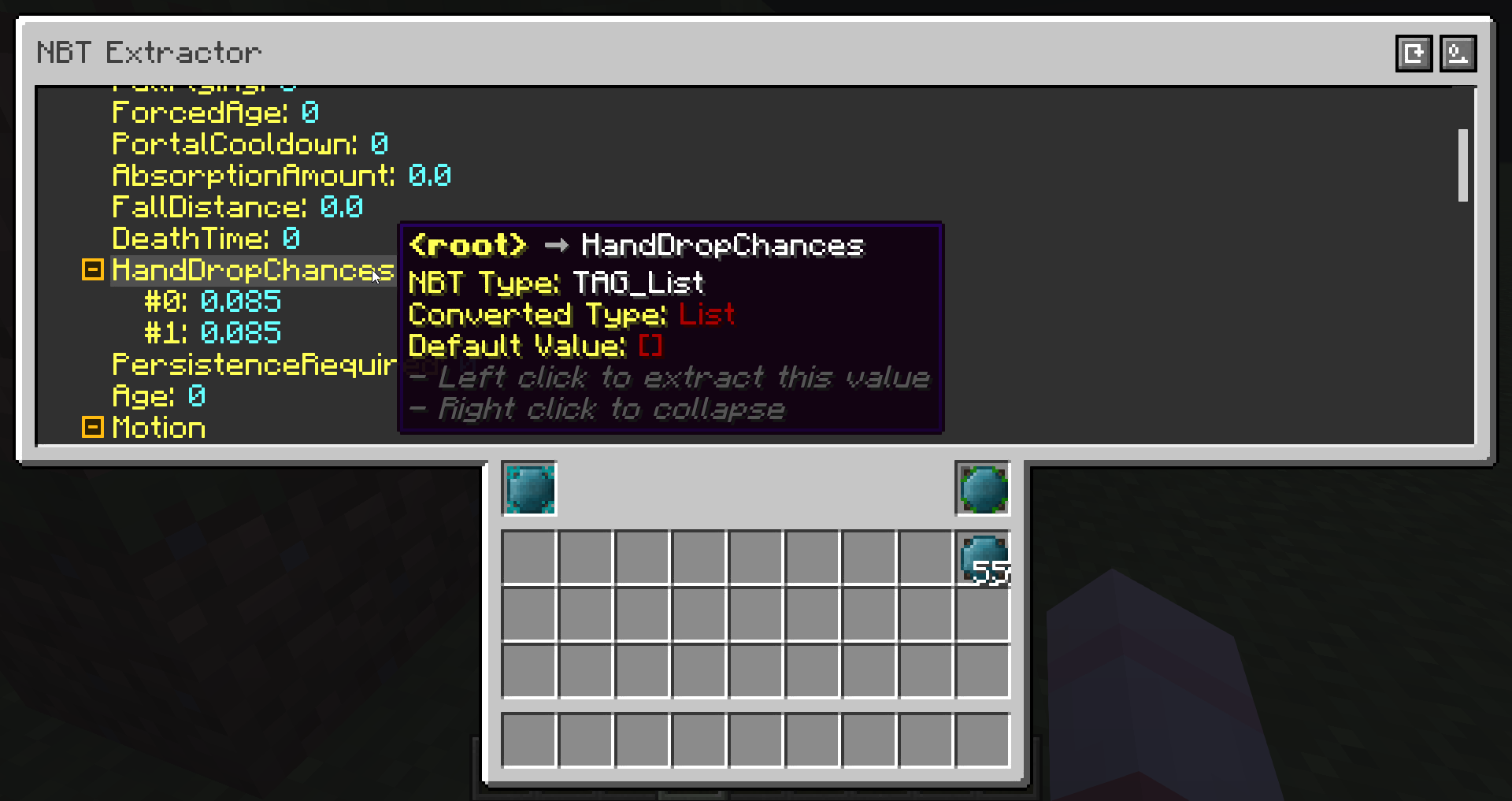
使用方法
Integrated NBT 添加了两种东西:NBT Extractor(NBT 提取器)和 NBT Extractor Remote(NBT 提取器远程端)。
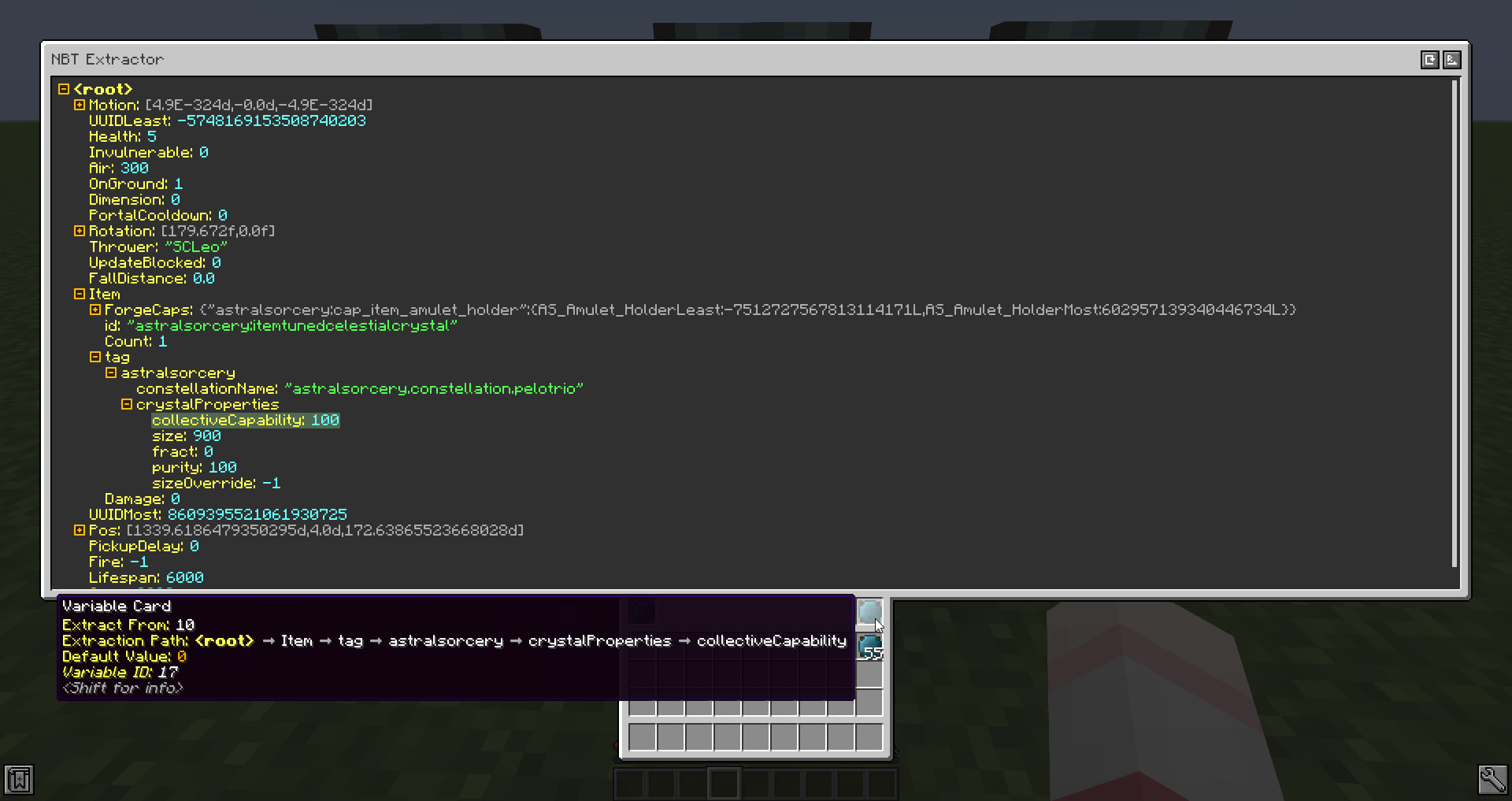
要使用 NBT Extractor,请将其放置并连接到你的 Integrated Dynamics 网络中。然后右键点击以打开其 GUI。在 GUI 中,将存储有 NBT 值的变量放入左侧槽位。注意,该变量必须在连接的网络中可被求值。一旦放入变量,屏幕上方的区域应会渲染出一棵树状结构。
现在,你可以通过左击相应的条目来选择想要提取的值,这将立即选中它。然后,将一个空变量或不再需要的变量放入右侧槽位。这会将该提取过程记录到该变量中。现在,你可以取出右侧的变量,并像使用其他变量一样使用它。
无需将源 NBT 变量移动到变量存储中,因为 NBT Extractor 的两个槽位都表现得像一个变量存储。
如果你希望远程访问 NBT Extractor,可以制作一个 NBT Extractor Remote。只需手持远程端右键点击 NBT Extractor 方块即可将远程端绑定到该 NBT Extractor。只要绑定的 NBT Extractor 方块仍在你的客户端加载(这意味着你不能走得太远或进入另一个维度),你就可以手持 NBT Extractor Remote 时右键点击来“交互”操作它。
如上所述,提取过程存储在变量中,因此在完成系统编程后,你可以移除 NBT Extractor。
在 Bisect Hosting 租用服务器时使用推荐码 cyclops 支持我们,首月可享 8折优惠!
如果你喜欢这个模组,请在 Patreon 上考虑支持我!
This requires the Cyclops Core library and Integrated Dynamics!
Come talk to us in #integratedmods on the Cyclops Discord server!
Integrated NBT is an addon for Minecraft mod Integrated Dynamics. It adds a simple and fast way of extracting deeply nested values from a complex NBT variable via a graphical user interface.
Support for different output modes
GUI is responsive and usable across all GUI scales and screen resolutions
How to Use
Integrated NBT adds two things: NBT Extractor and NBT Extractor Remote.
To use NBT Extractor, you should place it down and connect it to your Integrated Dynamics network. Then, right click to open its GUI. In the GUI, place a variable that stores a NBT value into the left slot. Note, this variable has to be evaluable within the connected network. Once the variable is placed, a tree should be rendered in the screen above.
Now, you may pick a value you wish to extract by left clicking the corresponding entry, which will select it immediately. Then, you should place an empty variable or a variable that is no longer needed into the right slot. This will record such extraction process into this variable. Now, you can take out the variable on the right and use it just like any other variables.
It is not necessary to move the source NBT variable to a variable store, as both slots in the NBT Extractor act like in a variable store.
If you wish to remotely access a NBT Extractor, you can craft a NBT Extractor Remote. Simply right click a NBT Extractor block with the remote will bind the remote to the NBT Extractor. Then, as long as the bound NBT Extractor block is still loaded on your client (which means, you cannot go far away or go to another dimension), you may "interact" with it via right clicking while holding the NBT Extractor Remote.
As said above, the extraction process is stored within the variable, so you may remove the NBT Extractor after finishing programming your system.
Support us via the referral code cyclops when renting a server at Bisect Hosting, and get 25% off your first month!
If you like this mod, consider supporting me on Patreon!


 模组
 模组

 模组

 模组

 模组

 模组
评论 0
登录后参与评分
还没有评论,来抢沙发吧