
IPLA
将你喜爱的物品精确放置在你想要的位置 Ipla 是一款装饰性 Minecraft 模组,允许你将背包中的几乎所有物品直接放置到世界中,并完全控制其位置、旋转和朝向。 忘掉物品展示框及其严格的限制吧。使用 Ipla,物品将成为真正的世界物体。
控制方式
- V 键放置物品
- Shift + V 将物品放置在相当于方块侧面 1/4 的位置
- Alt + 鼠标滚轮旋转物品
- 如果按键控制无效,请下载支持同时绑定多个按键的模组
特性
- 在墙壁、地板、天花板或空中自由放置物品
- 旋转和倾斜物品
- 使用简单的控制微调放置位置
- 物品固定原位,并在重新加载世界后保持存在
- 手持空物品右键点击可食用食物
无限可能!
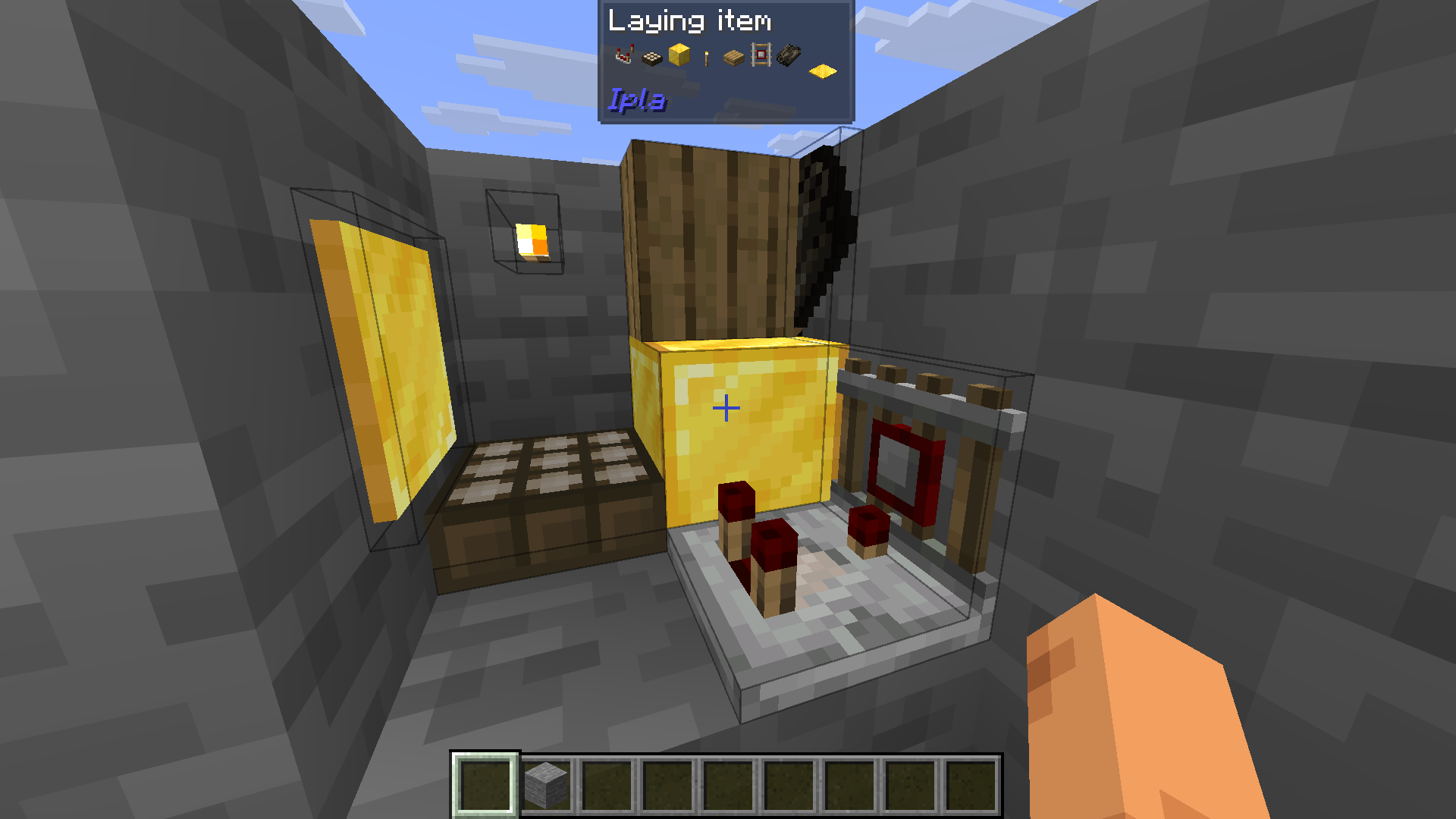 (你也可以看到每个物品几乎拥有正确的碰撞箱)
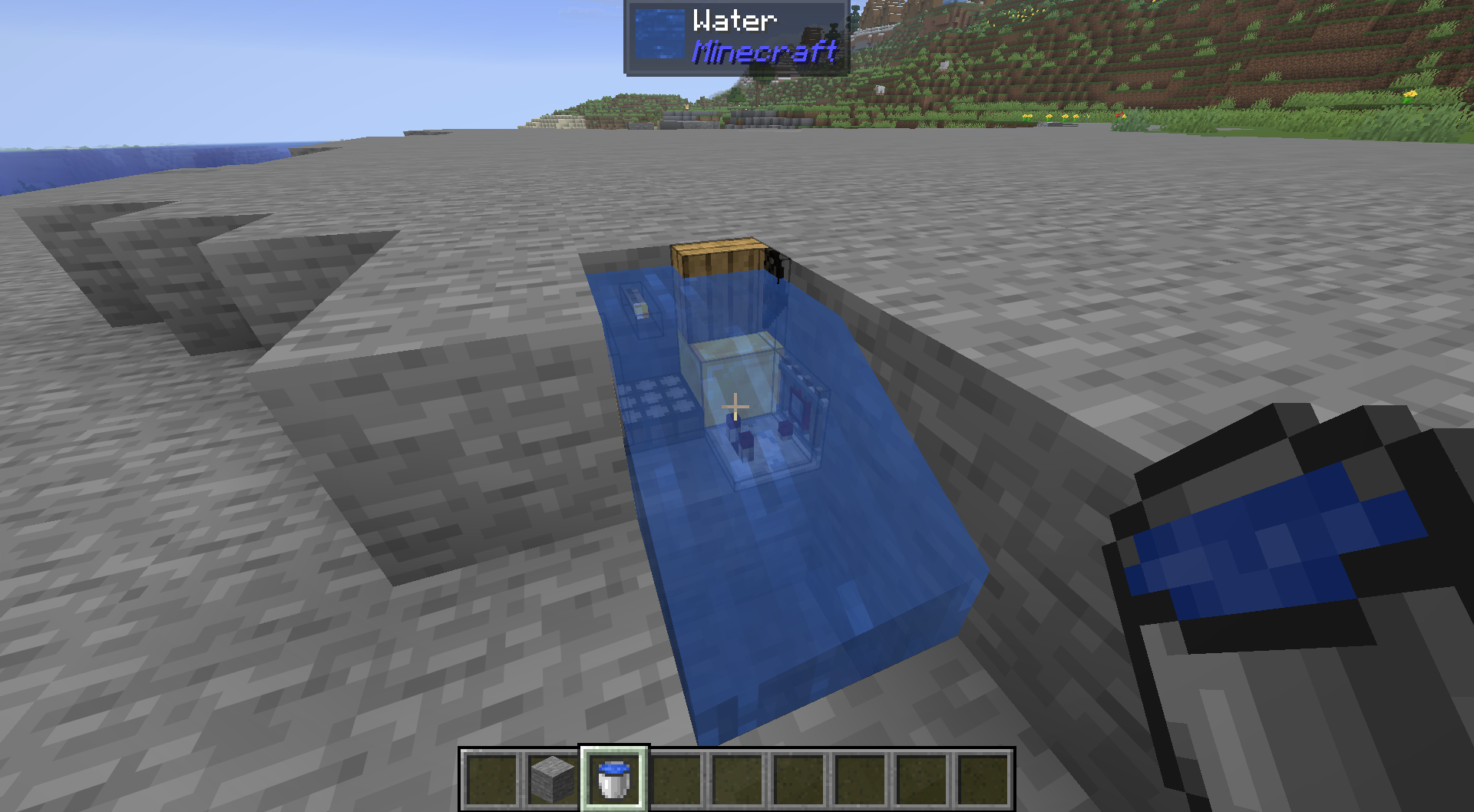
你还可以满足你的水培需求。
物品可以发光。

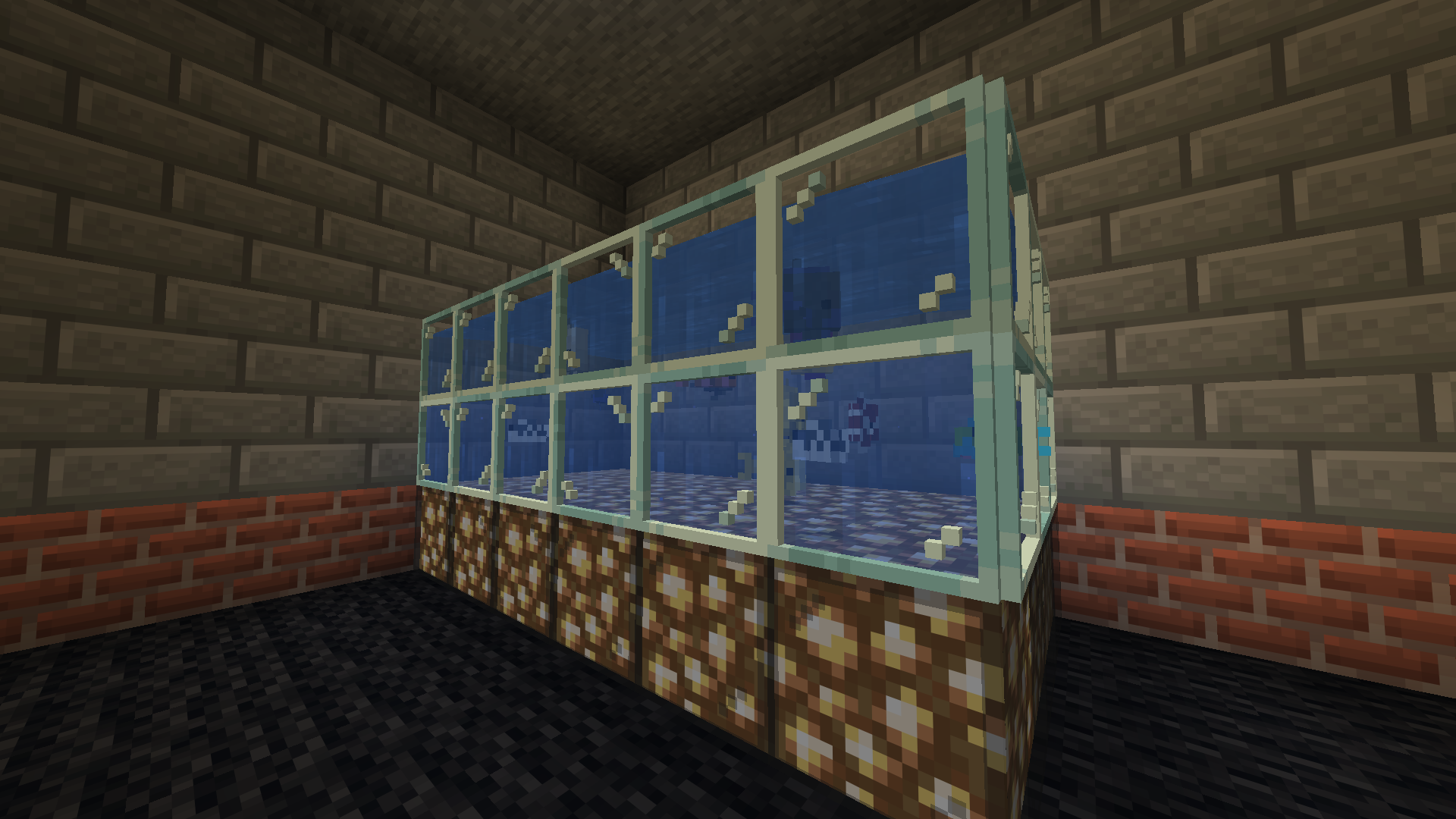
现在你可以为你的海洋生物建造一个真正的水族箱了!
制造混乱!
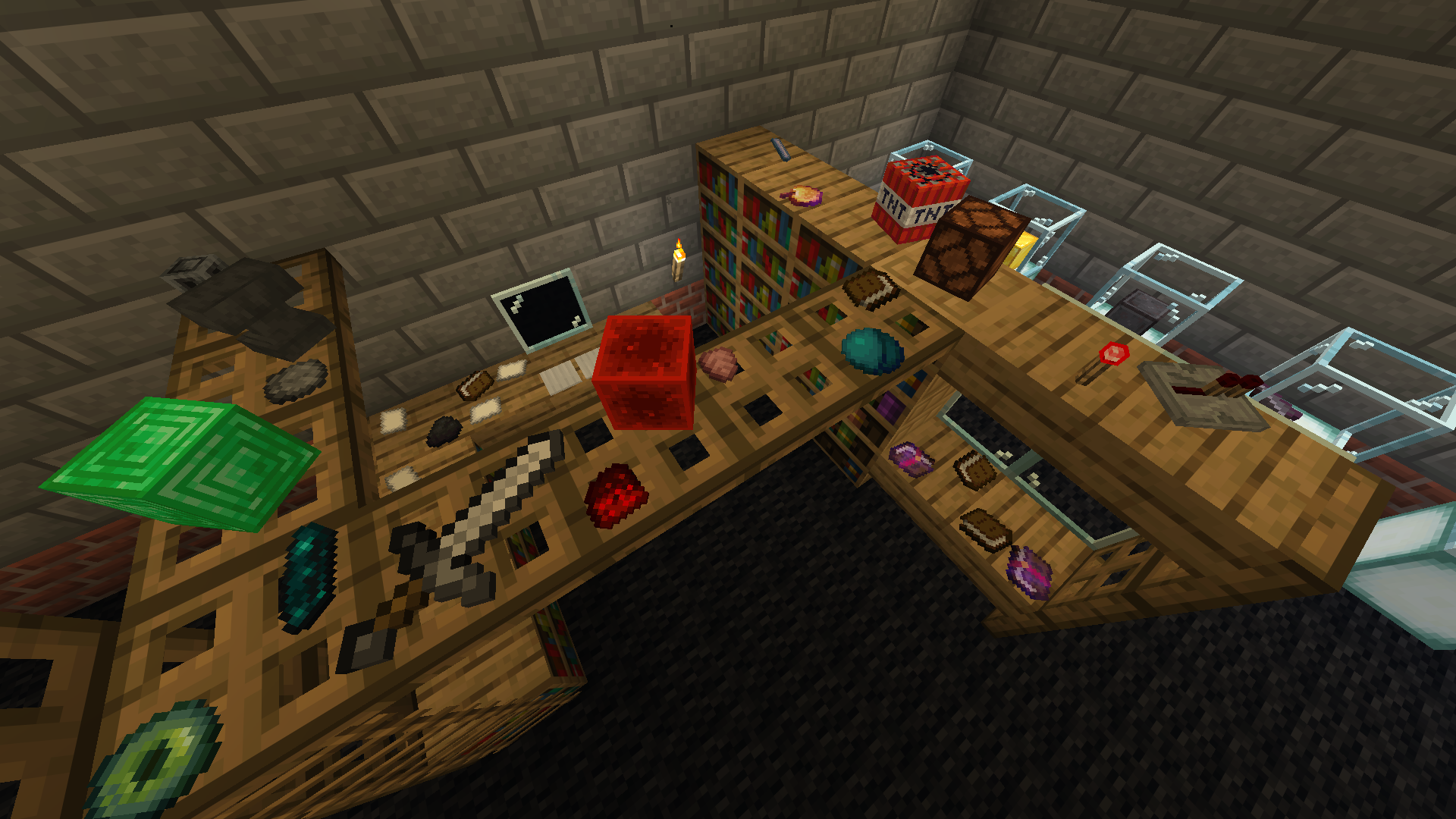
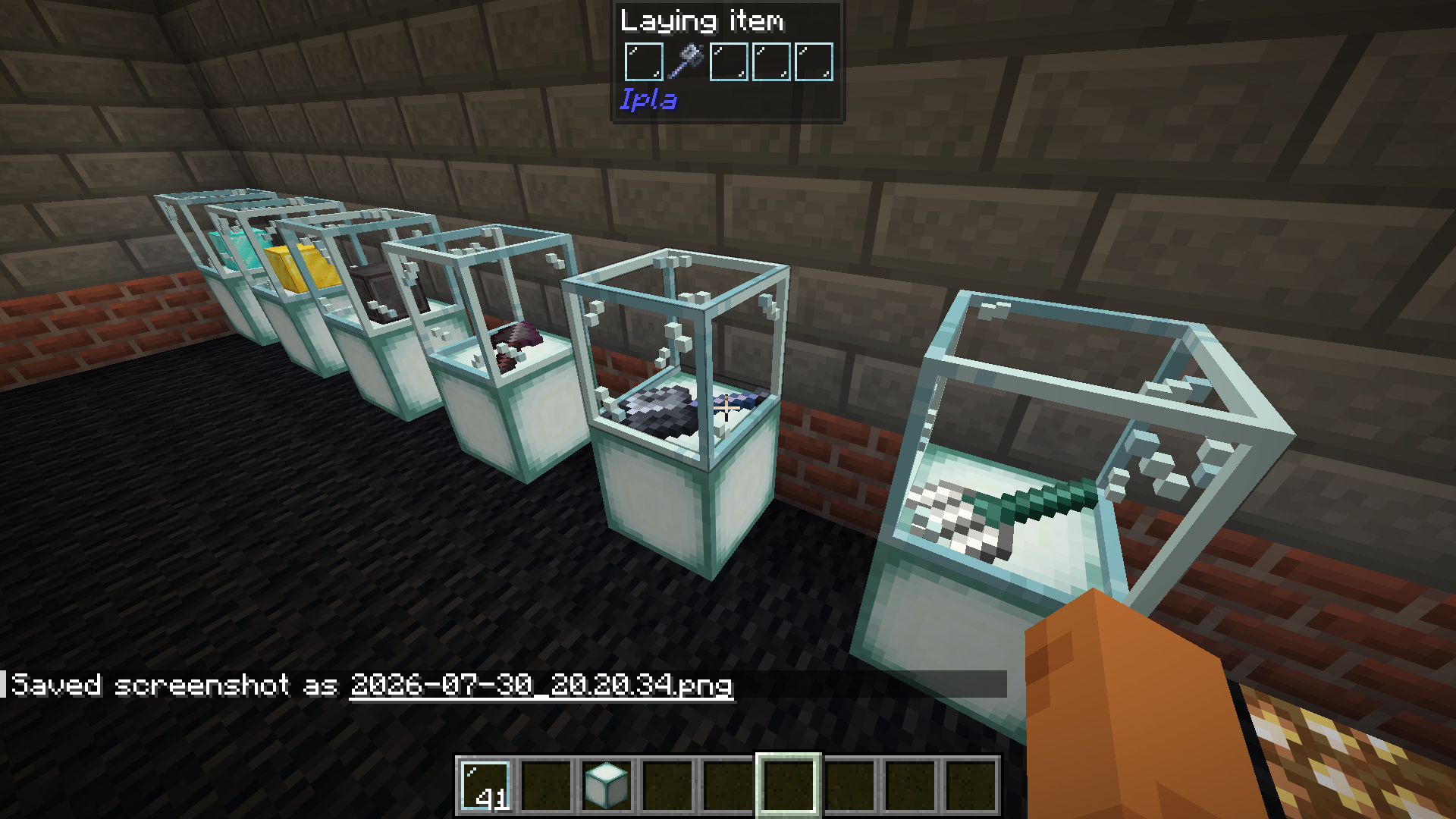
展示你的物品!
动态物品有效。

配置
方块设置位于 Config > More > Block render modes。在主菜单中也可用,无需进入世界。
- 为每个方块(或整类方块,如所有楼梯或所有树叶)选择是作为平面物品贴在表面上还是作为 3D 模型显示
- 沿 X、Y 和 Z 轴移动每个方块,一步等于一个纹理像素
- 绕其自身中心旋转它,游戏内的旋转仍然可以在上方工作
- 浏览方块列表,预览会显示它将如何呈现
- 在服务器上,管理员设置渲染模式,它们保存在 config/ipla_modes.cfg 中并发送给所有人,碰撞箱跟随模式
IPLA
Place your favourite items exactly the way you want Ipla is a decorative Minecraft mod that lets you place almost any item from your inventory directly into the world, with full control over its position, rotation, and orientation. Forget item frames and their strict limits. With Ipla, items become true world objects.
Controls
- V to place item
- Shift + V to place item as 1/4 of a block side
- Alt + Mousewheel to rotate items
- IF CONTROLS NOT WORKING DOWNLOAD MOD THAT ALLOWS MULTIPLE KEYBINDS TO WORK AT THE SAME TIME
Features
- Place items freely on walls, floors, ceilings, or in mid-air
- Rotate and tilt items
- Fine-tune placement using simple controls
- Items stay fixed in place and persist after world reloads
- Hold right click with empty hand to eat food
Endless possibilities!
(You can also see that each item has an almost right hitbox)
You can also fullfill your waterlogging desires.
Items can emit light.
Now you can build a proper fishtank for your sea creatures!
Make a mess!
Display your items!
Dynamic items work.
Config
Block settings are in Config > More > Block render modes. Works from the main menu too, no world needed.
- Pick for every block (or a whole class at once, like all stairs or all leaves) if it lies on a face as a flat item or as a 3D model
- Move each block on X, Y and Z, one step is one texture pixel
- Rotate it around its own center, the in-game rotation still works on top
- Search through the block list, the preview shows how it will look
- On a server the admin sets the render modes, they are saved in config/ipla_modes.cfg and sent to everyone, hitboxes follow the mode
下载 Ipla (item placer 2)
下载 Ipla (item placer 2)
下载 Ipla (item placer 2)
下载 Ipla (item placer 2)
下载 Ipla (item placer 2)
下载 Ipla (item placer 2)
下载 Ipla (item placer 2)
下载 Ipla (item placer 2)
下载 Ipla (item placer 2)
下载 Ipla (item placer 2)
/home/akicatt/IdeaProjects/ipla/neoforge/CHANGELOG.md
/home/akicatt/IdeaProjects/ipla/neoforge/CHANGELOG.md
/home/akicatt/modding/ipla/neoforge/CHANGELOG.md
关于这个资源的讨论、问题反馈与使用心得
还没有讨论,来发第一帖吧
你是这个资源的作者?登录后可认领此资源。
相似资源
 模组

可定制的鞘翅模组,支持装饰纹饰、旗帜图案等更多功能!
 模组

显示你正在注视的方块的信息。(适用于 Minecraft 1.16+ 的 Hwyla/Waila 分支)
 模组
使用 JavaScript 编辑配方、添加自定义物品、编写世界事件!
 模组

查看物品与配方
 模组
在游戏画面角落显示附近世界地形、玩家、生物和实体的地图。可创建路径点,帮助你找到标记过的位置。
 模组
AE2:一款流行的自动化与存储模组
评论 0
登录后参与评分
还没有评论,来抢沙发吧