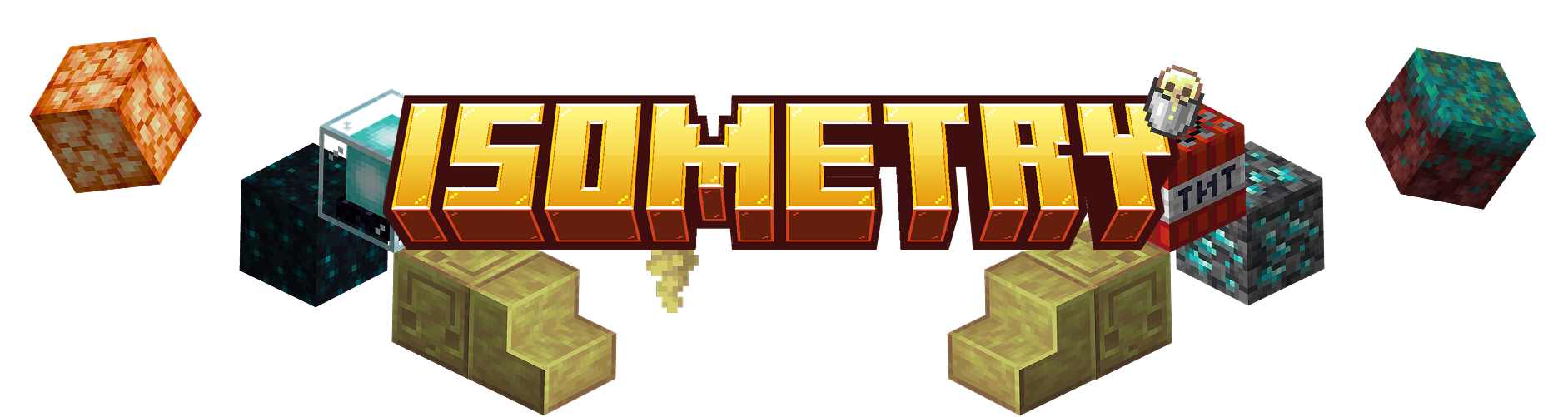
直接从游戏内获取 Minecraft 中任何物体的干净、高分辨率等距渲染图。方块、物品、实体以及整个世界区域,均带有透明背景。
专为制作资产图像而设计:整合包缩略图、维基艺术图、物品图标、建筑展示。
支持渲染的内容
- 物品:单个物品,或某个命名空间、创造模式标签页或标签中的所有物品
- 方块:任意方块状态,支持整个方块集的批量渲染
- 实体:包括玩家,支持 NBT 数据
- 世界区域:选择一块区域,将你的建筑渲染为等距场景
- 物品图集:单张图片中网格化展示大量物品
- 工具提示:将物品工具提示渲染为图片
区域魔杖
从“工具”选项卡获取 Isometric Region Wand。右键点击两个角以选定区域,渲染界面会立即在该选定区域上打开。角落可以放置在半空中,因此你可以从远处框选建筑进行构图。潜行右键可清除选定。
实时预览与全面控制
实时预览会准确显示导出的 PNG 最终效果,并在你调整参数时实时更新:
- 缩放、旋转、倾斜和光照角度
- X/Y 偏移与画面构图
- 等距与二测预设
- 自定义导出分辨率
使用鼠标拖拽可旋转和倾斜视角,滚轮可缩放。
导出选项
- 支持你自定义分辨率的透明背景 PNG
- 直接复制到剪贴板
- 一次性批量导出数百个物品或方块
- 一键“打开文件夹”以获取渲染结果
使用方法
命令: /isometry 后跟目标类型:item(物品)、block(方块)、entity(实体)、player(玩家)、area(区域)、tooltip(工具提示)、namespace(命名空间)、creative_tab(创造模式标签页)、tag(标签)
示例:
/isometry namespace minecraft batch items 渲染所有原版物品/isometry block minecraft:oak_stairs
区域法杖: 在世界中点击两个角以渲染一个区域。
按键绑定: C 用于选择区域(可配置)。
要求
仅限客户端。适用于单人游戏及任意服务器。
致谢与许可
Isometry 是 Isometric Renders 的一个分支,原模组由 glisco 开发,在 1.21.4 版本后停止更新。本分支已升级至 Minecraft 26.2 并进行大幅修改。
“Isometry 的目标是保持该模组更新至最新版本,并逐步引入更直观的图形界面(GUI)来管理各项功能,取代原有的命令操作。由于该模组较为新颖,完全实现这一目标需要一定时间,欢迎截图分享!”
遵循原始项目的许可协议,以 MIT 许可证 发布。
可在 GitHub 获取。
Take clean, high-resolution isometric renders of anything in Minecraft, straight from in-game. Blocks, items, entities, and whole regions of your world, all with a transparent background.
Built for making asset images: pack thumbnails, wiki art, item icons, build showcases.
What it renders
- Items: single items, or every item in a namespace, creative tab, or tag
- Blocks: any block state, with batch rendering for entire block sets
- Entities: including players, with NBT support
- World regions: select an area and render your build as an isometric scene
- Item atlases: grid overviews of many items in one image
- Tooltips: render item tooltips as images
Region Wand
Grab the Isometric Region Wand from the Tools tab. Right-click two corners to select a region and the render screen opens on that selection instantly. Corners can be placed mid-air, so you can frame a build from a distance. Sneak-click to clear.
Live preview and full control
A live preview shows exactly what your exported PNG will look like, updating as you adjust:
- Scale, rotation, slant, and light angle
- X/Y offsets and framing
- Isometric and dimetric presets
- Custom export resolution
Drag with the mouse to rotate and tilt, scroll to zoom.
Export options
- Transparent-background PNGs at the resolution you choose
- Copy straight to clipboard
- Batch export hundreds of items or blocks in one pass
- One-click "Open Folder" to grab your renders
Usage
Command: /isometry followed by a target: item, block, entity, player, area, tooltip, namespace, creative_tab, tag
Examples:
/isometry namespace minecraft batch items renders every vanilla item/isometry block minecraft:oak_stairs
Region Wand: click two corners in the world to render an area.
Keybind: C for area select (configurable).
Requirements
Client-side only. Works in singleplayer and on any server.
Credits & License
Isometry is a fork of Isometric Renders by glisco, which stopped receiving updates after 1.21.4. This fork has been updated to Minecraft 26.2 and substantially modified.
"The goal with Isometry is to keep this mod up to date to the latest versions as well as slighly introduce a more understandable GUI to manage everything overtime instead of commands. This mod is pretty new so, it will take a bit to get it fully there, happy screenshotting!"
Released under the MIT License, in keeping with the original project.
Available in GitHub


 模组

 模组

 模组
 模组
 模组
 模组
评论 0
登录后参与评分
还没有评论,来抢沙发吧