npc2
npc2 是一款用于 Minecraft 的实验性 Fabric 模组,它会将自主生存的 NPC 投放到你的世界中。每个 NPC 都基于加权生存计划运行,拥有持久记忆,使用原版生物物理效果,并通过基于节点的行为图进行决策,涵盖采集、制作、战斗、存储、移动和睡眠等方面。
npc2 可用于单人世界、局域网(LAN)以及多人服务器。
npc2 正在积极开发中。请预期 NPC 在挖掘和建造时会改变周围的地形。
要求
npc2 需要 Fabric API 和 Fabric Language Kotlin。
- [最新版] 版本
0.3.1-alpha+26.3 支持 Fabric API 0.161.0+26.3 及兼容的更新 Fabric API 版本,适用于 Minecraft 26.3。
- [旧版/26.2] 版本
0.3.0-alpha+26.2 支持 Fabric API 0.154.2+26.2 及兼容的更新 Fabric API 版本,适用于 Minecraft 26.2。
对于服务器:需在服务器和所有连接客户端上安装 npc2 及其依赖项。
单人游戏:在你的 Minecraft 客户端上安装 npc2 及其依赖项。
局域网:在每个玩家的客户端上安装 npc2 及其依赖项。
快速开始
版本 0.3.0-alpha 及更高版本
打开原版创造模式物品栏中的 刷怪蛋 标签页,并在坚实的空地上使用 幸存者 NPC 刷怪蛋。
拥有命令权限的玩家也可以点击或输入:
/give @s npc2:fake_npc_spawn_egg
当你进入世界时,npc2 会在聊天栏显示格式化的快速开始消息,其中包含生成命令、调试控件和问题追踪器链接。
版本 0.2.1-alpha 及更早版本
打开 npc2 的创造模式物品栏标签页,并在坚实的地面上使用 幸存者 NPC 刷怪蛋。你可能需要使用物品栏箭头来找到该标签页。
或者,输入:
/give @s npc2:fake_npc_spawn_egg
调试面板 — 0.3.0-alpha 及更高版本
瞄准附近的活体 NPC 以显示一个紧凑的调试面板,其中包含其名称、实体 ID、生命值和调试控件。
- 按
X 固定选定的 NPC 并展开面板。
- 再次按
X 取消固定。
- 按
F8 切换所有 npc2 调试功能,包括面板、发光轮廓和路径可视化。
- 这两个控件都可以在 Minecraft 的控制菜单下的 调试 类别中重新绑定。
展开的面板会显示 NPC 的当前决策、移动和路径状态、资源需求、装备、库存以及其他 AI 信息。
为了获得最整洁的布局,请使用 3 或更低的 GUI 缩放比例。
玩家互动 — 0.3.0-alpha 及更高版本
NPC 默认对玩家友好。只有当生存模式或冒险模式的玩家伤害了特定的 NPC 时,该 NPC 才会反击。创造模式和旁观者模式的玩家永远不会成为目标。
反击持续时间可以在以下文件中更改:
.minecraft/config/npc2/npc2.properties
0.3.0-alpha 中的已知问题
- 在 GUI 缩放比例高于 3 时,调试叠加层可能会出现不均匀的情况。
- NPC 在水中漂浮时移动非常缓慢。
- NPC 在反击玩家时可能会偶尔冻结。一旦玩家离开检测范围、进入创造模式或配置的
player_retaliation_ticks 持续时间结束,它们将恢复活动。
这些问题计划在未来的版本中修复。
更多文档
访问 npc2 GitHub README 以获取安装说明、配置选项、游戏玩法详情、故障排除和开发文档。
通过 npc2 问题追踪器 报告错误。
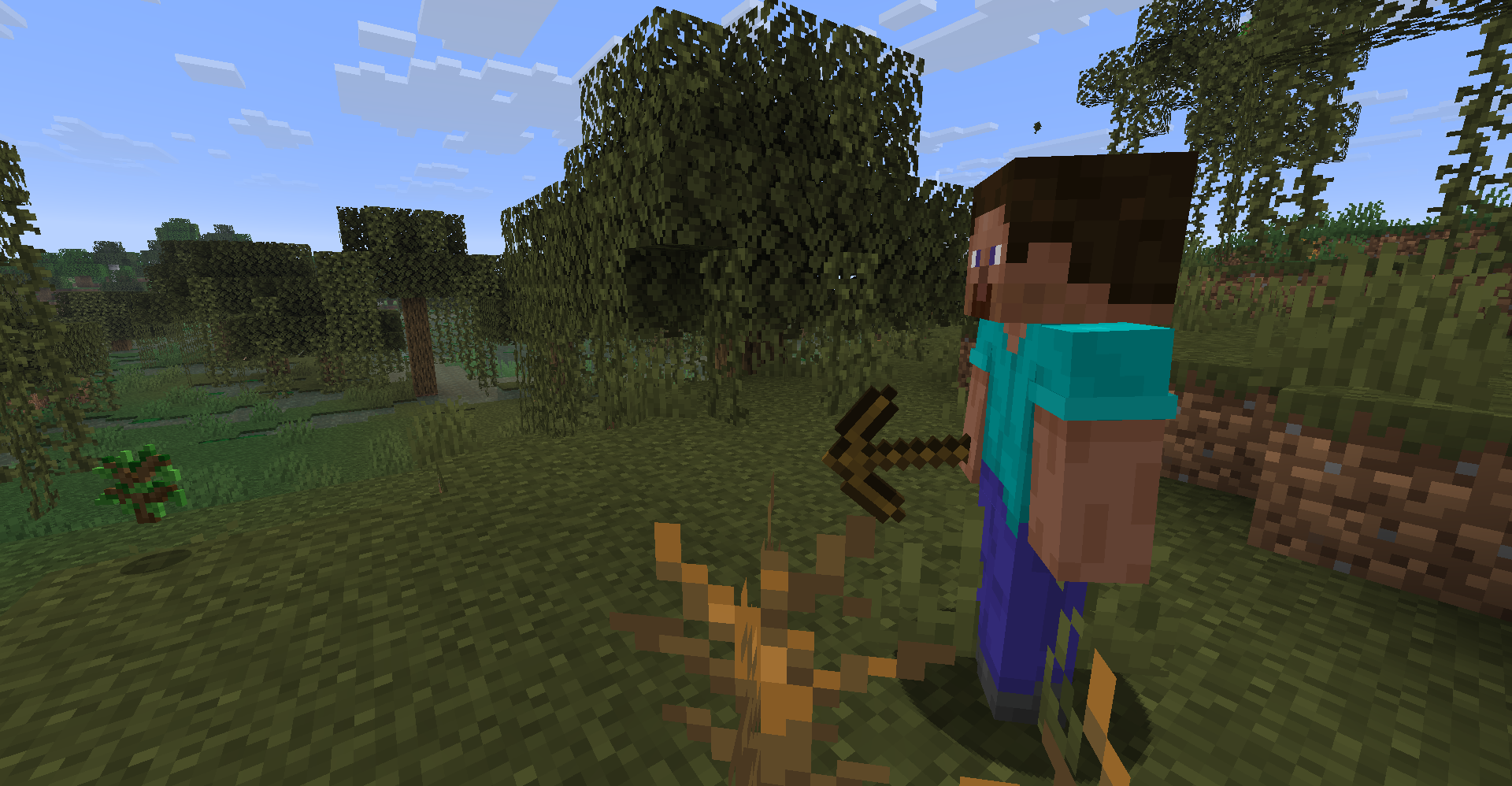
npc2
npc2 is an experimental Fabric mod for Minecraft that drops autonomous survival
NPCs into your world. Each one runs on a weighted survival plan, keeps persistent
memories, uses vanilla mob physics, and makes its decisions through a node-based
behavior graph covering gathering, crafting, combat, storage, movement, and sleep.
npc2 can be used in singleplayer worlds, LAN, and multiplayer servers.
npc2 is under active development. Go in expecting NPCs to reshape the terrain around
them as they mine and build.
Requirements
npc2 requires Fabric API and Fabric Language Kotlin.
- [Latest] Version
0.3.1-alpha+26.3 supports Fabric API 0.161.0+26.3 and compatible newer Fabric API releases for Minecraft 26.3.
- [Legacy/26.2] Version
0.3.0-alpha+26.2 supports Fabric API 0.154.2+26.2 and compatible newer Fabric API releases for Minecraft 26.2.
For Servers: Install npc2 and its dependencies on both the server and every connecting client.
Singleplayer: Install npc2 and its dependencies on your Minecraft client.
LAN: Install npc2 and its dependencies on every player's client.
Quick start
Version 0.3.0-alpha and newer
Open the vanilla Creative inventory's Spawn Eggs tab and use the Survivor NPC Spawn Egg on solid, open ground.
Players with permission to use commands can also click or enter:
/give @s npc2:fake_npc_spawn_egg
When you enter a world, npc2 displays a formatted quick-start message in chat containing the spawn command, debug controls, and issue-tracker link.
Version 0.2.1-alpha and earlier
Open npc2's Creative inventory tab and use the Survivor NPC Spawn Egg on solid ground. You may need to use the inventory arrows to find the tab.
Alternatively, enter:
/give @s npc2:fake_npc_spawn_egg
Debug panel — 0.3.0-alpha and newer
Aim near a living NPC to display a compact debug panel containing its name, entity ID, health, and debug controls.
- Press
X to pin the selected NPC and expand the panel.
- Press
X again to unpin it.
- Press
F8 to toggle all npc2 debugging, including the panel, glowing outline, and path visualization.
- Both controls can be rebound under the Debug category in Minecraft's Controls menu.
The expanded panel displays the NPC's current decisions, movement and path state, resource requirements, equipment, inventory, and other AI information.
For the cleanest layout, use a GUI scale of 3 or lower.
Player interaction — 0.3.0-alpha and newer
NPCs are friendly toward players by default. An NPC only retaliates against a Survival or Adventure player who harms that specific NPC. Creative and Spectator players are never targeted.
The retaliation duration can be changed in:
.minecraft/config/npc2/npc2.properties
Known issues in 0.3.0-alpha
- The debug overlay may appear uneven at GUI scales above 3.
- NPCs move very slowly while floating in water.
- NPCs may occasionally freeze while retaliating against a player. They resume once the player leaves their detection range, enters Creative mode, or the configured
player_retaliation_ticks duration expires.
These issues are planned to be fixed in future releases.
More documentation
Visit the npc2 GitHub README for installation instructions, configuration options, gameplay details, troubleshooting, and development documentation.
Report bugs through the npc2 issue tracker.


 模组

 模组
 模组
 模组

 模组

 模组
评论 0
登录后参与评分
还没有评论,来抢沙发吧