
? 对于玩家
OmniCompass 添加了能够追踪任意生物群系或结构的指南针!
默认情况下,包含 2 种指南针:
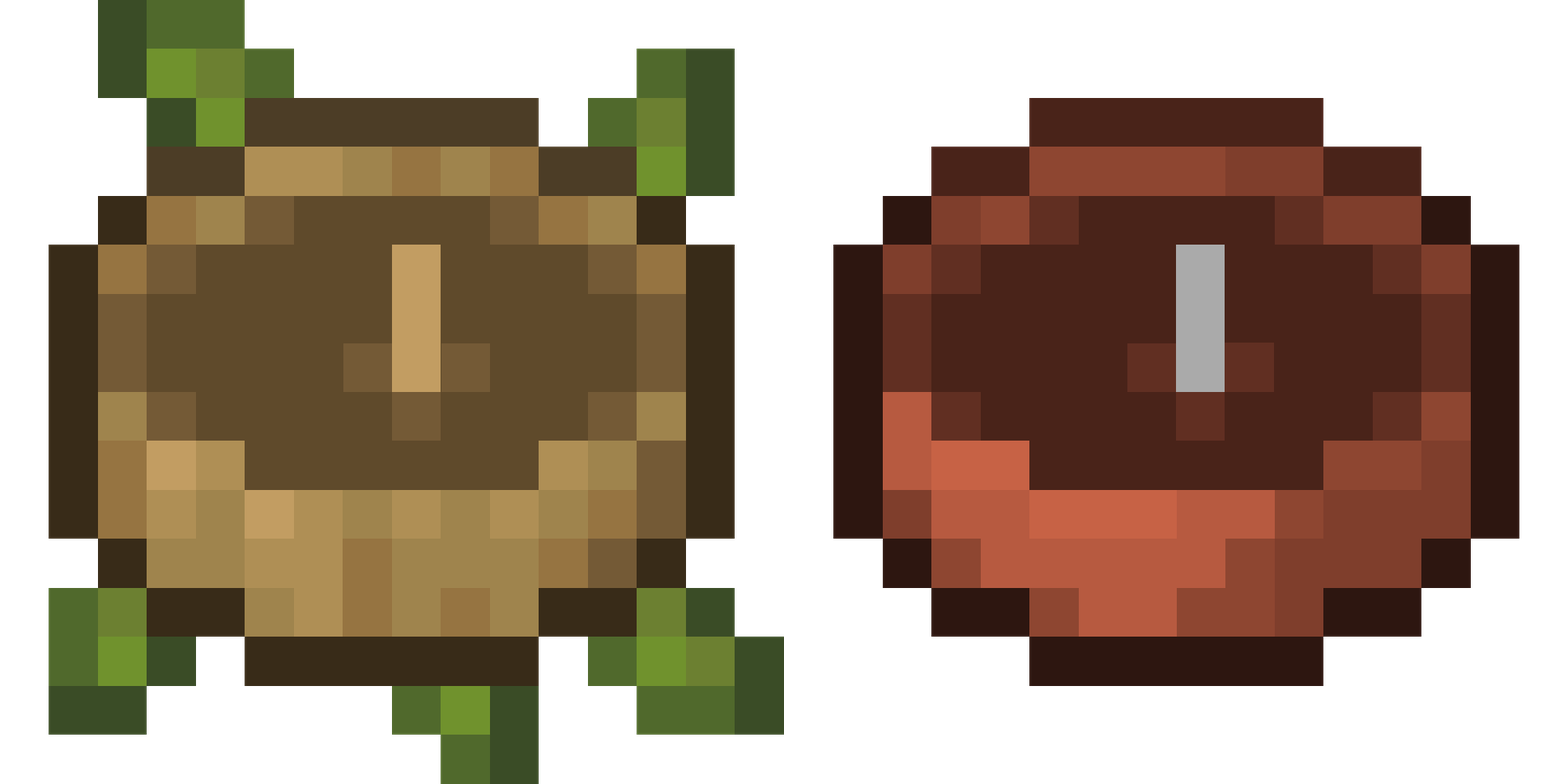
- 生物群系指南针:可追踪任意生物群系,由一个指南针和 4 块木板合成
- 结构指南针:可追踪任意结构,由一个指南针和 4 块砖合成
这两种指南针均可在配置文件中禁用!
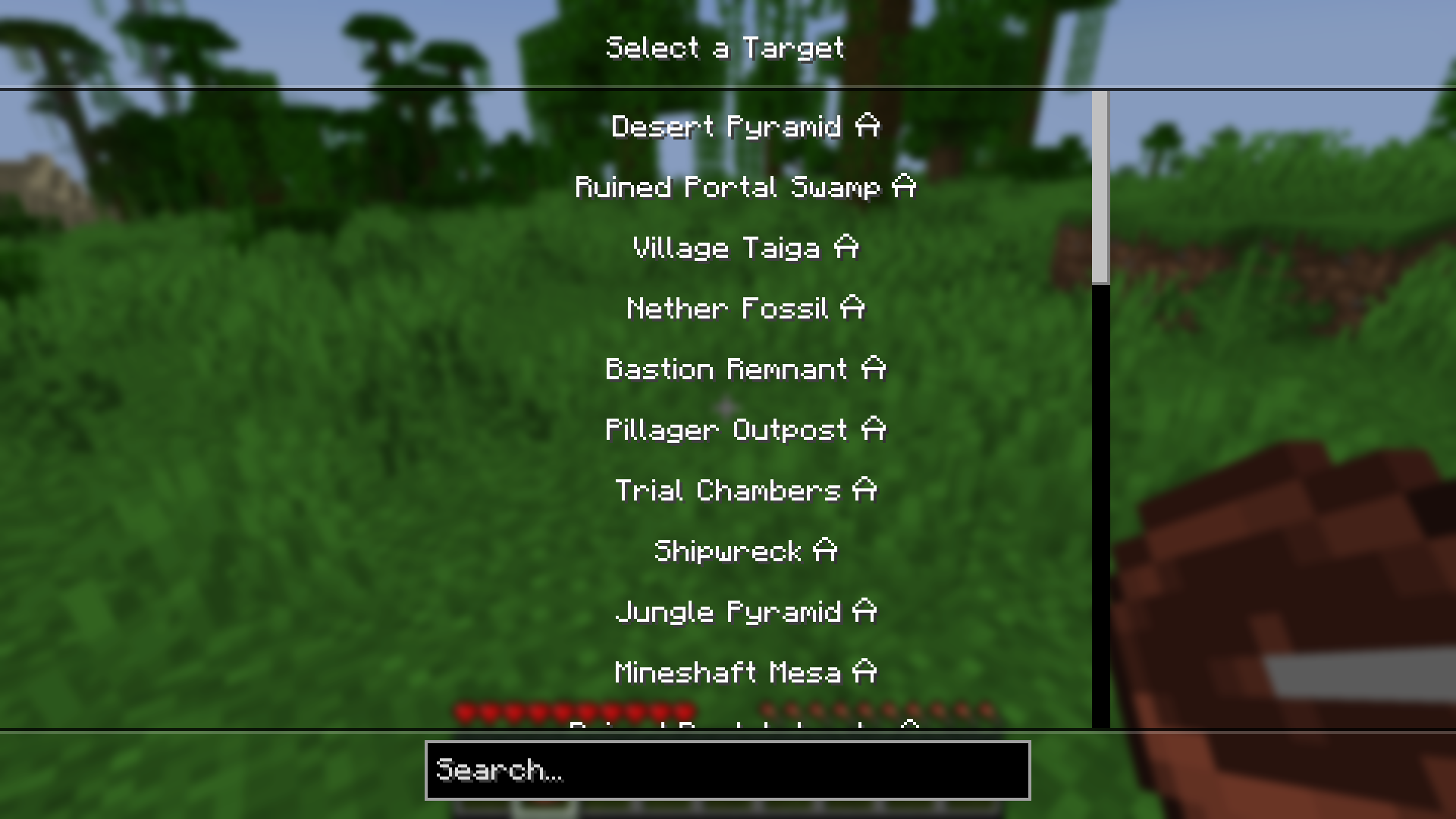
使用指南针时,只需手持它并右键点击。这将打开一个菜单,允许你选择目标。
✨ 对于整合包制作者
OmniCompass 提供了完善的数据包支持,使你能够轻松添加自定义指南针,或编辑、移除默认指南针。具体功能包括:
- 支持添加多个指南针
- 指南针目标类型选择(生物群系、结构,或所有生物群系/结构)
- 基于进度限制指南针的目标范围
- 自定义指南针渲染器(仅需单一基础纹理,指针及其阴影会自动着色)
完整文档请参阅 wiki。
如果现有系统无法满足你的需求,请在 GitHub 上提交 issue,或加入 Discord 社区分享你的建议!
? For Players
OmniCompass adds compasses capable of tracking any biome or structure!
By default, there are 2 compasses:
- Biome Compass, which can track any biome, crafted from a compass and 4 planks
- Structure Compass, capable of tracking any structure, made from a compass and 4 bricks
Both compasses can be disabled in the config!
To use a compass, simply right-click while holding it. This will open a menu, allowing you to select a target.
✨ For Modpack Creators
OmniCompass comes with extensive data pack support, which allows you to easily add your own compasses or edit and remove the default ones. This includes:
- The ability to add multiple compasses
- Compass target selection (biome, structure, or all biomes/structures)
- Limiting compass targets based on advancements
- Custom compass renderer (only a single base texture is needed, needle and its shadow are tinted)
Full documentation is available on the wiki.
If the existing system doesn’t support your use case, make sure to open an issue on Github or to join the Discord and share your suggestions!
下载 OmniCompass
下载 OmniCompass
下载 OmniCompass
下载 OmniCompass
下载 OmniCompass
下载 OmniCompass
下载 OmniCompass
下载 OmniCompass
下载 OmniCompass
下载 OmniCompass
- 修复了自定义结构目标导致协议错误的问题
- 修复了未定义模型的自定义罗盘出现缺失纹理的问题
- 修复了进度条件未能完全生效的问题
- 添加了在使用类型无效或未解锁目标的罗盘时显示额外提示
关于这个资源的讨论、问题反馈与使用心得
还没有讨论,来发第一帖吧
你是这个资源的作者?登录后可认领此资源。
相似资源
 模组

可定制的鞘翅模组,支持装饰纹饰、旗帜图案等更多功能!
 模组

显示你正在注视的方块的信息。(适用于 Minecraft 1.16+ 的 Hwyla/Waila 分支)
 模组
使用 JavaScript 编辑配方、添加自定义物品、编写世界事件!
 模组

查看物品与配方
 模组
在游戏画面角落显示附近世界地形、玩家、生物和实体的地图。可创建路径点,帮助你找到标记过的位置。
 模组
AE2:一款流行的自动化与存储模组
评论 0
登录后参与评分
还没有评论,来抢沙发吧