RemotePaintings
是否曾想过覆盖 Minecraft 中的画作,但制作资源包又太麻烦?
别担心,RemotePaintings 来帮忙!现在你可以直接从游戏中使用自己的图片来覆盖 Minecraft 的画作。
示例
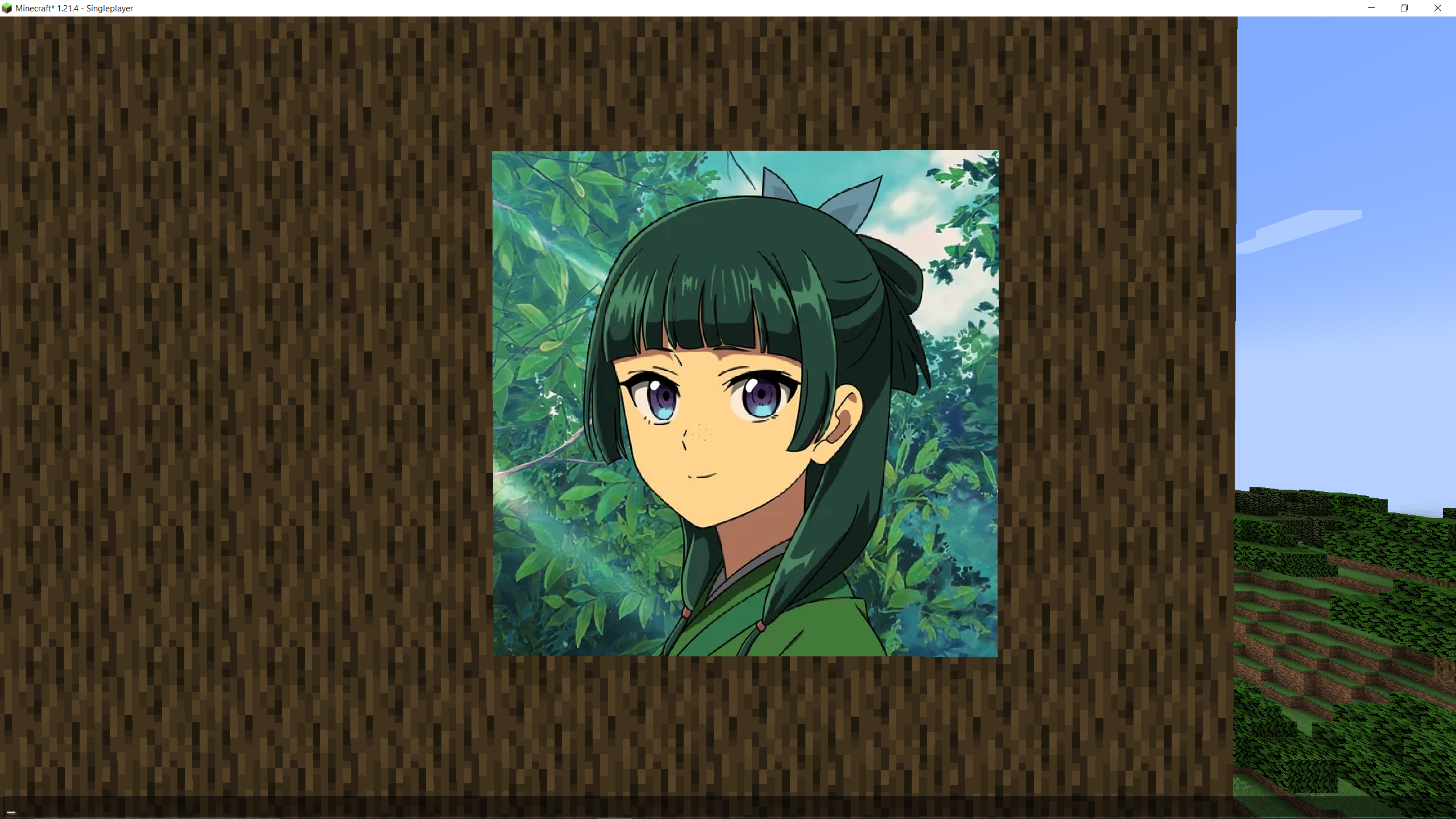
PNG/JPEG 示例
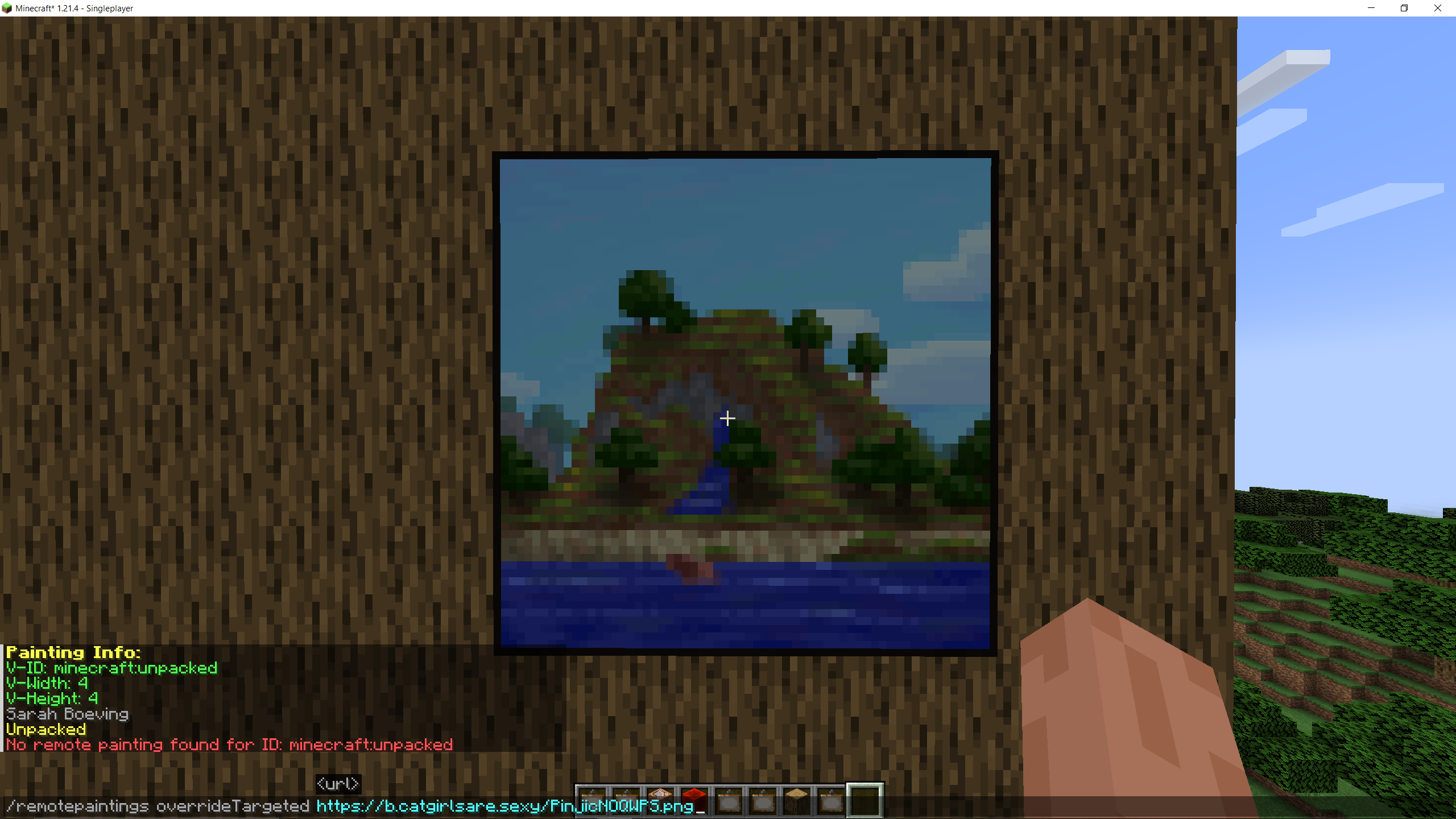
GIF 示例
命令
通常,所有命令都可通过 /remotepaintings 命令访问,且大多一目了然。
/remotepaintings paintingInfo:显示当前注视画作的信息
/remotepaintings info:显示所有画作覆盖项的信息
/remotepaintings override <id> <url>:用指定的 URL 覆盖指定的画作 ID(Minecraft 标识符!)
/remotepaintings overrideTargeted <url>:用指定的 URL 覆盖当前注视的画作
/remotepaintings unloadPainting <id>:卸载指定的画作 ID(Minecraft 标识符!)
/remotepaintings reloadImages:重新获取并加载所有图片
对于配置,可使用以下命令:
/remotepaintings loadConfig <url>:从任意 URL(例如 Raw Hastebin)加载 JSON 配置文件,并保存该 URL
/remotepaintings reloadConfig:从已保存的 URL 重新加载配置
/remotepaintings saveConfig:将当前的覆盖项上传至新的 Hastebin,并在本地保存 URL
配置
配置由 owo-lib 提供,因此可以通过任何现代 ModMenu 访问。
在配置文件中,可以指定当前的远程画作配置 URL 以及 Hastebin 上传服务器。
工作原理
执行 override 命令后,纹理会被获取并注册到 TextureManager 中(即加载到 RAM 中)。
对于 GIF,所有帧会被连接成一行并排排列。请注意,如果 GIF 过大,文件体积可能会变得非常大。
随后,模组会注入画作渲染器以避免渲染原始画作。取而代之的是,它在上方渲染自定义的远程画作。
与我最初两次尝试修改 SpriteAtlas 本身的方法相比,这种方法要简单得多。
问题、贡献与许可
如果您有任何问题,欢迎 联系我 或提交 Issue。我很乐意提供帮助!
如需贡献代码,请提交包含详细更改的 Pull Request。如果能使用 conventional commits 格式会更好。
本项目采用 MIT 许可证。
RemotePaintings
Ever wanted to override Minecraft paintings but creating a resource pack was too much work?
Fear not, RemotePaintings is here to help! You can now finally override Minecraft paintings with your own images,
right from the game!
Examples
Example with PNG/JPEG
Example with GIFs
Commands
Generally, every command is available via the /remotepaintings command and should be self-explanatory.
/remotepaintings paintingInfo: Shows information about the painting being looked at
/remotepaintings info: Shows information about every painting override
/remotepaintings override <id> <url>: Override the specified painting id (minecraft identifier!) with the specified URL
/remotepaintings overrideTargeted <url>: Override the painting being looked at with the specified URL
/remotepaintings unloadPainting <id>: Unload the specified painting id (minecraft identifier!)
/remotepaintings reloadImages: Refetch and reload all images
For configs, these commands are available:
/remotepaintings loadConfig <url>: Loads a json config from any url (raw hastebin for example) and saves the url
/remotepaintings reloadConfig: Reloads the config from the saved url
/remotepaintings saveConfig: Uploads the current overrides in a new hastebin and saves the url locally
Config
The config is being provided by owo-lib and thus reachable via any modern ModMenu.
In the config itself the current remote paintings config url and the hastebin upload server can be specified.
How it works
After executing the override command, the texture gets fetched and is being registered in the TextureManager (thus being loaded in RAM).
For GIFs, all frames are being concatenated in a single row next to each other. Mind that this file might get very large if the GIF is too big.
The mod then injects into the painting renderer to avoid rendering the actual painting. Instead, it renders the custom remote painting
on top of it.
This approach is rather simple compared to the first two attempts I made, in which I tried to modify the SpriteAtlas itself.
Questions, Contributing and Licensing
If you have any questions, feel free to contact me or open an issue. I'd be glad to help!
For contributions, please open a detailed pull request with your changes. Would be nice if you could use conventional commits.
This project is licensed under the MIT license.
评论 0
登录后参与评分
还没有评论,来抢沙发吧