
许可证
本模组遵循 MIT 许可证。
最新版本依赖项
Fabric API >=0.83.1,适用于 Minecraft 1.20.1
CompleteConfig >=2.4.0,适用于 Minecraft 1.20.1
描述
这是一个 Fabric 模组,根据你所在的生物群系、一天中的时间、天气状况以及周围的方块,添加了一个体温系统。如果你太冷或太热,就会开始受到伤害,但有一些方法可以维持适宜的温度。
在原版 Minecraft 中,生物群系自带内置温度。 本模组利用该温度来判断你感觉有多冷或多热。 因此,只要模组添加的生物群系设置了合适的温度,它应该也能与任何模组化的生物群系兼容。
升温
发热方块会在你距离小于 3 格时缓慢提高你的体温。 火把使体温上升 3,火焰上升 3,岩浆上升 8,营火上升 15。 你也可以通过穿着皮革盔甲来提高体温。靴子增加 1,护腿增加 2,胸甲增加 3,头盔增加 1。
将任何一件皮革盔甲与羊毛布料放入合成台,可以增加其提供的保暖效果。每个盔甲部件最多只能进行两次此操作。
降温
制冷方块的作用与发热方块相反,会降低你的体温,但作用范围更短(2 格)。冰块降低 1,冰原冰降低 3,蓝冰降低 6。如果你在炎热的气候中,这非常有用,因为你只需在地板下放置一些冰块即可降温;或者在末地如果没有抗火药水的话,这也很有用。
下雨、下雪、夜间或进入水中时,你的体温也会下降。 防火附魔每级会使体温降低 0.5,而抗火附魔会阻止你因高温受到伤害。所以如果你太热了,喝抗火药水或制作冰汁。(使用 REI 查看冰汁的合成配方)。在获得抗火或防火附魔之前,冰汁在末地非常有用。
风
刮风时,你会看到显示风向的粒子效果。暴露在风中会降低你的体温。海拔越高,风力越强。
冰箱机制
冰箱是一个新增的方块,可以在获得精准采集之前更容易地获取冰块。首先合成一个空的冰箱(使用 REI 查看配方)。然后用水瓶右键点击它来装满水。为了生成冰块,它需要处于寒冷或严寒的气候中(针叶林生物群系和积雪生物群系都可以)。当你装满水并处于寒冷或严寒气候中时,只需等待它冻结。一旦冻结,你可以右键点击它,它会给你 3 个冰块,并变回空的冰箱。
当它处于冻结状态时,它会像冰原冰一样,如果你离得够近,会使你的体温降低 3。但在非寒冷或严寒的生物群系中,它会慢慢融化并恢复为非冻结状态。生物群系越热,融化速度越快。
砖砌壁炉机制
点燃后的砖砌壁炉方块会在较大半径内使你的体温升高 16。你可以用燃料物品右键点击它来点燃它。煤炭和木炭提供 60 秒的燃烧时间,煤块提供 540 秒,树枝提供 5 秒。
在壁炉上方放置砖墙、圆石墙或石砖墙,可以使产生的烟雾像烟囱一样从墙壁上方排出。
温度显示与温度计
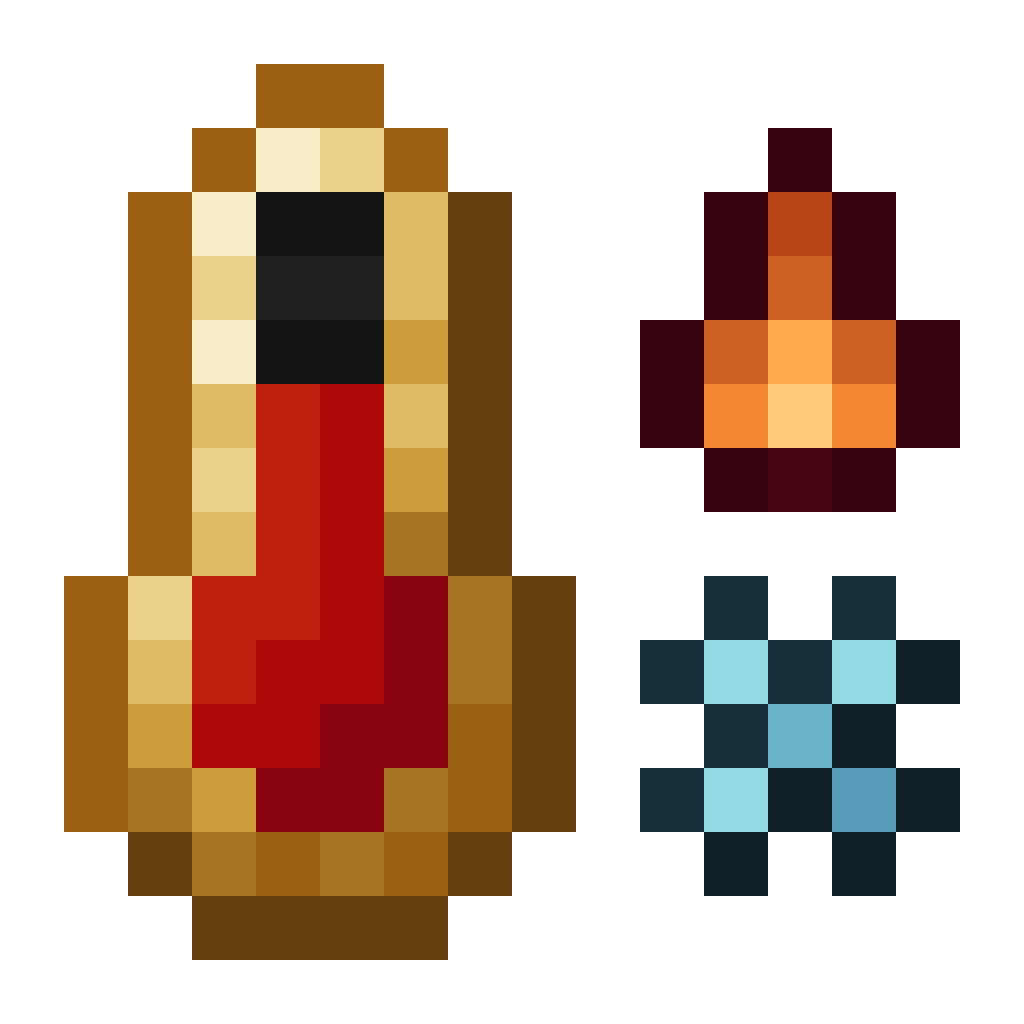
温度显示是位于快捷栏中央的一个温度计。随着你变冷,它会开始变成蓝色;随着你变热,它会开始变成橙色。当你变冷时,它会变得像冰一样;当你变热时,它会变得像火一样。如果你的体温高到足以造成伤害,它还会摇晃。
中性:

寒冷:

炎热:
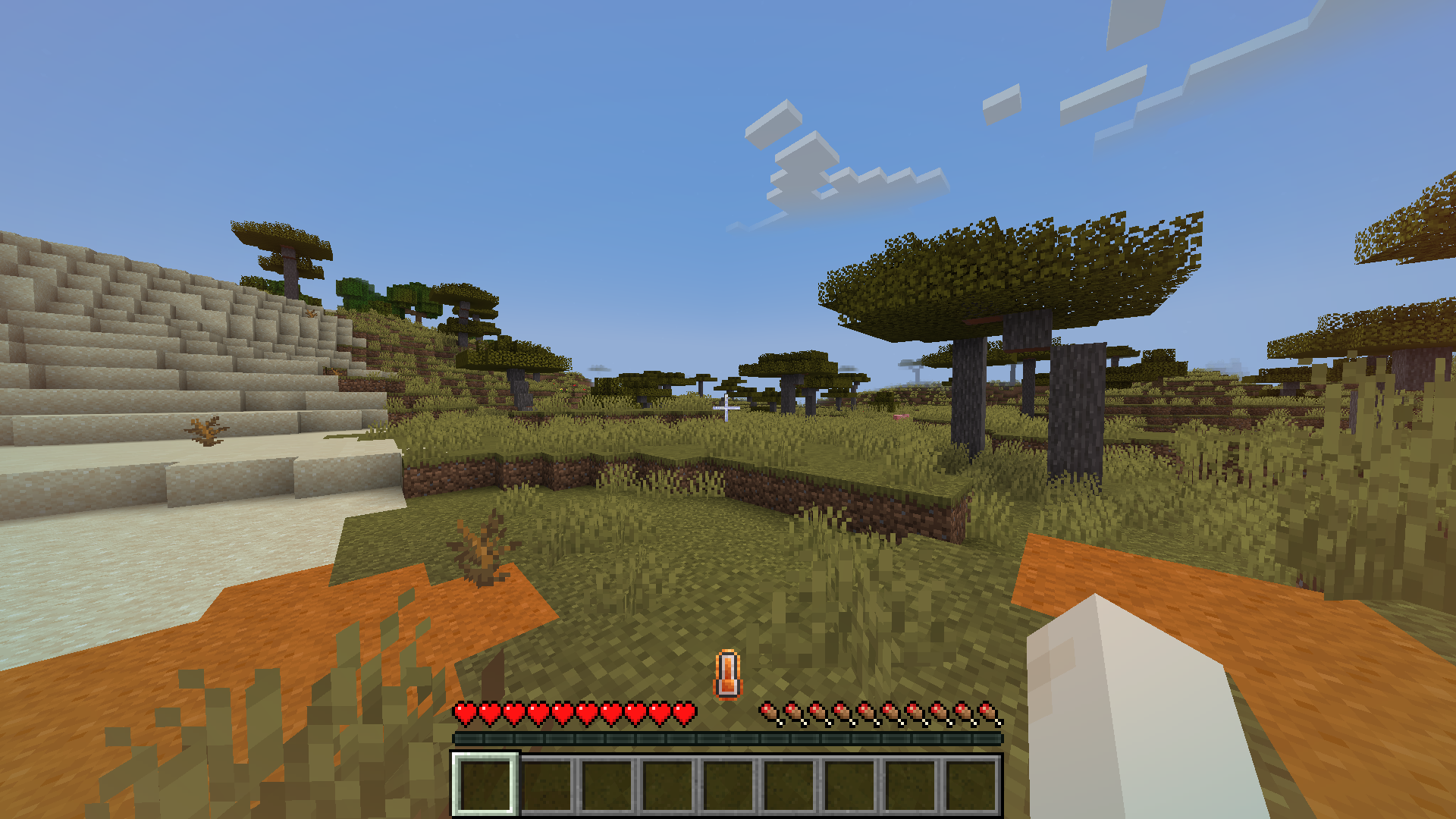
单独的温度显示不会以数字形式显示你的确切温度,但如果你在主手副手持有一个温度计,左侧会弹出一个显示你确切温度的界面。它显示的数字并非摄氏度或华氏度等特定温度单位。50 是最中性的数值。

兼容性
与 Fabric Seasons 兼容。你的体温会受到当前季节的影响。
不兼容
与 C2ME 不兼容。
配置
配置文件路径为 "config/therm.conf",如果你希望向配置中添加内容,请在 GitHub 上创建 issue。
License
This mod is available under the MIT license.
Dependencies for Latest Version
Fabric Api >=0.83.1 for mc 1.20.1
CompleteConfig >=2.4.0 for mc 1.20.1
Roughly Enough Items (Recommended)
Description
This is a fabric mod that adds a body temperature system based on what biome you are in, the time of day, weather conditions and what blocks are around you. If you get too cold or hot you will start to take damage, but there are ways to maintain a good temperature.
In vanilla minecraft, biomes have there own built in temperature. This mod takes that temperature and determines how cold or hot you should feel. So it should work with any modded biome as long as its biome temperature is set appropriately.
Heating
Heat making blocks will slowly increase your temperature if you are less than 3 blocks away. Torches increase temperature by 3, fire also 3, lava 8 and campfires 15. You can also increase your temperature by wearing leather armor. Boots increase by 1, leggings 2, chestplate 3 and helmet 1.
By putting any piece of leather armor in the crafting table along with wool cloth, you can increase the warmth it provides. You can only do this twice with each armor piece.
Cooling
Cold making blocks do the opposite of heat making blocks and cool you down but within a shorter range (2 blocks). Ice decreases by 1, packed ice decreases by 3 and blue ice decreases by 6. This is useful if you are in a hot climate since you can just put some ice under your floor and that will cool you down, or in the nether if you don't have fire resistance.
You will also become colder if it rains, snows, its nighttime or if you get in water. The fire protection enchantment will cool you down 0.5 per level and fire resistance will stop you from taking any damage from high temperature. So if you are too hot drink fire resistance or make ice juice. (use REI to see ice juice recipe). Ice juice is very useful in the nether before you get fire resistance or fire protection.
Wind
When it is windy you will see particles showing the direction the wind is flowing. Being exposed to the wind will cool you down. It will get more windy the higher up you are.
Ice Box Mechanics
The ice box is a new block added that can be used to get ice easier before getting silk touch. First craft an empty ice box (use REI for recipe). Then you can right click it with a water bottle to fill it with water. For it to make ice it needs to be in a cold or frigid climate (taiga biomes and snowy biomes will be fine). When you have filled it and it is in a cold or frigid climate you just have to wait and it will freeze. Once it has frozen you can right click it and it will give you 3 ice and turn back into an empty ice box.
When it is in a frozen state it will act like packed ice and cool you down by 3 if you are near enough. But it will slowly melt and turn back into its unfrozen state in biomes than are not cold or frigid. The hotter the biome the faster it melts.
Brick Fireplace Mechanics
The brick fireplace block, when lit, will heat you up by 16 in a large radius. You can light it by right clicking it with fuel items. Coal and charcoal fuel it for 60 seconds, coal blocks 540 seconds and sticks 5 seconds.
Putting brick walls, cobblestone walls or stone brick walls above the fireplace cause the smoke it makes to come out above the walls like a chimney.
Temperature Display and Thermometer
The temperature display is a thermometer in the center of your hotbar. It will start turning blue as you get colder and start turning orange as you get hotter. It will become icy if you are getting colder and fiery if you are getting hotter. It will also shake if you are hot or cold enough to take damage.
Neutral:
Cold:
Hot:
The temperature display alone does not show your exact temperature as a number, but if you hold a thermometer in your offhand a display will pop up on your left showing your exact temperature. the number it shows is not any specific unit of temperature like celsius or fahrenheit. 50 is the most neutral.
Compatible
Compatible with Fabric Seasons. Your temperature will be affected by the current season.
Incompatible
Incompatible with C2ME.
Config
Config file path is "config/therm.conf", if you want something added to the config create an issue on github.
下载 Thermite
下载 Thermite
下载 Thermite
下载 Thermite
下载 Thermite
下载 Thermite
下载 Thermite
下载 Thermite
下载 Thermite
下载 Thermite
- 在默认配置中添加了部分保暖方块。
- 将风力纳入温度计算。
- 新增羊毛布料,可用于提升皮革盔甲的保暖性。
- 略微改进了温度显示效果。
- 修复了从壁炉方块传送时导致崩溃的问题。
关于这个资源的讨论、问题反馈与使用心得
还没有讨论,来发第一帖吧
你是这个资源的作者?登录后可认领此资源。
相似资源
 模组
在游戏画面角落显示附近世界地形、玩家、生物和实体的地图。可创建路径点,帮助你找到标记过的位置。
 模组

新增 50+ 个独特生物群系,为你的世界增添新树木、花卉等更多元素!
 模组
添加全屏世界地图,显示你在世界中已探索的区域。与 Xaero's Minimap 搭配使用效果极佳。
 模组

让你能够在世界中的任何位置定位结构。
 模组

添加睡袋和吊床,分别用于便携性和昼夜转换,同时不会设置新的出生点。共有16种颜色可选!
 模组

TerraFirmaCraft (TFC) 是一个全面转换模组,对生存模式进行了彻底的改造与重新设计。
评论 0
登录后参与评分
还没有评论,来抢沙发吧