

Zoomify

一款具有无限自定义功能的缩放模组。
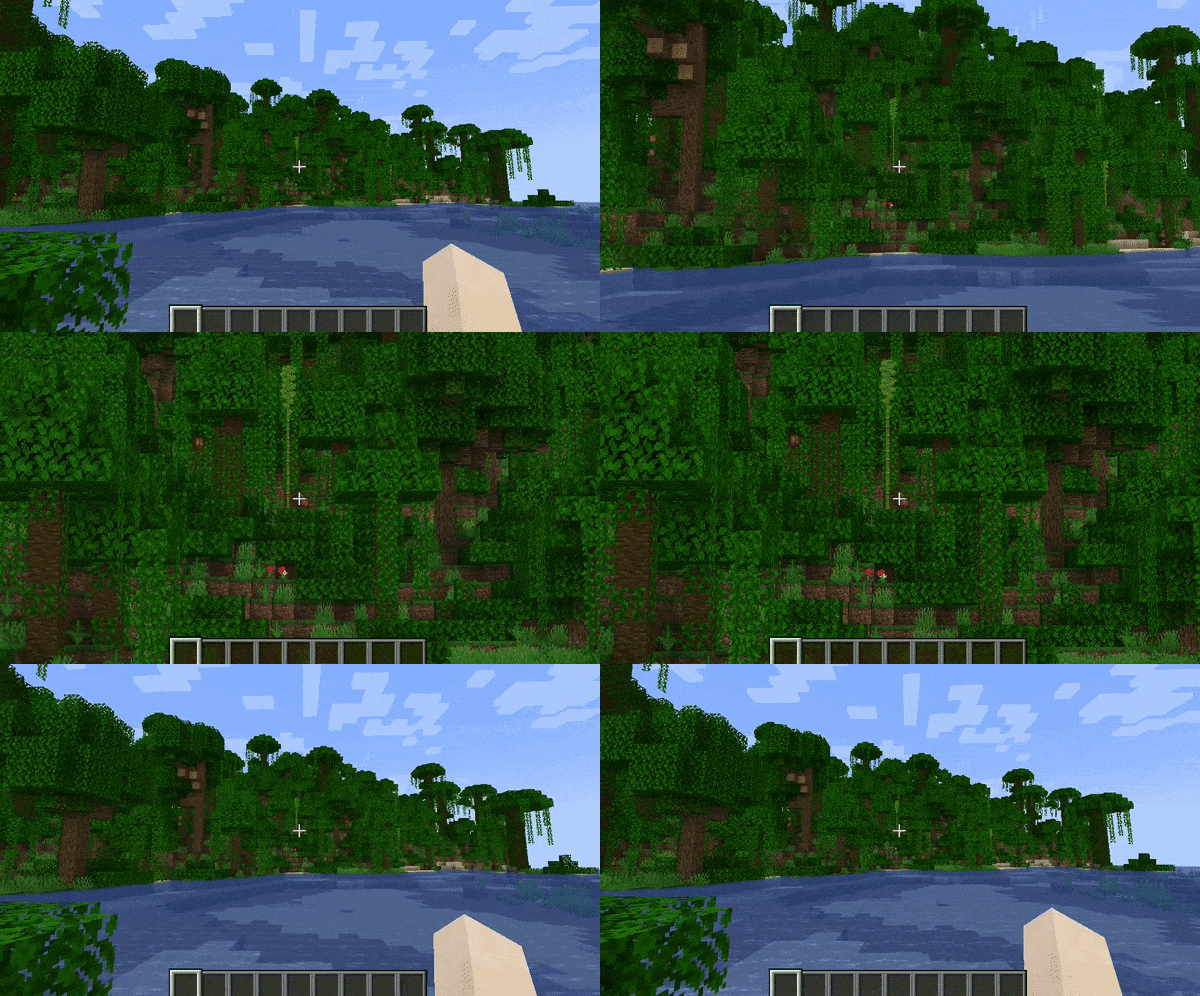
Zoomify 旨在为你提供你所见过的最简单、最可配置且外观最炫酷的缩放模组。
使用方法
按键绑定
默认情况下,Minecraft 有一个会覆盖 Zoomify 的按键绑定。
进入控制菜单,确保 Zoomify 的按键绑定(默认为 C)没有发生冲突(显示为红色)。
打开设置菜单
你可以通过两种方式访问设置菜单。
- 客户端命令
/zoomify - Mod Menu 的设置按钮
功能
滚动缩放
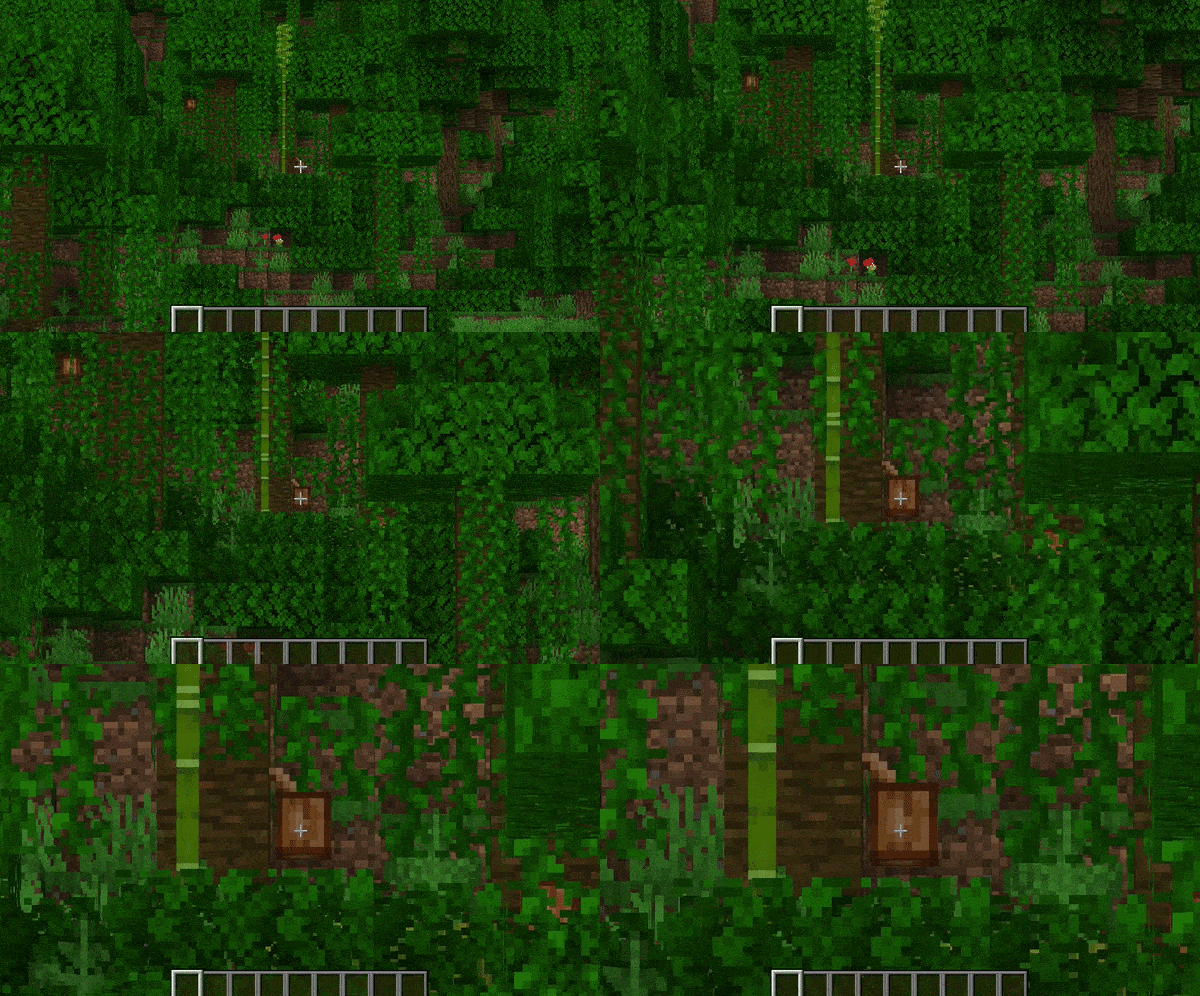
你可以使用鼠标滚轮进一步放大。
望远镜集成
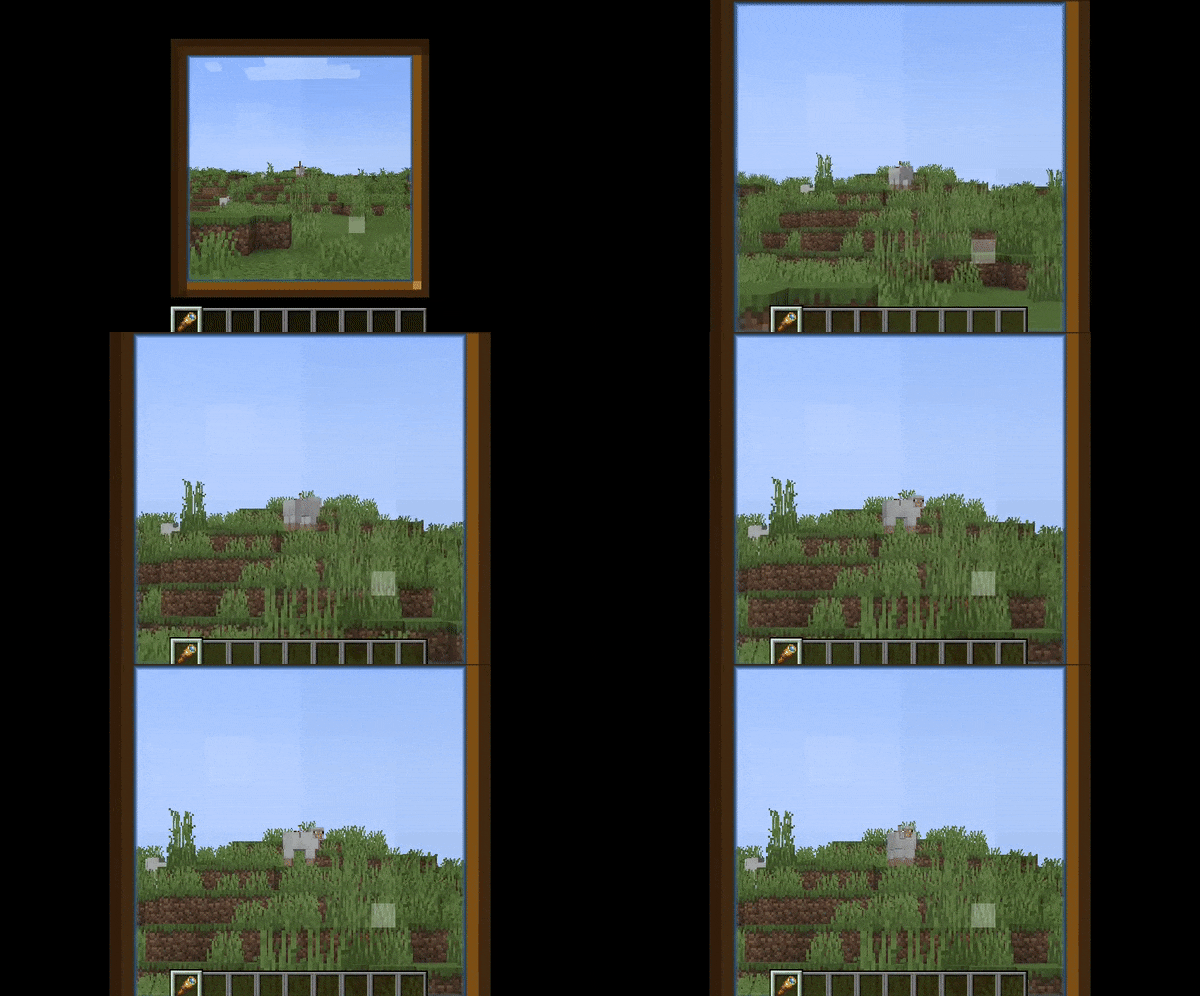
你可以配置 Zoomify,使其仅在你手持或携带望远镜时才能进行缩放。 或者直接用 Zoomify 覆盖望远镜的缩放效果!
在使用 Zoomify 时显示望远镜遮罩并播放望远镜音效。
过渡动画
提供 14 种 不同的过渡效果供你选择!
- 即时 (Instant)
- 线性 (Linear)
- 正弦缓入 (Ease in Sine)
- 正弦缓出 (Ease out Sine)
- 正弦缓入缓出 (Ease in/out Sine)
- 二次方缓入 (Ease in Quad)
- 二次方缓出 (Ease out Quad)
- 二次方缓入缓出 (Ease in/out Quad)
- 三次方缓入 (Ease in Cubic)
- 三次方缓出 (Ease out Cubic)
- 三次方缓入缓出 (Ease in/out Cubic)
- 指数缓入 (Ease in Exponential)
- 指数缓出 (Ease out Exponential)
- 指数缓入缓出 (Ease in/out Exponential)
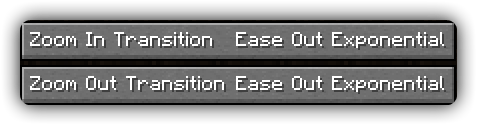
你甚至可以分别为放大和缩小选择你想要的过渡效果!
相对灵敏度
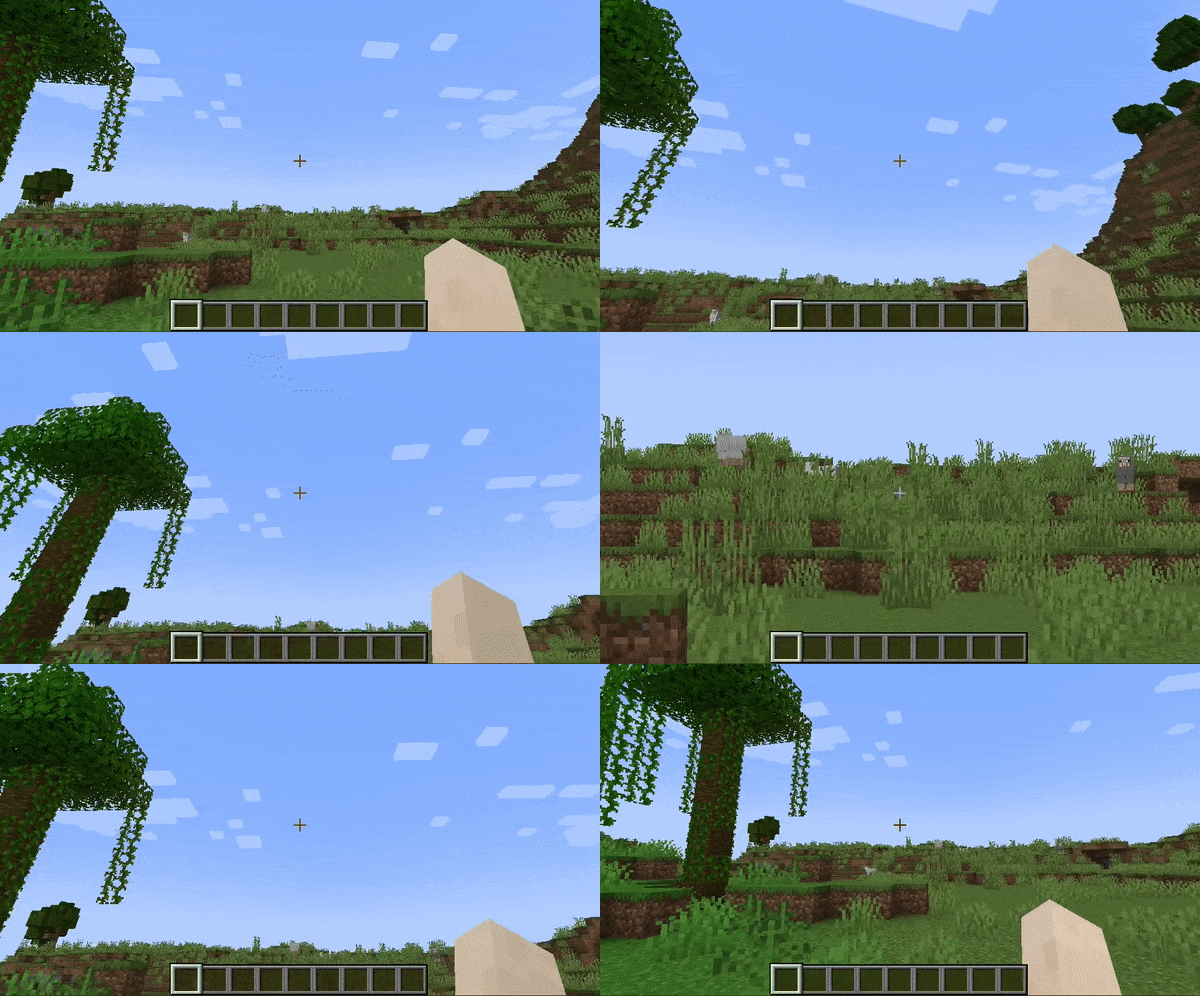
根据缩放倍数降低你的鼠标灵敏度, 从而让你对角色进行更精细的控制。
相对视角晃动
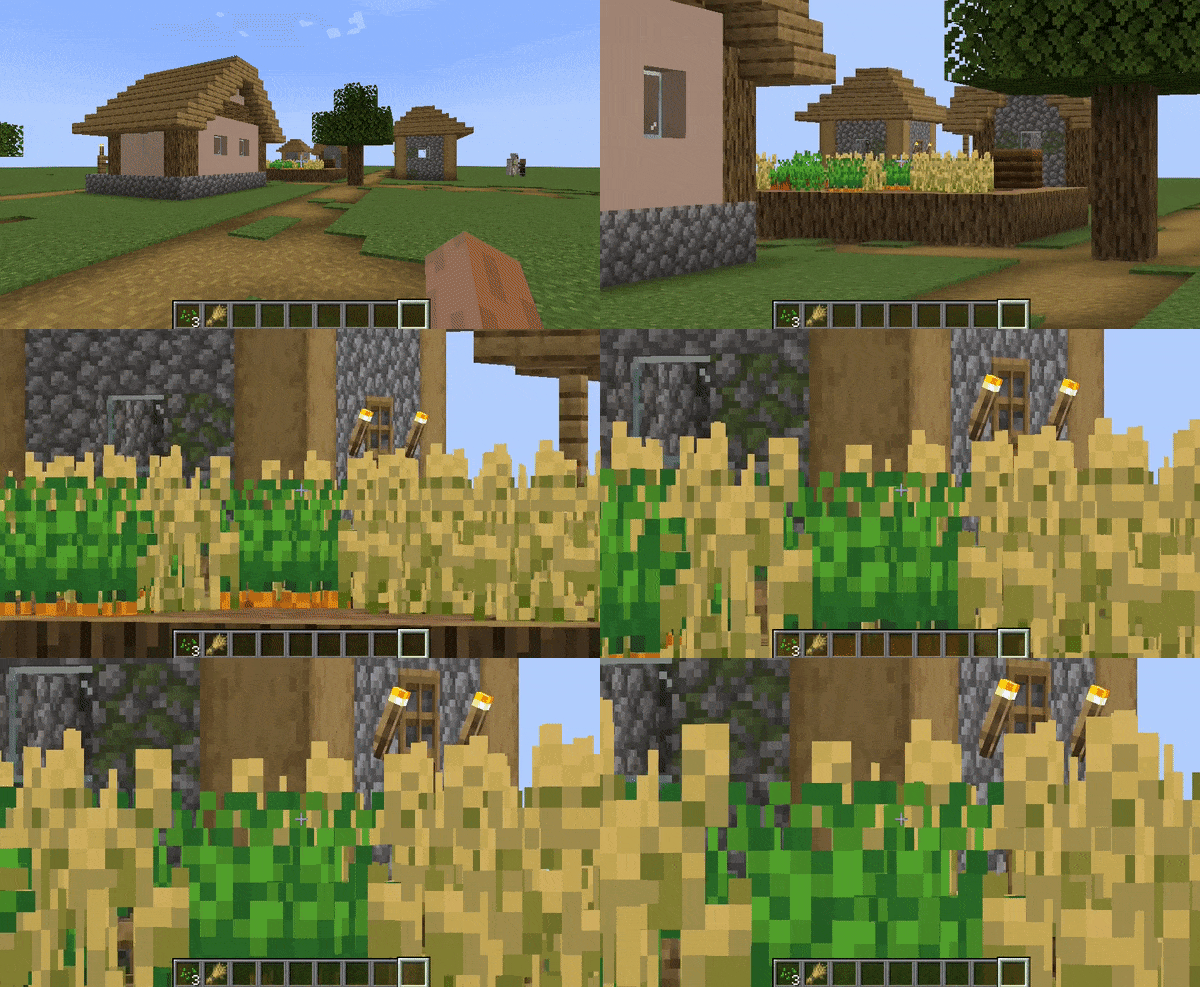
根据缩放倍数减少视角晃动效果, 这样你就可以一边行走一边缩放!
电影级摄像机
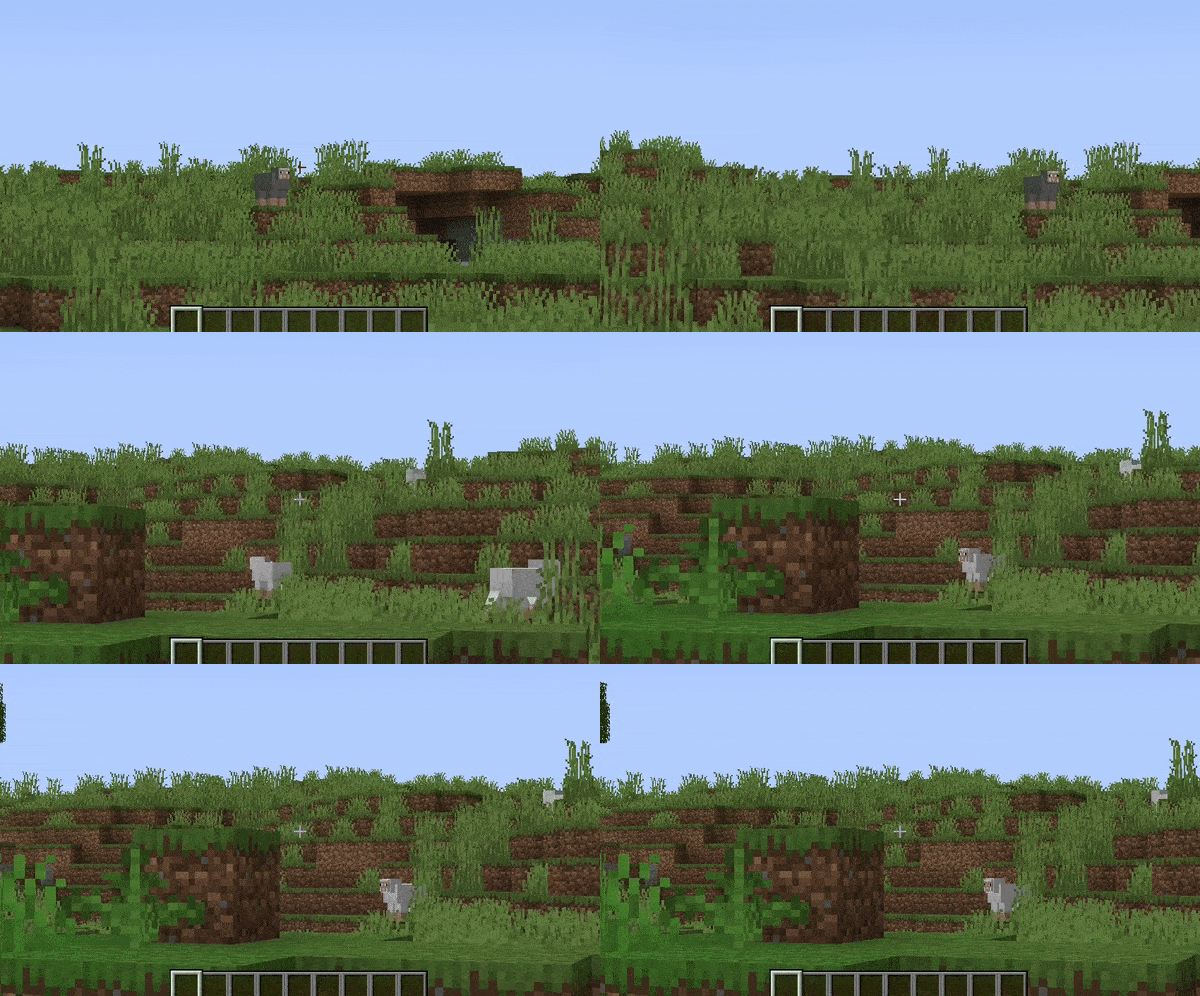
使鼠标/摄像机移动变得平滑,类似于 OptiFine 中的缩放效果。
影响手部视野
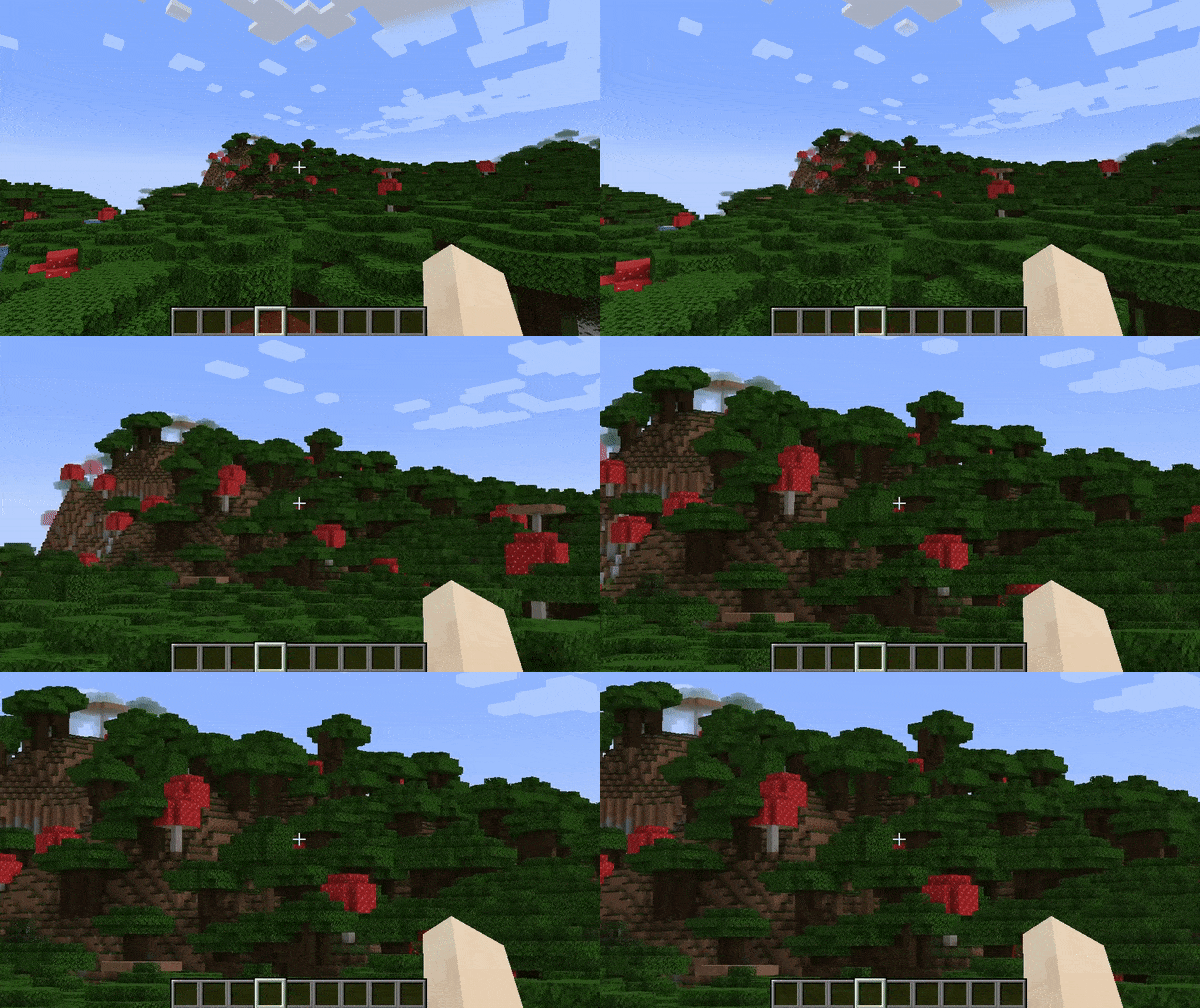
关闭此设置以防止您的手也被放大!
次要缩放
完全独立的缩放功能,与正常的 Zoomify 分离。 面向内容创作者设计,具有“缩放时隐藏 HUD”选项和更长的缩放时间。
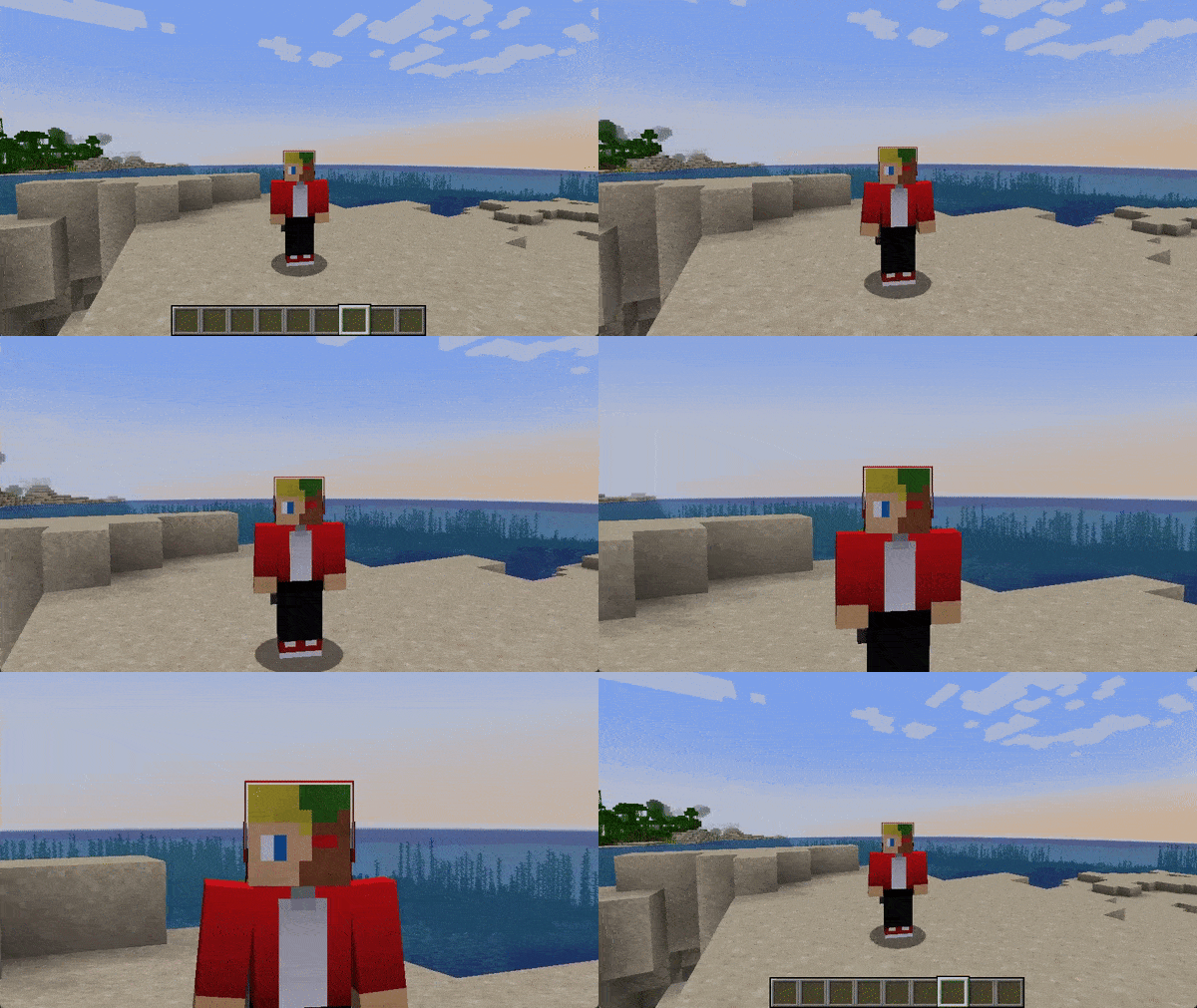
预设
您可以重置为默认值,让 Zoomify 表现得像 OptiFine 和其他模组一样!
智能按键检测
首次启动时,如果某个按键绑定与 Zoomify 的缩放功能冲突,将出现通知告知用户。
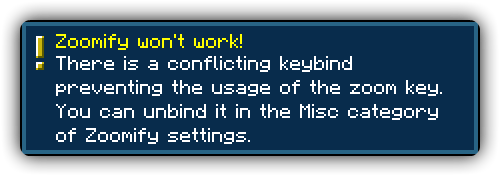
高度可配置
绝对没有硬编码的值。关于缩放的所有内容都是可配置的!
用秒数控制缩放速度
与其使用一些愚蠢的任意值(如缩放速度),您可以选择 精确的秒数来完成缩放过程,并且有单独的缩回设置。
鸣谢
翻译者
语言按字母顺序排列
- 神枪968 - 简体中文 / Chinese (Simplified)
- Xander - English (United Kingdom)
- Madis0 - eesti keel / Estonian
- co-91 - 日本語 / Japanese
- Rodrigo Appelt - Português / Portuguese
- SyberiaK - Русский / Russian
- Felix14-v2 - Русский / Russian
- Zetsphiron - Español (mexicano) / Spanish (Mexico)
- Zetsphiron - Español (españa) / Spanish (Spain)
- localfossa - Türkçe / Turkish
- Im Vietnam - Tiếng Việt / Vietnamese
Zoomify
A zoom mod with infinite customizability.
Zoomify aims to provide the easiest, most configurable and most sexy looking zoom mod you will ever find.
How to use
Keybind
Initially, Minecraft has a keybind that overrides Zoomify by default.
Go to the controls menu and make sure the Zoomify keybind (default C)
isn't conflicting (goes red).
Open settings menu
You can access the settings menu with two ways.
- The client command
/zoomify - Mod Menu settings button
Features
Scroll Zoom
You can zoom in further using your scroll wheel.
Spyglass Integration
You can configure Zoomify to only be able to zoom in when you are holding or carrying a spyglass. Or even just override the spyglass zoom with Zoomify!
Show the spyglass overlay and play spyglass sound effects when using Zoomify.
Transitions
14 different transitions to choose from!
- Instant
- Linear
- Ease in Sine
- Ease out Sine
- Ease in/out Sine
- Ease in Quad
- Ease out Quad
- Ease in/out Quad
- Ease in Cubic
- Ease out Cubic
- Ease in/out Cubic
- Ease in Exponential
- Ease out Exponential
- Ease in/out Exponential
You can even pick what transition you would like for zooming in and out individually!
Relative Sensitivity
Reduce your mouse sensitivity based on the amount of zoom, so you have fine control over your player.
Relative View Bobbing
Reduce the view bobbing effect based on the amount of zoom, so you can walk and zoom at the same time!
Cinematic Camera
Make the mouse/camera smooth, like the zoom in OptiFine.
Affect Hand FOV
Turn off this setting to prevent your hand from also being zoomed in!
Secondary Zoom
Completely separate zoom from normal Zoomify.
Aimed for content creators, features Hide HUD While Zooming option and longer zoom in times.
Presets
You can reset to default, make Zoomify behave like OptiFine and others!
Smart Keybinding Detection
On first launch, if a keybinding is conflicting with Zoomify's zoom, a notification will appear notifying them of this.
Highly configurable
Absolutely NO hard-coded values. Everything about your zoom is configurable!
Control the zoom speed with seconds
Instead of some stupid arbitrary value such as zoom speed, you can pick the exact amount of seconds it will take to zoom in, with a separate setting for zooming out.
Credits
Translators
Languages in alphabetical order
- 神枪968 - 简体中文 / Chinese (Simplified)
- Xander - English (United Kingdom)
- Madis0 - eesti keel / Estonian
- co-91 - 日本語 / Japanese
- Rodrigo Appelt - Português / Portuguese
- SyberiaK - Русский / Russian
- Felix14-v2 - Русский / Russian
- Zetsphiron - Español (mexicano) / Spanish (Mexico)
- Zetsphiron - Español (españa) / Spanish (Spain)
- localfossa - Türkçe / Turkish
- Im Vietnam - Tiếng Việt / Vietnamese

下载 Zoomify (Zoom)
需要联机服务器吗?
稳定流畅、一键部署,几分钟即可和朋友联机开服
最低仅需 8 元/月 即可畅快联机
下载 Zoomify (Zoom)
需要联机服务器吗?
稳定流畅、一键部署,几分钟即可和朋友联机开服
最低仅需 8 元/月 即可畅快联机
下载 Zoomify (Zoom)
需要联机服务器吗?
稳定流畅、一键部署,几分钟即可和朋友联机开服
最低仅需 8 元/月 即可畅快联机
下载 Zoomify (Zoom)
需要联机服务器吗?
稳定流畅、一键部署,几分钟即可和朋友联机开服
最低仅需 8 元/月 即可畅快联机
下载 Zoomify (Zoom)
下载 Zoomify (Zoom)
需要联机服务器吗?
稳定流畅、一键部署,几分钟即可和朋友联机开服
最低仅需 8 元/月 即可畅快联机
下载 Zoomify (Zoom)
下载 Zoomify (Zoom)
下载 Zoomify (Zoom)
下载 Zoomify (Zoom)
需要联机服务器吗?
稳定流畅、一键部署,几分钟即可和朋友联机开服
最低仅需 8 元/月 即可畅快联机
Zoomify 2.17.0
变更内容
- 支持 NeoForge
- 允许缩放超出初始级别(#308 -- 感谢 Saadndm)
关于这个资源的讨论、问题反馈与使用心得
还没有讨论,来发第一帖吧
你是这个资源的作者?登录后可认领此资源。
相似资源
 模组

显示你正在注视的方块的信息。(适用于 Minecraft 1.16+ 的 Hwyla/Waila 分支)
 模组

查看物品与配方
 模组
在游戏画面角落显示附近世界地形、玩家、生物和实体的地图。可创建路径点,帮助你找到标记过的位置。
 模组
使用 JavaScript 编辑配方、添加自定义物品、编写世界事件!
 模组
添加区块认领和玩家组队功能,并与 Xaero's Minimap 和 World Map 集成
 模组
添加全屏世界地图,显示你在世界中已探索的区域。与 Xaero's Minimap 搭配使用效果极佳。
评论 0
登录后参与评分
还没有评论,来抢沙发吧