
? 简介:
Better Mods Button 将模组按钮重新添加到了暂停界面中,就像 Minecraft 1.13 之前的 Forge 版本那样,以便您可以轻松访问游戏内的模组配置(如果有的话)。
此外,您还可以选择模组按钮在屏幕上的显示位置和方式(深受 Mod Menu 的启发)。支持显示模组总数以及切换更新通知图标。
? 截图:
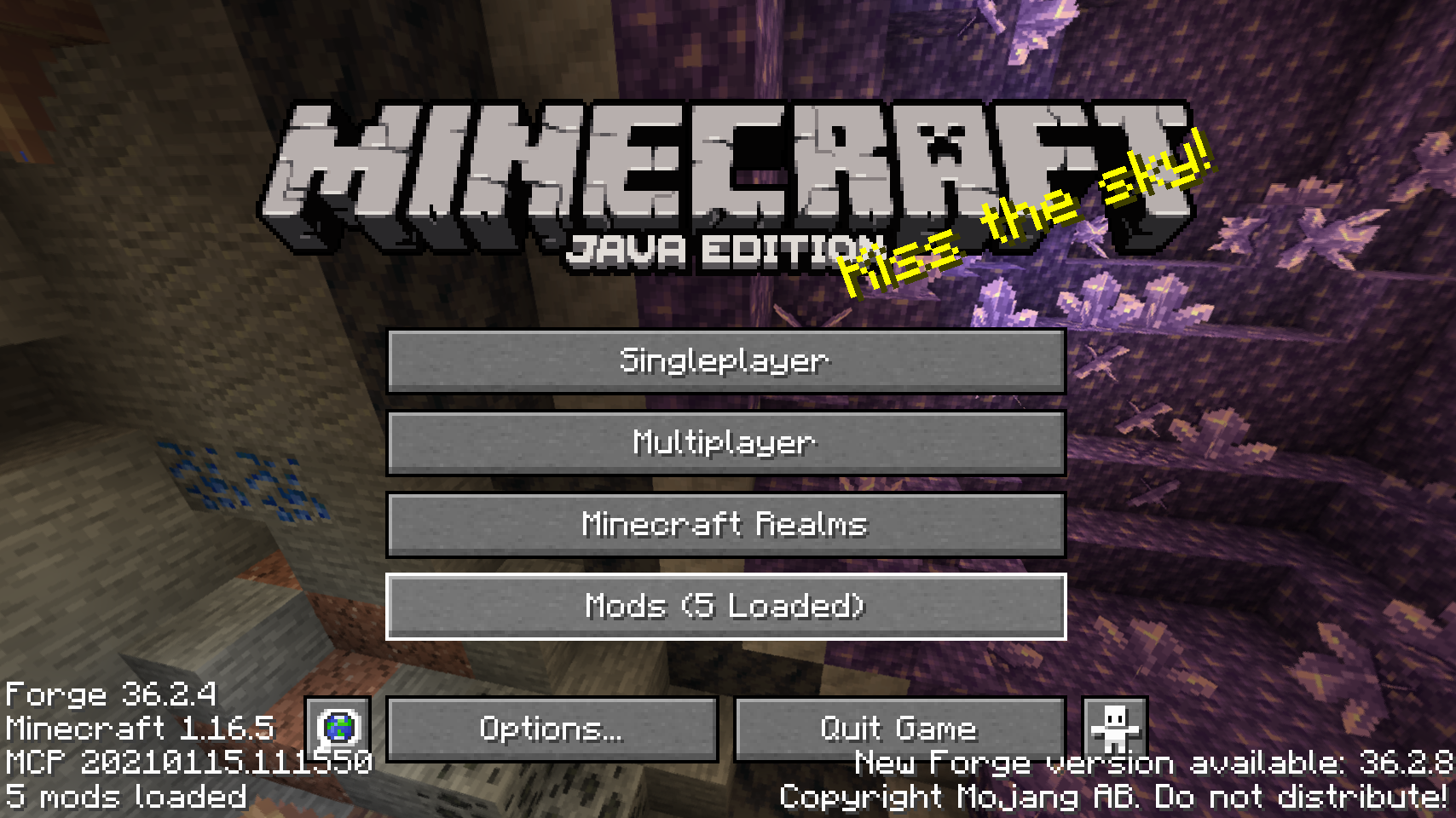 |
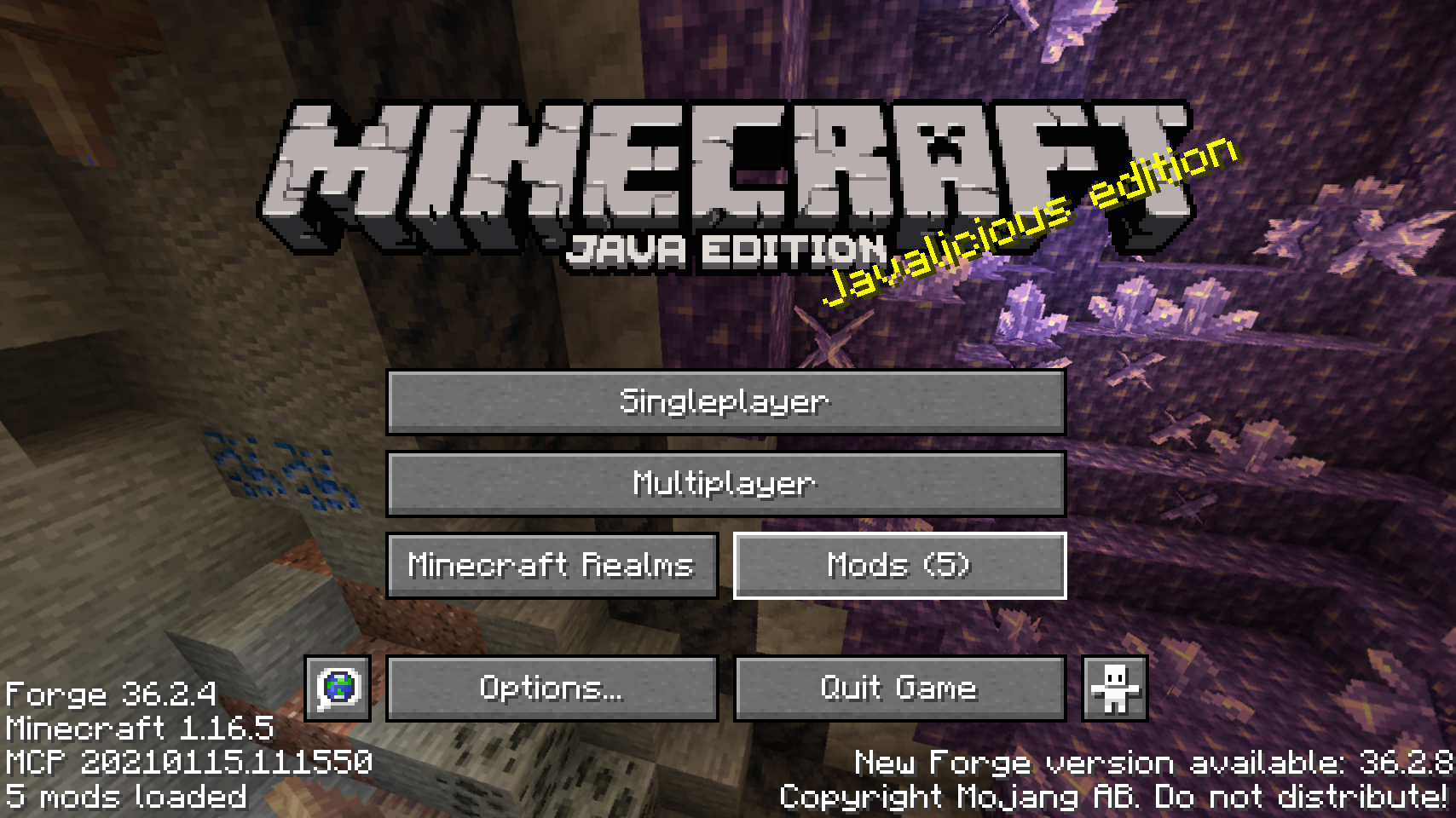 |
|
| 主菜单中的默认模组按钮 | 一种替代的模组按钮位置 | |
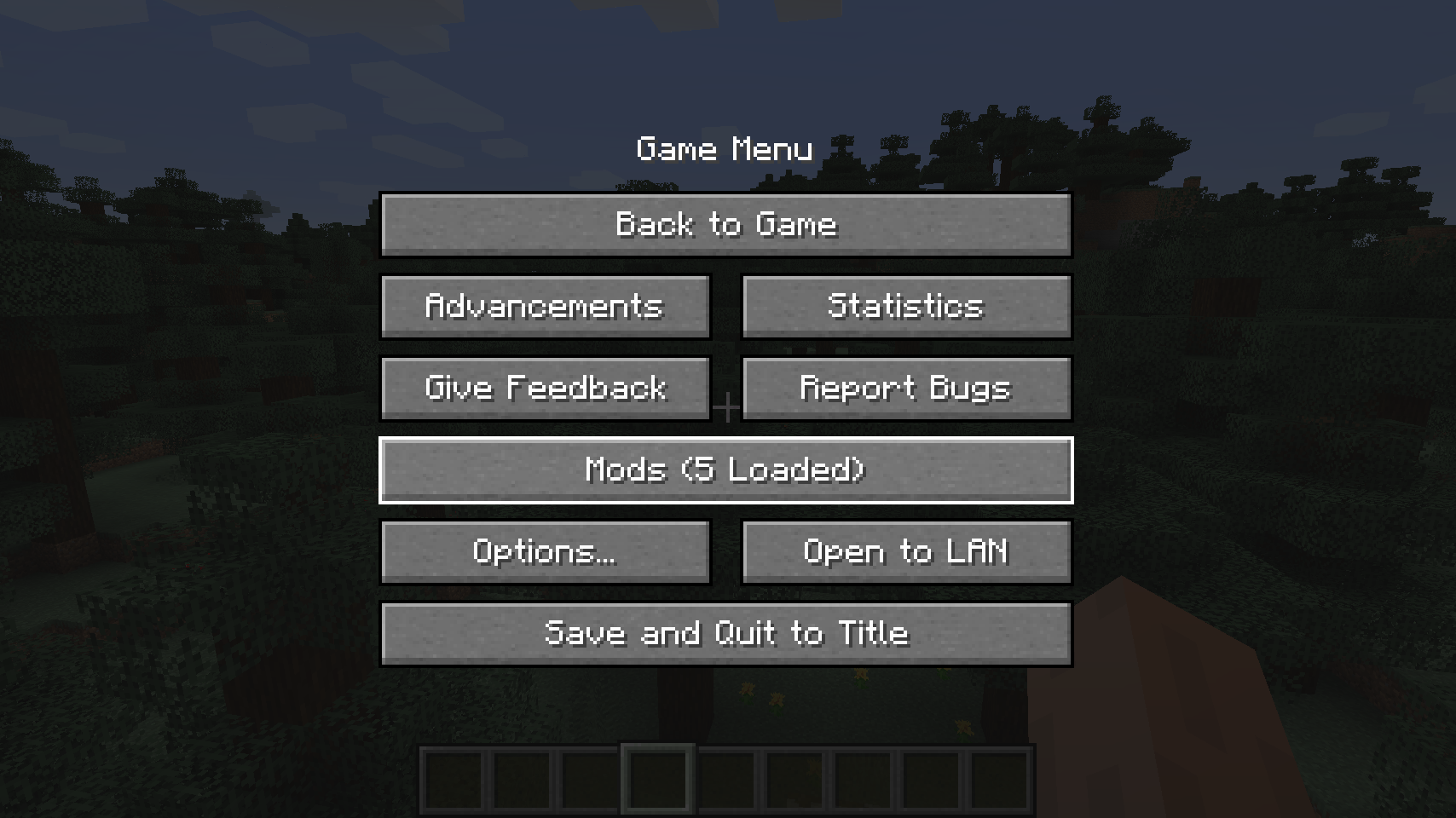 |
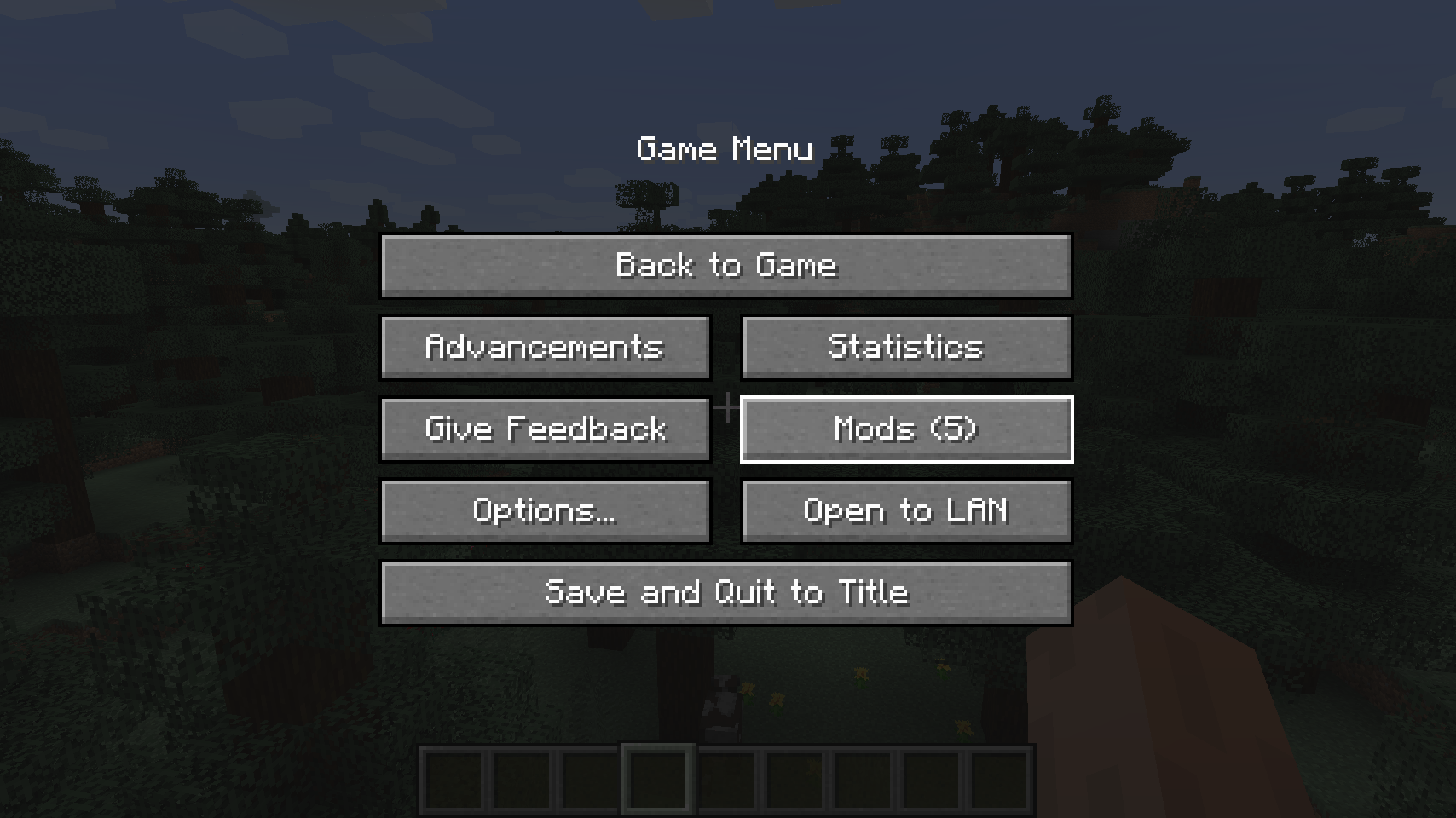 |
|
| 暂停菜单中的默认模组按钮 | 暂停界面的另一种按钮位置 | |
 |
||
| 另一种暂停界面按钮位置 | ||
? 常见问题:
问:如何配置此模组?
答:安装我的 Config Menus for Forge 模组并直接在游戏内配置!
问:有 Fabric 移植版吗?
答:请使用由 ProspectorDev 开发的 Mod Menu。
? 鸣谢:
Better Mods Button 的开发得到了以下模组的支持和灵感启发:
- ProspectorDev 从其 Mod Menu 模组中为本模组的大多数配置选项提供了灵感
? About:
Better Mods Button adds the mods button back to the pause screen as in Forge versions prior to Minecraft 1.13, so it can be used to easily access in-game mod configuration (when available).
As a bonus, there are plenty of options for where and how exactly you want your mods button to be shown on screen (heavily inspired by Mod Menu). Showing a total mod count, as well as toggling the update notification glyph are both supported.
? Media:
|
|
|
| Default mods button on title screen | One of the alternative mods button placements | |
|
|
|
| Default mods button on pause menu | An alternative placement for the pause screen | |
|
||
| Another alternative pause screen button placement | ||
? FAQ:
Q: How do I configure this mod?
A: Install my Config Menus for Forge mod and do it directly in-game!
Q: What about a Fabric port?
A: Use Mod Menu by ProspectorDev instead.
? Credits:
Developing Better Mods Button was helped and inspired by:
- ProspectorDev for inspiring most of the configuration options for this mod from their Mod Menu mod

下载 Better Mods Button
下载 Better Mods Button
需要联机服务器吗?
稳定流畅、一键部署,几分钟即可和朋友联机开服
最低仅需 8 元/月 即可畅快联机
下载 Better Mods Button
需要联机服务器吗?
稳定流畅、一键部署,几分钟即可和朋友联机开服
最低仅需 8 元/月 即可畅快联机
下载 Better Mods Button
下载 Better Mods Button
需要联机服务器吗?
稳定流畅、一键部署,几分钟即可和朋友联机开服
最低仅需 8 元/月 即可畅快联机
下载 Better Mods Button
下载 Better Mods Button
下载 Better Mods Button
下载 Better Mods Button
下载 Better Mods Button
更新日志
本项目所有值得注意的更改都将记录在此文件中。
格式遵循 Keep a Changelog, 并且本项目遵循 语义化版本控制。
[v21.1.1-1.21.1] - 2026-10-21
已修复
- 仅在开发环境中折叠品牌信息,以防止因模组配置尚不可用而导致的崩溃
[v21.1.0-1.21.1] - 2024-09-10
- 移植至 Minecraft 1.21.1
关于这个资源的讨论、问题反馈与使用心得
还没有讨论,来发第一帖吧
你是这个资源的作者?登录后可认领此资源。
相似资源
 模组

显示你正在注视的方块的信息。(适用于 Minecraft 1.16+ 的 Hwyla/Waila 分支)
 模组
在游戏画面角落显示附近世界地形、玩家、生物和实体的地图。可创建路径点,帮助你找到标记过的位置。
 模组

查看物品与配方
 模组
使用 JavaScript 编辑配方、添加自定义物品、编写世界事件!
 模组
AE2:一款流行的自动化与存储模组
 模组
那是什么?一个 Waila/Hwyla 的分支。
评论 0
登录后参与评分
还没有评论,来抢沙发吧