


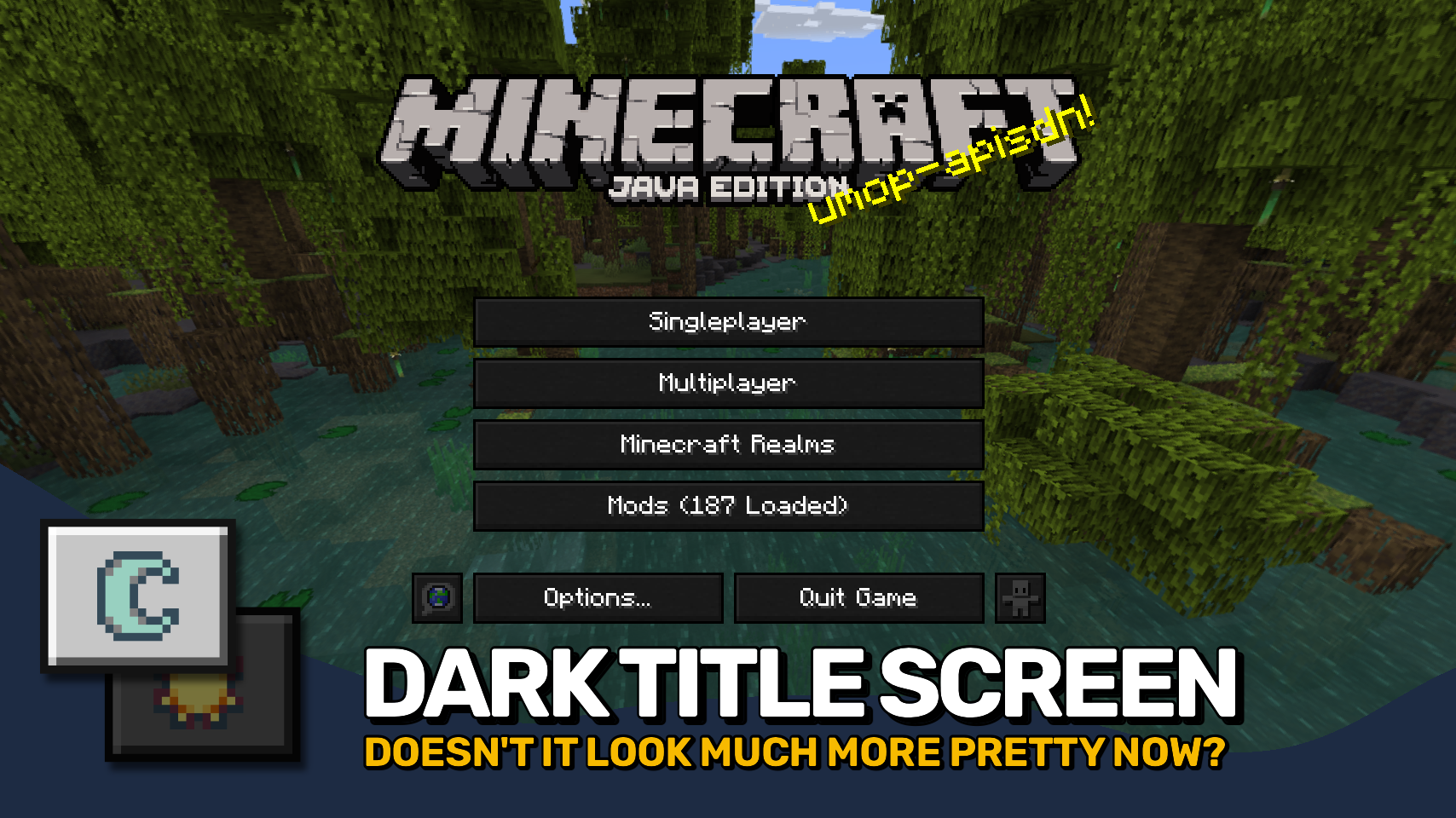
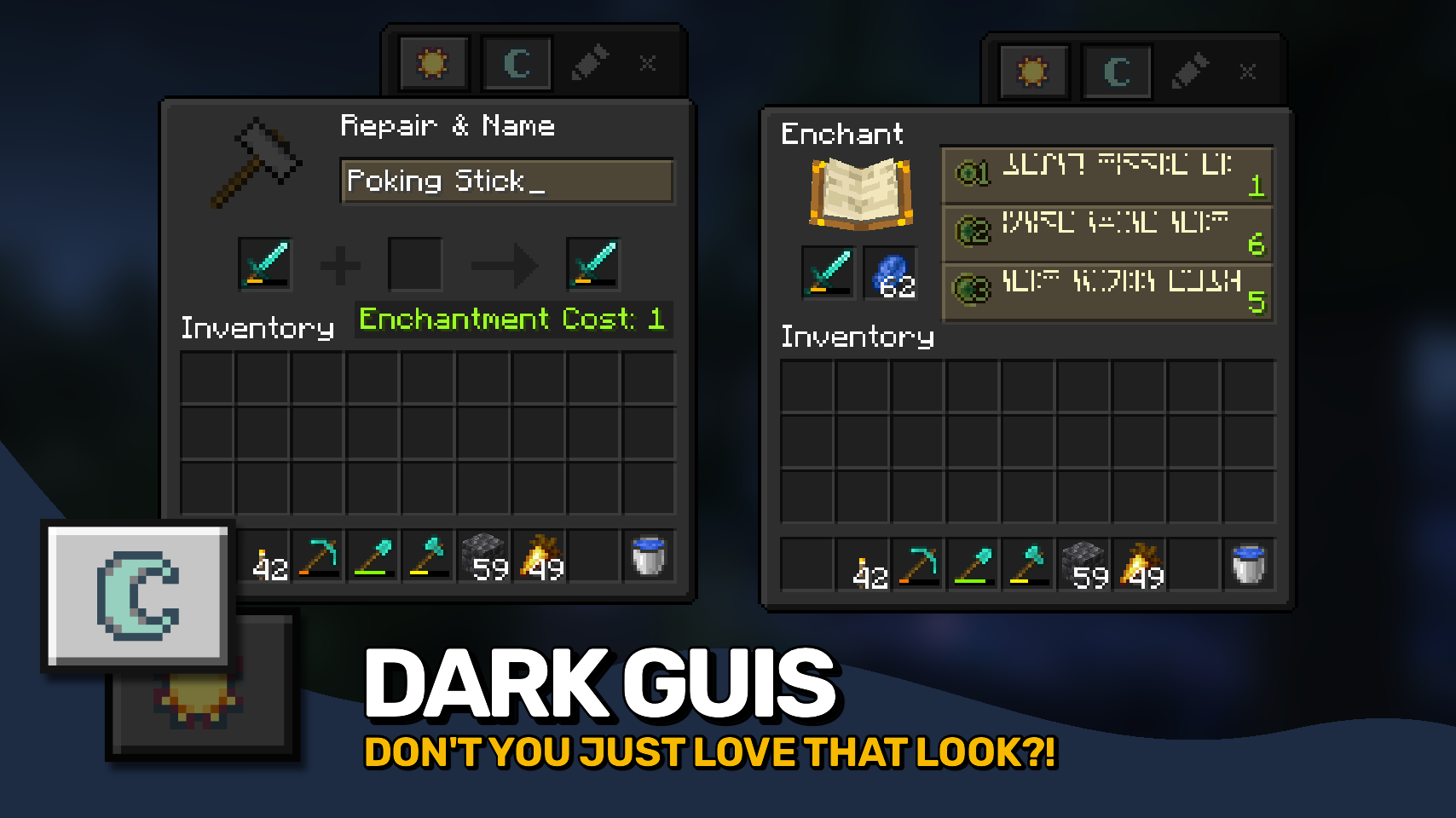
Mindful Darkness 为你的游戏添加了全自动夜间模式。? 无需更改任何材质或资源包,即可立即使菜单和界面变暗。
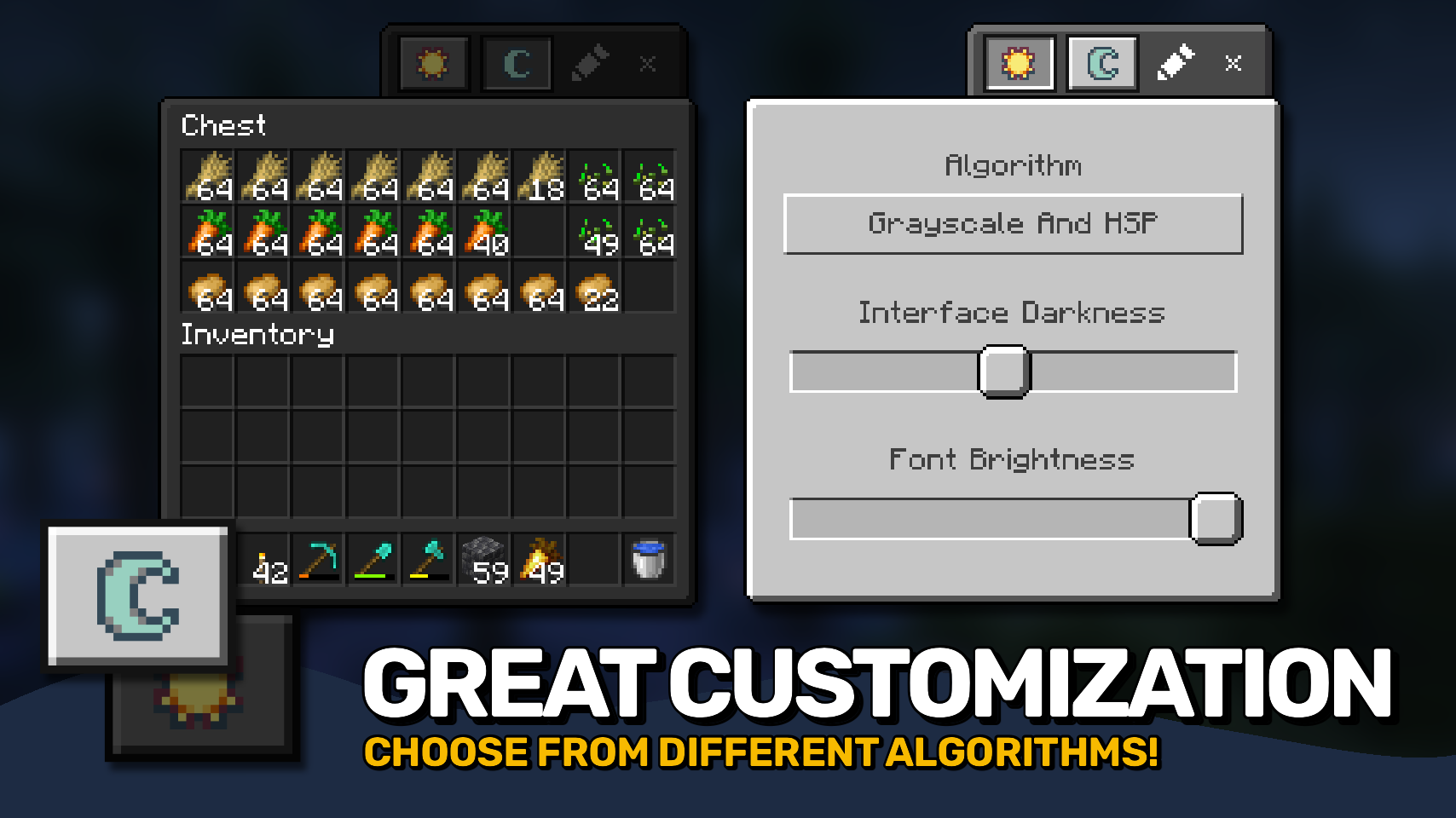
在游戏中直接开启或关闭此功能,并根据个人喜好自定义外观。? 可选择不同的变暗算法,调整黑暗强度,并轻松微调效果。
还包含一个简单的纹理控制系统,让你精确决定哪些纹理受到影响。⚙️ 舒适、灵活且护眼。✨

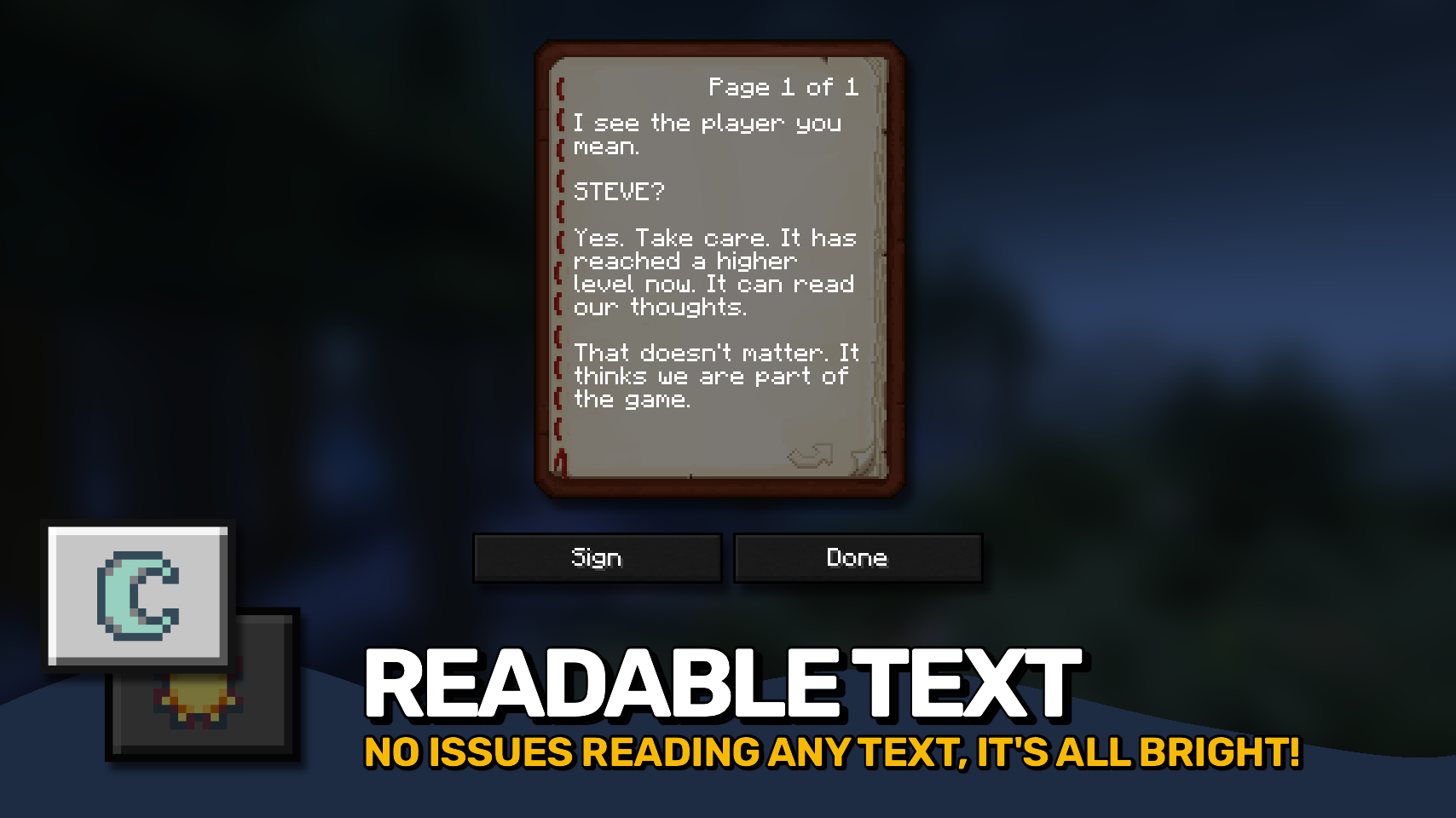

⏩ 客户端必须安装
⏩ 需要安装 PUZZLES LIB(Fabric & NeoForge)
⏩ 需要安装 FABRIC API(Fabric)
⏩ 需要安装 FORGE CONFIG API PORT(NeoForge)

如果模组支持配置,可以通过游戏内模组菜单直接进行配置(Fabric 端需要安装由 Prospector 开发的 Mod Menu)。
若使用外部文本编辑器进行手动配置,所有文件均位于 .minecraft/config 目录下,文件名根据配置类型分别为 MOD_ID-client.toml、MOD_ID-common.toml 或 MOD_ID-server.toml。并非每个模组都会包含所有这些类型的配置文件。
Mindful Darkness 不会自动将游戏中的所有 GUI 纹理变暗,而是需要在配置文件中手动指定受影响的纹理。可以使用 '*' 作为通配符来指定资源,可以影响所有命名空间或仅单个命名空间,并且可以使用 '!' 来排除资源。
默认配置如下:"textures/gui/*.png, !minecraft:textures/gui/icons.png"。这将包含所有命名空间中 textures/gui 目录下的所有纹理(因为模组通常将其 GUI 纹理放在此处)。对于 minecraft 命名空间,则排除了 icons.png(通过在开头添加 '!' 表示)。注意:定义资源的顺序对排除项很重要!被排除的资源必须出现在任何原本会包含它们的条目之后。

? 感谢 Buuz135 及其 Dark Mode Everywhere 模组,我从中借鉴了更改字体颜色的想法。
 |
 |
|
 |
 |
|
 |
 |
|
 |
 |
|
 |
 |

© 2026 @heyitsfuzs. All rights reserved. This page was last edited on 11 September 2026, at 06:44 (UTC).
Mindful Darkness adds a fully automatic dark mode to your game. ? Darken menus and interfaces instantly without requiring any texture changes or resource packs.
Toggle it on or off directly in game and customize the look to match your preferences. ? Choose from different darkening algorithms, adjust the darkness intensity, and fine tune the effect with ease.
A simple texture control system is also included, letting you decide exactly which textures are affected. ⚙️ Comfortable, flexible, and easy on the eyes. ✨
⏩ INSTALLATION REQUIRED ON CLIENT
⏩ REQUIRES PUZZLES LIB TO BE INSTALLED (FABRIC & NEOFORGE)
⏩ REQUIRES FABRIC API TO BE INSTALLED (FABRIC)
⏩ REQUIRES FORGE CONFIG API PORT TO BE INSTALLED (FABRIC)
If available for a mod, configuration is possible directly from in-game using the mod menu (requires Mod Menu by Prospector to be installed on Fabric).
For manual configuration using an external text editor all files are found at .minecraft/config, named as MOD_ID-client.toml, MOD_ID-common.toml, or MOD_ID-server.toml, depending on the type of config. Not all types might exist for a mod, if any at all.
Mindful Darkness does not automatically darken every gui texture in the game, instead you have to manually specify in the config which textures are affected. Resources can be specified using '*' as wildcard char, can affect all or just a single namespace and you can use '!' to exclude resources.
By default, configuration looks like this: "textures/gui/*.png, !minecraft:textures/gui/icons.png". This will include all textures in the textures/gui directory from all namespaces (since this is where mods ususally put their gui textures). Specifically for the minecraft namespace icons.png is excluded though (indicated by adding '!' at the beginning). NOTE: The order of defining resources matters for exclusions! Excluded resources need to come after any entry that would otherwise include them.
? Thanks to Buuz135 and their Dark Mode Everywhere mod, which I stole the idea for changing the font color from.
|
|
|
|
|
|
|
|
|
|
|
|
|
|
© 2026 @heyitsfuzs. All rights reserved. This page was last edited on 11 September 2026, at 06:44 (UTC).

下载 Mindful Darkness
下载 Mindful Darkness
下载 Mindful Darkness
下载 Mindful Darkness
下载 Mindful Darkness
需要联机服务器吗?
稳定流畅、一键部署,几分钟即可和朋友联机开服
最低仅需 8 元/月 即可畅快联机
下载 Mindful Darkness
下载 Mindful Darkness
下载 Mindful Darkness
下载 Mindful Darkness
下载 Mindful Darkness
更新日志
本项目的所有重要变更都将记录在此文件中。
格式遵循 Keep a Changelog, 并且本项目遵循 语义化版本控制。
[v26.3.0-mc26.3.x] - 2026-09-29
已更改
- 更新到 Minecraft 26.3.x
关于这个资源的讨论、问题反馈与使用心得
还没有讨论,来发第一帖吧
你是这个资源的作者?登录后可认领此资源。
相似资源
 模组

显示你正在注视的方块的信息。(适用于 Minecraft 1.16+ 的 Hwyla/Waila 分支)
 模组
在游戏画面角落显示附近世界地形、玩家、生物和实体的地图。可创建路径点,帮助你找到标记过的位置。
 模组

查看物品与配方
 模组
使用 JavaScript 编辑配方、添加自定义物品、编写世界事件!
 模组
AE2:一款流行的自动化与存储模组
 模组
那是什么?一个 Waila/Hwyla 的分支。
评论 0
登录后参与评分
还没有评论,来抢沙发吧