
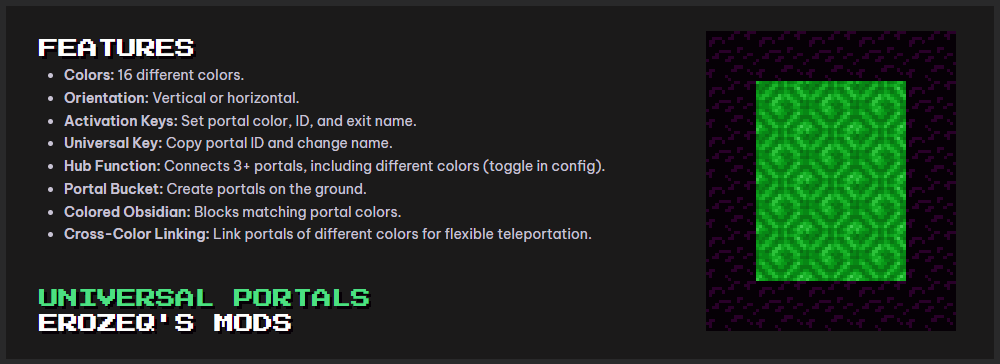


功能特性
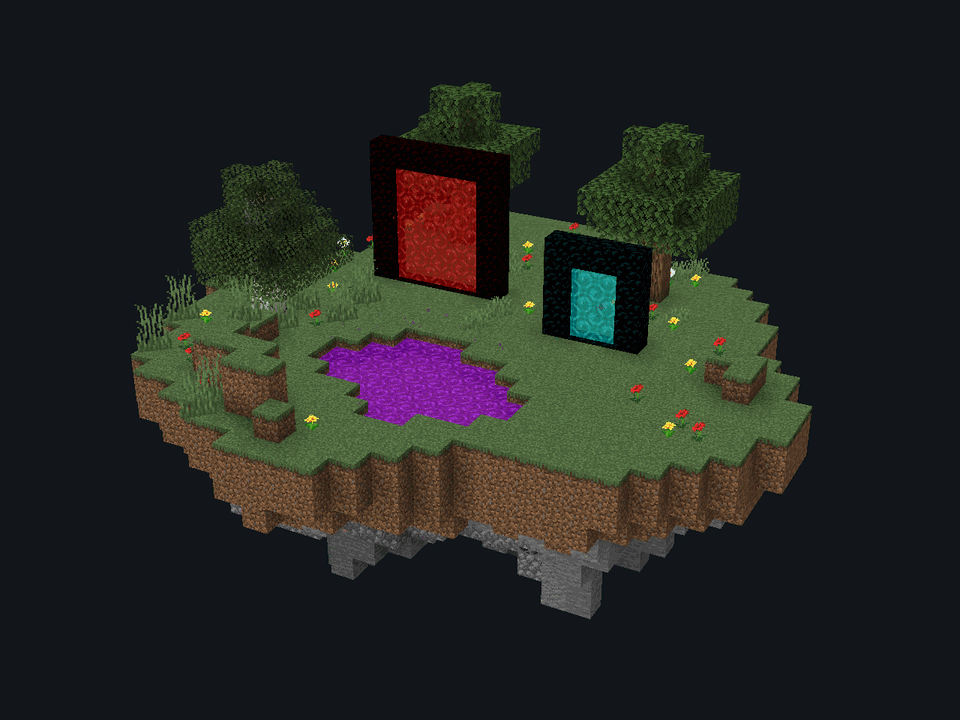
- 颜色: 16 种不同颜色
- 方向: 垂直或水平
- 激活钥匙: 设置传送门颜色、ID 和出口名称
- 通用钥匙: 复制传送门 ID 并更改名称
- 枢纽功能: 连接 3 个以上的传送门,包括不同颜色的(可在配置中切换)
- 传送门桶: 在地面上创建传送门
- 彩色黑曜石: 与传送门颜色匹配的方块
- 跨颜色链接: 链接不同颜色的传送门以实现灵活的传送
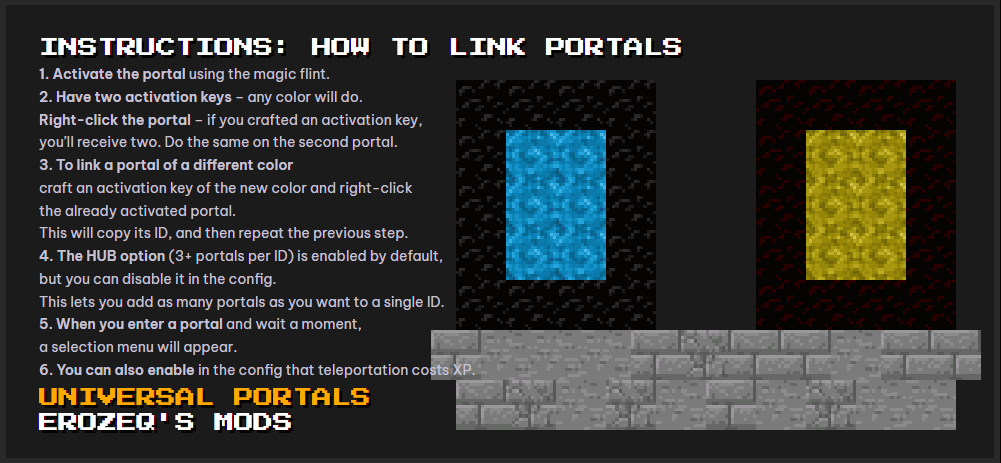
说明:如何链接传送门
-
使用魔法燧石激活传送门
-
需要两把激活钥匙(任意颜色)
右键点击传送门 → 如果你制作了激活钥匙,
你将获得两把。对第二个传送门执行相同操作 -
要链接一个不同颜色的传送门
制作新颜色的激活钥匙
右键点击已激活的传送门(这将复制其 ID)
在第二个传送门上重复步骤 2 -
枢纽选项(每个 ID 对应 3+ 个传送门)
**默认启用
可在配置中禁用
允许多个传送门共享单个 ID -
当你进入传送门并等待片刻后,将出现选择菜单
-
可选:传送可能消耗经验值(配置项)
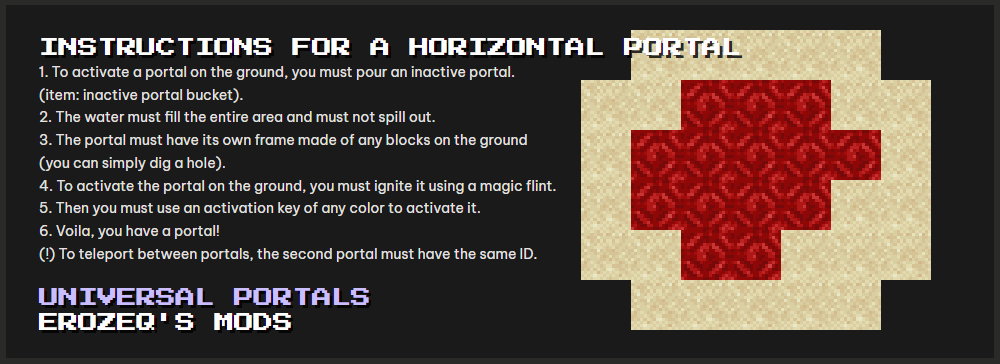
横向传送门的说明
-
使用以下物品倾倒未激活的传送门:
inactive portal bucket(未激活传送门桶) -
液体必须
填满整个区域
不溢出到外部 -
传送门需要一个由地面上任意方块制成的框架
(你可以简单地挖一个坑) -
使用魔法燧石点燃传送门
-
使用激活钥匙(任意颜色)
-
完成 - 你拥有了一个传送门
重要提示
要在传送门之间进行传送,第二个传送门必须具有相同的 ID
FEATURES
- Colors: 16 different colors
- Orientation: Vertical or horizontal
- Activation Keys: Set portal color, ID, and exit name
- Universal Key: Copy portal ID and change name
- Hub Function: Connects 3+ portals, including different colors (toggle in config)
- Portal Bucket: Create portals on the ground
- Colored Obsidian: Blocks matching portal colors
- Cross-Color Linking: Link portals of different colors for flexible teleportation
INSTRUCTIONS: HOW TO LINK PORTALS
-
Activate the portal using the magic flint
-
Have two activation keys (any color)
Right-click the portal → if you crafted an activation key,
you'll receive two Do the same on the second porta -
To link a portal of a different color
Craft an activation key of the new color
Right-click the already activated portal (this copies its ID)
Repeat step 2 on the second portal -
**HUB option (3+ portals per ID)
**Enabled by default
Can be disabled in the config
Allows multiple portals to share a single ID -
When you enter a portal and wait a moment, a selection menu will appear
-
Optional: teleportation can cost XP (config setting)
INSTRUCTIONS FOR A HORIZONTAL PORTAL
-
Pour an inactive portal using:
inactive portal bucket -
The liquid must
Fill the entire area
Not spill outside -
The portal needs a frame made of any blocks on the ground
(you can simply dig a hole) -
Ignite the portal using a magic flint
-
Use an activation key (any color)
-
Done - you have a portal
Important
To teleport between portals, the second portal must have the same ID

下载 Universal Portals (Portals to anywhere)
下载 Universal Portals (Portals to anywhere)
下载 Universal Portals (Portals to anywhere)
下载 Universal Portals (Portals to anywhere)
下载 Universal Portals (Portals to anywhere)
下载 Universal Portals (Portals to anywhere)
下载 Universal Portals (Portals to anywhere)
下载 Universal Portals (Portals to anywhere)
下载 Universal Portals (Portals to anywhere)
下载 Universal Portals (Portals to anywhere)
暂无更新日志
关于这个资源的讨论、问题反馈与使用心得
还没有讨论,来发第一帖吧
你是这个资源的作者?登录后可认领此资源。
相似资源
 模组

可定制的鞘翅模组,支持装饰纹饰、旗帜图案等更多功能!
 模组
在游戏画面角落显示附近世界地形、玩家、生物和实体的地图。可创建路径点,帮助你找到标记过的位置。
 模组

适用于 MC 1.18+ 的 Effekseer 加载器
 模组

新增 50+ 个独特生物群系,为你的世界增添新树木、花卉等更多元素!
 模组
添加全屏世界地图,显示你在世界中已探索的区域。与 Xaero's Minimap 搭配使用效果极佳。
 模组

基于 GTCEu 1.12.2 的现代 GregTech
评论 0
登录后参与评分
还没有评论,来抢沙发吧