1.19+ 版本下载:
? 简介:
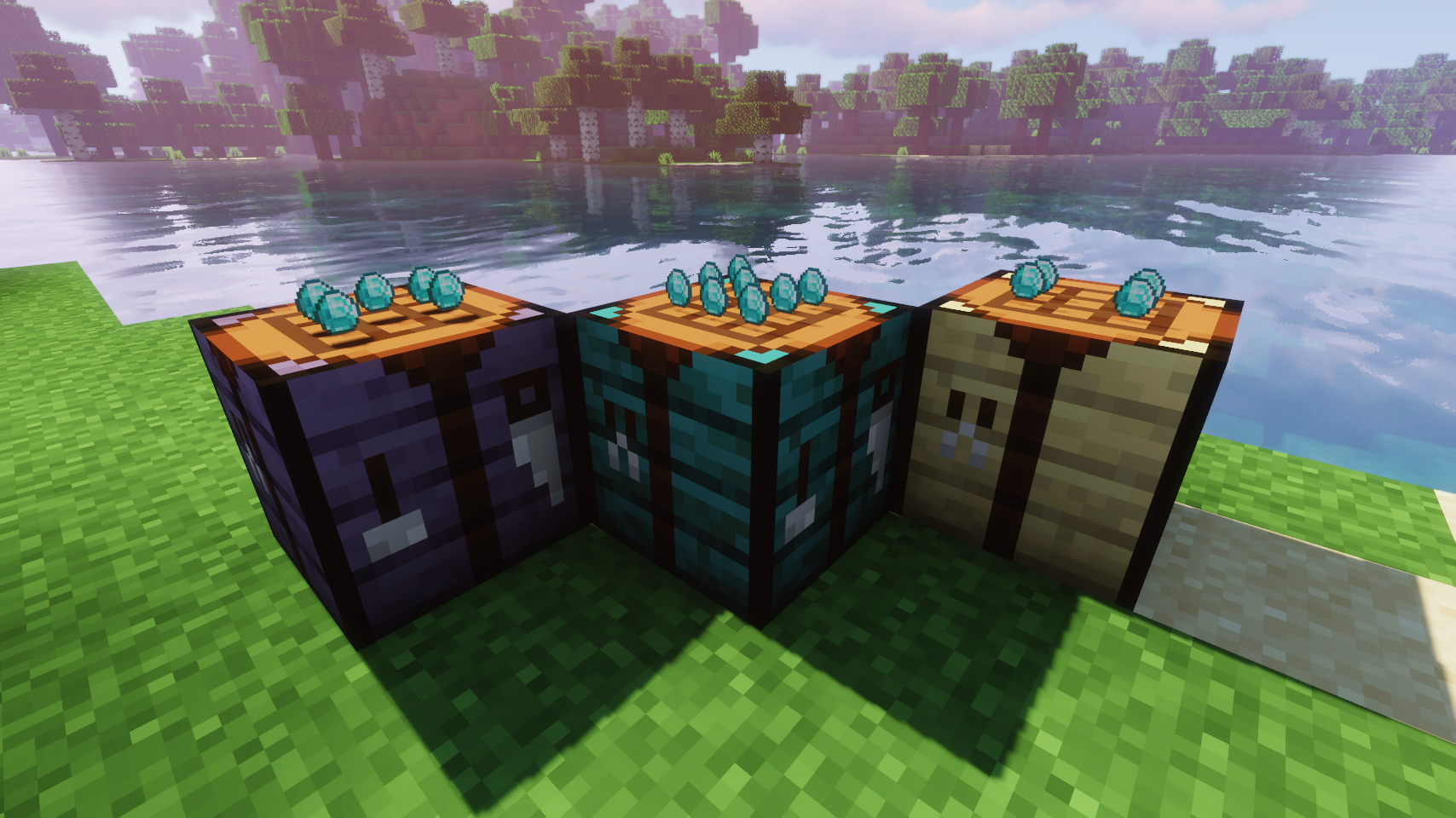
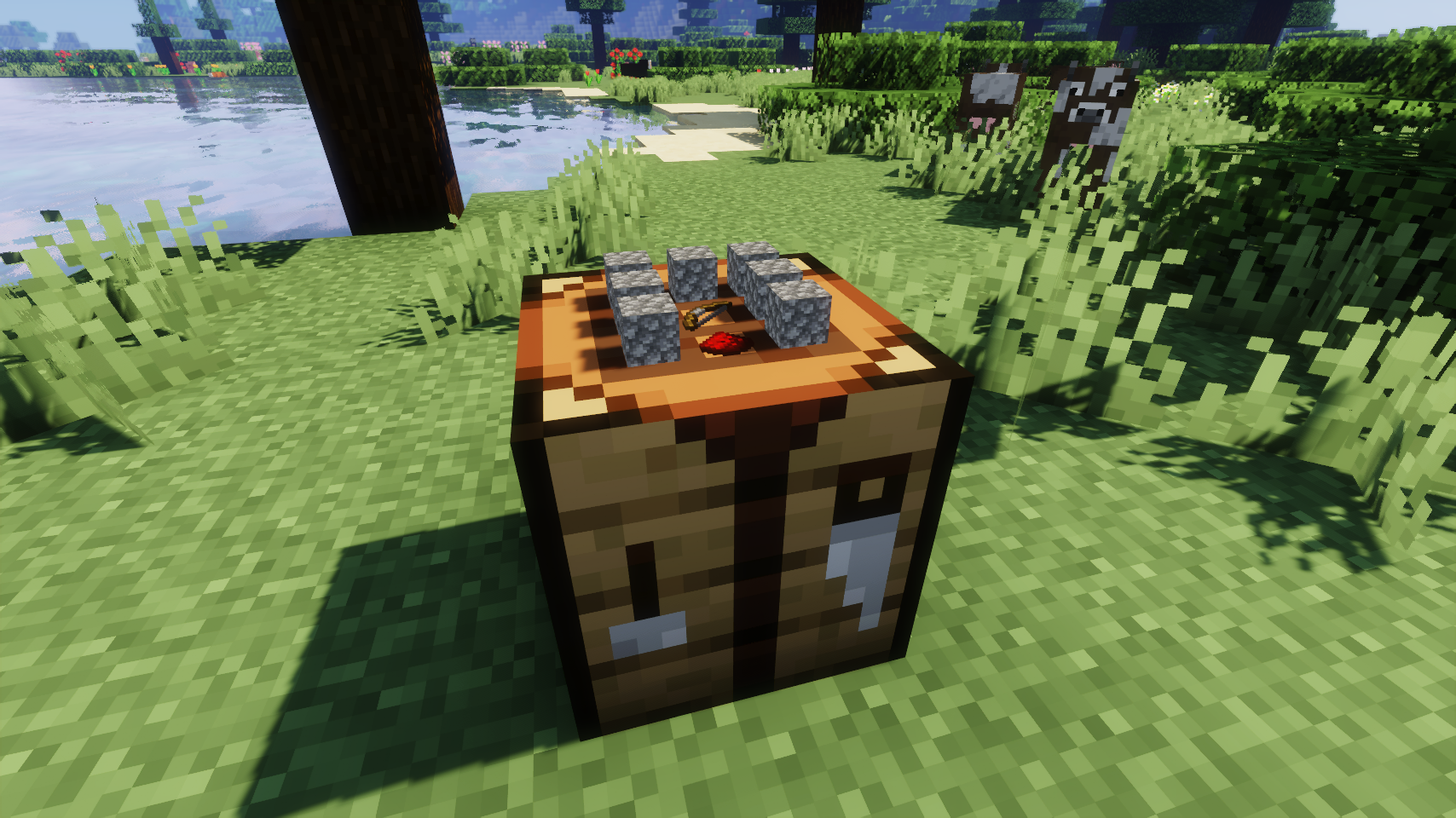
Visual Workbench 使放入合成台的物品保留在合成台中。破坏该方块时,所有物品会掉落至地面,符合你的预期。此外,合成原料也会渲染在上方。在我看来,这非常炫酷!
![]() |
![]() |
|
| 合成界面现在看起来非常炫酷 | 模组提供的合成台同样适用(仅限 Forge) | |
![]() |
![]() |
|
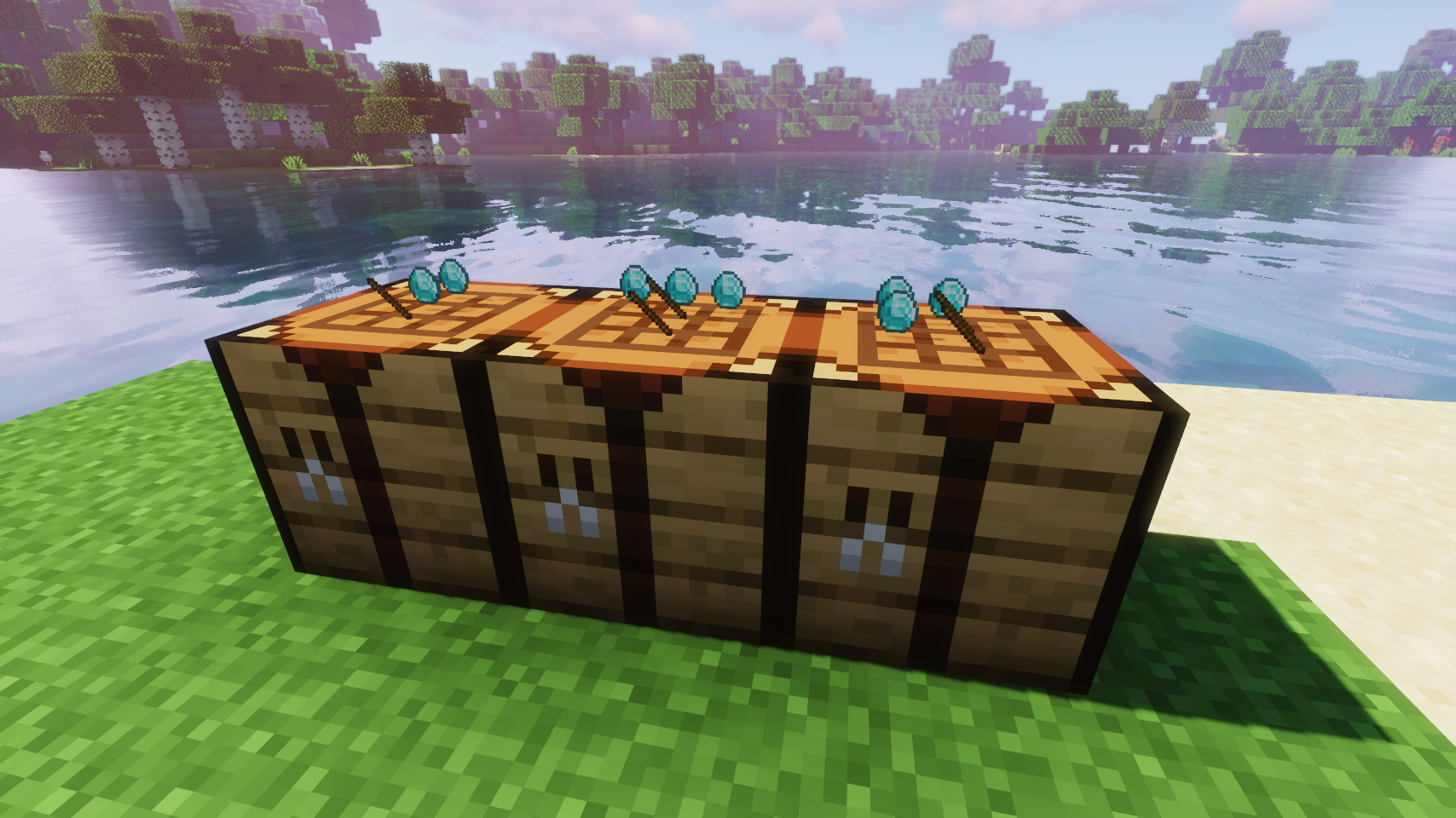
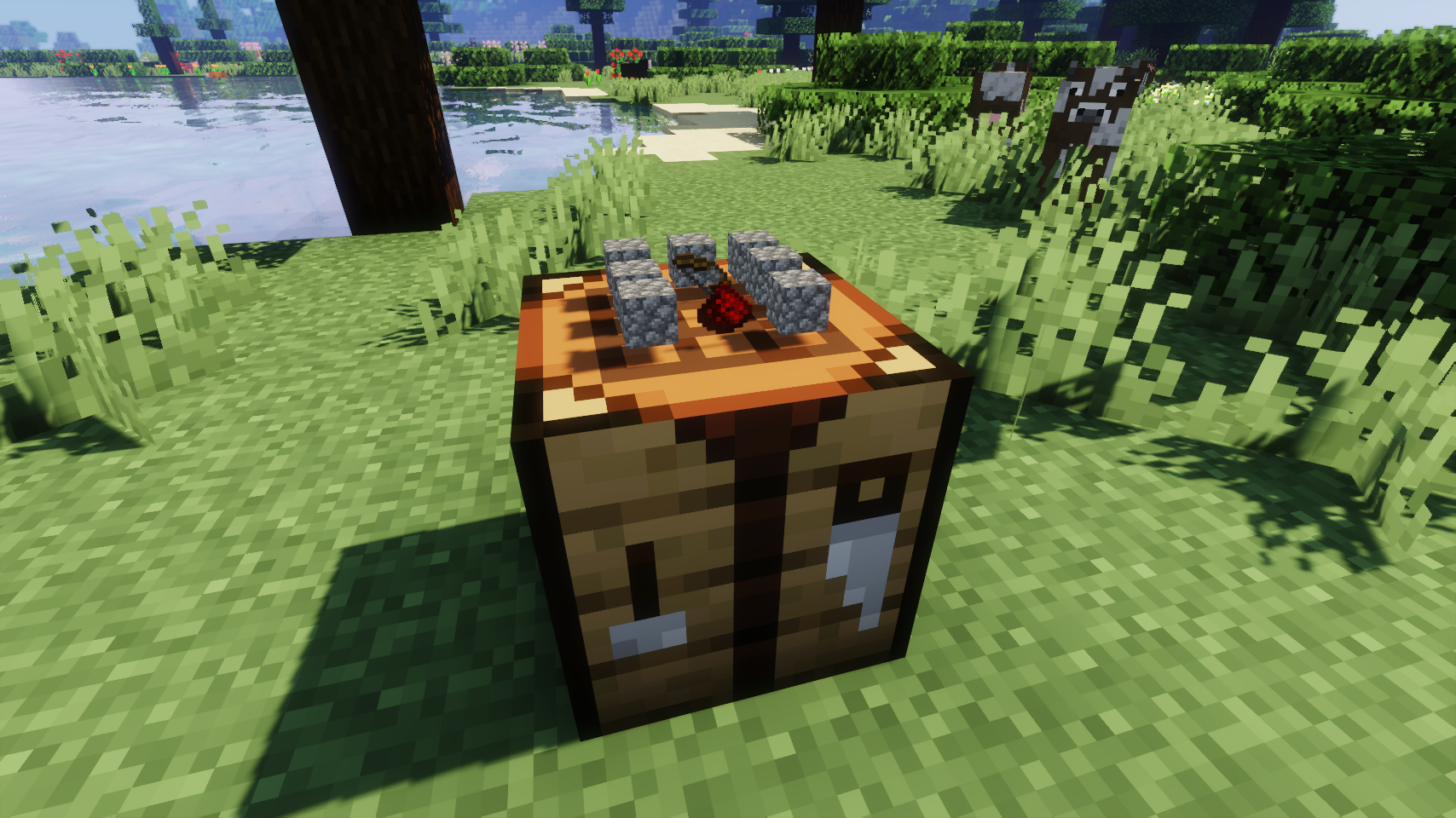
| 悬浮物品渲染选项 | 平面物品渲染选项 | |
? 常见问题解答:
问:我该如何配置这个模组?
答:目前尚不支持在游戏内直接编辑配置文件。相反,当身处世界时,请运行 /config showfile <modid> 命令,选择 CLIENT(客户端)或 SERVER(服务器,取决于模组类型),然后点击聊天栏中出现的文件名(以 .toml 结尾),即可在外部编辑器中手动编辑配置文件。
问:它是否兼容其他模组的工作台?
答:很遗憾,不行。
问:既然物品会留在工作台里,清理界面变得非常繁琐。有什么办法吗?
答:可以尝试 Crafting Tweaks,这是由 BlayTheNinth 制作的一个模组。
? 致谢:
Visual Workbench 的开发得到了以下方面的帮助和启发:
- Prototik 提供了原始创意以及其 RealBench 模组中的大部分渲染代码
请提供需要翻译的英文内容。
Download for 1.19+:
? About:
Visual Workbench makes items put into a crafting table stay inside. Breaking the block drops everything on the ground, just like you'd expect. Oh, and crafting ingredients are also rendered on top. Really fancy if you ask me!
![]() |
![]() |
|
| Crafting now looks really fancy | Modded crafting tables work too (Forge only) | |
![]() |
![]() |
|
| Floating item rendering option | Flat item rendering option | |
? FAQ:
Q: How do I configure this mod?
A: Editing configs directly in-game has not yet been implemented. Instead when in a world run the /config showfile <modid> command by choosing either CLIENT or SERVER (depending on the mod), then click the file name (ending with .toml) that appears in chat to be able to manually edit the config file in a separate editor.
Q: Does this work with crafting tables from other mods?
A: Unfortunately no.
Q: Now that items stay in the table, clearing the interface is so tedious. What can I do?
A: Try Crafting Tweaks, a mod by BlayTheNinth.
? Credits:
Developing Visual Workbench was helped and inspired by:
- Prototik for the original idea and most of the rendering code from their RealBench mod
下载 Visual Workbench [Legacy Fabric]
需要联机服务器吗?
稳定流畅、一键部署,几分钟即可和朋友联机开服
最低仅需 8 元/月 即可畅快联机
下载 Visual Workbench [Legacy Fabric]
需要联机服务器吗?
稳定流畅、一键部署,几分钟即可和朋友联机开服
最低仅需 8 元/月 即可畅快联机
下载 Visual Workbench [Legacy Fabric]
需要联机服务器吗?
稳定流畅、一键部署,几分钟即可和朋友联机开服
最低仅需 8 元/月 即可畅快联机
下载 Visual Workbench [Legacy Fabric]
需要联机服务器吗?
稳定流畅、一键部署,几分钟即可和朋友联机开服
最低仅需 8 元/月 即可畅快联机
下载 Visual Workbench [Legacy Fabric]
需要联机服务器吗?
稳定流畅、一键部署,几分钟即可和朋友联机开服
最低仅需 8 元/月 即可畅快联机
更新日志
本项目的所有重要更改都将记录在此文件中。
本文件的格式基于 Keep a Changelog 规范。
[v3.3.0-1.18.2] - 2022-04-30
新增
- 添加了配方结果物品的渲染,可在配置中禁用
修复
- 修复了游戏尝试加载无效方块实体时产生的大量日志刷屏问题
[v3.2.0-1.18.2] - 2022-03-03
- 编译适配 Minecraft 1.18.2
[v3.1.0-1.18.1] - 2021-12-12
- 编译适配 Minecraft 1.18.1
[v3.0.0-1.18] - 2021-12-07
- 移植至 Fabric 以支持 Minecraft 1.18
关于这个资源的讨论、问题反馈与使用心得
还没有讨论,来发第一帖吧
你是这个资源的作者?登录后可认领此资源。
相似资源
模组
可定制的鞘翅模组,支持装饰纹饰、旗帜图案等更多功能!
模组
显示你正在注视的方块的信息。(适用于 Minecraft 1.16+ 的 Hwyla/Waila 分支)
模组
使用 JavaScript 编辑配方、添加自定义物品、编写世界事件!
模组
查看物品与配方
模组
在游戏画面角落显示附近世界地形、玩家、生物和实体的地图。可创建路径点,帮助你找到标记过的位置。
模组
AE2:一款流行的自动化与存储模组


评论 0
登录后参与评分
还没有评论,来抢沙发吧